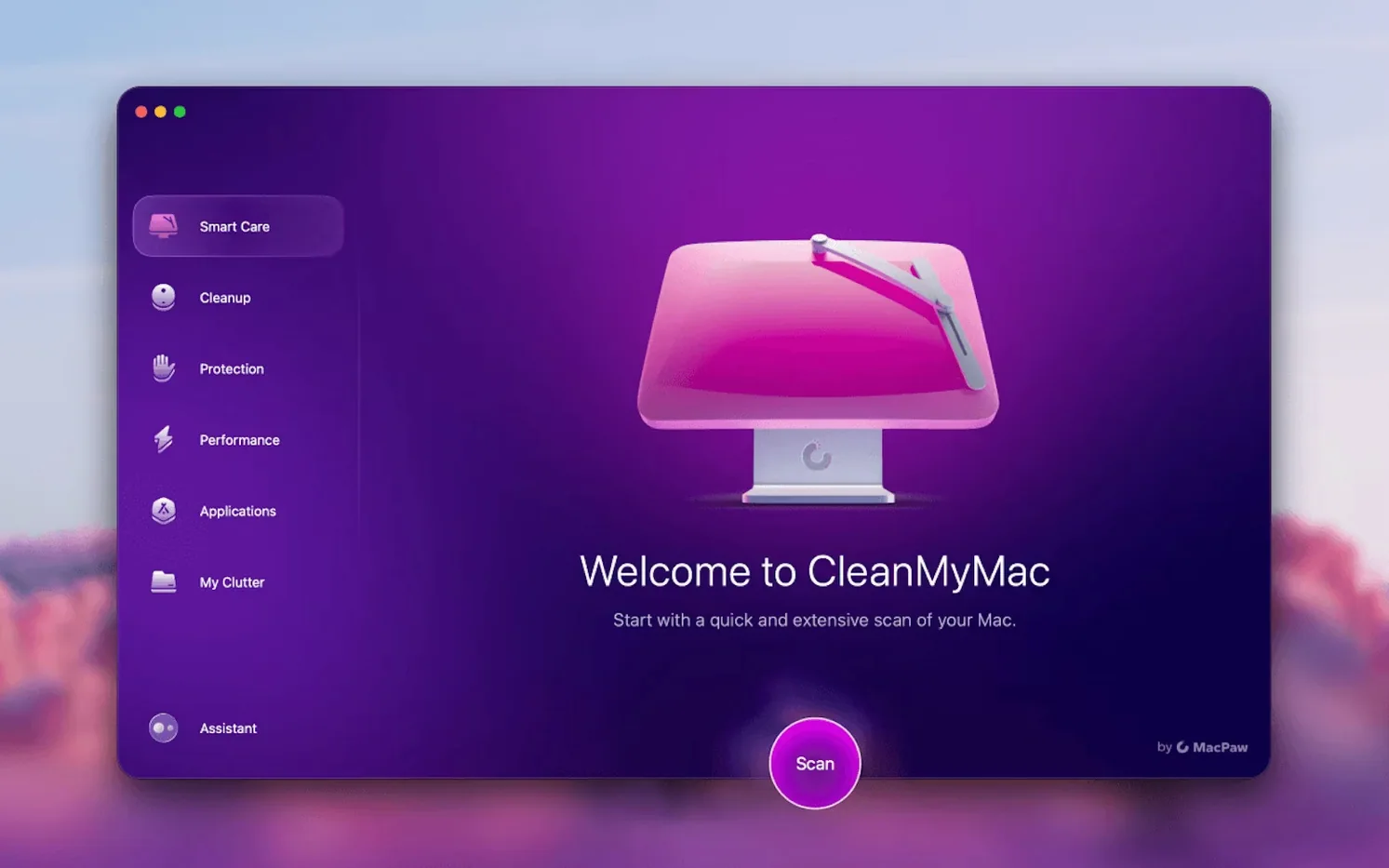
When your Mac feels sluggish and storage keeps vanishing, a dedicated cleaner can do what manual tidying never quite finishes. CleanMyMac bundles system junk removal, malware scans, app management and a few surprises into a single window. Before you commit drive space, here are the things most people want to know.
- Does it actually find hidden clutter? Yes — the instant cleanup scan pulls out cache files, logs, broken downloads and other system leftovers you wouldn’t spot on your own.
- Can it uninstall apps properly? The built-in remover deletes the application and its supporting files. It also keeps a list of apps with pending updates.
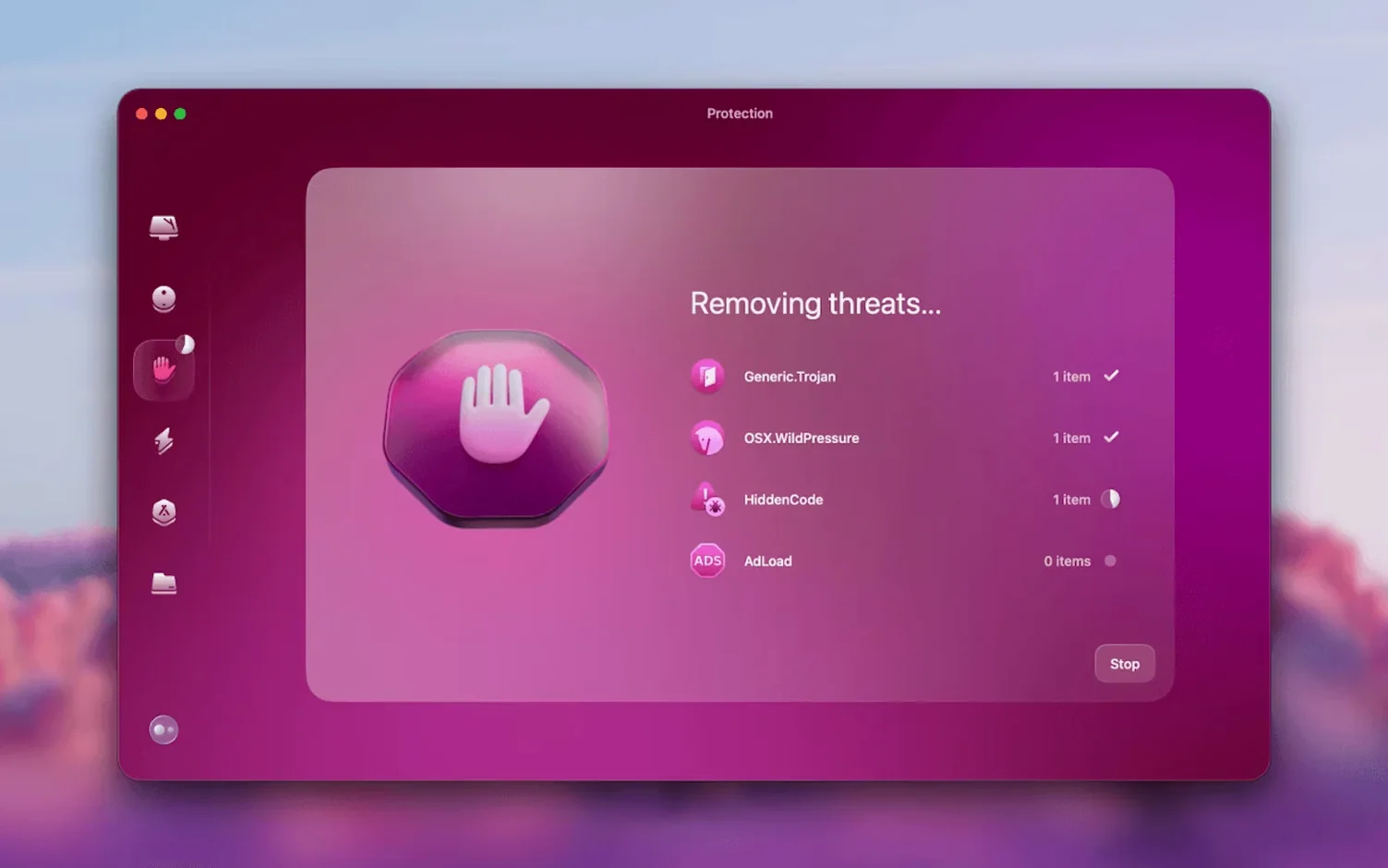
- What’s the malware protection like? A dedicated module watches for threats, from adware to more serious intrusions, and runs on-demand checks.
- Does it handle email clutter? Version 5.7.0 introduced Gmail cleaning tools that target old attachments and bloated mailboxes.
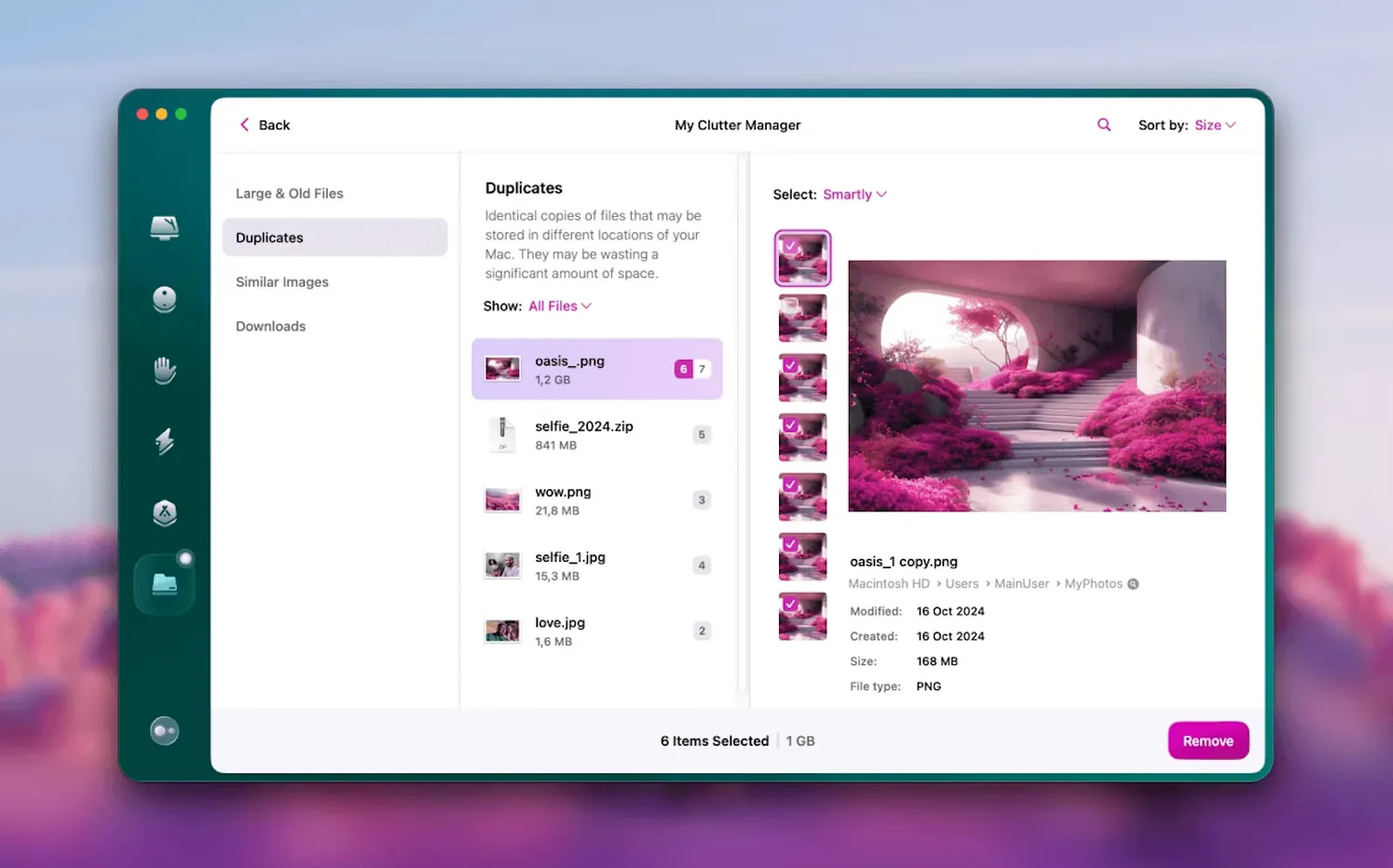
- What’s File Scope? It’s a visual map of your drive — folders and files sized proportionally so you can spot the heavy ones immediately.
A cleanup workflow: reclaim space before a big project
Imagine you’re about to import a weekend’s worth of raw photos or a chunky video project. Running a targeted sweep takes about ten minutes and prevents the dreaded “your disk is almost full” pop-up mid‑import.
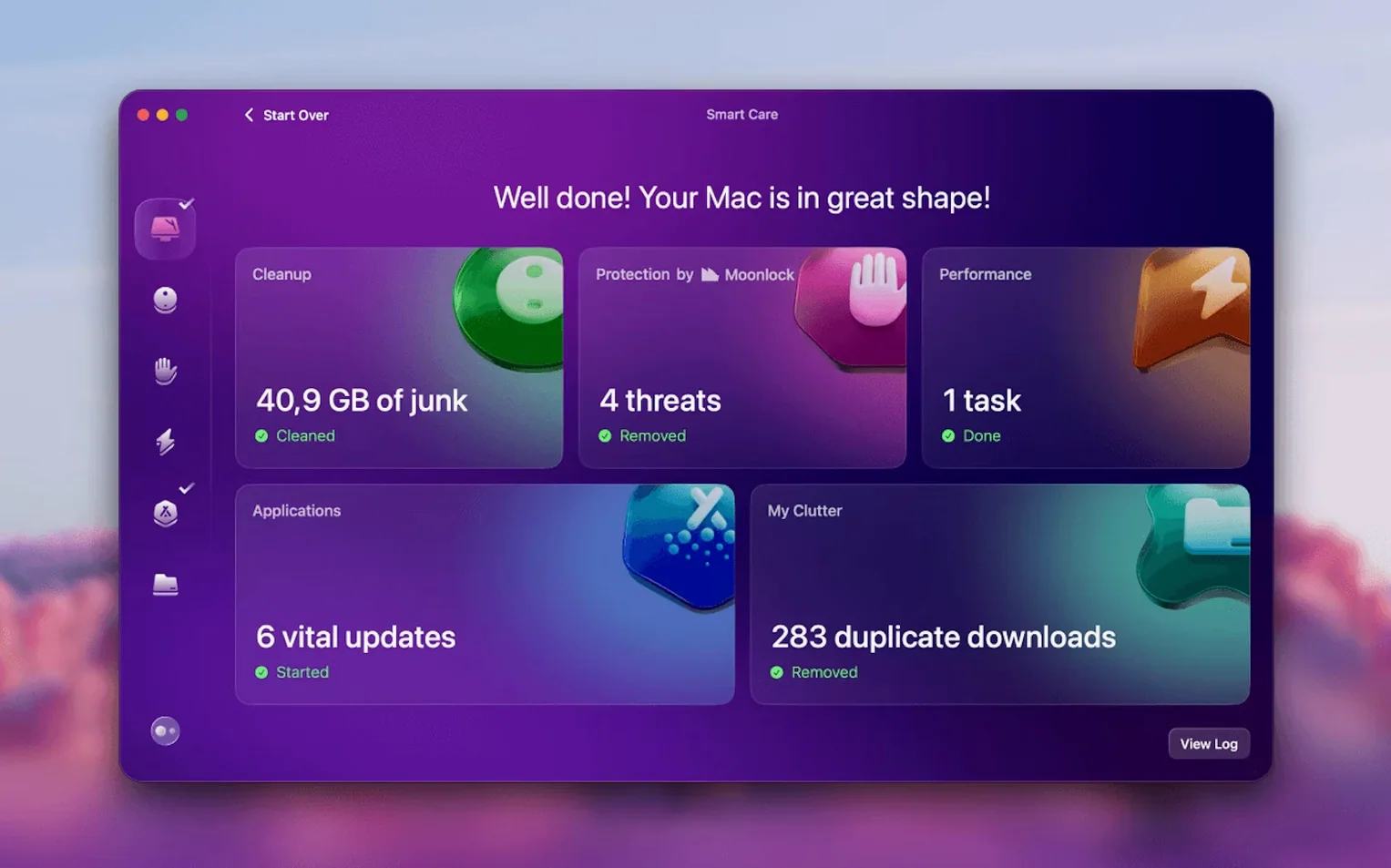
- Start with the Smart Scan. Let it comb through system junk, mail attachments and the trash. Tick off everything it suggests — it rarely flags files you’ll miss.
- Check File Scope next. Sort the visual map by size and look for old disk images, installer packages or forgotten screen recordings. Drag the biggest offenders straight into the cleanup queue.
- Run the Large & Old Files tool. Set a minimum size filter (say, 100 MB) and sort by last opened date. Anything you haven’t touched in two years is fair game.
- Do a quick app audit. The Uninstaller tab shows apps you haven’t used in months. Remove the ones that have free, lighter alternatives, then use the Updater to patch the rest — outdated apps often stash duplicate frameworks.
- Finish with a privacy sweep. Clear browser caches and recent item lists. For the camera import, this keeps preview generation snappy.
Right after that final step, I’d relaunch Finder and check “About This Mac” storage — the freed space usually matches what CleanMyMac predicted, give or take a gigabyte.
Granting access, then never checking what you allowed
Most mistakes aren’t about deleting wrong files — they’re about skipping context. Here are the patterns I see again and again.
- Granting access, then forgetting. On a fresh
cleanmymac download, people open the app, see a permissions prompt, and dismiss it. Without Full Disk Access, the scan returns a fraction of the junk. Go to System Settings > Privacy & Security and enable it before the first scan.
- Nuking language files blindly. Yes, trimming localisations saves space. But if you work with Photoshop templates in French or Japanese UI strings, removing those languages breaks inline previews. Deselect the tongues you actively use.
- Treating the Uninstaller like App Cleaner & Uninstaller. CleanMyMac’s removal is solid, but people sometimes drag apps to the Trash then run the uninstaller — which finds nothing left. Always let the tool do the full removal from inside its own panel.
- Skipping the “safety list.” Items flagged with a yellow caution label (old Wi‑Fi logs, custom font caches) are safe for most people, but creative pros should review them. I’ve seen After Effects purge its disk cache through an over‑eager system‑junk run.
- Running a
CleanMyMac torrent version. Modified copies may lag behind on virus definitions and can miss the Gmail tools added in 5.7.0, so head into Preferences and manually refresh the malware database to keep your inbox scrubbed.
Dialing back the overeager junk alerts
Out of the box, CleanMyMac leans towards an “everything is junk” posture. Three tweaks make it work with your habits, not against them.
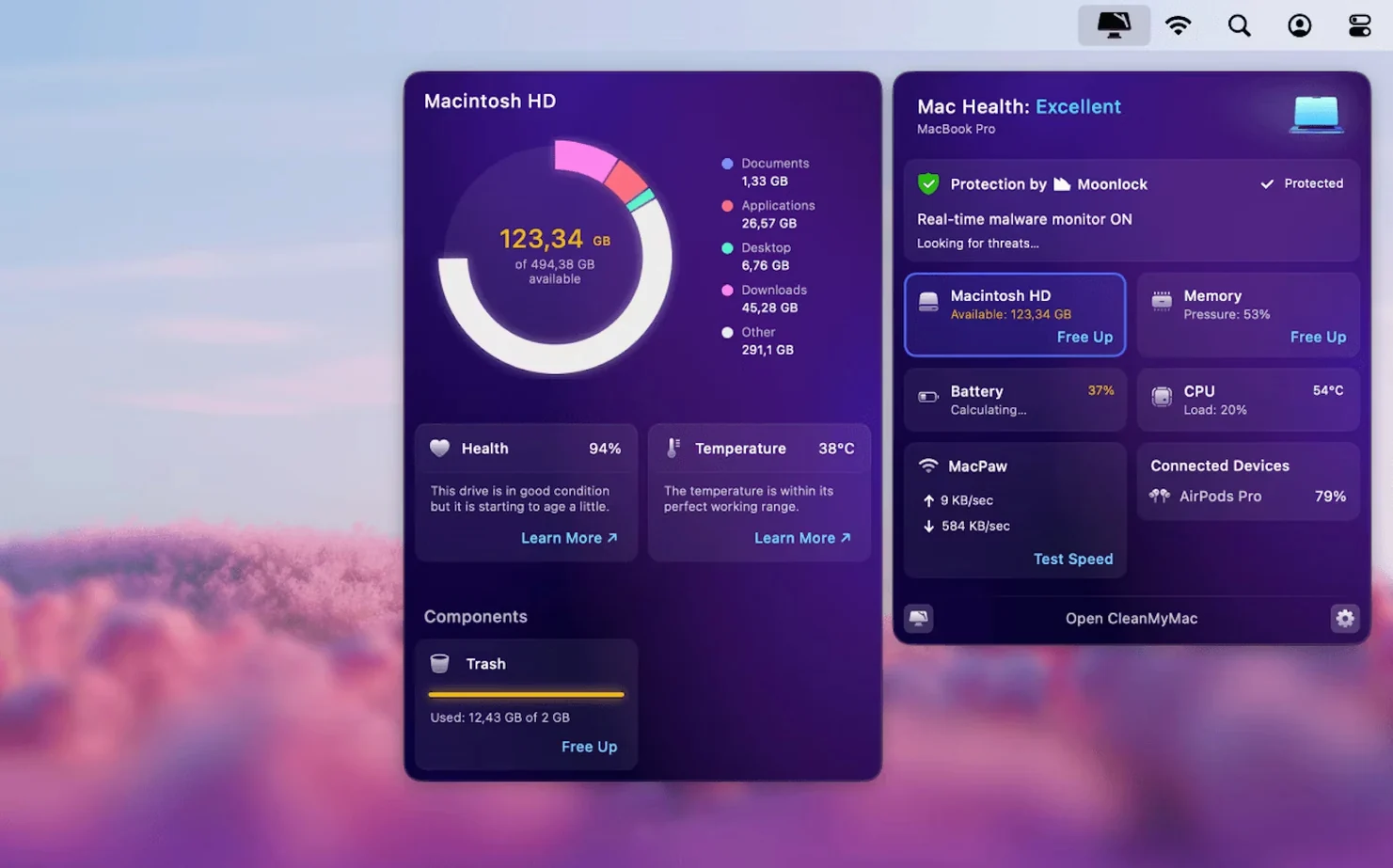
- Turn off automatic background scans. The menu bar icon is handy, but real‑time junk monitoring can spin up the fans on Intel Macs. Switch it to “Launch on demand” in Preferences — you still get the widget, minus the constant polling.
- Exclude your active project folders. Under the Protection tab, add paths like
~/Movies/Current Project to the whitelist. This stops the malware scanner from locking files while your NLE is writing renders.
- Dial down the shredder. The file eraser defaults to a single‑pass random overwrite, which is overkill for most home users. Bump it to “Fast (1 pass)” and only switch to multi‑pass when you’re selling the machine.
On a Mac shared between family members, I also enable the “Ask before removing” checkbox — it forces a confirmation dialogue so nobody accidentally bins someone else’s GarageBand samples while chasing a cleanmymac 5.5.0 leftover.
Interface languages cover Russian, English, German, Spanish, Italian, Simplified Chinese, Korean, Dutch, Polish, Ukrainian, French and Japanese, so you’re not locked into a single localisation.

 Clip Studio Paint
 Clop Pro
 CloudMounter
 Cockos REAPER
 Cocktail Sequoia Edition
 Coherence X
 CCleaner Pro
 Color Finale
















Chat 0
Hop in or make an account to join the chat.
Quiet in here so far. If you have used this build, tell me what the install actually did.