
 Clop Pro
 CleanMyMac
 CloudMounter
 Cockos REAPER
 Cocktail Sequoia Edition
 Coherence X
 Color Finale
 Commander One PRO


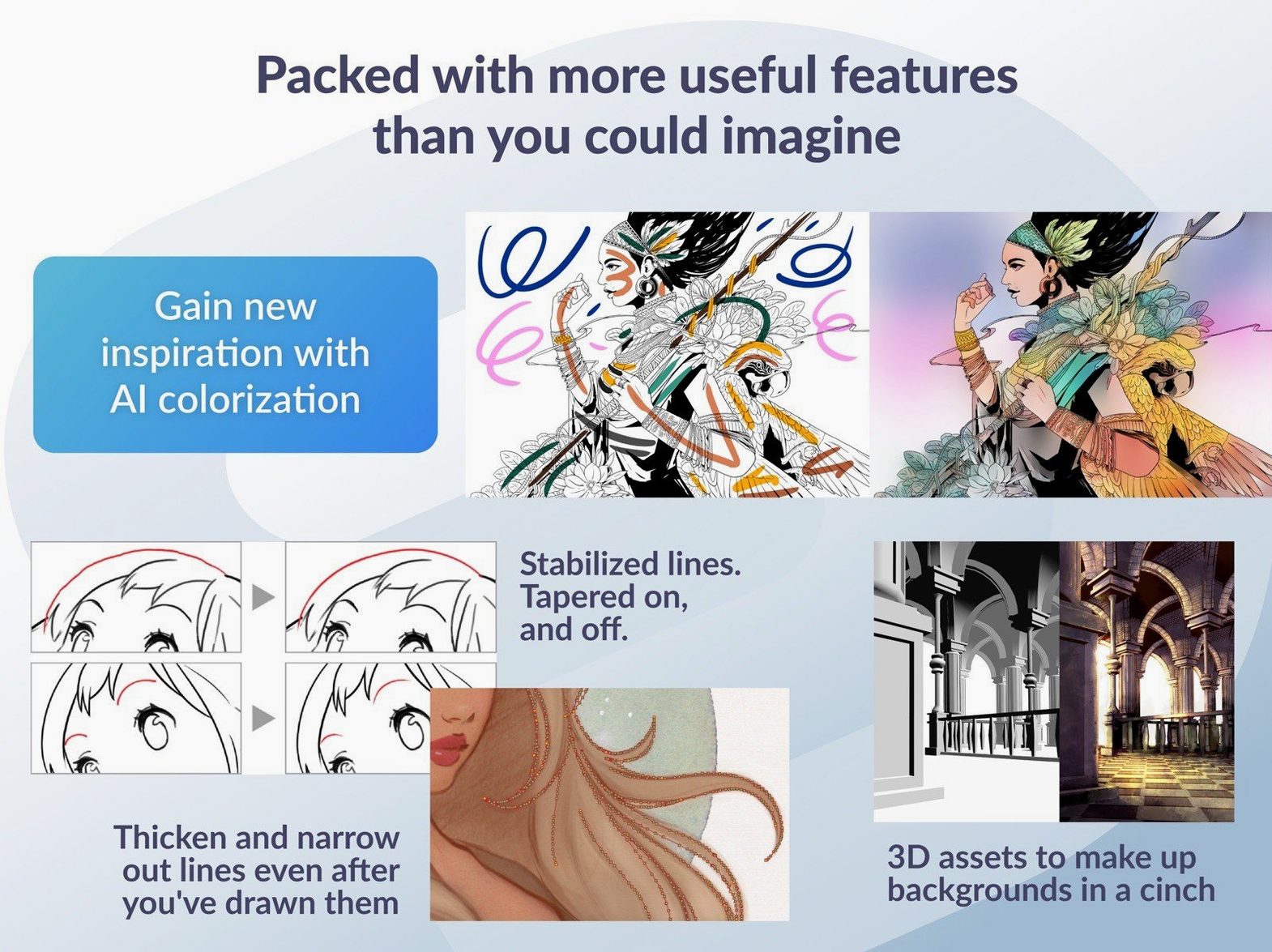
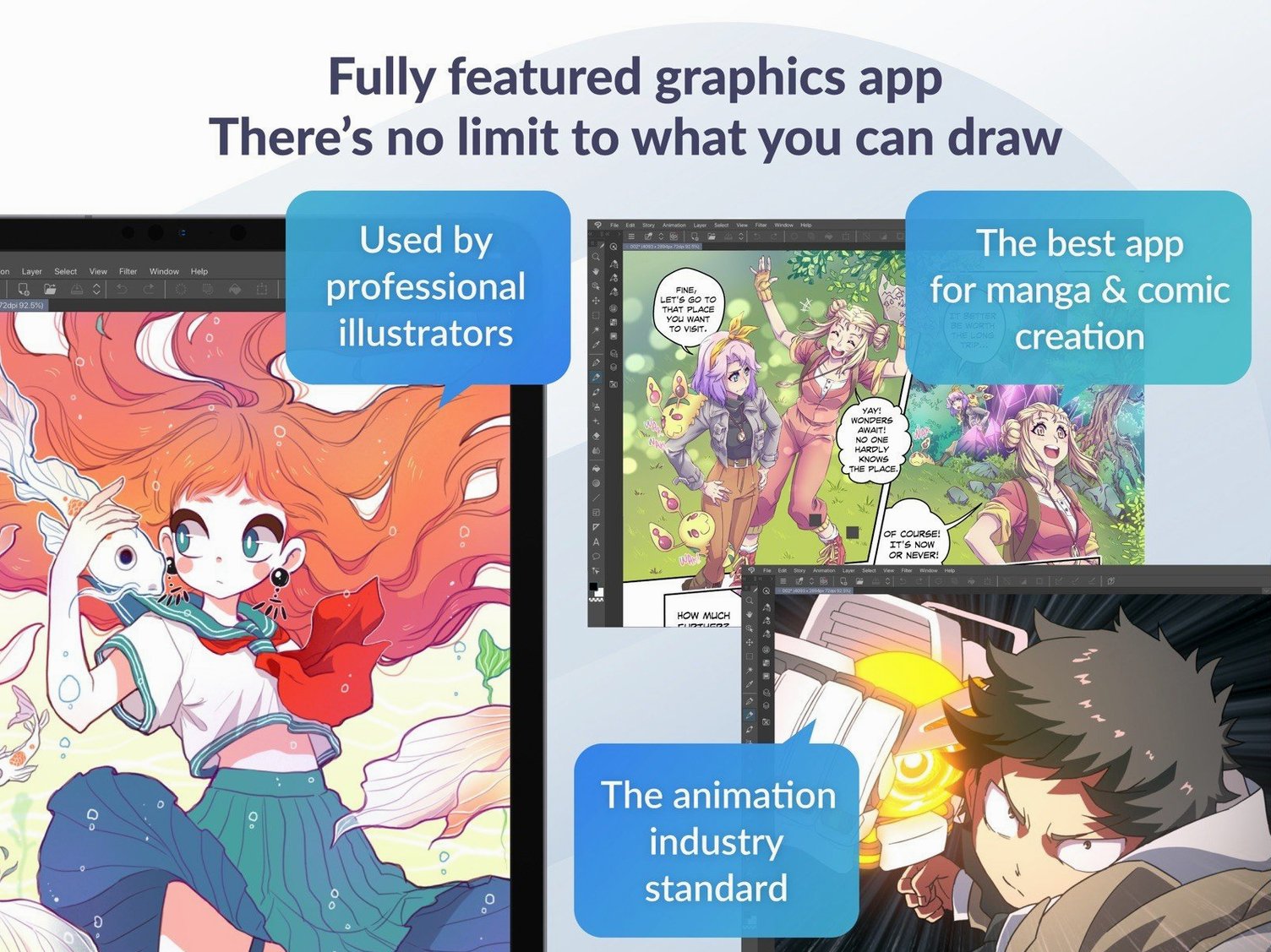
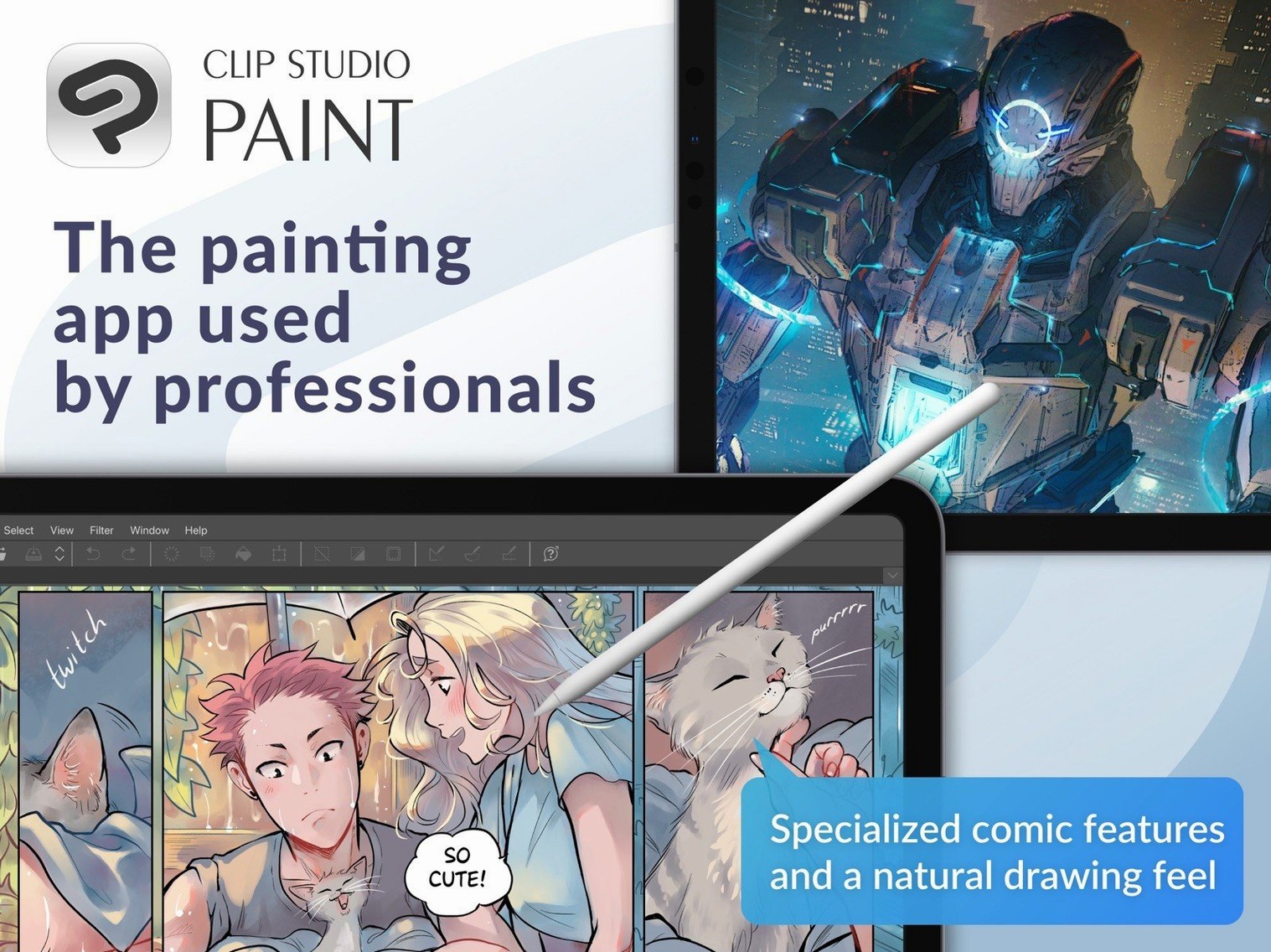
The timeline panel is where a static sketch starts to breathe. Open it from the Window menu and you get a simple horizontal track—drag a frame, hit play, and watch a rough ball bounce. Nothing else on Mac marries frame-by-frame control with a full illustration toolset quite like this. Since version 4.1.4, PSD exports of tricky dimensions also show correct thumbnails in Finder on macOS 15, so handing off layered files to a collaborator is cleaner.
Switch to the vector layer type early. The eraser snaps to intersections, line width adjusts with a slider after the stroke is down, and you can tug control points without redrawing. It feels forgiving in a way raster-only apps don't. Pair that with a pressure-sensitive tablet—anything Wacom-compatible works—and the brush engine responds with zero lag on an Apple Silicon Mac.
Even a 12-frame pencil test earns a GIF export. Head to File > Export animation, pick the range, and choose between an animated GIF, a movie file, or a numbered image sequence. The timeline's onion skin stays out of the final file automatically. Clip Studio remembers your last export settings, so a second pass takes one click.
Hold Shift while erasing on a vector layer and the tool cleans up to the nearest line intersection—no need to zoom in and micromanage. Tap C twice to flip the canvas horizontally, a fast way to catch proportion slip-ups without breaking your stroke rhythm. The Quick Eyedropper fires with Alt (or Option on Mac) and grabs colour from any visible layer, including reference images parked off to the side.
The light table function sits inside the Animation menu, but a quicker route is the small lightbulb icon beside each layer: click it to see the previous frame as a faded guide. For comic lettering, ctrl-drag a text box and Clip Studio keeps the font size proportional while you reshape the frame—small things that stop you from opening a menu twice an hour.
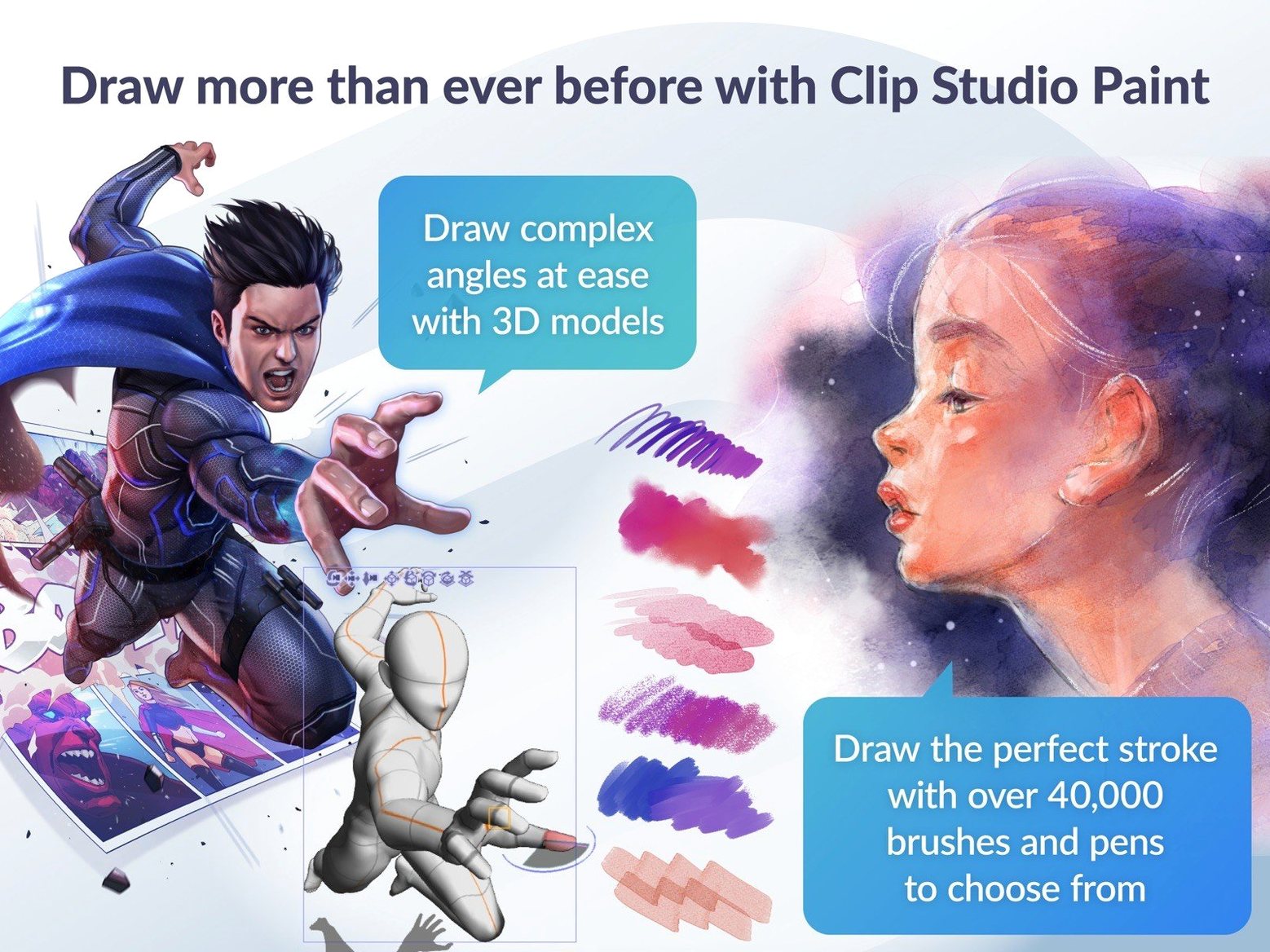
Layer colour coding is tucked into the Layer Property palette. Assign a pale blue to sketch layers, warm orange to inks, and you will scan a twenty-layer file in half a second. The 3D figure drag-and-drop behaviour was refined in 4.1.4 too: dropping a pose doll onto a scene now respects whether you are inside a frame folder, cutting down accidental layer placement.
Comic and manga artists sit in the front row. The panel-splitting ruler, speech bubble tools, and EX-only multiple-page story manager turn a blank canvas into a chapter file that exports straight to a print-ready PDF. Illustrators who work across raster and vector in the same piece notice the difference by lunchtime—the vector eraser alone rewires how you clean up line art.
Animators coming from dedicated timeline tools appreciate the frame-by-frame onion skin and light table, especially for hand-drawn loops under forty frames. Concept artists and character designers lean on the 3D mannequins: pose a figure, set the camera angle, drop opacity to twenty percent, and sketch costume variations over the top without building a physical maquette. Hobbyists who just want to draw something every evening also settle in fast—the brush engine is deep enough to reward tinkering, but the default pencils and inks feel ready from the first stroke.
Does it need a tablet straight away? A pressure-sensitive stylus opens up the brush dynamics, but you can sketch with a mouse or trackpad. The vector tools and shape rulers pick up the slack for line precision until you plug in a Wacom, a Huion, or an iPad running Sidecar.
Will it handle a full comic project without crashing? The 64-bit build uses available RAM well on Apple Silicon, and 8 GB or more keeps multi-page EX files responsive. The 4.1.4 fix list patched a force-close tied to Running color mixing and a timeline quirk when deleting resized clips, so recent stability is solid.
Can I open old Manga Studio files? Yes—it imports from Manga Studio 4 EX and 4 Debut directly. Layered PSD files travel in and out too, though text layers rasterise on export, so keep editable type inside Clip Studio until the final hand-off.
Next to Photoshop, Clip Studio pulls ahead on comic-specific tools and vector line control, while Photoshop answers back with broader photo manipulation and plug-in support. If your day turns on panel gutters, speech bubbles, and frame-by-frame animation inside the same file, Clip Studio saves you from round-tripping between three apps.
Compared to Procreate (iPad-first, but often compared), Clip Studio offers a full desktop timeline, 3D reference figures, and multi-page story management that Procreate doesn't touch. Procreate wins on sheer painting immediacy; Clip Studio builds the scaffolding for a serialised comic or a short animated sequence.
Measured against Krita, both are strong on brush engines and open workflows, but Clip Studio adds a more polished vector layer system, the EX story manager, and stock 3D pose dolls without hunting for third-party add-ons. Krita keeps its focus on raster painting and concept art, while Clip Studio stretches further into publishing-ready layout and animation export. If you need a clean 4K clip download as an animated GIF or a numbered image sequence, the export dialogue handles it without a separate converter. The Mac version has been stable through the 4.1.x cycle, and the latest update makes PSD thumbnails appear correctly in Finder on macOS 15—a small fix that saves time when folders pile up.
Yes, the EX edition supports multiple page story layouts, letting you manage an entire chapter within one project file.
Version 4.1.4 introduced Simplified Chinese as a display language, joining English, German, Spanish, Korean, French, and Japanese.














Chat 0
Hop in or make an account to join the chat.
Quiet in here so far. If you have used this build, tell me what the install actually did.