
 Cocktail Sequoia Edition
 Color Finale
 Cockos REAPER
 Commander One PRO
 CloudMounter
 Clop Pro
 Compressor
 Clip Studio Paint


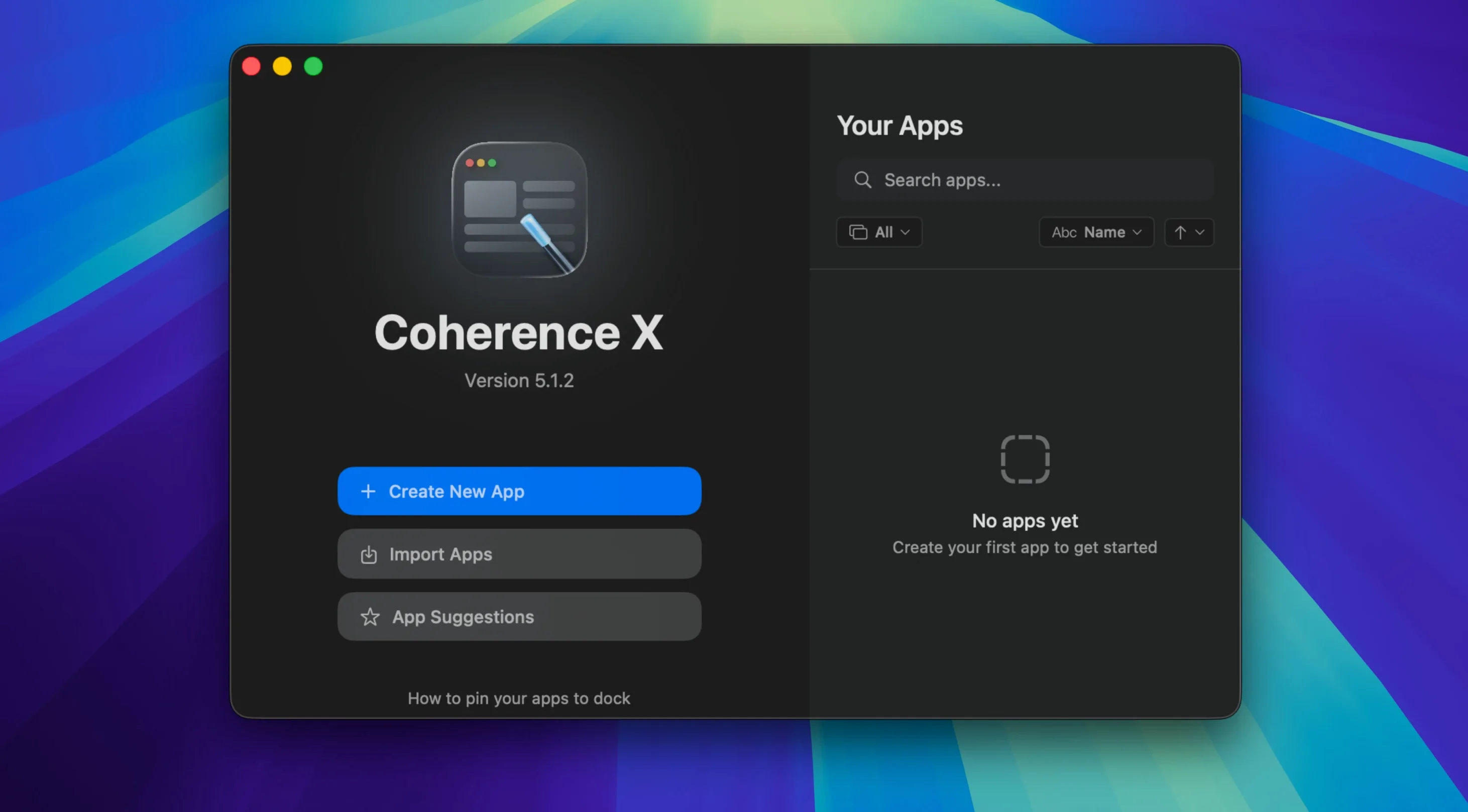
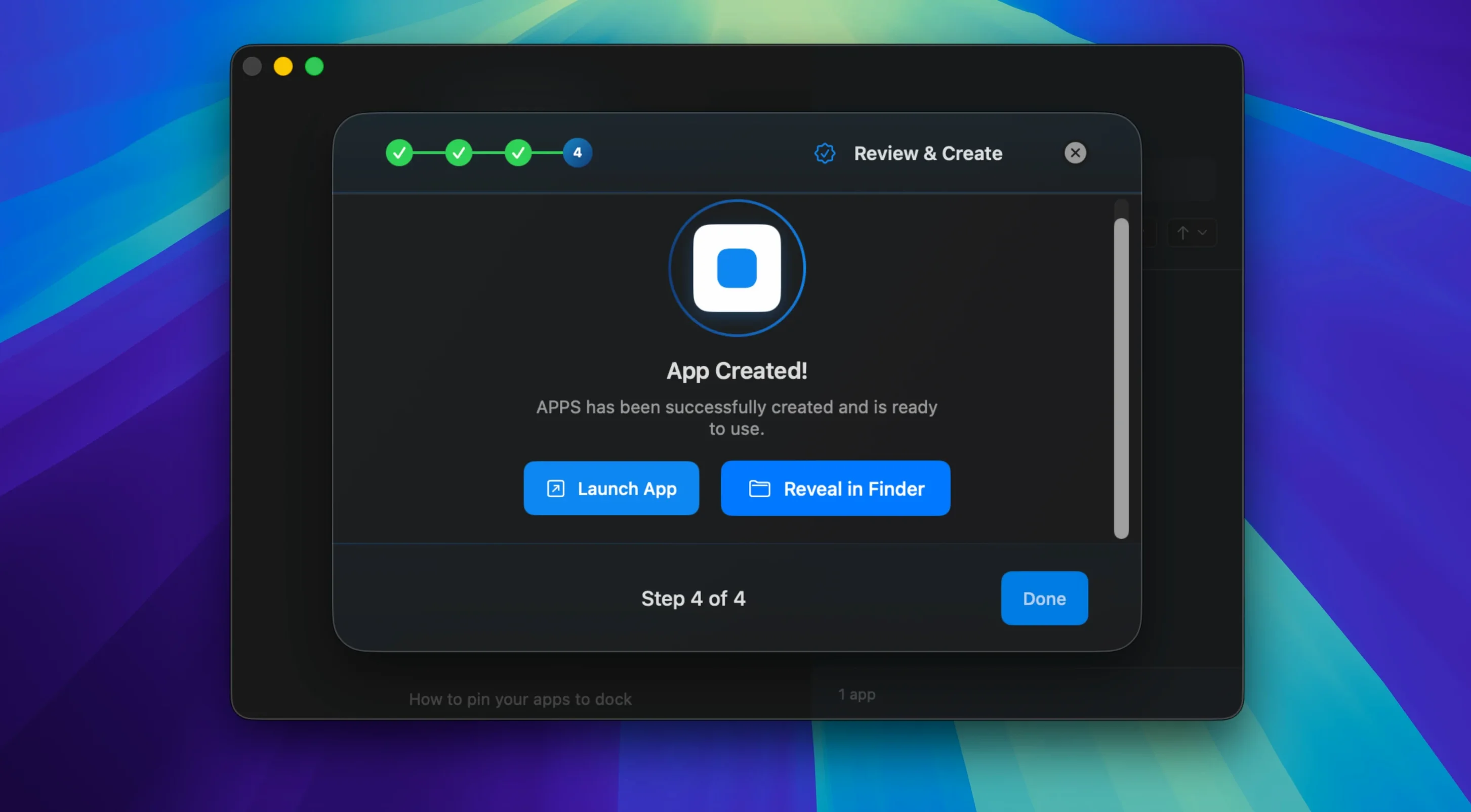
Designers who live in Figma, writers who camp out in Notion, and anyone tired of hunting through browser tabs reach for Coherence X. It wraps a single site into its own Mac app so it behaves like a native tool — separate Dock icon, independent window, no address bar.
It builds a real app powered by the Chrome engine. You get a standalone thing you can drag into Applications, pin to the Dock, and launch like any other Mac program. Version 6.1 even saves appearance tweaks and link-routing changes without forcing a rebuild.
If a minimized window exists, it pops back up. If nothing is open, the app creates a fresh new window — so the app always responds instead of just staring back at you.
Yes, you can export any created app and pass it along. The recipient gets the same icon, URL, and extension setup you configured, which keeps things consistent when you are rolling out an internal tool or a client reference.
Good to know: the interface runs in English, German, and Spanish, and you can edit an existing app’s URL, icon, or mode later if the project shifts.
Let’s say you log into a client’s project-management portal every morning — something like a branded Basecamp or Teamwork install. You want it to feel like a dedicated Mac app, complete with its own Grammarly and Loom extensions, while keeping your personal Chrome profile out of the picture.
Open Coherence X, paste the portal’s URL, give it a name, and pick Standard mode. Before hitting Create, switch to a separate Chrome profile you have set aside for client work. That way cookies, passwords, and history stay walled off from your main browsing.
Once the app lands in your Dock, open its extension manager and install Grammarly and Loom straight from the Chrome Web Store — those extensions live inside this app alone. Pin the app next to Slack and Mail, launch it each morning, and it restores whatever tabs you left open the night before. The Coherence X 6.1 link-routing rules catch external URLs from chat apps or emails and decide whether they open inside the portal app or bounce out to your main browser.
Created apps behave like native citizens. They show up in the macOS App Switcher, respond to ⌘H hiding, and play nicely with Stage Manager. Drop a Coherence X app into Login Items under System Settings, and it launches when you start your Mac — handy for a mail client wrapper or a dashboard you check first thing.
Spotlight indexes the app name, so typing the first few letters brings it up without touching the Dock. If you route links carefully, clicking a ticket link in Mimestream opens the helpdesk app you built, while a random article link from the same email jumps over to Safari. That routing layer — with version 6.1’s multiple-domain rules — ties separate web services together without making every click spawn a new browser tab.
Extensions you install inside one app are invisible to others, which means a password manager extension can serve different vaults depending on which Coherence X app you are using. Two Notion apps, two separate profiles, two separate QuickBooks extensions — no profile-switching dance.
Each created app runs its own lightweight Chrome renderer process. On an M1 Mac with 16 GB of RAM, three or four Coherence X apps sit comfortably alongside Xcode, Sketch, and a dozen Safari tabs without noticeable slowdown. Memory use per app typically hovers between 150 and 300 MB depending on the site and loaded extensions — comparable to a pinned tab in Chrome itself.
Cold launches feel snappy; a previously built app appears in under two seconds. Hot restarts, with tab restoration turned on, take slightly longer as the app reconnects to each service. I have not seen a single crash across a week of daily use with four apps in rotation — the Chrome engine underneath is stable, and Coherence X 6.1’s rebuild-free saving means fewer interruptions when tweaking icons or routing rules.
Sites that depend on WebRTC or heavy canvas rendering, like Figma or Miro, run exactly as they would in Chrome — smooth scrolling, responsive zoom, no glitches in audio calls. The only real ceiling is the site’s own performance, not the wrapper.
Yes, it runs on both architectures as long as you are on macOS 13 or later.
Absolutely — the link routing feature lets you specify domains that stay in the app and others that jump out to your main browser.
English, German, and Spanish are the available interface languages.














Chat 0
Hop in or make an account to join the chat.
Quiet in here so far. If you have used this build, tell me what the install actually did.