
 djay Pro
 DockView
 Default Folder
 Dorico Pro
 Drama
Drama


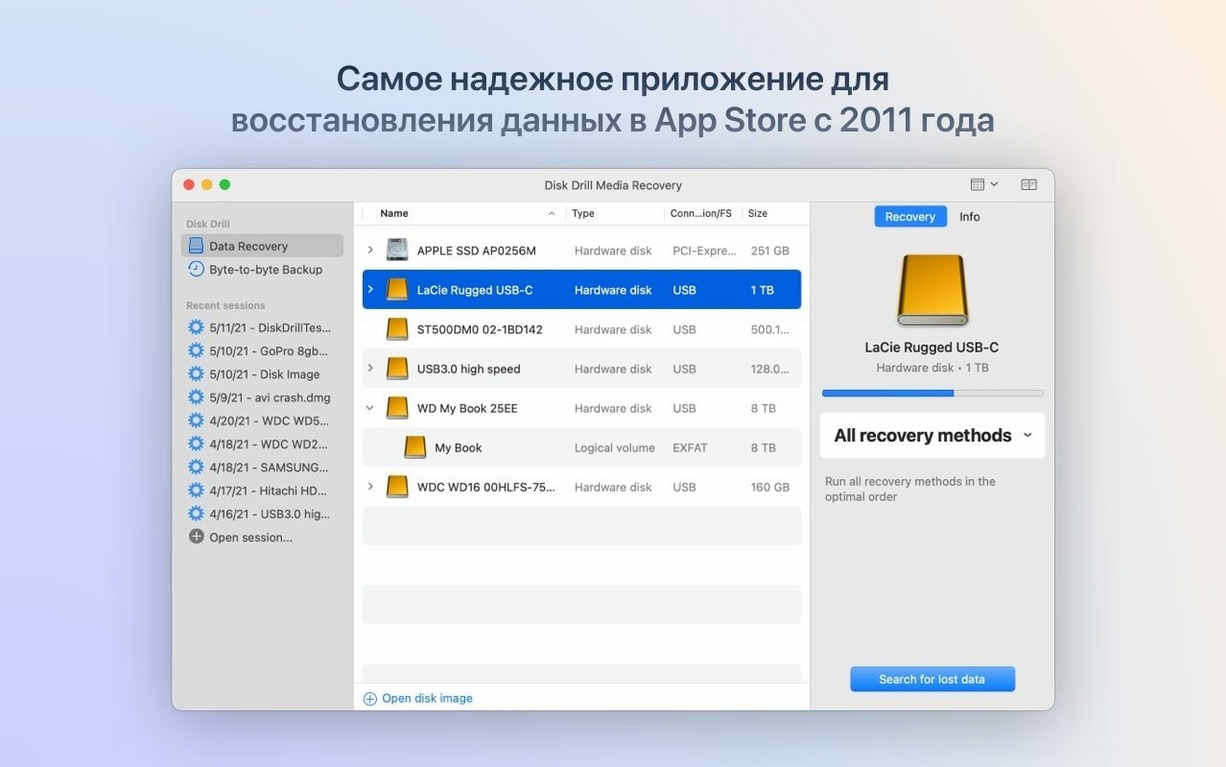
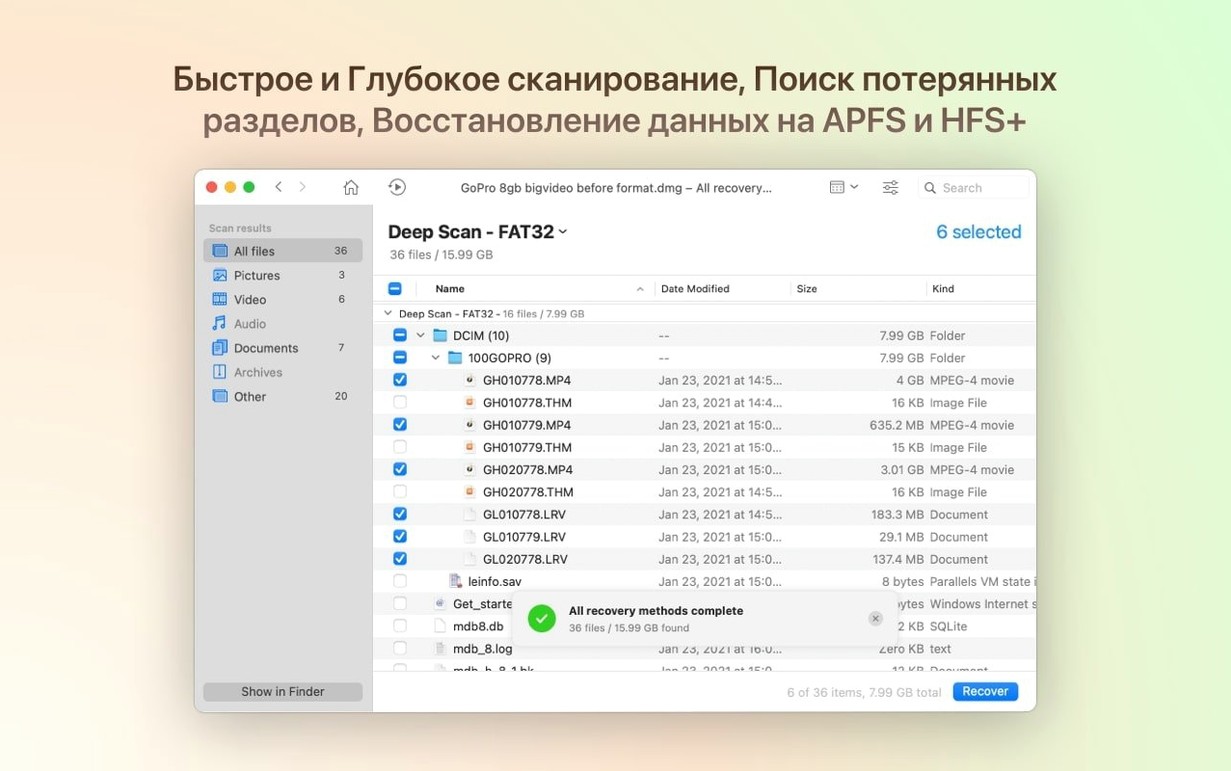
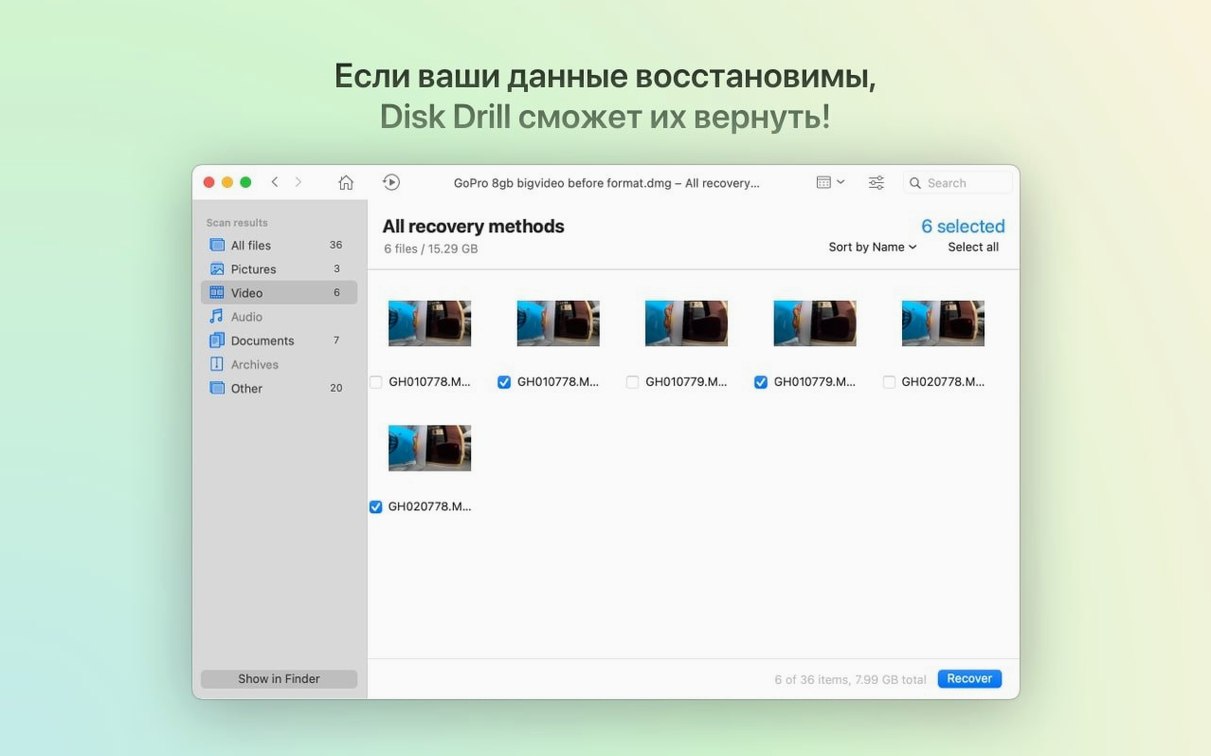
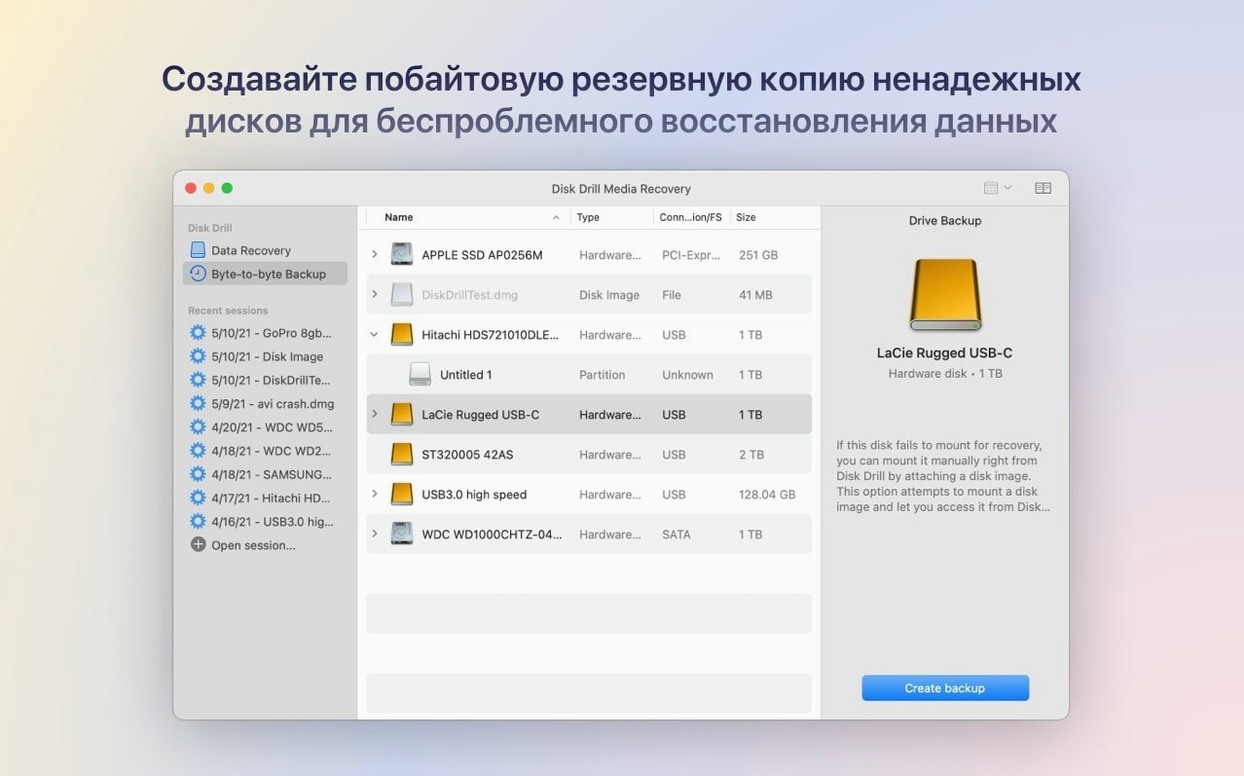
Photographers with a formatted SD card, writers who emptied the trash too soon, and anyone staring at an unreadable external drive all turn to Disk Drill for the same reason: it finds files that seem gone. The app scans your Mac's storage deeply, surfaces what it can reconstruct, and lets you preview results before committing to a full recovery.
Disk Drill runs natively on Apple Silicon and Intel Macs with macOS 10.15.7 or later. The interface stays out of your way while the scan engine does the heavy lifting, making it a solid first stop when data goes missing.
The scan runs and the results list is empty. That sinking feeling usually has a simple fix. One common cause is letting Time Machine run its local snapshots during the scan — Disk Drill sees them as separate volumes and gets tangled. Disable automatic backups temporarily from the Time Machine menu bar icon, then restart the scan. Another culprit is APFS snapshots crowding the volume list. In Disk Drill > Settings > General, uncheck "Show local snapshots" and the scan will focus on the actual drive.
Recovered files that won’t open are trickier. A JPEG that Preview rejects or a DOCX that Word flags as corrupt usually means the file was partially overwritten before recovery. Try the Quick Scan first, then Deep Scan. Quick Scan rebuilds directory entries and often delivers intact files; Deep Scan digs through raw sectors and reassembles fragments, which is thorough but sometimes imperfect. If a file still won’t open, run a byte-to-byte DMG backup of the source drive and scan that image — it preserves the drive’s state before further writes degrade what’s left.
External drives that don’t appear in Disk Drill’s device list almost always need a remount or a different cable. USB hubs, especially unpowered ones, drop drives mid-scan. Plug directly into the Mac and try a different port. For drives that spin up but stay invisible, open Disk Utility, select the drive, and click First Aid. A repaired partition table often lets Disk Drill detect it on the next launch.
Disk Drill suits a surprisingly wide slice of Mac users, but three groups reach for it regularly. Photographers and videographers top the list. Memory cards get formatted by accident, cameras glitch mid-shoot, and important RAWs vanish between card and computer. The deep scan’s support for .dng, .rwl and other raw formats — tightened up in version 6.3.2326 after a .dng detection fix — means media pros recover work that would otherwise need a reshoot.
IT support staff and technicians lean on Disk Drill as their first-response tool. They deal with colleagues who deleted shared folders, Windows-formatted drives that macOS won’t mount, and laptops with failing SSDs. The BitLocker detection added recently turns a previously hopeless scenario into a straightforward recovery job. A byte-to-byte DMG backup lets them clone a dying drive on the spot and hand off the image for a slow, safe scan later.
Students and researchers form a quieter group of power users. They keep everything on one machine and rarely run backups. A spilled coffee or a corrupted USB key can cost months of thesis work. Disk Drill’s preview pane saves them from recovering the wrong version of a document, and the duplicate finder helps clean up before the next disaster.
Resist the urge to start with a full-system scan. Those take hours and throw up tens of thousands of tiny cache files you’ll never need. Pick one recent loss and scan just that drive or folder. Seeing the preview grid populate with recognisable thumbnails builds confidence faster than watching a progress bar crawl for four hours.
Set up the Recovery Vault on your main drive and any external volumes you write to daily. It adds a thin metadata layer that tracks deleted files, so Quick Scan can restore them with their original names and folder structure intact. The performance overhead is negligible on SSDs, and you’ll thank yourself the first time you accidentally Shift-delete a project folder.
While Recovery Vault handles deletions, Guaranteed Recovery works differently — it saves a copy of every file you set rules for. Pick one or two critical folders (your Desktop, your active client work) and let it run for a week. After that, decide whether the peace of mind is worth the disk space. Most people scale it back to just their most volatile folder.
Scan speed varies wildly depending on drive type and connection. An internal NVMe SSD scans fast — a 512 GB drive finishes a Quick Scan in under ten minutes on an M1 or M2 Mac. External spinning drives over USB 3.0 take longer; a 2 TB drive can need a solid two hours for a Deep Scan. The app uses all available cores efficiently, so fans stay quiet on Apple Silicon machines but spin up on older Intel MacBooks under sustained load.
Memory usage during scans sits around 400–600 MB for a typical internal drive scan, jumping closer to 1.2 GB on very large Deep Scans with millions of found signatures. That’s modest for a recovery tool. Idle, Disk Drill drops to about 80 MB and sits silently in the background. No launch daemons, no background processes that survive a quit — it respects the system tray and stays out of the way.
Stability has been solid through the 6.x release line. The 6.3.2326 update squashed a byte-to-byte DMG scanning bug and improved encrypted APFS handling, and in daily use the app hasn’t shown the crashes or beachballing that plagued earlier major versions. If you’re working with a genuinely failing drive, the smart move is still to create a DMG image first and scan that. Direct scans on a drive with bad sectors will freeze any recovery app, Disk Drill included, while the hardware retries reads.
For anyone hunting down a disk drill torrent or disk drill mac torrent after a data scare, the app’s real value is being there, installed and ready, before you need it. A diskdrill torrent can be a quick way to grab a portable build — just make sure you verify the checksum and keep the installer handy on a separate USB stick. It runs directly from external storage without a full install, which is exactly what you want when your internal drive is the one that failed.














Chat 0
Hop in or make an account to join the chat.
Quiet in here so far. If you have used this build, tell me what the install actually did.