
 Disk Drill
 DockView
 Dorico Pro
 Default Folder
 Drama
Drama

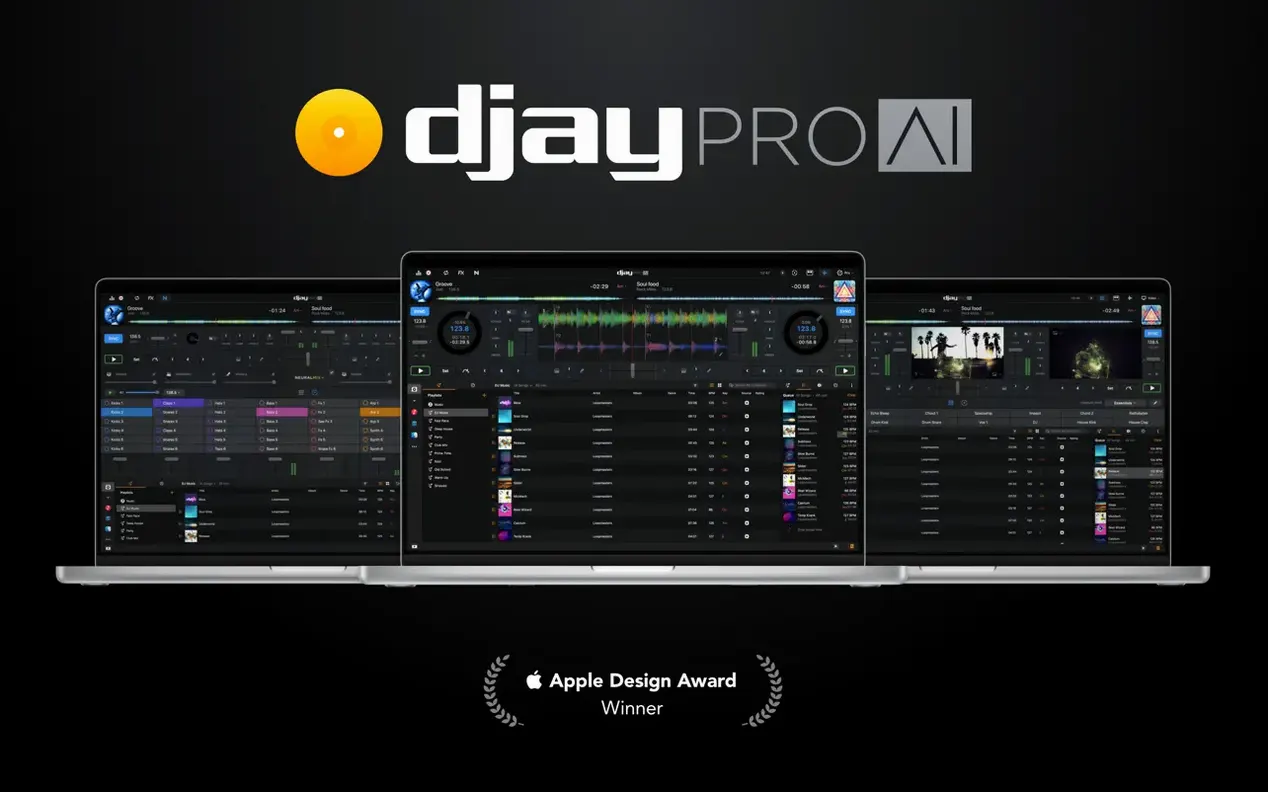
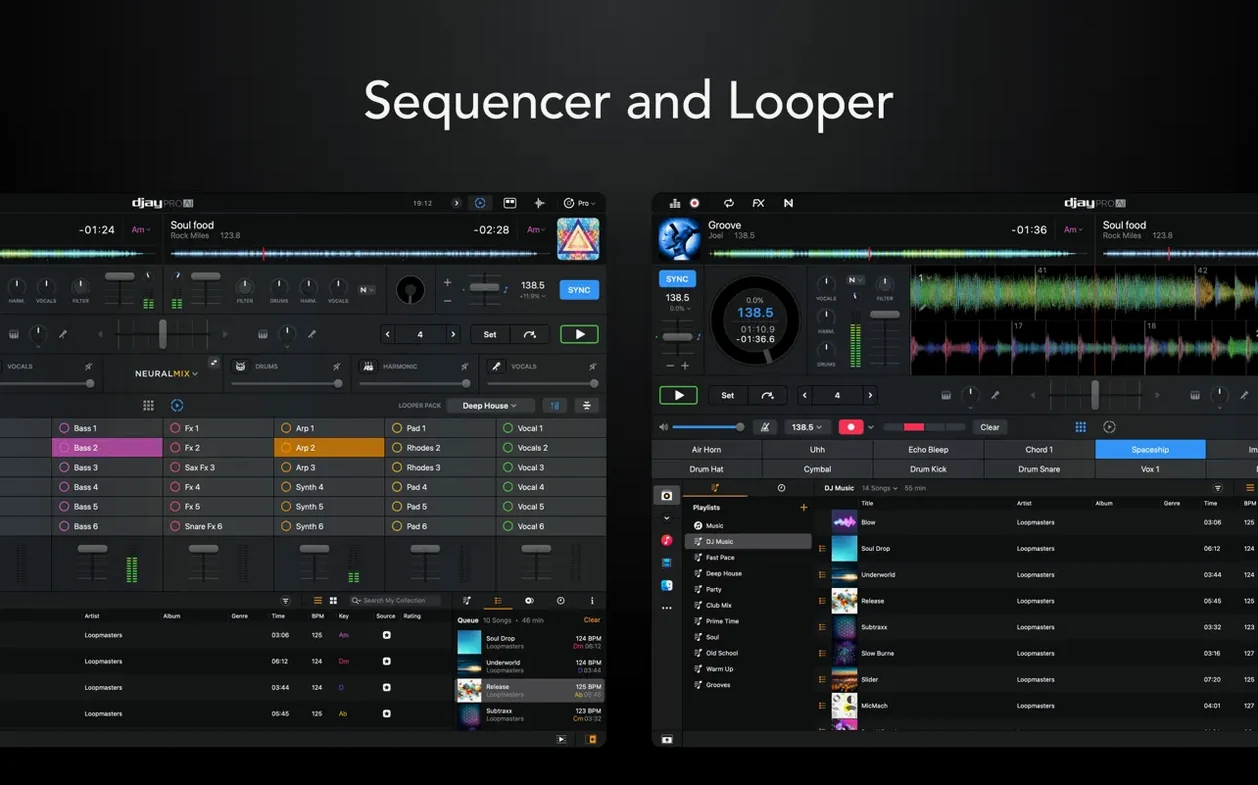
48 loops per track. That's how fine a slice you can pull off a single song in djay Pro, and it hints at the control sitting under the hood. The app builds its whole set around real-time stem separation — pull a vocal, a bassline, or a drum break out of any track and treat it as its own deck, live. This walkthrough follows one path from loading a track to reshaping it mid-performance.
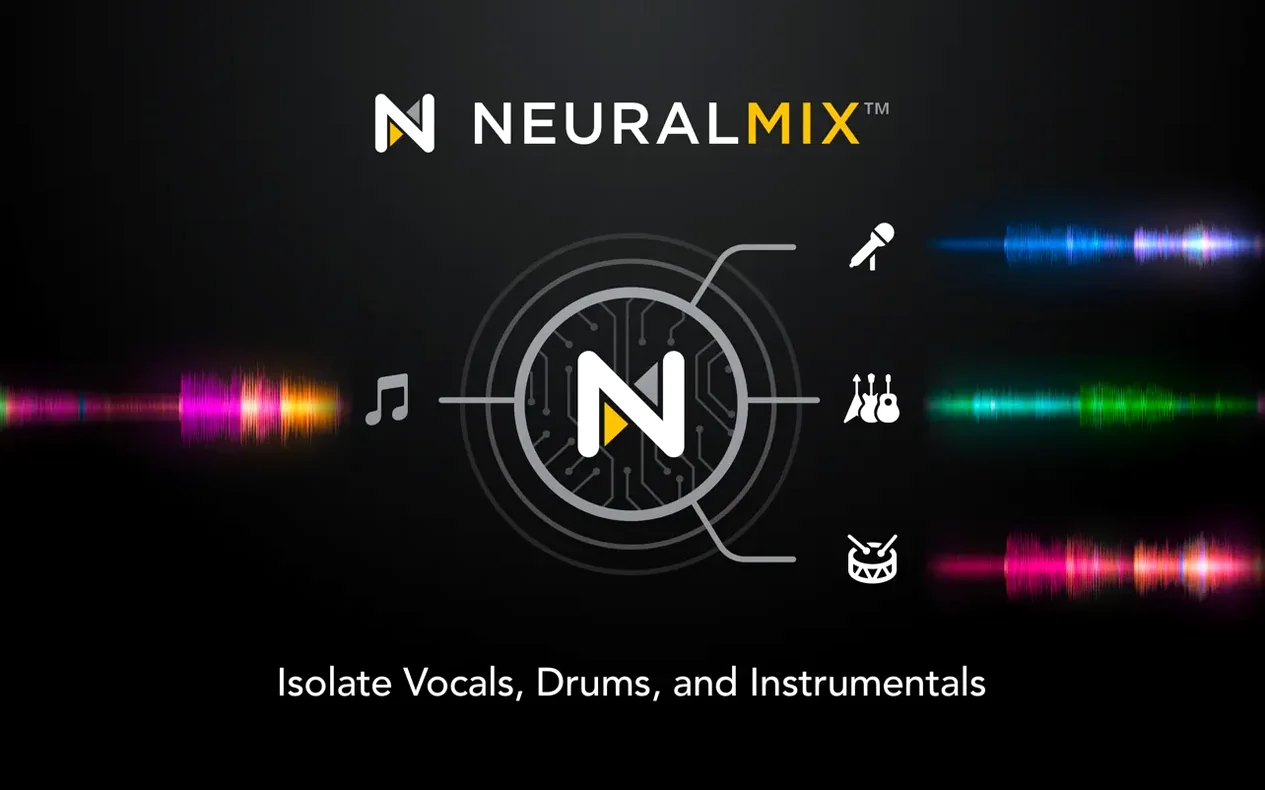
Drag a song into deck one and the high-definition waveform paints the full picture before you hit play. Switch on Neural Mix and the app isolates vocals, drums, bass, and the instrumental backbone as separate layers. Mute the drums, loop the bassline, then slide the vocal crossfader to drop a capella phrases over a beat from deck two. Each stem responds instantly — no rendering, no waiting.
With Ableton Link keeping your tempo locked, spread your stems across the four-deck layout. Assign a drum loop to deck three, the original track to deck one, and a fresh instrumental stem to deck four. The looper lets you stack up to 48 cycles, so a four-bar bass riff can run underneath while you cue a vocal on deck two. Hardware integration stays tight throughout — RANE System One mixes get native display feedback, and MIDI actions let you jump beat duration on the fly.
On an M1 MacBook Air the app stays cool through a two-hour practice set, hovering around 11–15% CPU even with three active decks and Neural Mix peeling stems apart. Fan noise never enters the picture. M2 and M2 Pro machines barely register the load — you can keep Mail, Safari and a dozen Finder windows open in the background without the waveform stuttering.
RAM usage sits at roughly 700 MB for a four-deck layout with video mixing turned off. Add a 1080p video crossfade and that figure climbs toward 1.2 GB, still light enough that an 8 GB Mac handles it without swapping. The real win is instant stem muting. Press the drum kill button mid-transition and the silence lands exactly on the beat; no crackle, no delay, just a clean drop.
Automix mode works as a hands-free safety net. Queue a playlist, set the transition style to “Fade” or “Smart,” and the app blends tracks while you step away. It reads BPM and key from the media library, so the result feels less like a crossfade timer and more like a quiet warm-up DJ holding the floor.
Serato DJ Pro focuses heavily on turntable purists and DVS workflows. It excels with vinyl control but keeps stem separation behind a secondary purchase. Traktor Pro 3 offers a richer set of performance effects and remix decks, yet its interface leans on nested menus — newer users spend more time hunting for the looper. djay Pro sits in the middle with a flatter learning curve. Its waveform view stays uncluttered, and the stem controls live right on the deck face, not tucked behind a tab.
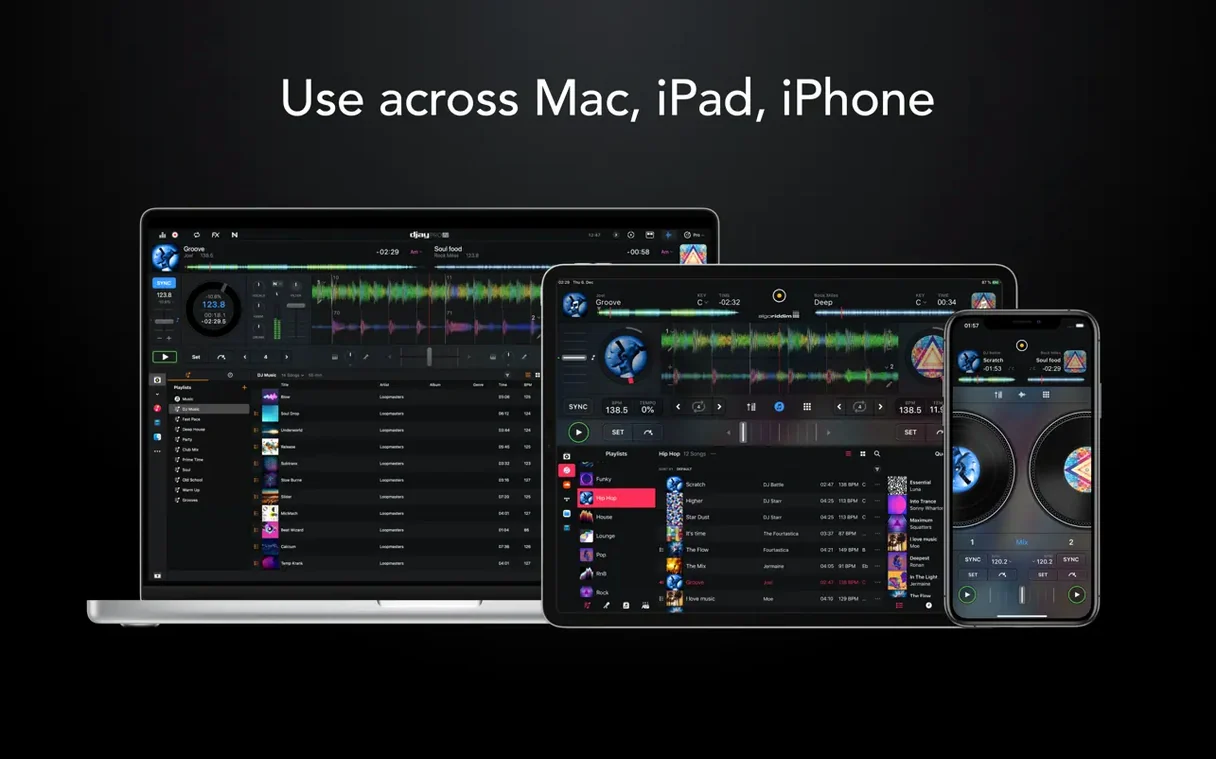
VirtualDJ packs the broadest controller support and a deep scripting engine, but the Mac version feels busy on a 13-inch screen. djay Pro’s layout scales cleanly, and the dark UI keeps the EQ knobs readable under low stage light. If you switch between a controller, a keyboard shortcut set, and a touchpad, djay Pro reflows the deck panels without hiding the library. That fluidity matters when you are three tracks deep and need the playlist in view fast.
Many users hunting for a djay pro torrent or a djay pro crack mac miss these refinements because cracked builds often ship with broken gatekeeper patches that cause the looper to drift after ten minutes. A clean install keeps the timing engine tight, especially with Ableton Link hardware in the chain.
Media library integration goes deeper than a folder browser. djay Pro reads your Music.app playlists live, including smart playlists that refresh while the app is open. Add a track to a “Warm-up” playlist from the Finder and it appears in the library column within seconds. BPM and key data carry over, so you can sort by Camelot wheel compatibility without pre-analysing a thing.
On the output side, the app respects macOS multi-channel audio routing. Send the main mix to a USB interface and route the cue channel to the headphone jack simultaneously, all set from the system-level Audio MIDI Setup utility. When you fire up a Zoom call or a streaming tool like OBS, djay Pro shows up as a selectable input source — handy for live-streamed sets where you want the crowd to hear exactly what the room hears.
The sequencer syncs with Ableton Link over Wi-Fi, so a drum machine running on an iPad locks to deck one with sub-millisecond accuracy. If your set includes a lighting rig, MIDI clock out passes tempo changes to a DMX controller without extra bridging software.
If you encounter a djay pro 5.6.2 build floating around forums, that older version lacks the RANE System One display integration and the improved 45 RPM support for motorized controllers. Version 5.6.9 also fixes cue point drift during platter spindown, which earlier releases handled inconsistently on belt-drive turntables.














Chat 0
Hop in or make an account to join the chat.
Quiet in here so far. If you have used this build, tell me what the install actually did.