
 DynamicLake Pro
 DxO PhotoLab
 Exposure X7
 DxO FilmPack 8
 extraDock
 DVDFab
 Duplicate File Finder Pro


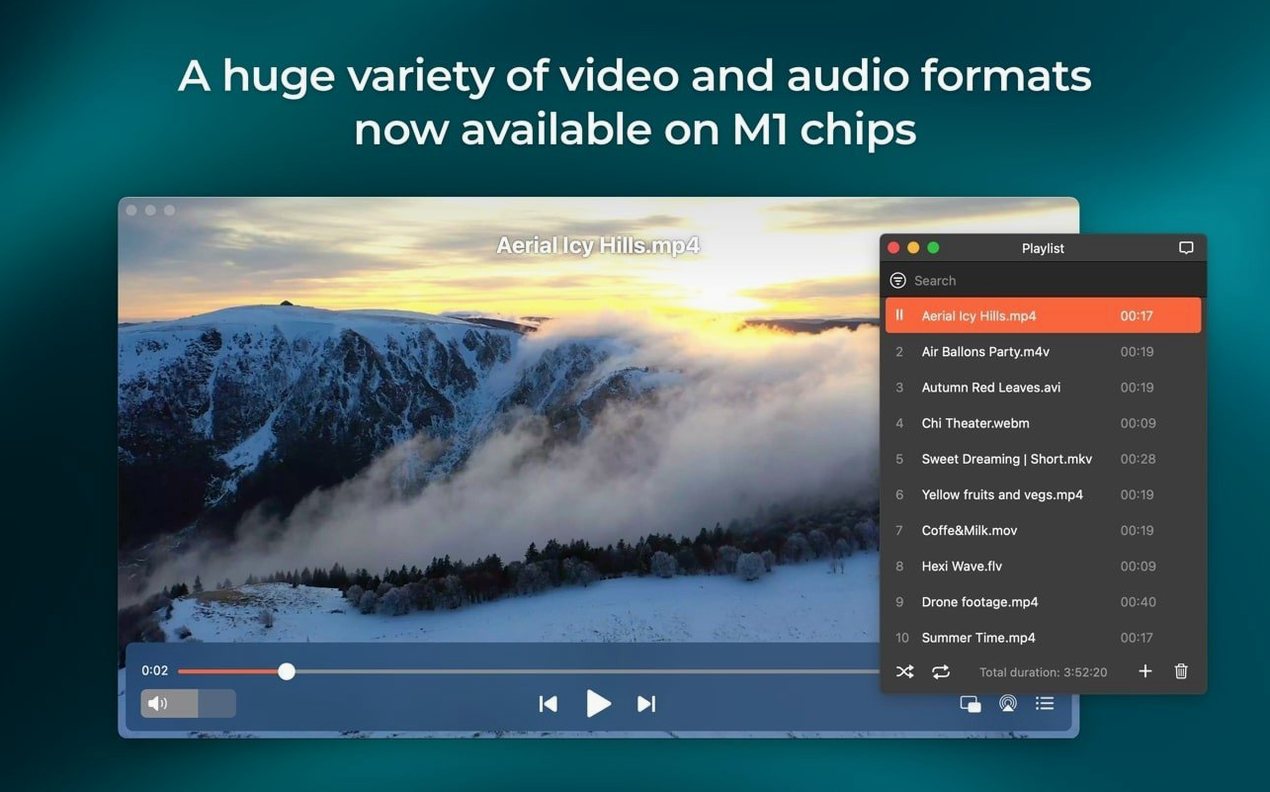
Elmedia Player Pro is a multifunctional media player for macOS that handles video and audio without a clutter of extra codecs.
The app opens FLV, SWF, WMV, AVI, MOV, MP4, MP3, MKV and a dozen others right out of the box. Hardware-accelerated decoding keeps HD playback smooth, and passthrough for AC-3 and DTS works when your audio path supports S/PDIF or HDMI.
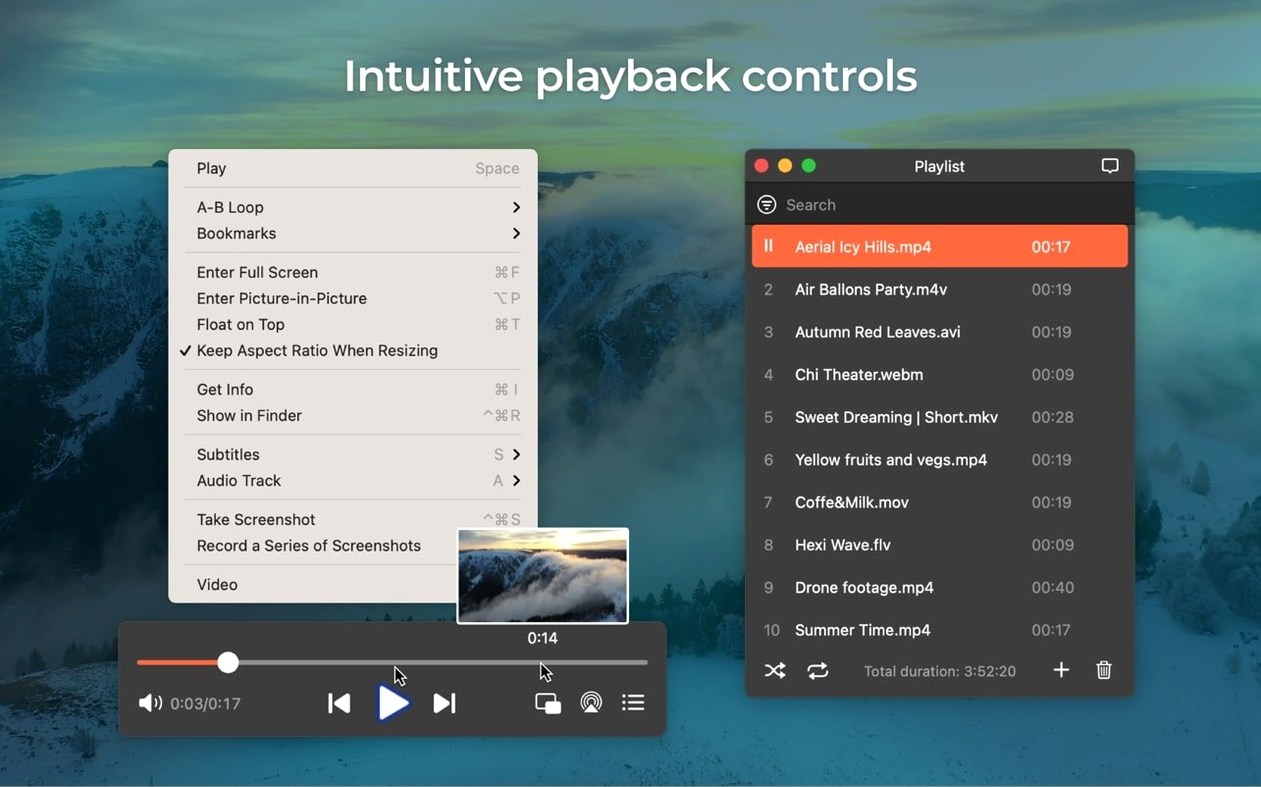
Save screenshots as TIFF, PNG or GIF during video playback. The built-in web browser also lets you download RTMP streams directly to your Mac.
Version 8.24 fixed errors when opening the device list for streaming and improved preventing your Mac from sleeping mid-stream. It also added M4B audiobook support and tightened compatibility with macOS 26.
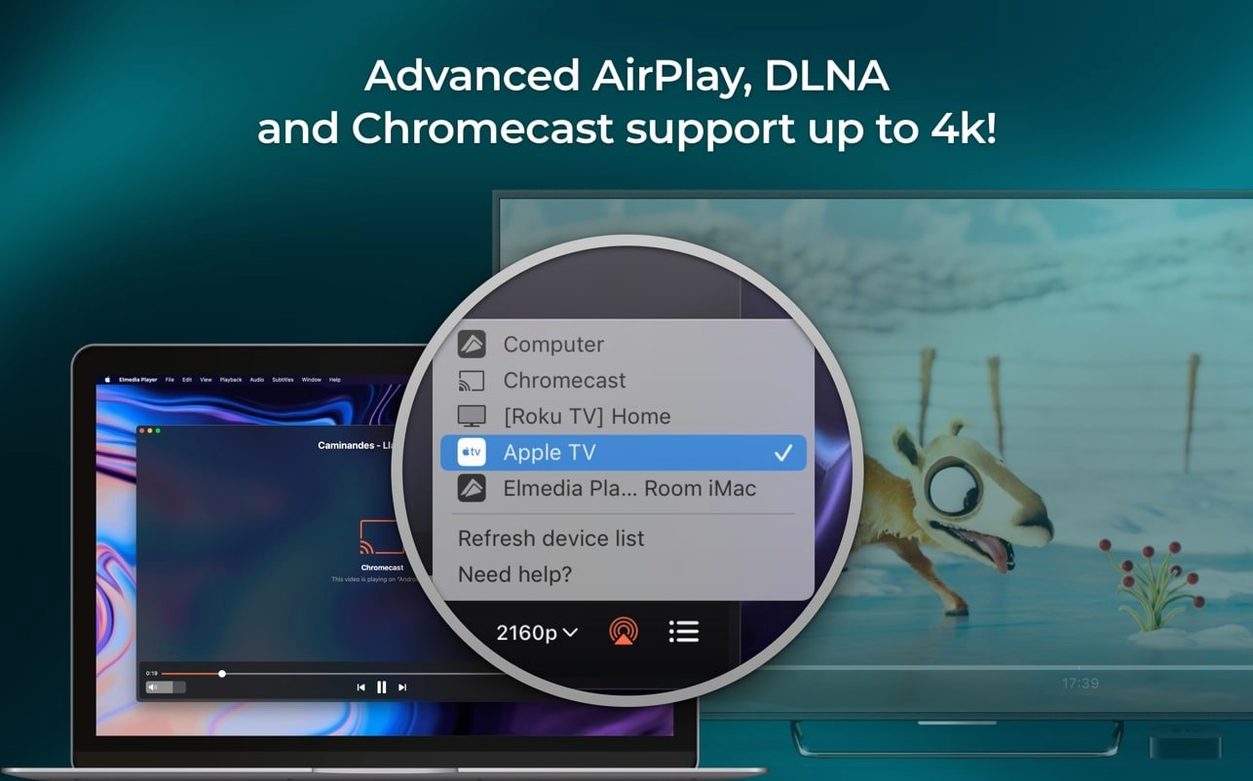
Updates that change minimum OS requirements usually break a workflow or two. Elmedia 8.24 bumped the floor to macOS 10.13 and, more importantly, stopped the Mac dozing off when you stream to an Apple TV or another Mac running Elmedia. That one had been annoying for a while — you’d settle in for a film, and twenty minutes later the screen would dim because the system thought nobody was touching the keyboard.
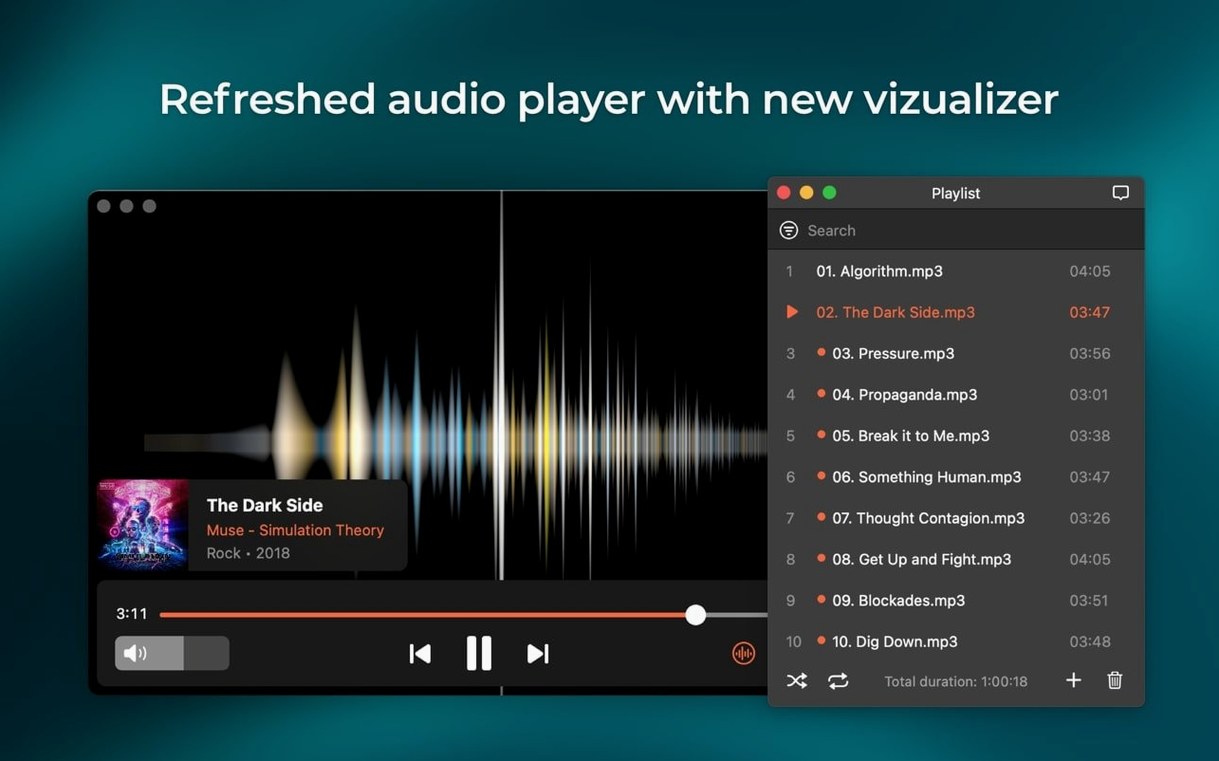
Streaming to certain devices that previously refused to show up in the list now works. Opening that device list no longer throws a silent error either. If you use M4B audiobook files, the player recognises chapter markers and artwork without a separate converter.
Compatibility with macOS 26 got a decent tune-up, so anyone on a developer beta or the public release can expect fewer beachballs when switching between windowed and full‑screen.
The most common one is treating the built‑in browser like Safari. Its job is narrow: open a streaming page, let Elmedia sniff out the video URL, and play it locally. If you log into a streaming service that uses DRM‑heavy delivery, the player won’t magically bypass it. Beginners often spend ten minutes refreshing a page that was never going to work that way.
Another slip: dragging a file into the playlist panel instead of the main window. The playlist accepts it, but double‑clicking a file in Finder and expecting it to append to an existing queue requires the “Keep playlist” setting to be on. Out of the box, dragging replaces the list, which confuses people who curate a long watch queue.
On the audio side, users sometimes leave passthrough enabled and then wonder why the Mac’s volume keys have no effect. Passthrough hands the raw bitstream to an external decoder, so the system volume slider goes limp. Switching the audio device back to “Built‑in Output” restores normal control.
Downloading RTMP streams also throws people — you need the exact stream URL, not the page URL. Right‑clicking inside the browser window and picking “Copy video URL” usually grabs the right path.
Designers and front‑end developers who still maintain legacy SWF or FLV assets get the most value. The SWF converter turns Flash EXE projectors into editable SWF files, and frame‑by‑frame screenshot export to PNG or TIFF means you can pull clean reference stills without a screen‑recording round‑trip.
Anyone with a mixed audiobook and video library also wins. M4B chapter support means one player for lectures, audiobooks and screen recordings, without iTunes or a dedicated book app.
Mac users who split time between a desk and a living‑room Apple TV lean on the AirPlay streaming daily. Because 8.24 stops the Mac sleeping mid‑stream, you can queue a playlist on the Mac and let it run while the computer sits closed in a corner.
If you regularly reach for an uncommon format — DAT, FLAC inside an MKV container, older WMV files — Elmedia’s format list saves you from hunting codec packs. It’s not a transcoding powerhouse, but it plays the weird stuff without a fuss, which is exactly what a reference player should do.
It plays FLV, SWF, WMV, AVI, MOV, MP4, MP3, DAT, FLAC, M4V, MPG, MKV and more without extra codecs.
Yes, you can save frames from a video as TIFF, PNG or GIF files during playback.
It added M4B audiobook support, improved macOS 26 compatibility, fixed streaming to certain devices and fixed device-list errors.














Chat 0
Hop in or make an account to join the chat.
Quiet in here so far. If you have used this build, tell me what the install actually did.