
 ForkLift
 FontLab
 FotoMagico
 Folder Tidy
 Folder Preview Pro
 FxFactory Pro
 FL Studio


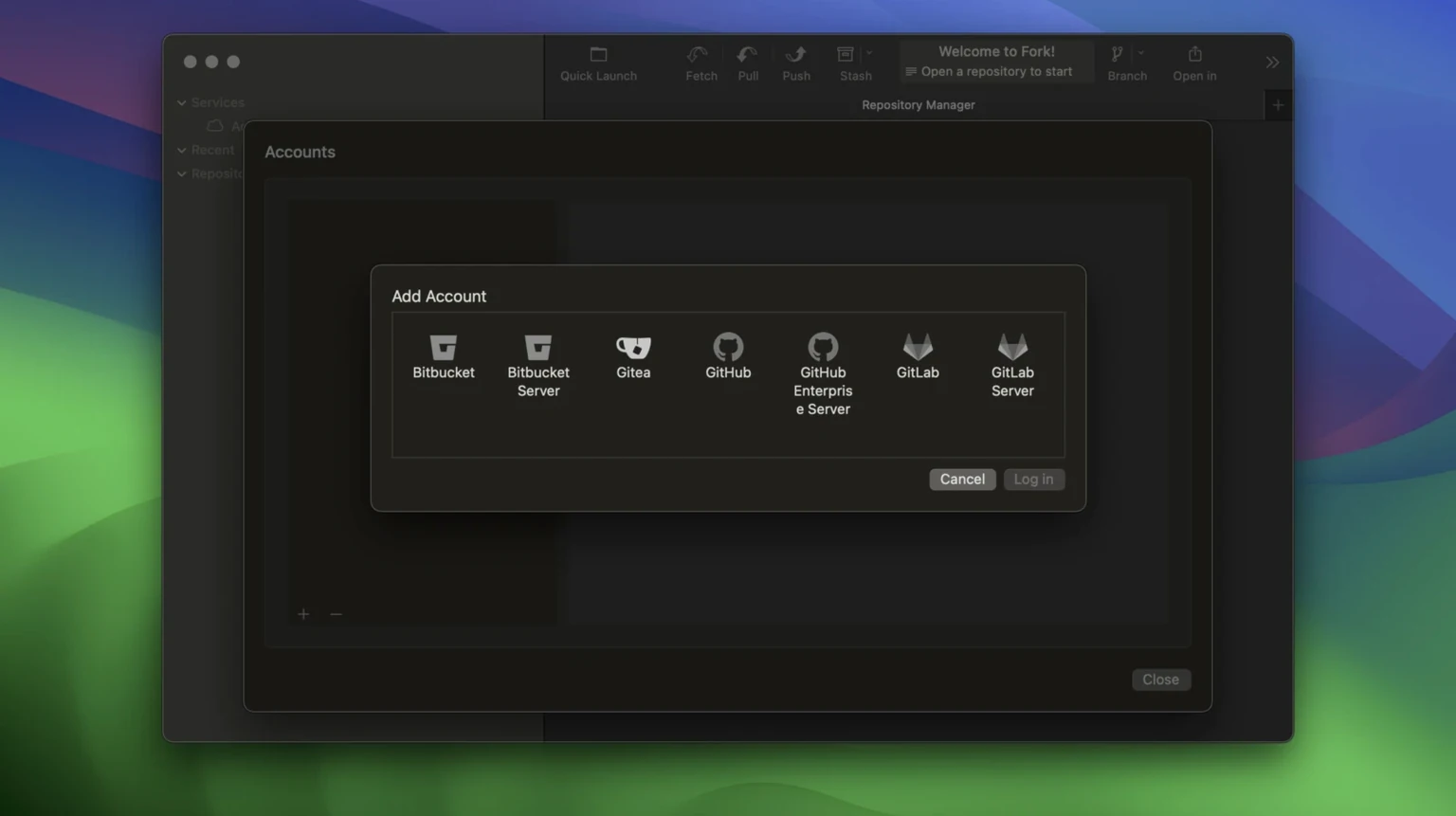
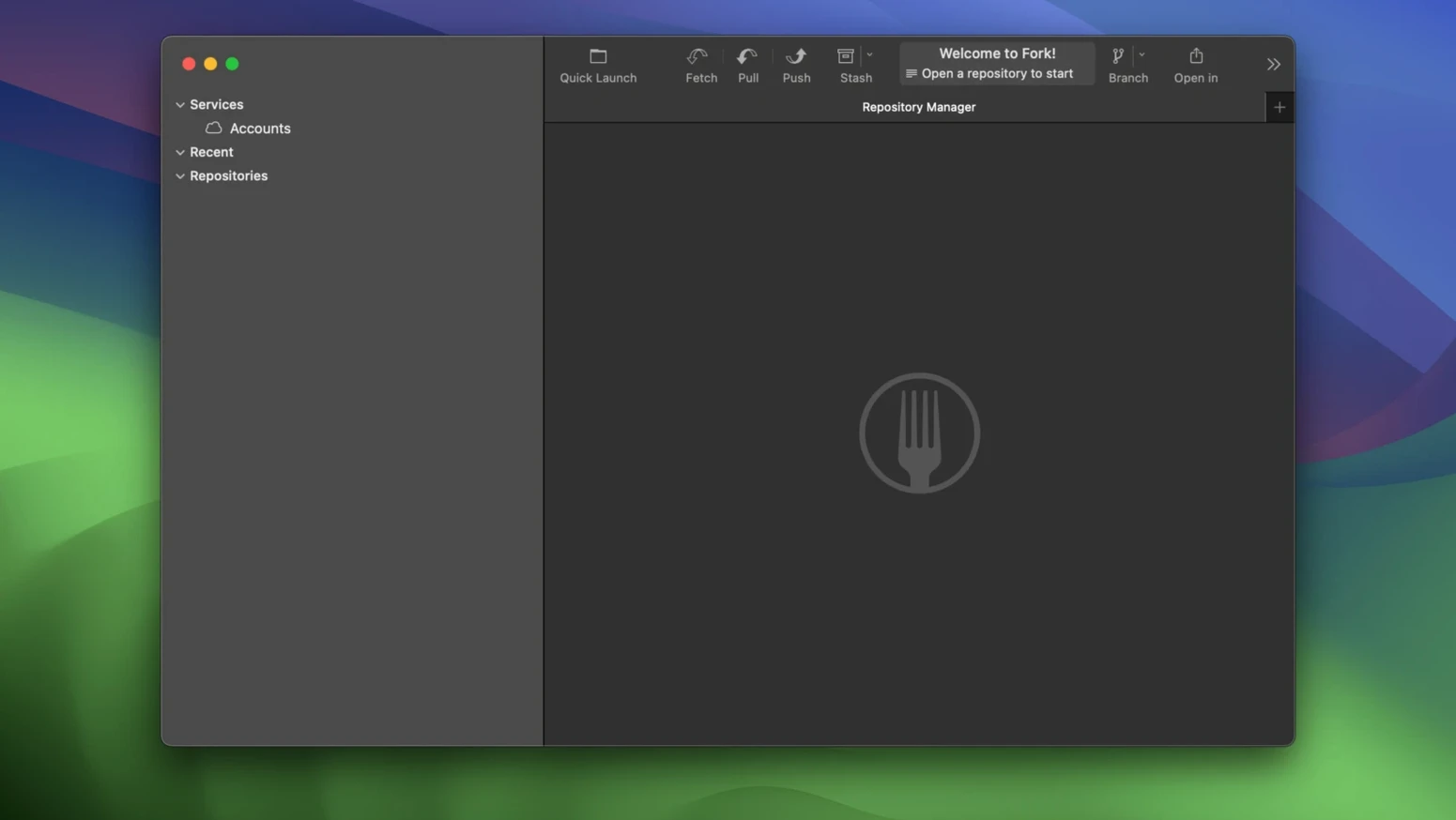
Version 2.70.2 ships a fix for incorrect rename detection when tiny files change.
Hover over any line in a file to see who made the last change. The annotation stays out of your way until you need it, then shows the commit hash and author inline.
Create and switch between worktrees directly from the sidebar. The latest update fixes a crash that could occur when deleting one from the terminal, so your local setup stays predictable.
A built-in resolver lets you pick left, right or a custom blend when conflicts arise. No need to jump out to an external diff tool for quick fixes.
Group repositories into tabs that match your workflow. The left panel keeps branches, remotes and tags visible, while vertical tabs help you move between repos without hunting through windows.
Fork stays responsive even when you throw a dozen tabs at it. Scrolling through a dense commit history or staging a large batch of changed files never introduces beachball pauses on an Apple Silicon Mac. Memory use hovers around the same ballpark as a well‑tuned Electron app, which is reasonable given how much Git metadata the interface keeps alive. The real win is how quickly the repository list loads after launch — repos appear almost instantly, even when some are tucked several folders deep.
A few conveniences sit just below the surface. Double‑clicking a commit in the history panel opens its details in a fresh tab, so you never lose your place. The quick‑open palette, triggered by Shift-Cmd-O, lets you jump to any repo by typing a fragment of its name — a real time‑saver when you’re juggling client work and personal projects. The search bar also doubles as a branch filter: type feature/ and only matching branches stay visible.
Other niceties worth knowing:
Option while dragging a branch to create a copy instead of moving it.If you use Cursor as your daily editor, the AI agent integration for commit messages feels natural — select the staged changes, let the agent draft a message, then tweak it before committing. The backtick handling in those generated messages was tightened up recently, so code references inside commit bodies no longer break formatting.
It runs natively on both Apple Silicon (ARM) and Intel 64-bit Macs.














Chat 0
Hop in or make an account to join the chat.
Quiet in here so far. If you have used this build, tell me what the install actually did.