
 Garden Planner
 Gemini
 Ghost Buster Pro
 FotoMagico
 Glyphs
 ForkLift
 Fork
Fork FontLab


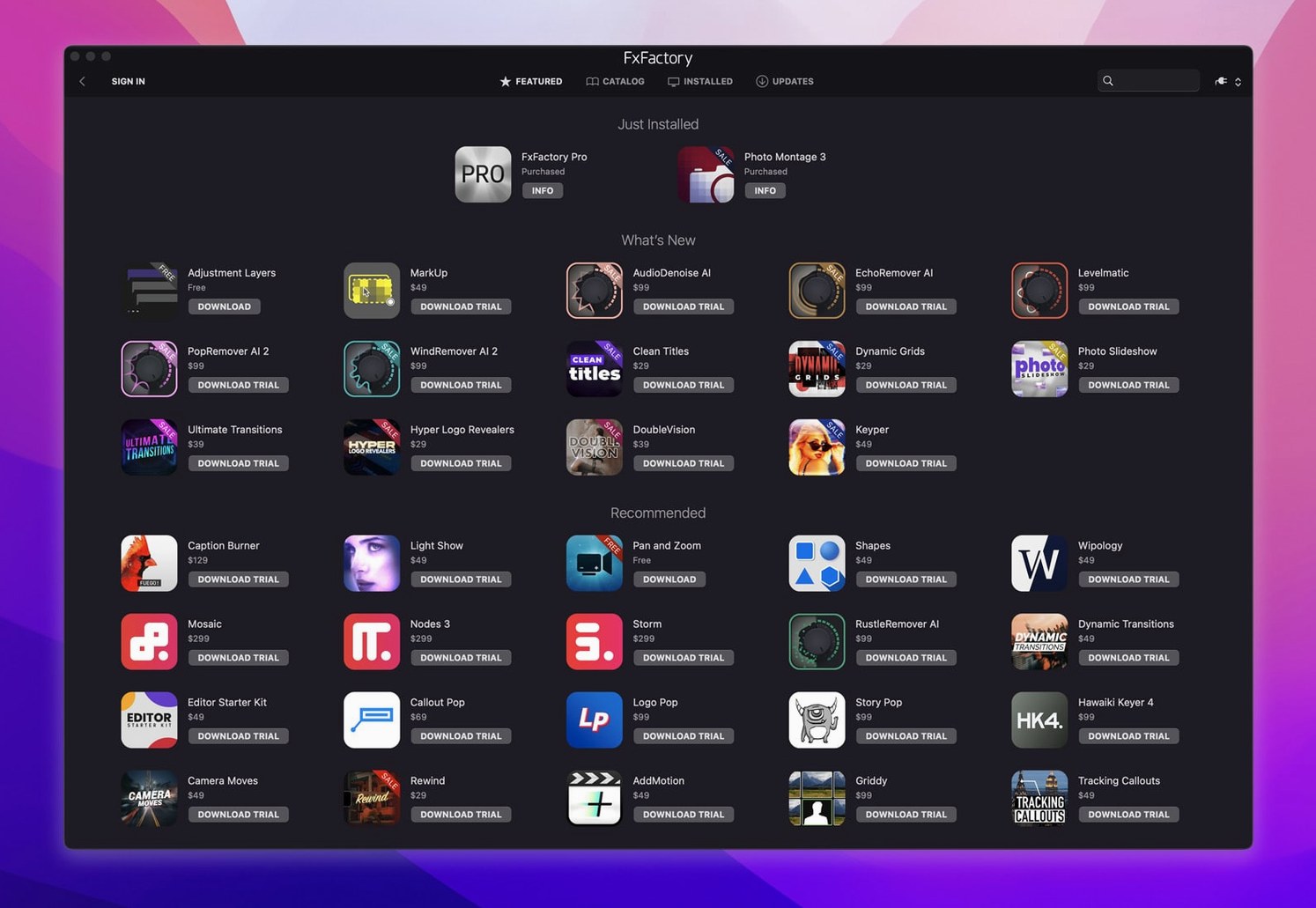
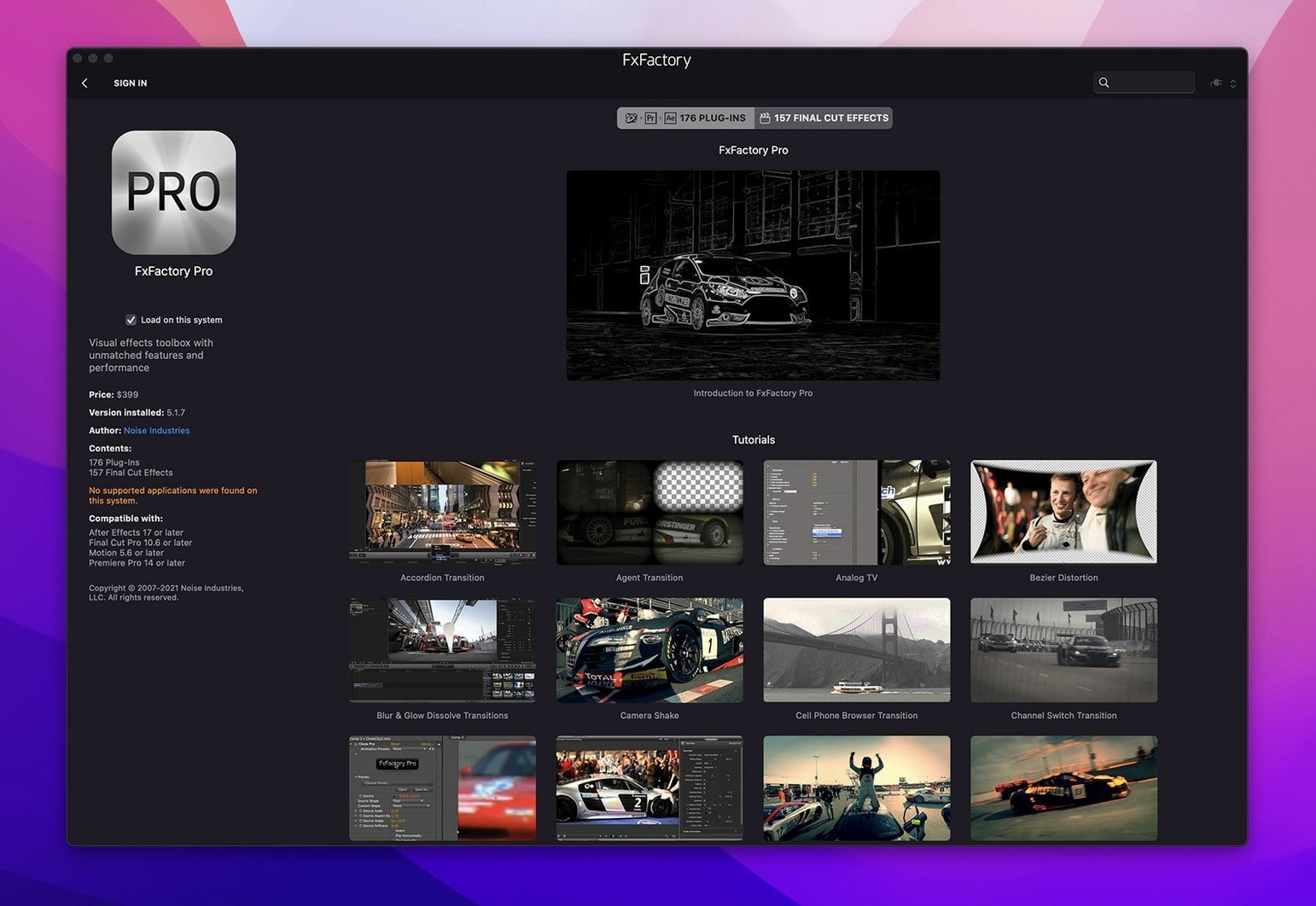
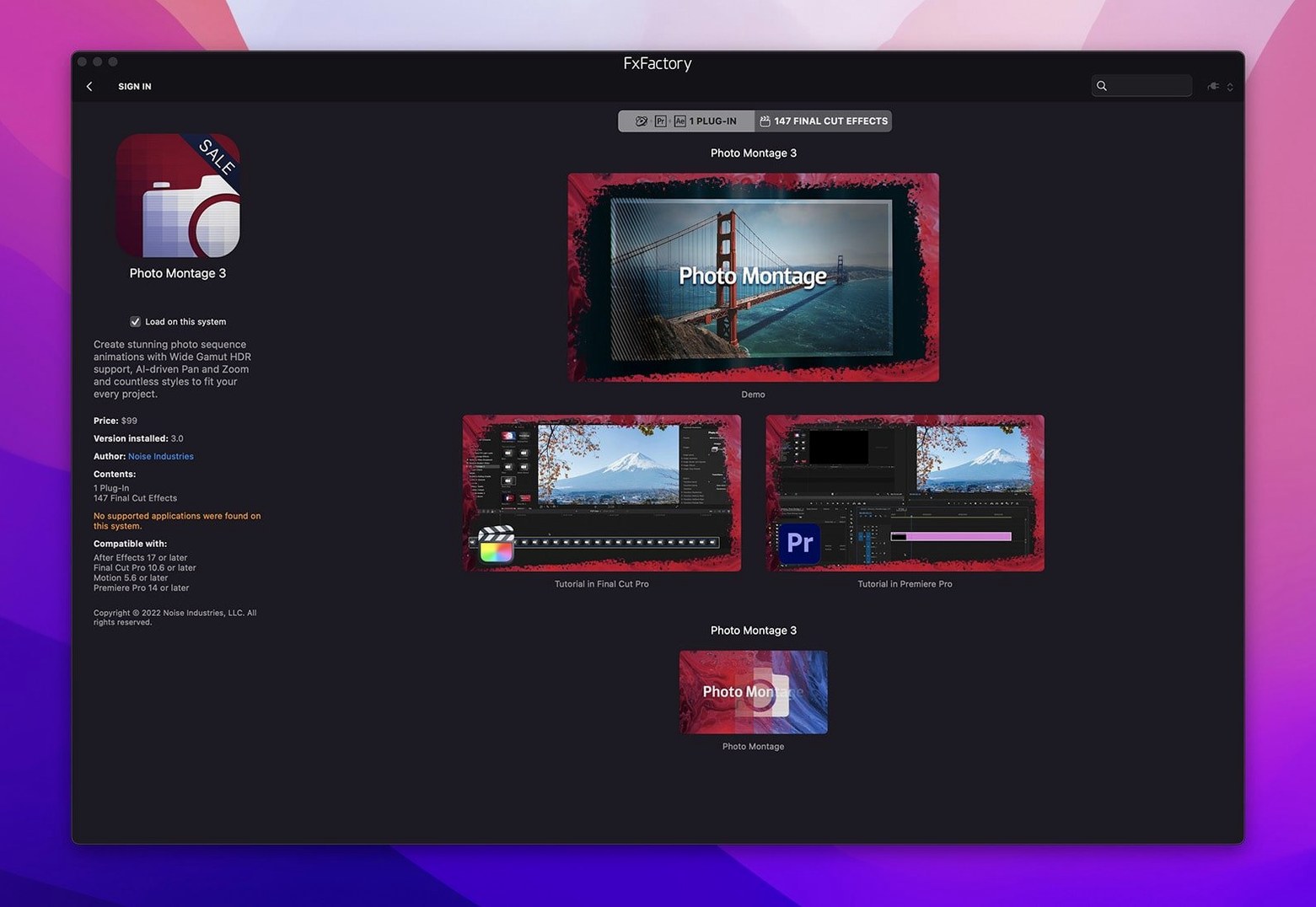
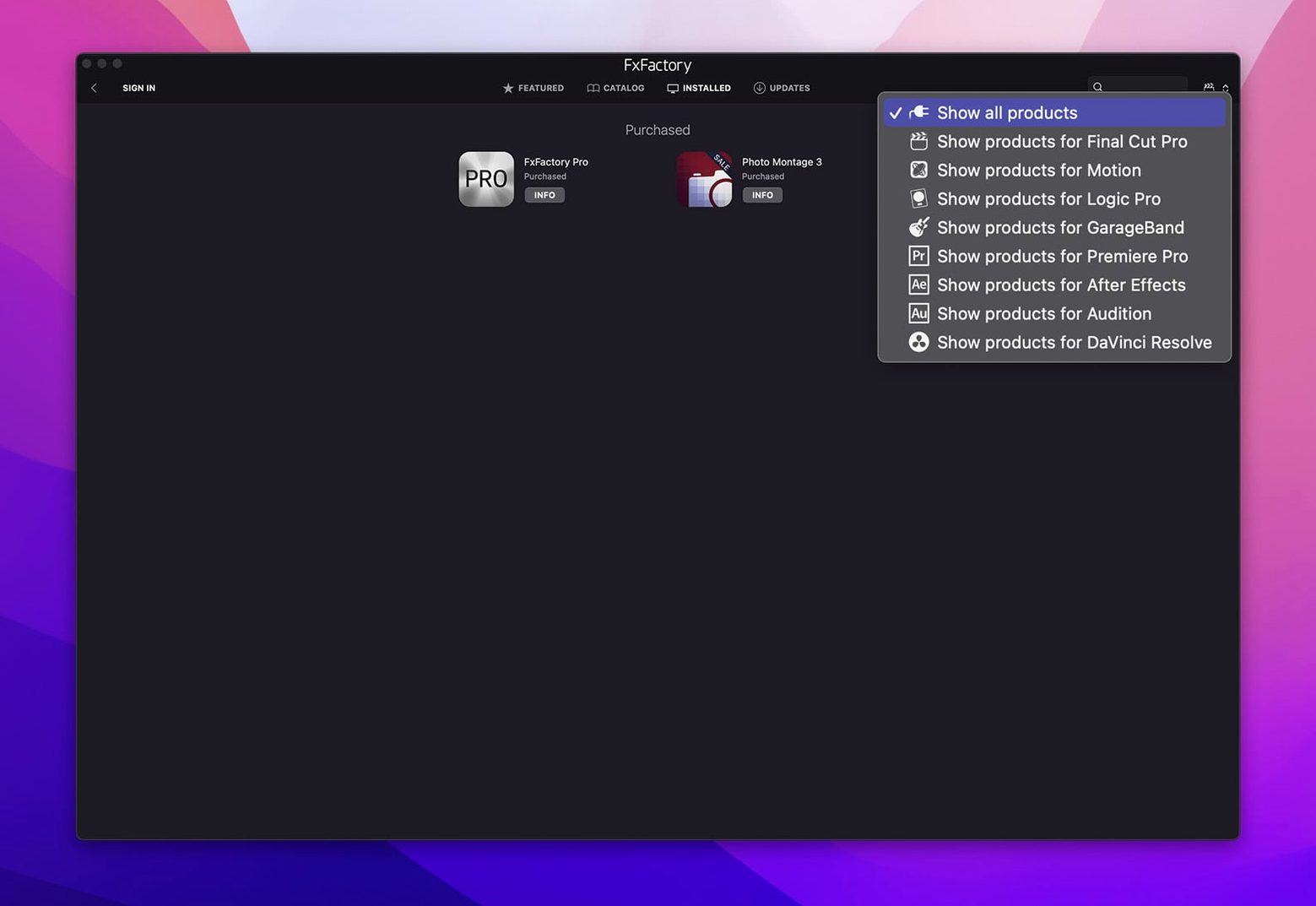
A motion designer drops a glitch effect onto a logo animation in After Effects. Next, they pull up a light-wrap in Final Cut Pro for a talking-head clip. FxFactory Pro sits across these sessions like a shared effects rack — one interface that feeds into whatever host you have open.
| Detail | Note |
|---|---|
| Type | Visual effects plugin package |
| Current version | 9.0.5-8654 |
| Processing depth | 16-bit and 32-bit (Pro Pack) |
| Interface language | English |
You browse installed filters, generators and transitions from a built-in browser, apply one to a clip, tweak a few sliders, and see the result update straight in the host timeline. No coding needed. The Pro Pack keeps things clean on high bit-depth jobs — motion graphics with tight gradients stay smooth. It's less about learning new tools and more about having the right effect ready when a track or bus needs a little texture.
After dropping the package in, open the FxFactory app before you launch your NLE. Give it a minute to scan the installed effects so every filter shows up inside Final Cut Pro, Premiere or Resolve right from the first timeline you open. Skipping this step sometimes means hunting through menus twice.
Start with the free effects library. Noise Industries ships a generous set straight away — blurs, colour correctors, film grain and a few stylised glows. Pick three you recognise from other toolkits and apply each to a short clip. That muscle memory grounds you while you get a feel for where sliders live.
If you work across multiple hosts, label a small test project in each. Nothing fancy — a 10-second timeline with a couple of adjustment layers. Run the same effect in Final Cut Pro and then in After Effects. The parameter names stay consistent, which means your settings transfer without mental translation. Once you confirm the look matches, you can stop double-guessing host-specific quirks.
On machines with Apple Silicon, the app installs universal binaries. Let it finish its first-launch plugin validation without jumping between apps. The beachball that appears for 15 seconds is just the framework checking signatures — it never repeats on subsequent opens.
FxFactory Pro rides lightly on idle. Sitting in the menu bar, it sips around 80 MB of RAM and zero CPU. That changes once you stack effects. A 4K ProRes timeline with six Pro Pack filters applied live in Final Cut Pro nudged GPU memory up by roughly 1.2 GB on an M2 Pro — comparable to running a single heavy OFX plug-in.
Rendering is where the architecture shows its age in spots. Most effects lean on Metal and complete a 30-second sequence in under two minutes at full resolution. A few older transitions still call OpenCL paths and run 20–30% slower. The difference is easy to spot: if the preview stutters on a simple cross-dissolve while a complex light-wrap plays smoothly, you have found one. Moving it to a rendered layer solves the hiccup.
Stability across a two-week editing stretch was uneventful. No host crashes tied to FxFactory alone, and Premiere’s effect scanning dialogue stopped flagging the plugins after the second launch. One quirk worth noting: DaVinci Resolve sometimes lists FxFactory effects under “Workflow Integrations” rather than the OpenFX panel. They still work — you just need to know where to look.
If you keep the FxFactory app closed while editing, background checks for updated plugins never fire. That small habit keeps the system quiet during playback-heavy sessions. Reopen it once a week, let it refresh the catalogue, then quit again.
Imagine a colourist wrapping a short documentary in DaVinci Resolve. The director loves the grade but asks for a subtle film-stock halation on the interview shots — something that catches the practical lamp in the background without blooming across skin tones.
She opens the FxFactory browser, drags the free “Light Falloff” filter onto a node, and keys the effect to luminance values above 85 IRE. A quick mask isolates the lamp, and she pulls the spread slider down to 22%. The render holds clean at 32-bit float because the Pro Pack path is active. Ten minutes later the export is underway and the director has stopped sending reference stills.
The same scenario without FxFactory would mean building a halation from scratch with multiple glows and blending nodes — doable, but at 4 p.m. on a Friday it is the difference between hitting send before dinner and chasing pixel noise until 10 p.m.
Some editors hunting for a quick way to test the full Pro Pack reach end up searching for an fxfactory crack or an fx factory crack — those routes tangle the plugin cache and break the verification path above. A clean install with the included activation keeps the framework intact, so the effects list loads the first time, every time.
It requires macOS 12.6 or later and supports both Apple Silicon and Intel processors.














Chat 0
Hop in or make an account to join the chat.
Quiet in here so far. If you have used this build, tell me what the install actually did.