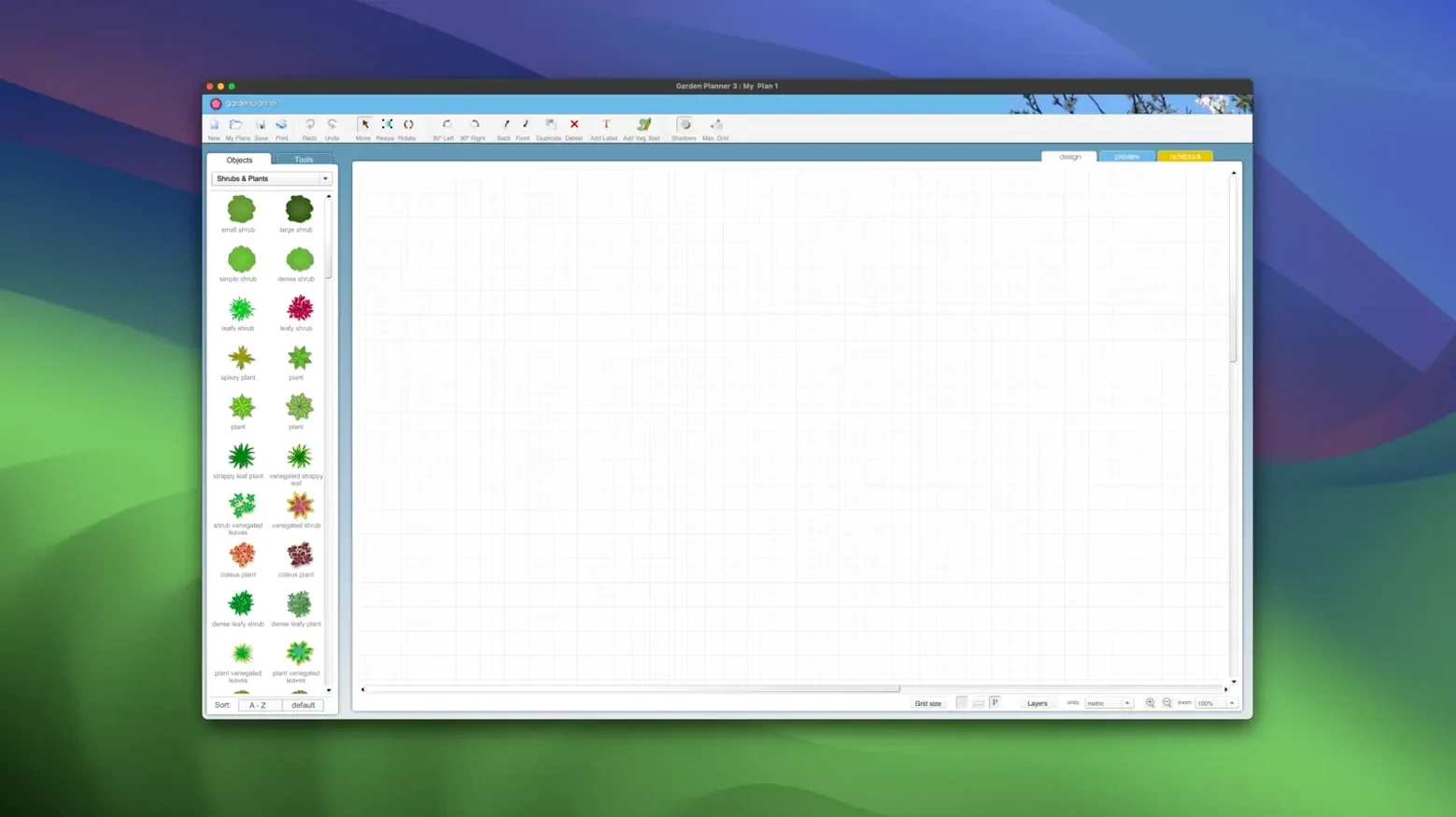
Over 1,200 plants and objects sit in the built-in library, and every one can be reshaped to fit your site. Garden Planner by smallblueprinter is a landscape design tool that moves beyond simple bed layouts, giving you precise control over hardscaping and planting details.
- User-defined library elements. Adjust the colour, size, and growth habit of any plant or object. Save the tweaked version for consistent use across a design.
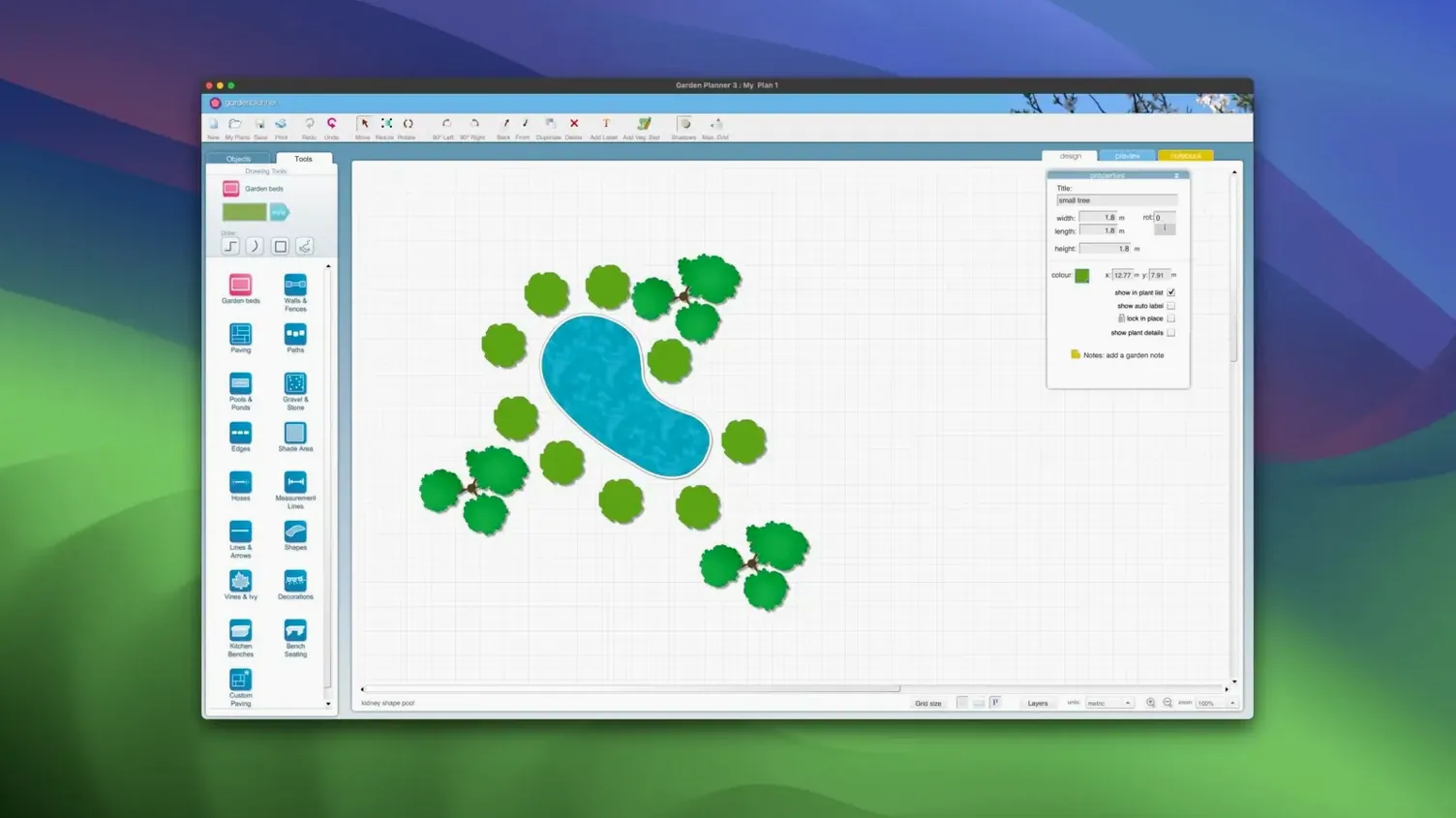
- Hardscape drawing tools. Plot paths, paving, walkways, walls, fences, pools, and ponds with direct shape editing. Rotate, duplicate, or rescale any element after placement.
- Granular object control. Scale a tree to represent a five-year spread, then rotate a bench to catch morning light. Every graphical element is malleable.
- Drag-and-drop arrangement. Position buildings, trees, and ground covers by dragging from the library onto the canvas. No modal dialogs between selection and placement.
The current version 3.8.86, released July 2026, added new path styles and a round of fit-and-finish fixes. It runs on macOS 10.7 and later, on both Intel and Apple Silicon Macs, so even older workshop machines can keep up.
Snappy on old metal
It launches in under two seconds on an Intel MacBook Air that struggles with a dozen browser tabs. Dragging a full border of 40 shrubs across the canvas felt fluid — no beach ball, no stutter while the 2D view recalculated shadows. Memory use hovered around 180 MB during a medium residential plot with paths, a pond, and roughly 100 objects placed. For a design tool carrying over 1,200 library items, that's refreshingly light.
The 3D walkthrough is where things could bog down, but it didn't. Switching views took about a second, and panning through a garden with trees, fencing, and a pergola stayed smooth. If you're hunting around for a garden planner that won't tax an older Mac, this version holds its own.
A planting bed from scratch
Here's a start-to-finish workflow for a curved island bed in a front yard.
- Set the boundary. Choose the curved path tool and sketch the bed outline. Drag the bezier handles until the shape matches the existing lawn curve. Set the fill to a dark mulch tone from the surface palette.
- Anchor with a tree. Search the library for "paperbark maple." Drag it just off-centre. Scale it to 70% to represent a young specimen, then open the element panel and set the spread to match its expected width at year five.
- Layer understorey. Place three oakleaf hydrangeas in a loose triangle around the tree. Rotate one 15 degrees so they don't look like clones. Adjust each bloom colour independently — one cream, two with a pink tint.
- Edge with ground cover. Drag a dozen carex plants along the front curve. Use the distribute tool to space them evenly, then nudge a few out of alignment. Perfect rows read unnatural in a garden plan.
- Add hardscape and text. Place a small boulder from the objects library near the back edge. Add a text label: "Acer griseum — winter bark feature."
- Check in 3D. Switch views and walk the camera around the bed. The layering reads clearly, and the tree's scaled-down canopy leaves room for the shrubs beneath.
- Export and report. Print a high-quality plan for the client folder. Generate an object report, save it as CSV, and hand it to the nursery for quoting.
Duplicate resets custom object scale
A few friction points come up often enough to flag.
- Object scaling resets on duplicate. If you scale a plant and then duplicate it, the copy sometimes snaps back to default size. Workaround: tweak one instance, save it as a custom library element, then drag fresh copies from there.
- 3D view shows blank ground. When the 2D canvas has objects placed but 3D renders empty, check your zoom level. Extremely zoomed-out 2D views can confuse the camera position on switch. Zoom in to a normal working scale, then toggle back.
- Reports missing newly added objects. The object report pulls from the last saved state. If you added plants and generated a report without saving, they won't appear. Quick hit of
Cmd-S before the report fixes it every time.
- Path joins look jagged. When two path segments meet at a sharp angle, the fill sometimes leaves a tiny gap. Overlap the segments slightly or use a single continuous path for complex curves.
- Library search quirks. The search field matches from the start of the plant name. Typing "maple" finds "Maple, Japanese" but "maple" won't catch "Japanese maple." Stick to the first word or scroll the category folders instead.

 Gemini
 FxFactory Pro
 Ghost Buster Pro
 Glyphs
 FotoMagico
 ForkLift
 Fork
Fork FontLab
















Chat 0
Hop in or make an account to join the chat.
Quiet in here so far. If you have used this build, tell me what the install actually did.