
 Folder Tidy
 FL Studio
 FontLab
 Find Any File
 Fork
Fork ForkLift
 Final Cut Pro


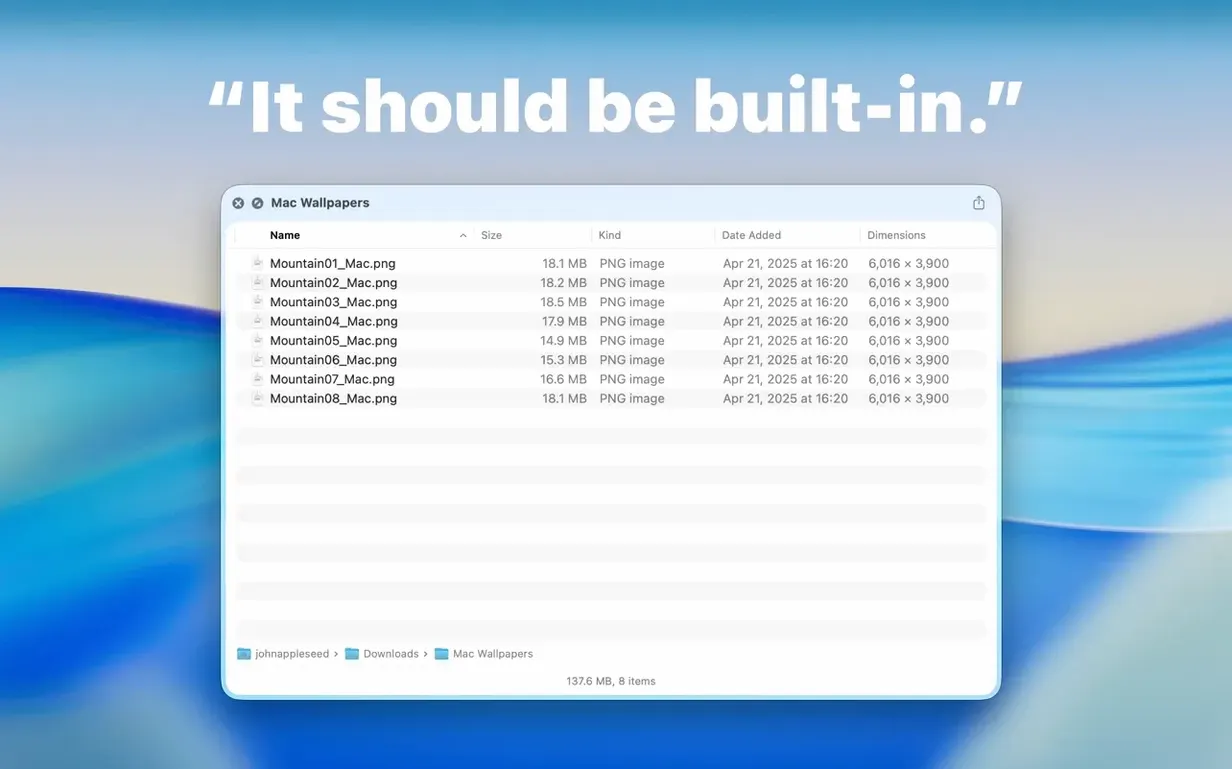
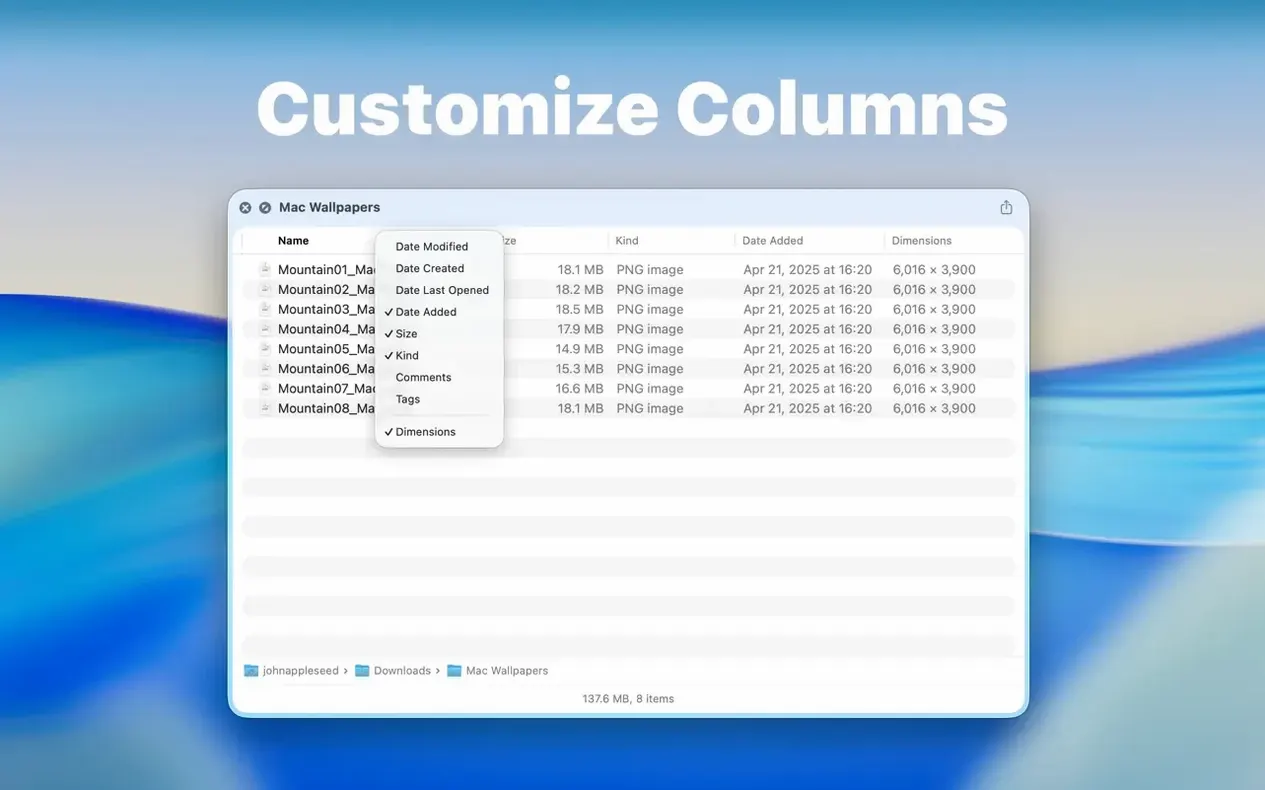
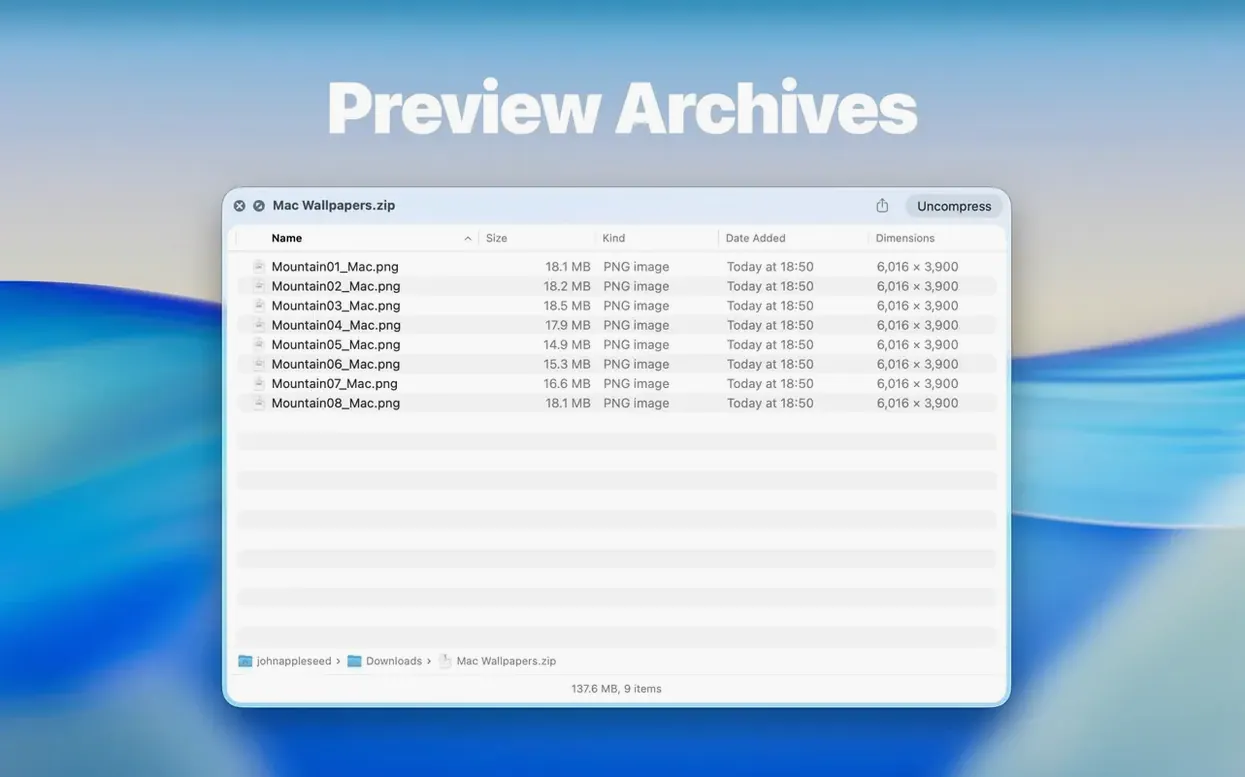
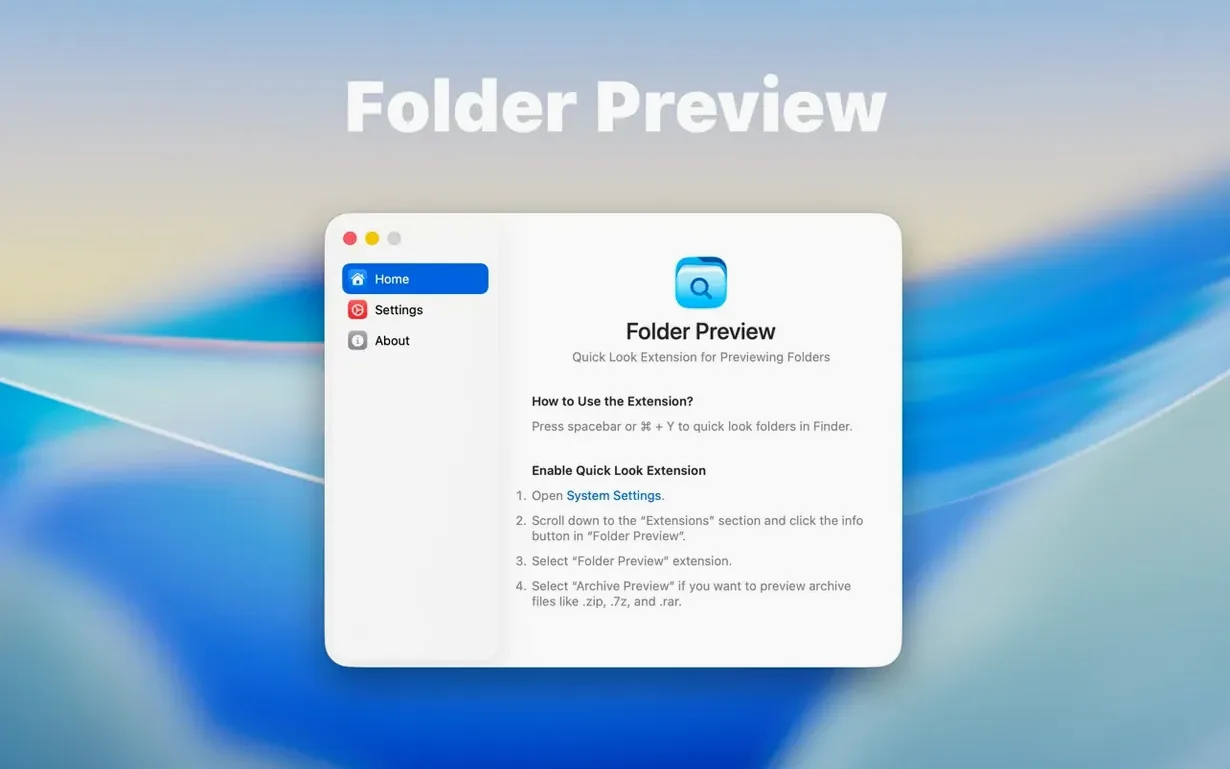
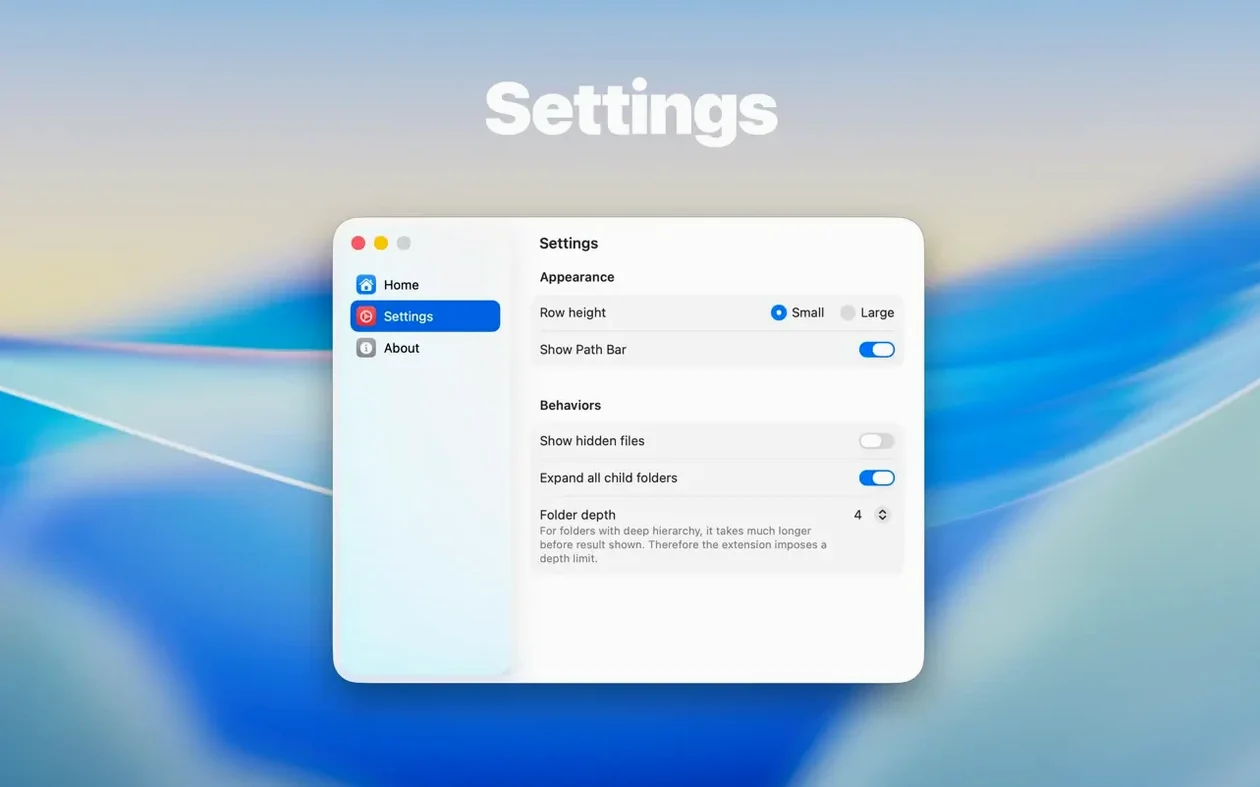
Over 20 interface languages and a single drag to your Applications folder — Folder Preview Pro 3.1 adds what Finder left out. Select a folder, hit Space, and you see its contents straight away, including inside ZIP, TAR, GZ, 7Z and RAR archives.
The folder size now sits neatly in the toolbar under the folder name, keeping the main area clean. Runs on both Apple Silicon and Intel Macs with macOS 13.
Say you are sorting out a project folder stuffed with client revisions, old ZIP archives and a couple of stray RAR files from a colleague. In a plain Finder window you would be double‑clicking everything just to see what lives where. With Folder Preview Pro, the rhythm is simpler.
.tar.gz archive. Press Space on it right there in the preview. The panel drills into the archive without launching another window, showing you every file tucked inside.The whole session stays inside Quick Look. The Finder itself barely gets a click, and you never once open a separate archiving tool.
People who juggle large asset collections daily notice the difference fastest. Photographers returning from a shoot can scan memory‑card folders, check what is inside dated subfolders, and drag selects straight into Lightroom without ever opening them. The same goes for designers who archive project rounds as ZIPs and need to pull a single PSD or AI file from a compressed backup.
Software testers and QA folk often receive builds bundled in TAR or GZ containers. A Quick Look peek shows whether the right binaries are present before they even unzip. Translators working with folders full of XML or JSON files can scan the structure and file counts of a dozen language packs without a single Finder window clutter.
If your day involves emails with compressed attachments, the archive preview alone saves dozens of unpack‑then‑delete cycles a week. And anyone organising a messy home folder will appreciate simply pressing Space on “Misc” and seeing what is actually inside before committing to a clean‑up.
Does the app replace my existing archive utility? Not at all. Folder Preview Pro reads ZIP, TAR, GZ, 7Z, and RAR for previewing; it does not create or modify archives. Your current tool stays in place for compression and extraction work. The extension simply means you can peek inside without asking that tool to launch.
Will it slow down Finder on an older Mac? The extension draws on the same Quick Look engine Finder already uses, just with extra format smarts. Browsing a folder or archive triggers a lightweight read, not a full extraction. On Intel and Apple Silicon Macs running macOS 13 the overhead is barely noticeable, even with large folders. Archive size limits of 5 GB and 10 GB keep memory use predictable.
Can I still see the old Quick Look preview for folders I do not want scanned? Yes. If you turn off the extension or toggle it selectively, standard folder Quick Look behaviour returns for those items. The system does not lock you into one preview style across every folder.
Many people hunting for a folder preview mac torrent or a folder preview free workaround find that the native extension approach keeps things simpler than patched‑together scripts. Others look for a Folder Preview Pro experience that treats archives and folders identically — that is exactly where version 3.1 sits.
First, make sure Quick Look is turned on in System Settings, then launch the app from Launchpad after dragging it into Applications.














Chat 0
Hop in or make an account to join the chat.
Quiet in here so far. If you have used this build, tell me what the install actually did.