
 FileMaker Pro
 File List Export
 Find Any File
 Fig Player - play mp4 mkv mp3
 Fender Studio Pro
 FL Studio
 Folder Preview Pro


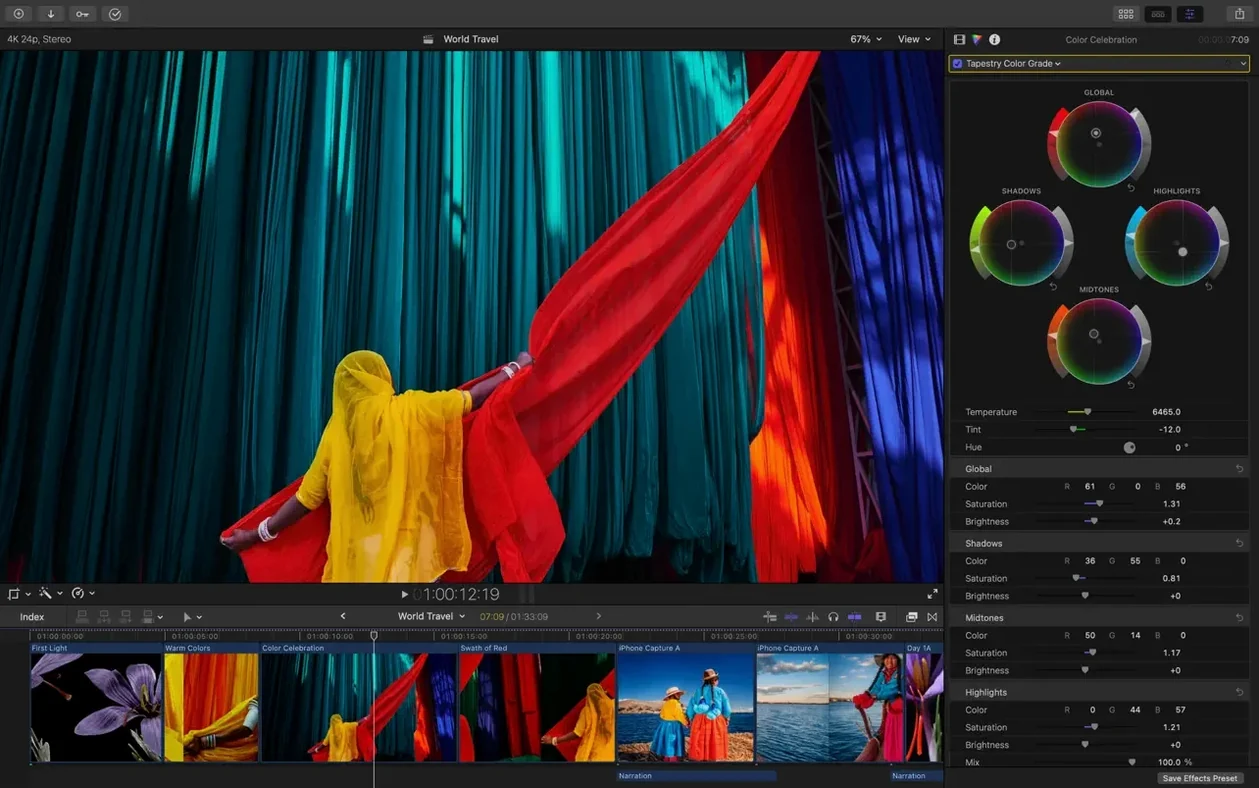
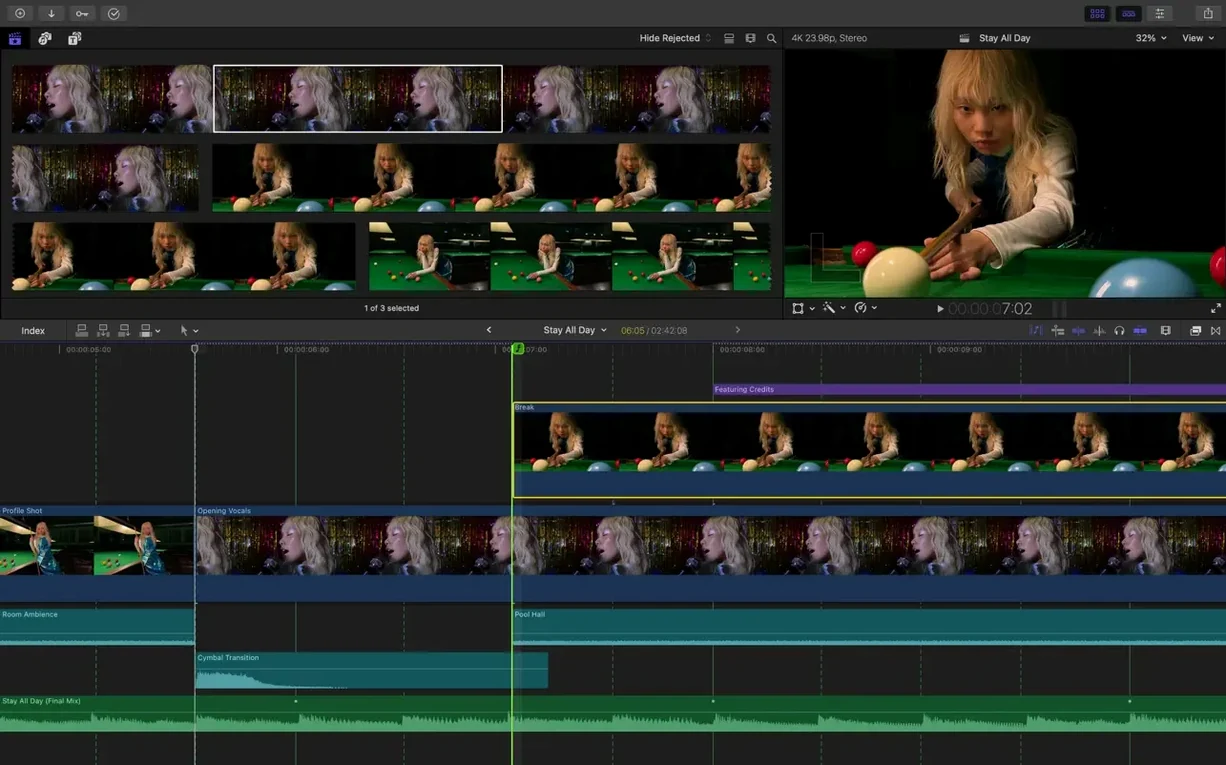
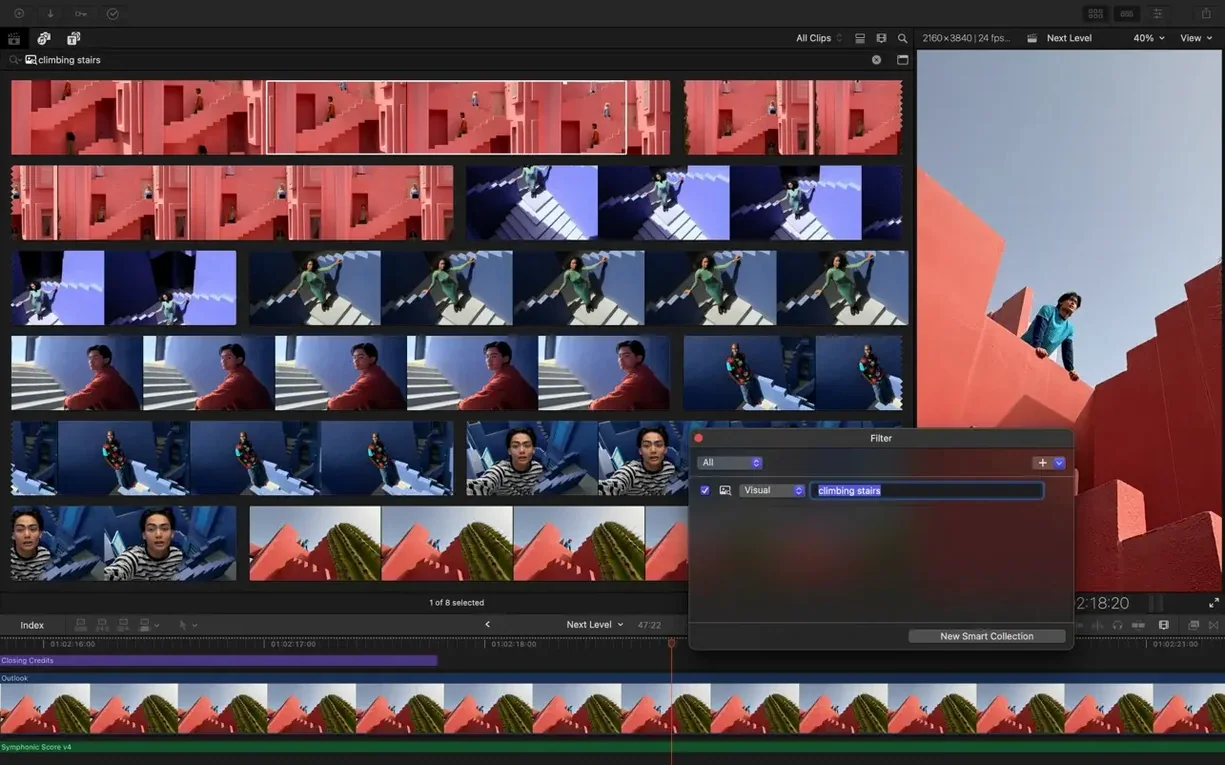
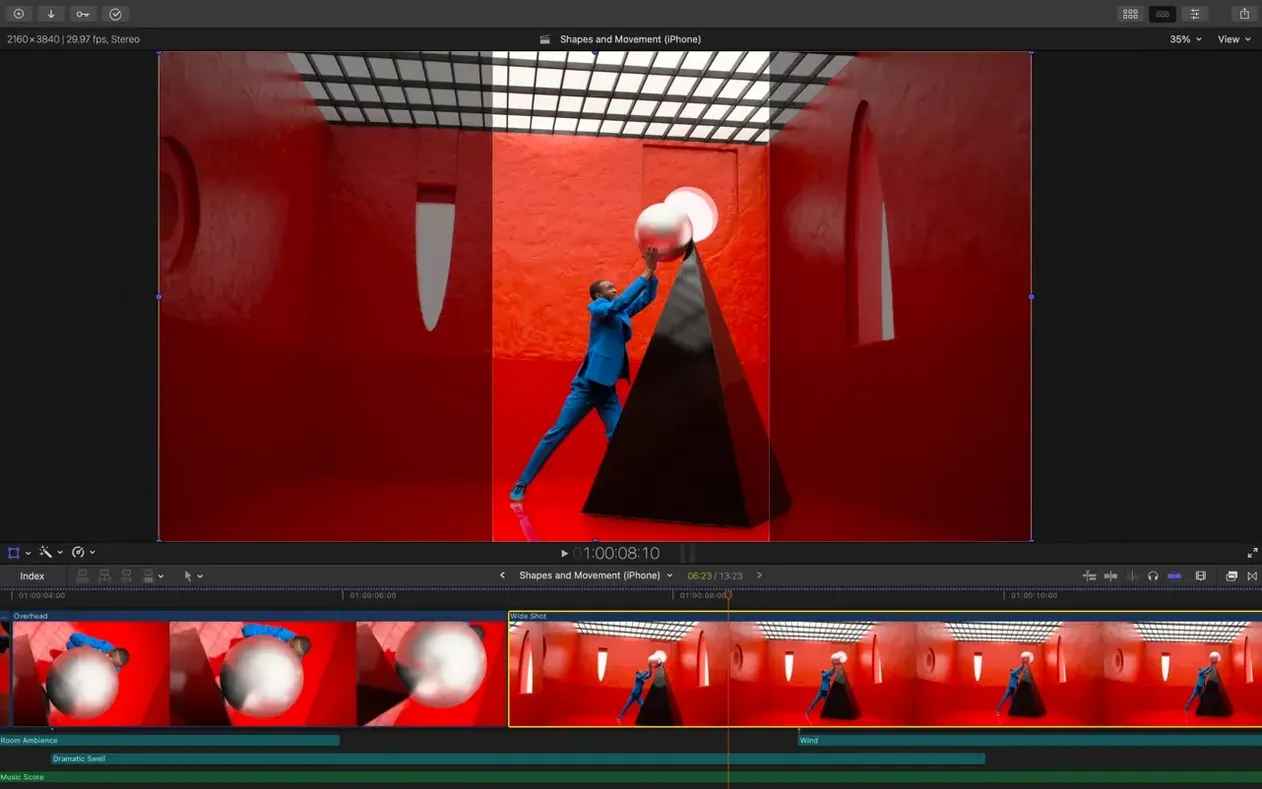
You come back from a shoot with three cameras' worth of footage, an interview track recorded separately, and a colour profile that shifts every time the sun went behind a cloud. The first thing you do is dump everything into a Final Cut Pro library, let it build proxy copies for the 4K files, and start skimming the Magnetic Timeline while the fans are still quiet.
Final Cut Pro treats your media as a connected flow, not a stack of isolated tracks. Clip connections keep B‑roll, sound effects and titles attached to the primary storyline even when you shuffle things around. It’s the kind of editing model that clicks once you stop fighting it — and it works the same way whether you start on a MacBook in a café or open the library on an iPad later.
Where it fits next to your other tools is what makes a full final cut download worth the disk space. Send an XML to Resolve for a grading pass, bring it back, and nothing has drifted. Pull in a Motion template for a title sequence, or batch‑export versions through Compressor. The app respects that a Mac already has a workflow around it — it just becomes the centre.
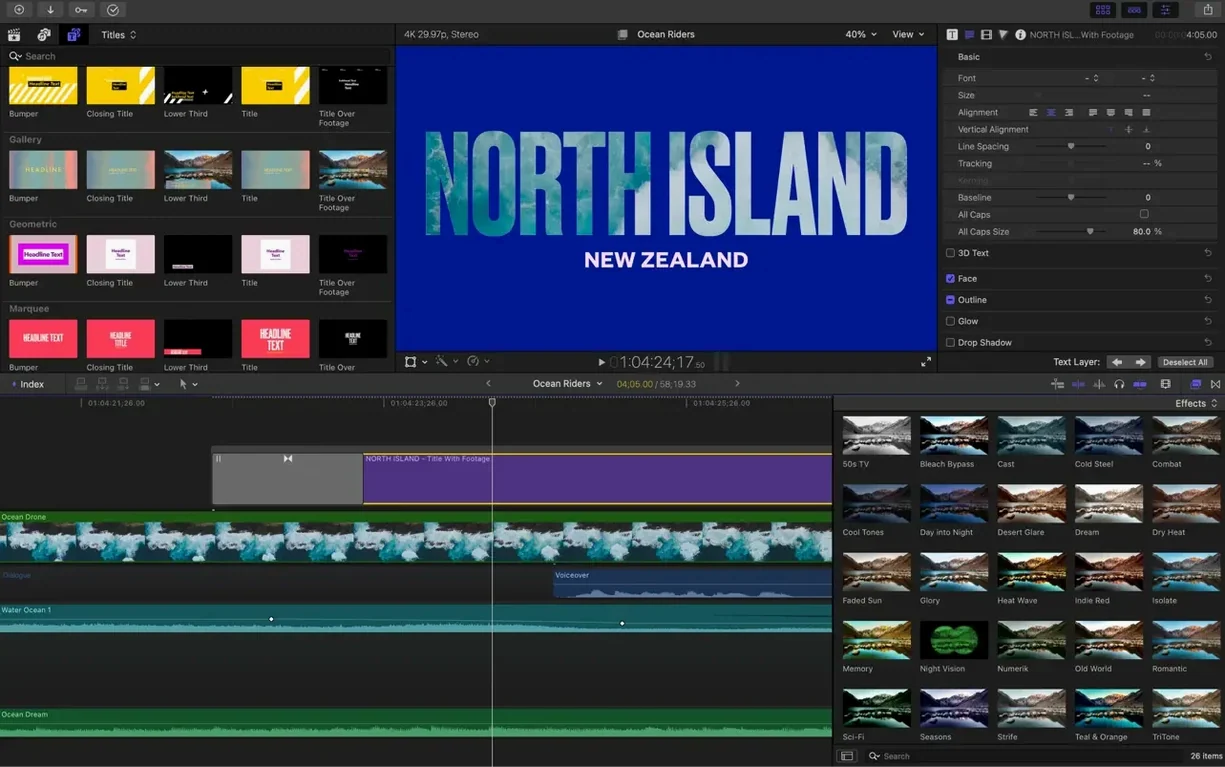
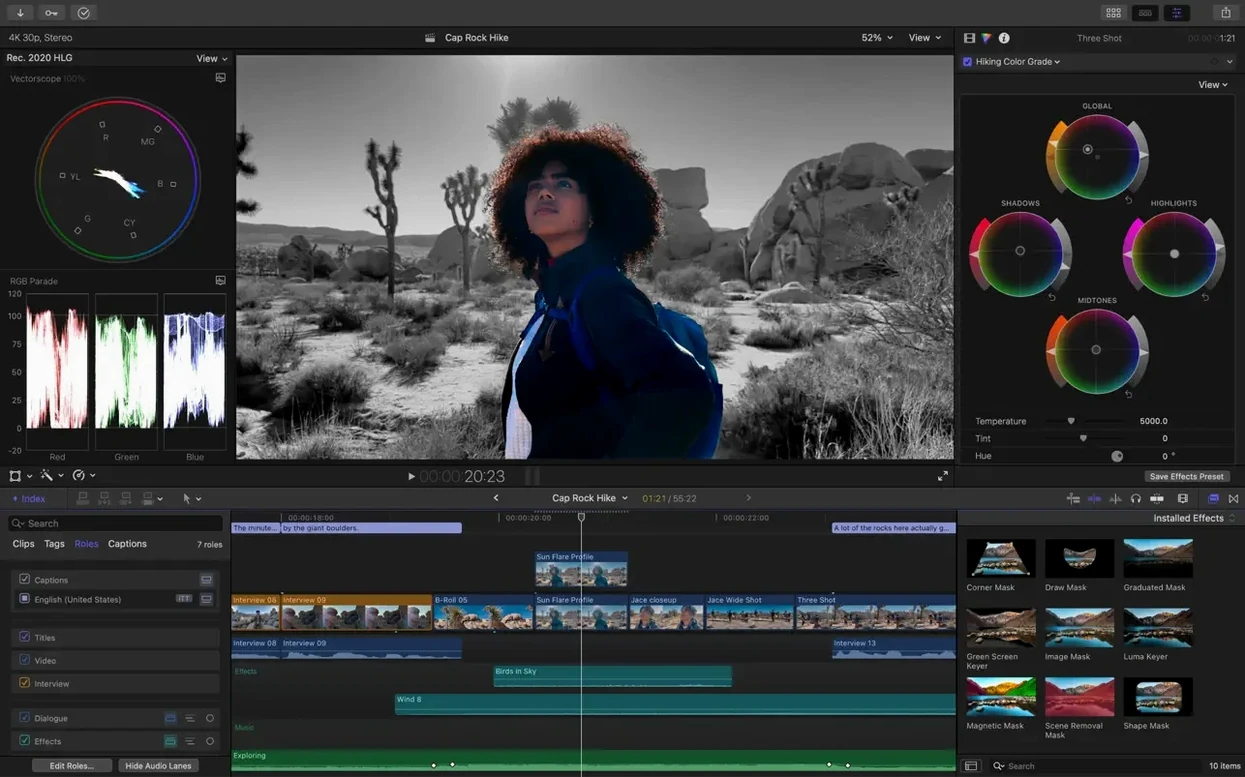
Recent additions make the timeline smarter without adding clutter. Generate Captions builds subtitles you can style in a few clicks. Auto Mask isolates a face or object for a quick exposure tweak. Match Color pulls footage from different cameras into the same palette, and Edit Detection finds the cuts in a flattened file so you can work with it like original media. It's the kind of quiet capability that keeps a project moving.
Drop a 45‑minute multicam project with ProRes 422 HQ on a MacBook Air and you’ll still get buttery scrubbing — provided you let the background render catch its breath first. On Apple silicon the timeline stays fluid at full resolution, while Intel Macs with Metal‑capable graphics handle 1080p edits without flinching. Background rendering is polite: it pauses the moment you touch a clip and resumes when you stop. I’ve had the app open alongside Motion, Compressor and a browser with twenty tabs, and memory pressure barely nudged past green.
Proxy creation is the smartest time investment you’ll make early on. Tick the box when importing, set the format to ProRes Proxy at 50%, and walk away. When you return, even a base‑model M2 can jump between angles in a 12‑clip multicam without a single dropped frame. The only hiccup I’ve seen is with heavily‑layered 8K RED files where the viewer occasionally stutters — switching the viewer to Better Performance fixes it in a click.
Out of the box, Final Cut Pro is polite to a fault. A handful of tweaks in Preferences makes it feel more like yours.
Start by building a test library with a handful of clips you already know well — something shot on two cameras with separate audio. Create a new library on an external drive, check “Copy files to library” for these first imports, and deliberately break things. Drag a clip into the primary storyline, pull it out, connect a B‑roll shot, then slide the whole group. Watching the Magnetic Timeline ripple without collapsing is how the logic sinks in.
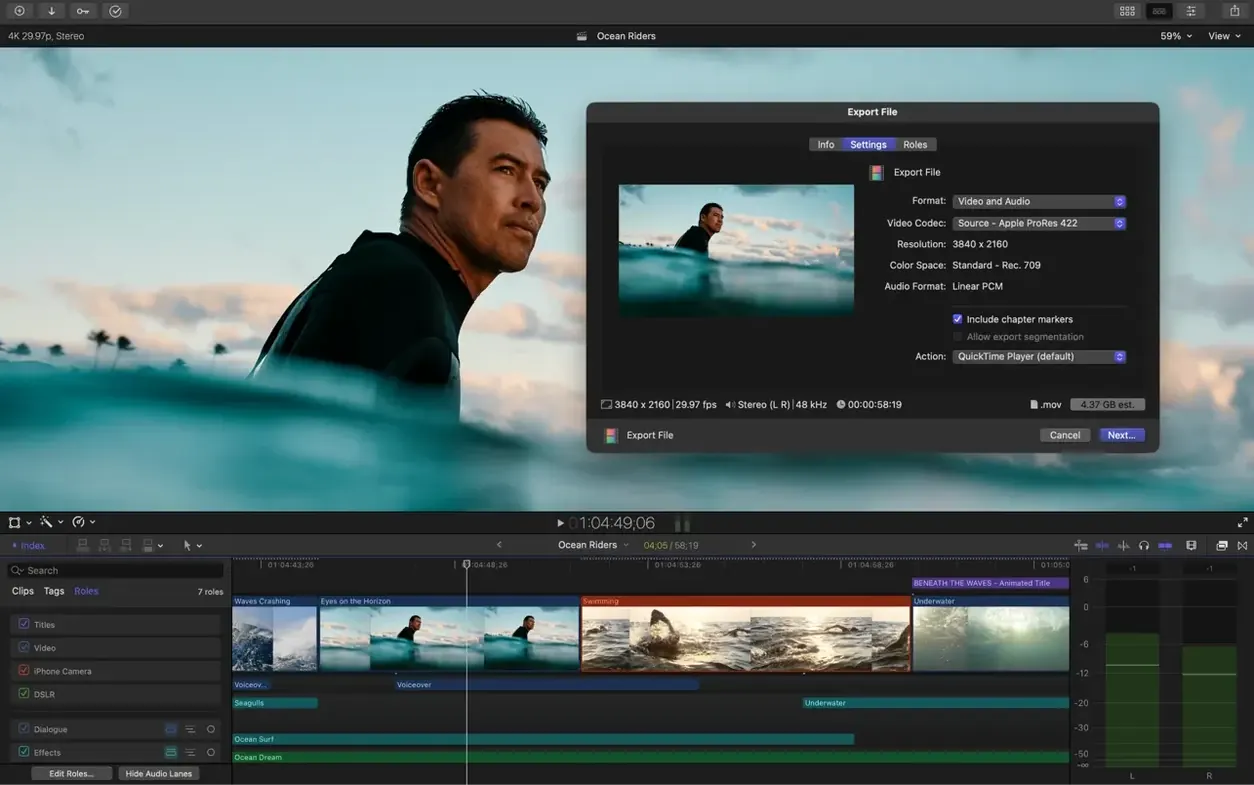
Use roles from day one. Before you cut, assign dialogue, music and effects roles in the browser. Later, exporting a music‑only stem or a clean dialogue track for translation becomes a checkbox, not a rebuild. Right‑click any clip in the browser, choose “Assign Roles,” and build a small set you’ll reuse across projects.
When you need final cut pro full capability for a complex project, lean on compound clips. Select a layered section — picture, titles, sound effects — and press Option‑G. Now it behaves as a single clip you can move or nest without disturbing the connections inside. It’s the fastest way to keep a timeline manageable when you’re twenty minutes deep.
Resist the urge to colour correct as you edit. Throw the Rec. 709 conversion LUT on log footage at import, cut with a neutral image, then grade at the end. The Match Color tool in version 12.3 handles the heavy lifting across cameras faster than manual curves ever could — select the clip, click Match Color, and sample from a frame you like.
Does Final Cut Pro work on Intel Macs? Yes, and it does so without compromise for most workflows. A Metal‑capable Intel Mac running macOS 15.6 handles 4K editing, multicam and the new Auto Mask feature. A few tools — like the real‑time Analyser — lean on the Neural Engine in Apple silicon, so they’re slower on Intel but still functional. If your machine has a discrete AMD GPU, you’ll get full resolution playback in the viewer without proxy files for most formats up to ProRes 422.
Can I open old Final Cut Pro 7 projects? Not directly. The timeline format changed completely with Final Cut Pro X and later versions. If you still have legacy projects, export an XML from Final Cut Pro 7, then use a third‑party conversion tool to bring sequences across. It’s not lossless — compound clips and some transitions need rebuilding — but the media comes through. For those hunting down a Final Cut Pro 7 torrent to rescue old work, the XML route is a smooth bridge that keeps your media intact.
How much disk space does it really need? The app itself takes about 5.8 GB. The real appetite comes from media. A single‑camera 4K project with proxy files typically lands under 40 GB per hour of footage. Libraries with optimised media and multiple camera angles easily push past 200 GB. Keep libraries on a dedicated SSD and set the cache to delete render files after 30 days — you’ll find the setting under Library Properties.
Is the iPad version the same app? It’s the same editing model with a touch interface, and libraries round‑trip between Mac and iPad. But the Mac version is where you set up roles, manage complex multicam syncing, and run third‑party FxPlug plugins. Think of the iPad as the place you rough‑cut on location and polish back at the desk.
Does it handle subtitles well? Generate Captions in 12.3 makes the process genuinely pleasant. Create captions, adjust the timing visually on the timeline, and style them with the same title tools you use for lower thirds. Hidden captions travel inside the library, so you’re not chasing external .srt files until export.
Good to know: if you’re coming from another NLE and want to test the waters, a Final Cut Pro download torrent gives you a quick way to explore — the library model and Magnetic Timeline work the same whether you’re evaluating or jumping in fully. Give it three hours of actual cutting before you judge it. The first hour you’ll fight the magnetic flow; by the third, you’ll wonder why you ever stacked tracks manually.
Apple Creator Studio bundles Final Cut Pro, Motion for motion graphics, and Compressor for advanced encoding.
Yes, it supports FxPlug extensions from developers like Pixel Film Studios and MotionVFX directly in the timeline.
Connected clips attach to the primary storyline and move together when you rearrange, keeping sync without locked tracks.














Chat 0
Hop in or make an account to join the chat.
Quiet in here so far. If you have used this build, tell me what the install actually did.