
 Fig Player - play mp4 mkv mp3
 File List Export
 FileMaker Pro
 Final Cut Pro
 Find Any File
 FL Studio
 extraDock

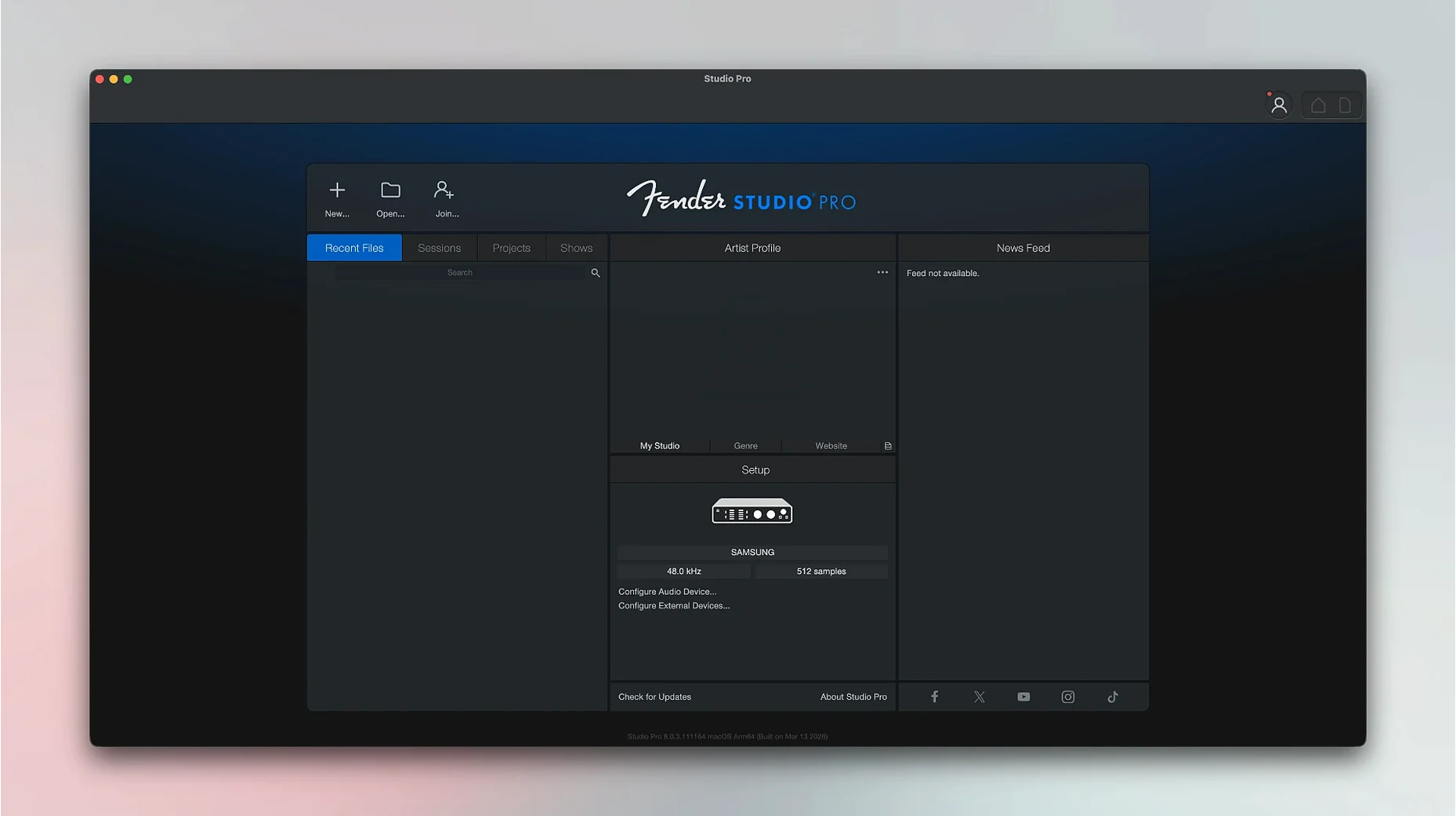
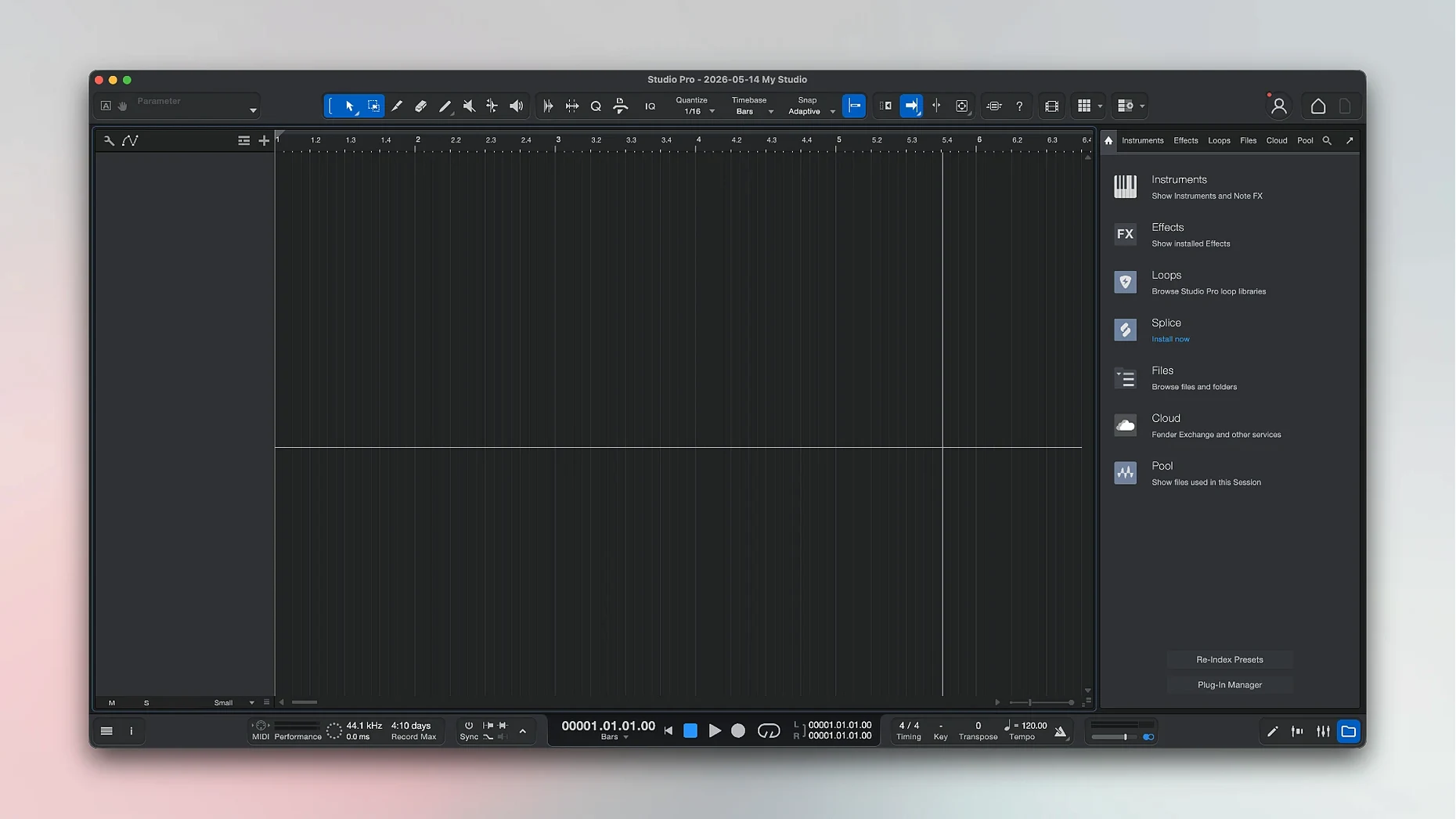
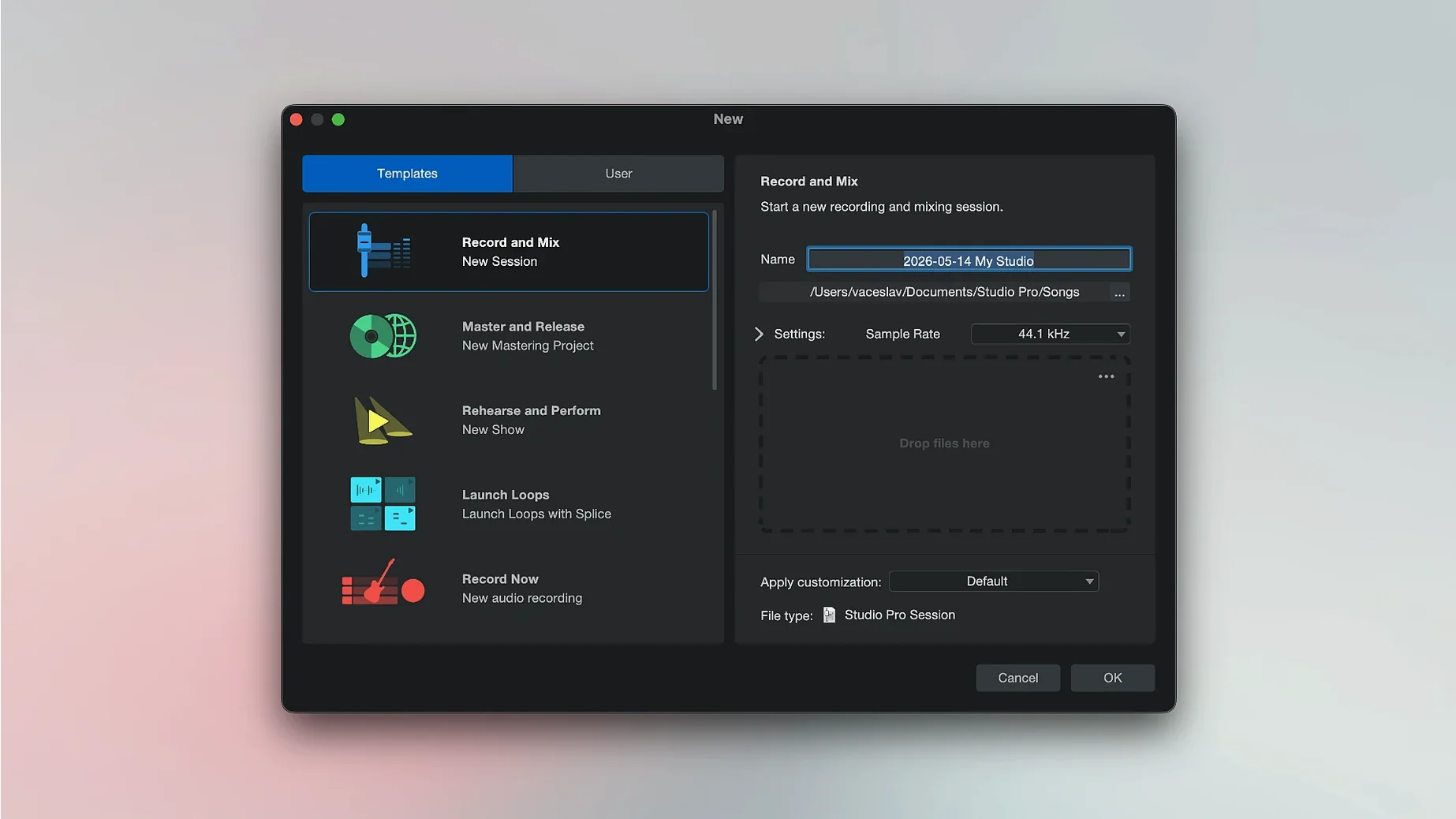
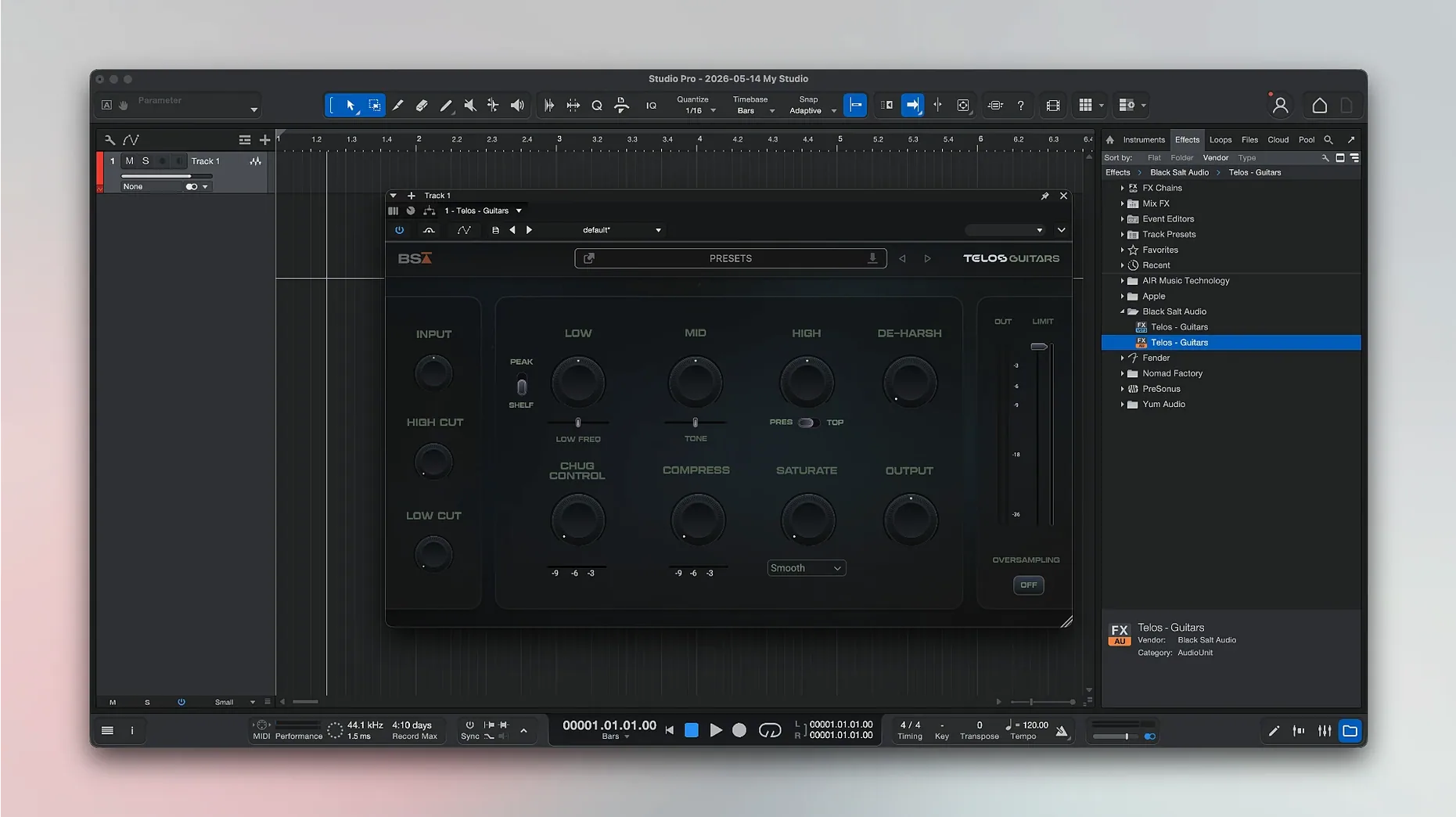
If you already mix in GarageBand or edit in Logic, Fender Studio Pro sits in that same pocket — one window for the whole track, from first take to final bounce.
DAW — a digital audio workstation for recording, mixing, and editing music on your Mac.
Apple Silicon and Intel — runs natively on both 64-bit architectures, so it works on older and newer machines.
Chord suggestions — the app can show chord ideas while you compose, handy when a progression stalls.
Fender-branded instruments — virtual amps and instruments with sounds tied to the Fender catalogue.
Remote control — Fender Studio Pro Remote pairs with the desktop app on Mac and Windows.
The interface keeps recording, mixing, and processing in one view, so you are not jumping between windows to fix a take. It records vocals and instruments the same way, and the whole production stays inside a single project.
Jumping straight in without setting your audio interface buffer size first. Too low and you get clicks and pops during playback; too high and there's noticeable latency when you track vocals or plug in a guitar. Start at 128 samples and adjust from there.
Another common slip — piling plug-ins onto a track before gain-staging. Beginners often drop an amp sim, a compressor, and a reverb onto a guitar channel without checking the input level. If the signal is too hot going in, every effect downstream adds distortion you did not intend.
Recording with no click track, then wondering why the grid editing feels off. Fender Studio Pro gives you tempo mapping and a metronome for a reason. Even a loose demo benefits from a steady pulse when you later want to quantise or snap edits to the bar.
Ignoring the Freeze Instrument Track option in the Launcher. Virtual instruments — especially the Fender-branded amp stacks — can chew through CPU cycles. Freezing a track you are happy with frees up headroom for the rest of the session without committing to a permanent bounce.
Overlooking chord suggestions because they feel like a crutch. The tool is not just for beginners; it can nudge you out of a familiar key or voicing when a bridge section feels aimless. Try it on a single piano track before dismissing it.
On an M1 MacBook Air with 16 GB of RAM, a 24-track project with a handful of Fender amp plug-ins and stock EQs sits at around 30% CPU. The app launches in under four seconds and loads projects quickly — even sessions that balloon past 2 GB open without a prolonged beachball. Apple Silicon support is tight; there is no Rosetta translation layer slowing things down.
Memory pressure stays moderate during mixing. The app releases RAM cleanly when you close a project, which is not always the case with heavier DAWs. On an older Intel i7 Mac mini, large track counts (40+) with third-party reverb plug-ins can push the fan audible, but freezing a few instrument tracks brings things back to a quiet hum.
Crashes in version 8.1.1 are rare during normal editing. One edge case: rapidly switching between the Mustang and Rumble native plug-in interfaces while Direct Monitoring is on can cause a brief UI stutter, but the audio engine itself does not drop out. The Audio Batch Converter plug-in latency compensation added in this version eliminates the need to manually nudge processed files after batch export — a genuine timesaver if you stem out tracks for collaboration.
Versus Logic Pro. Logic gives you a vast sound library out of the gate — Alchemy alone is a deep synth. Fender Studio Pro is leaner, with a tighter focus on guitar and bass workflows. The Fender amp and pedal models feel more immediate than Logic's Amp Designer, especially if you already know the hardware equivalents. Logic's MIDI transform tools are deeper, but Fender Studio Pro's chord suggestions and audio-to-MIDI conversion are quicker to use when you just want to sketch an idea rather than edit CC lanes.
Versus Ableton Live. Live excels at performance and loop-based composition; its Session View is a genuine creative space. Fender Studio Pro sticks to a traditional linear arrangement, which suits tracking a band or building a song from start to finish. Where Live users might miss the clip-launching approach, Fender Studio Pro offers a cleaner mixing console and built-in stem separation — splitting a stereo recording into vocals, drums, bass, and instruments without third-party tools. For a home studio guitarist, that is a real advantage.
Versus Reaper. Reaper is endlessly customisable and famously efficient, but its interface demands patience. Fender Studio Pro arrives with a more polished, opinionated layout where the track inspector and mixer are always where you expect. Reaper rewards tinkerers; Fender Studio Pro rewards someone who wants to plug in, choose a preset, and hit record. The Fender-branded instrument pack gives it an identity that Reaper's blank-slate approach cannot match.
Good to know: the stem separation feature works best on clean, well-recorded tracks. A muddy live recording with bleed between mics will still separate, but the results need more cleanup.
Yes. It supports Apple Silicon and Intel 64-bit Macs running macOS 13.5 Ventura or later.
It is a companion app designed for controlling Fender Studio Pro on a Mac or Windows computer.














Chat 0
Hop in or make an account to join the chat.
Quiet in here so far. If you have used this build, tell me what the install actually did.