
 Fender Studio Pro
 File List Export
 FileMaker Pro
 Final Cut Pro
 Find Any File
 FL Studio
 Folder Preview Pro


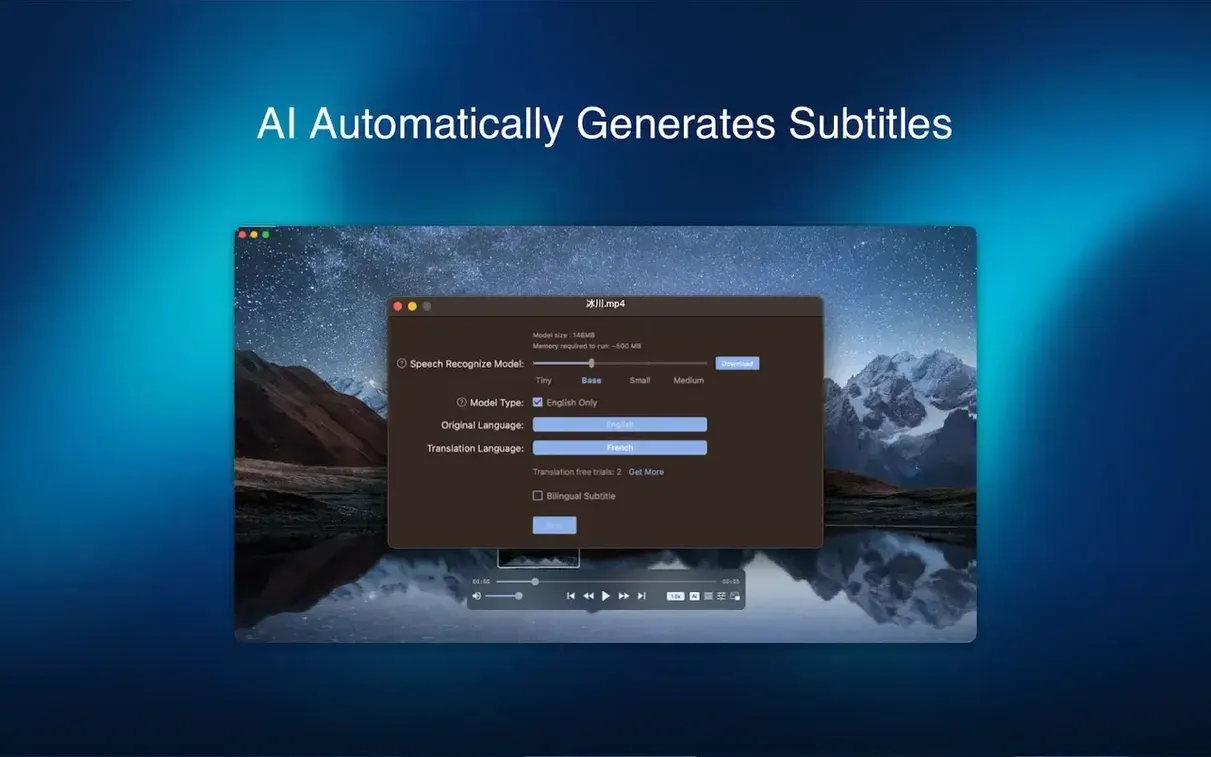
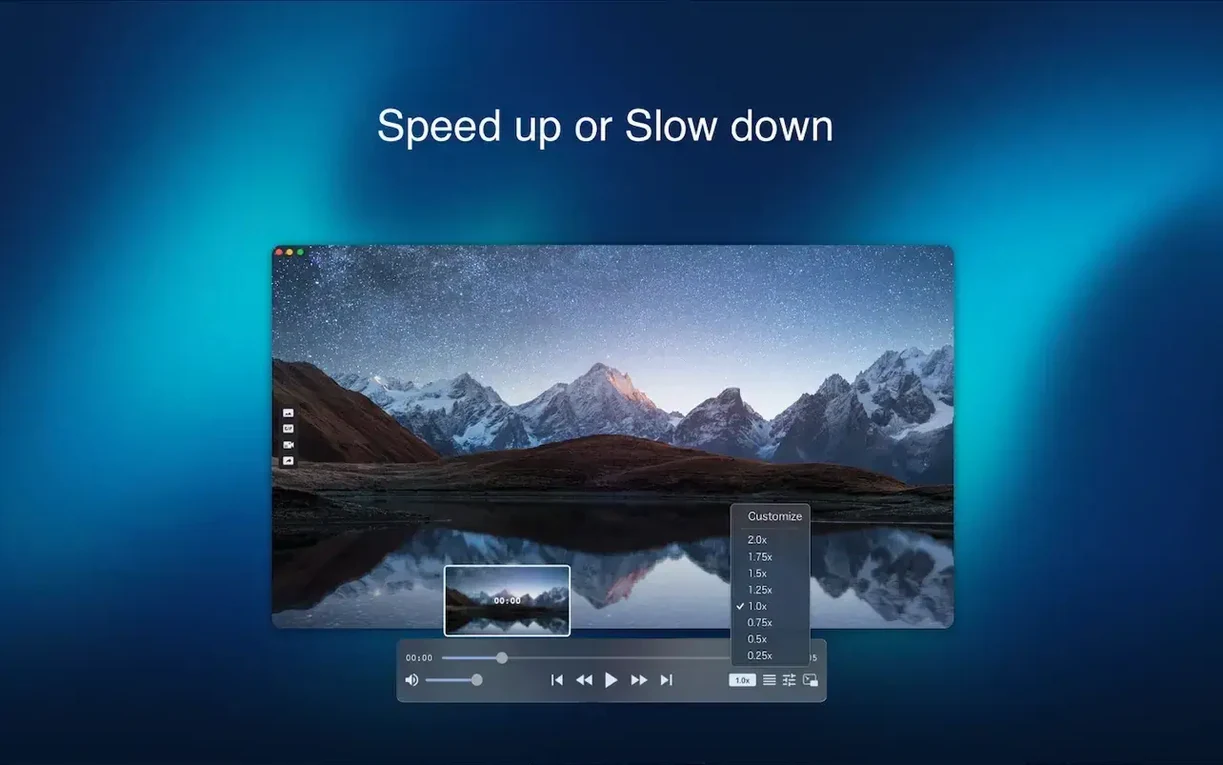
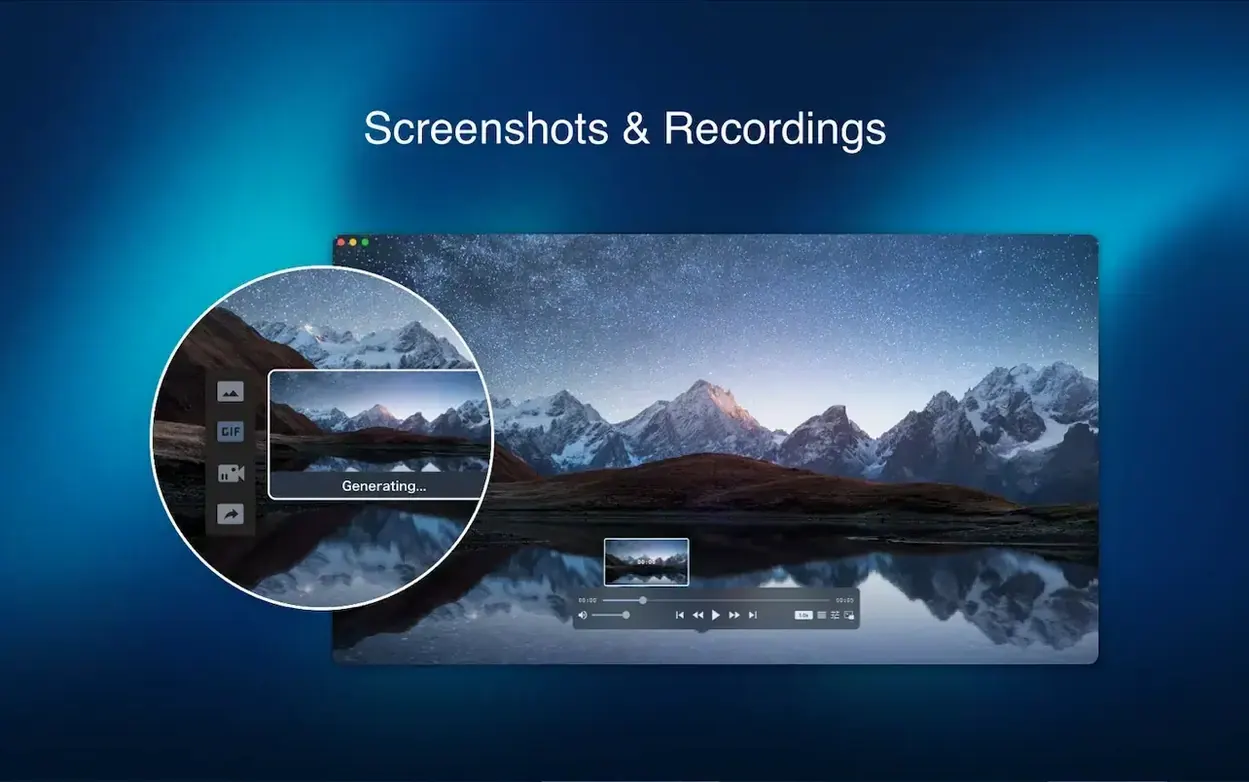
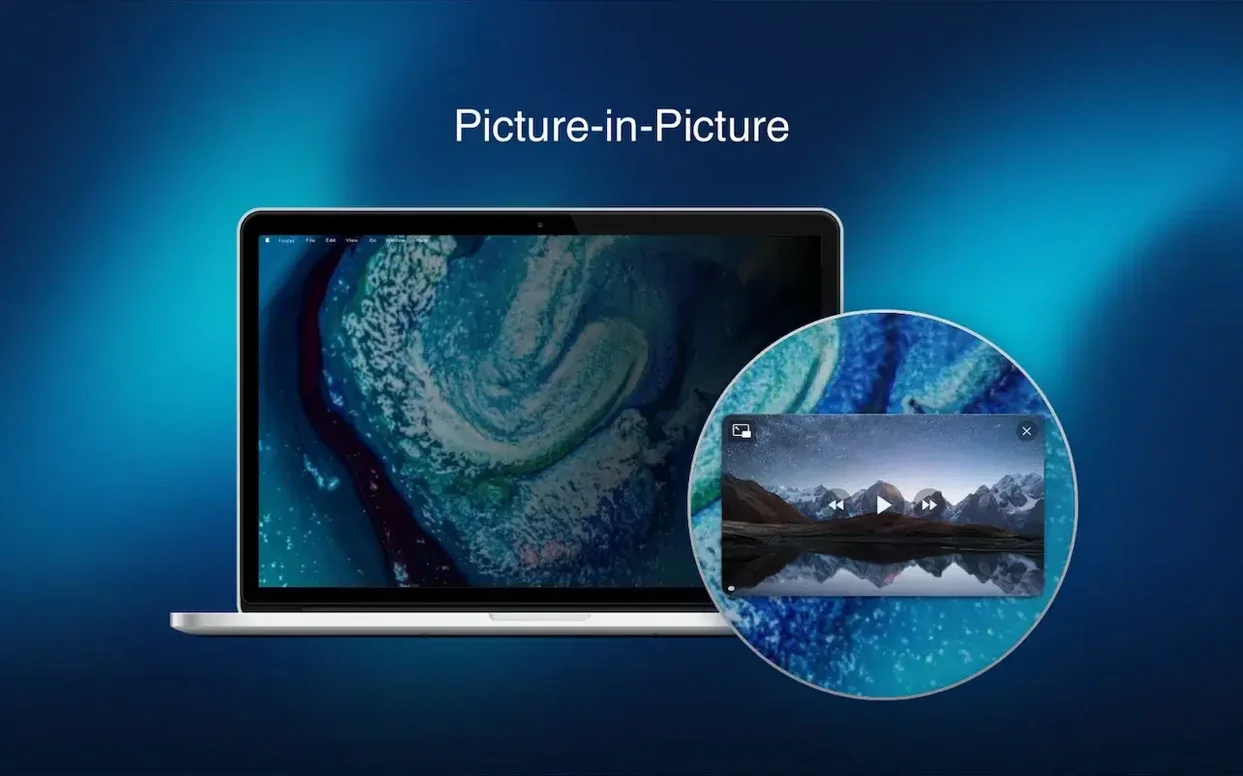
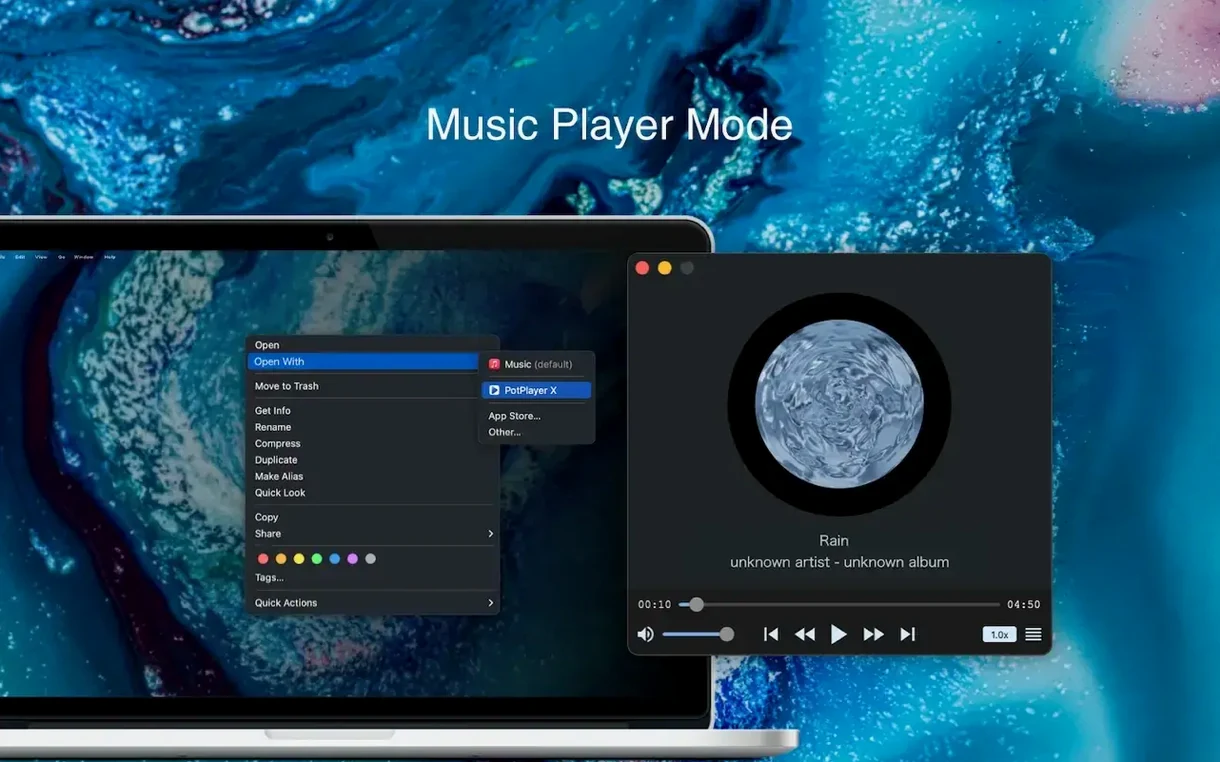
Fig Player is a free Mac app that plays local video and audio files, including formats like mkv, mp4, mp3, avi and webm.
It supports a broad list — mkv, mp4, m4v, mov, avi, wmv, webm and more. For audio, mp3 playback is built in.
Yes, 4K playback is smooth thanks to hardware acceleration. Interlaced video gets deinterlaced automatically too.
On first launch the Gatekeeper check may block the app because it comes from outside the App Store. The install steps tell you to open Terminal and press Enter once, which sorts it in seconds. After that it opens normally every time.
A few people find that wireless casting to an older Chromecast stutters at 4K — dropping the playback resolution in the on‑screen controls usually fixes it. DLNA and Roku streams tend to be more forgiving.
Subtitles in ASS format sometimes display with the wrong font size on first load. Tapping the subtitle menu and reselecting the track forces a redraw and the styling snaps into place.
Launch is near instant on an Intel Mac, even with a packed Applications folder. Once open, dragging in a chunky mkv file starts playback without a beachball. The player stays lean: with a 4K video running and a second window open for an mp3, memory sits at a level that leaves plenty of room for a browser and design tools.
Scrubbing through a long video is responsive. Frame‑by‑frame stepping works without lag, which makes grabbing a scene poster feel precise rather than fiddly. Picture‑in‑picture mode peels off cleanly and the floating window remains snappy when you switch spaces.
Hardware acceleration keeps the fan quiet during 1080p h.264 playback and only nudges it up under sustained 4K HEVC. No crashes surfaced across a mix of avi, webm and flac files. For a free player that handles fig player - play mp4 mkv mp3 mac full version duties without piling on extras, the stability is a quiet strength.
You can cast wirelessly to DLNA, Chromecast or Roku devices straight from the player.
Yes, you can pop the video out into a floating PiP window that stays on top of other apps. Frame-by-frame stepping is also available.














Chat 0
Hop in or make an account to join the chat.
Quiet in here so far. If you have used this build, tell me what the install actually did.