
 HitPaw Univd
 HitPaw Video Converter
 HitPaw Watermark Remover
 Haptyk
 Iconize
 iExplorer
 Guitar Rig


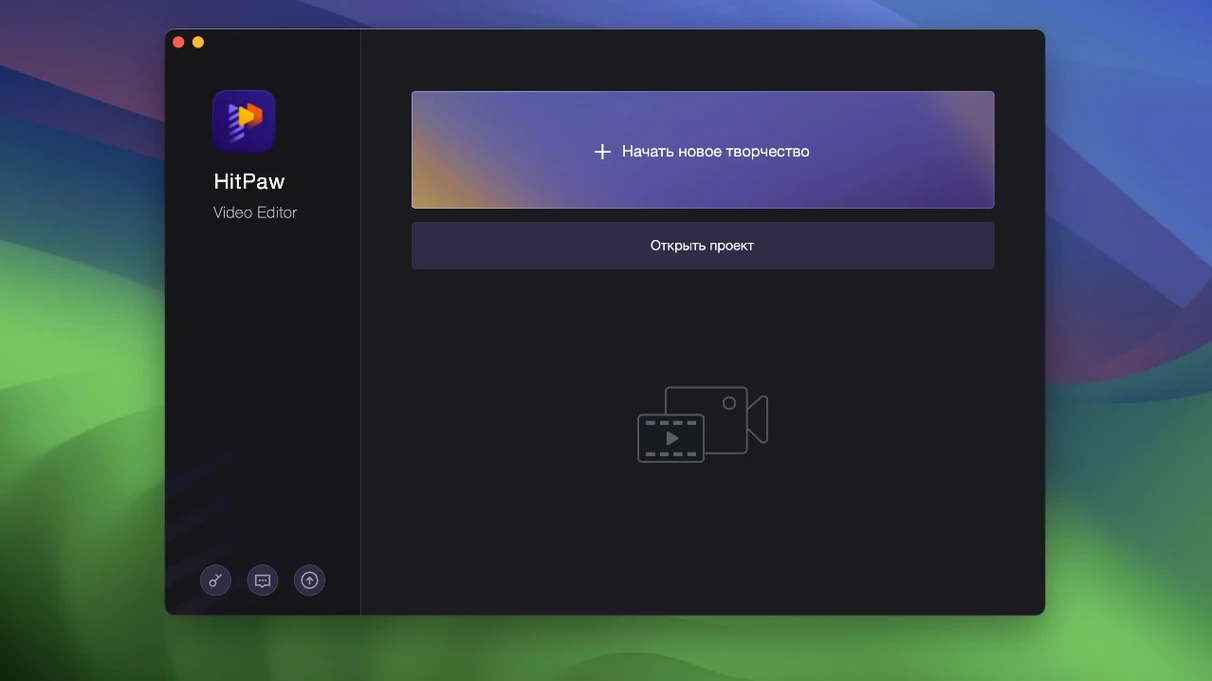
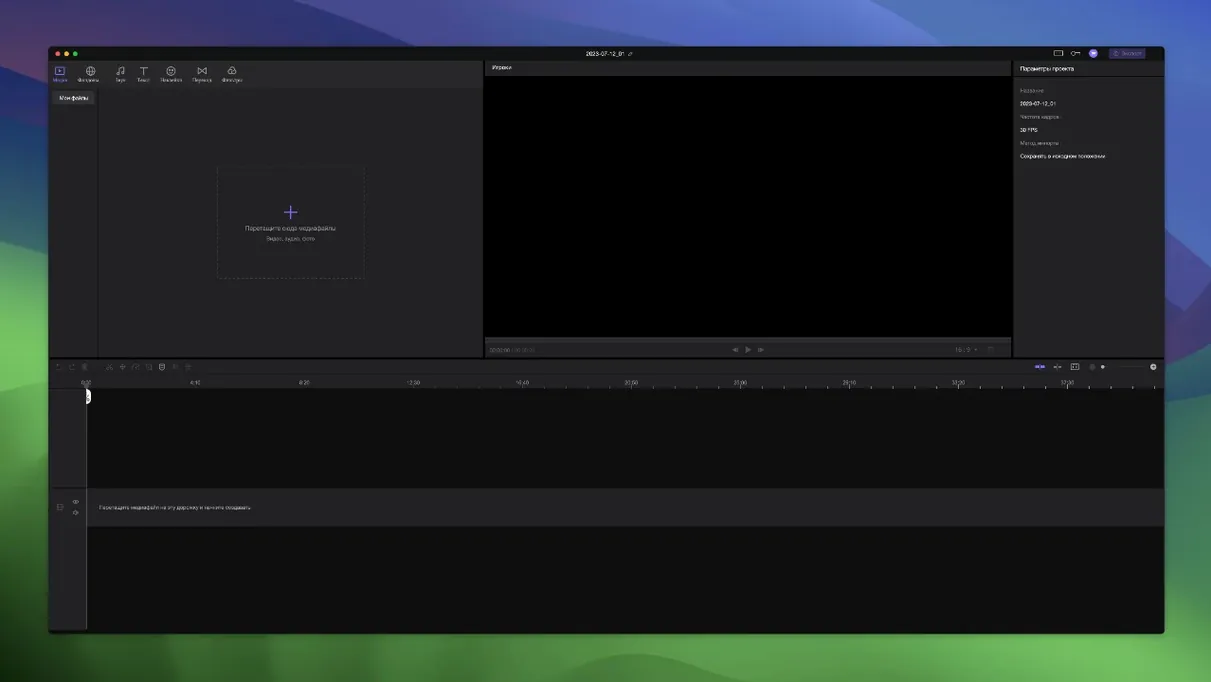
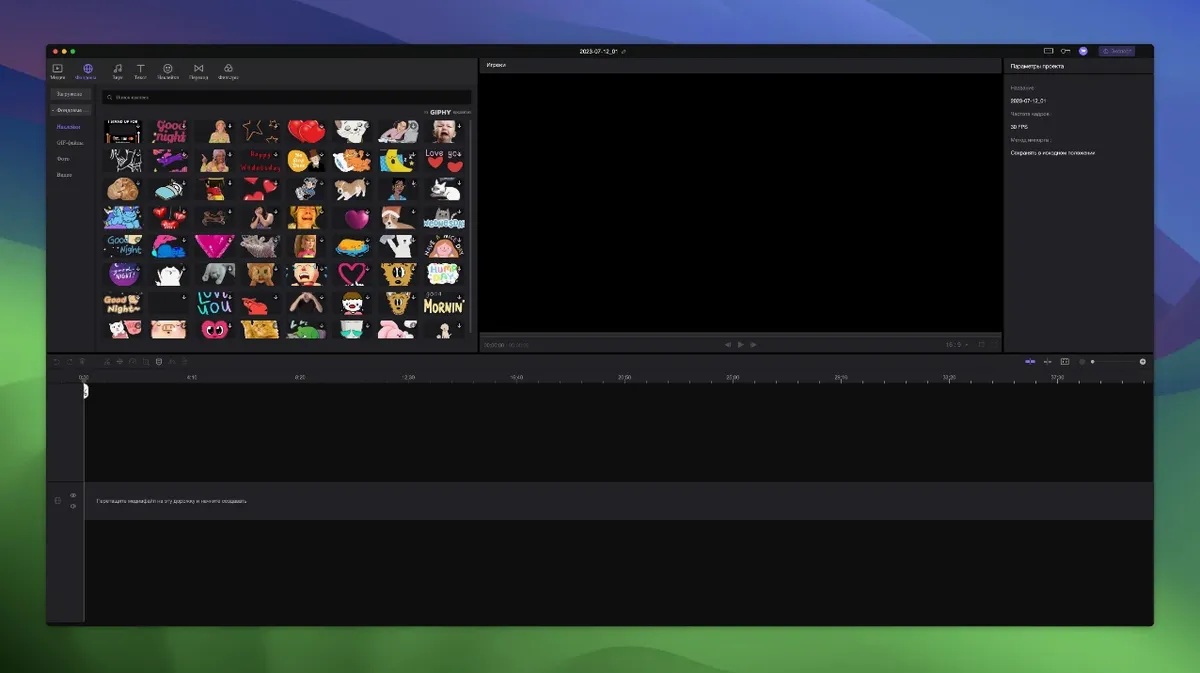
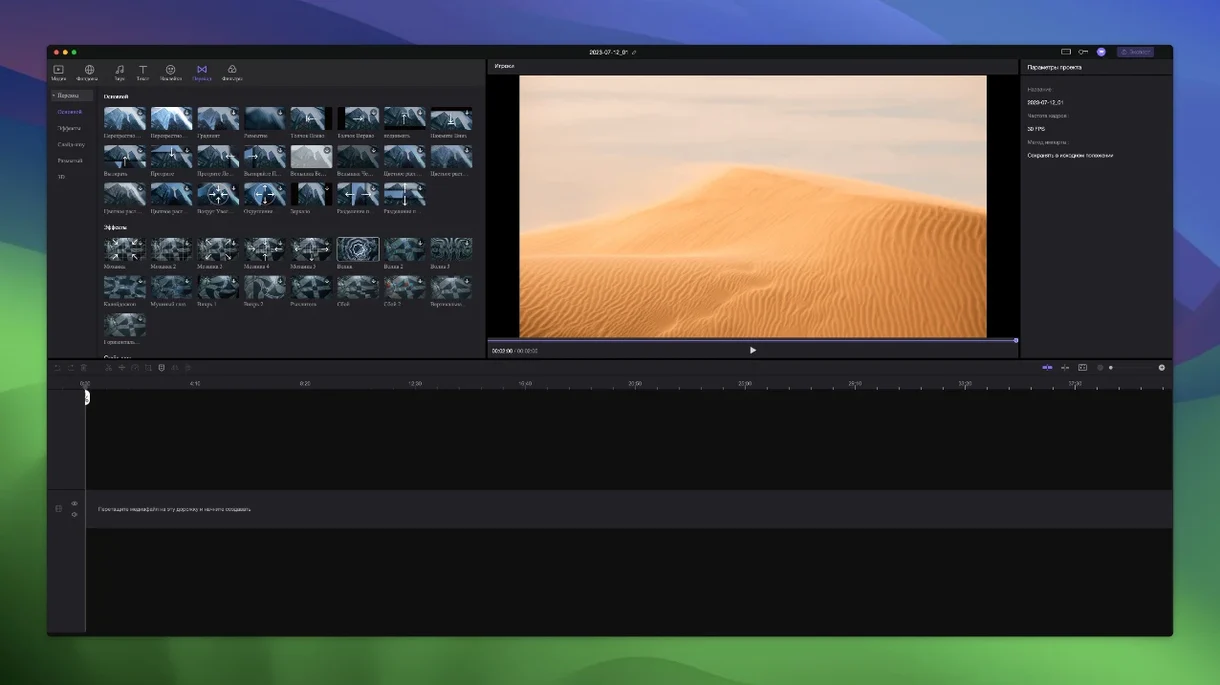
You've pulled a handful of clips into a timeline and just want to trim the pauses and add a title card without clicking through panels of effects you'll never use. That's the kind of session Edimakor is built for.
Precise timing sits front and centre, so nudging a cut to an exact frame doesn't feel like guesswork. Elements you drop onto other tracks snap to the main video automatically, keeping sync tidy without extra pins or locks.
Version 2.6.0 requires macOS 10.15 Catalina or newer and runs on Intel architecture — there's no native Apple Silicon binary in this build. The interface ships with sixteen languages, from Arabic and Hindi through to Traditional Chinese and Russian.
You get the core trio of trimming, merging and basic timeline editing, wrapped in what HitPaw labels an AI video editor for creators. The tool keeps its ambitions close to the essentials rather than chasing a full post-production suite.
The feature set is steady — no new modules landed in this release. The Gatekeeper-friendly installer flow hasn't changed either: mount the image, run the helper, and drag the app into Applications.
Every editor hits a wall sooner or later. With Edimakor 2.6.0, the usual suspects tend to cluster around the timeline snapping — handy when it works, confusing when it doesn't. If a clip refuses to snap where you expect, zoom the timeline right in with Cmd + =. The precision grid tightens at higher zoom levels, so nudging becomes accurate again.
Stickers and transitions sometimes appear greyed out. That's almost always a clip-length issue: a transition needs a little extra frame data beyond the cut point, so trim the outgoing or incoming clip back by a few frames first. For stickers, check the track height — if the track is collapsed to minimum, the thumbnail preview hides until you drag it taller.
The Gatekeeper helper script trips up users who skip reading the Terminal prompt. After mounting the image, the helper asks you to press Enter — do that once, wait for the confirmation line, then close Terminal before dragging the app to Applications. If you close Terminal too early, the app won't launch and you'll need to run the helper again.
Picture a Twitch streamer who's recorded a three-hour Stardew Valley session and needs to pull out four minutes of highlights. They drag the full recording onto Edimakor's main track, then skim through with the playhead looking for the chat's favourite moments. Each time they find a keeper, they drop a cut, trim the dead air, and throw a sticker reaction — a little sweatdrop emoji pinned to the corner — onto a second track. Because the sticker snaps to the main video, it stays locked to the exact moment the chat lost it. Twenty minutes later they've got a highlights reel with zero re-syncing headaches, ready to export and post before lunch.
Stacked against CapCut's desktop app, Edimakor feels less template-driven. CapCut leans heavily into trending effects and auto-captions that chase TikTok rhythms; Edimakor stays closer to a manual timeline where you decide exactly what goes where. CapCut gives you more one-tap polish, Edimakor gives you more direct control over timing.
Next to iMovie, Edimakor offers a wider track count and stickier clip relationships. iMovie keeps things simple with two video tracks and a clean storyboard mode, but once you start layering overlays or reaction stickers, its limitations show. Edimakor's unlimited tracks and automatic attachment behaviour make that layering feel less like fighting the interface.
Against a lightweight tool like QuickTime Player's trim mode — which really only handles single-clip top-and-tail cuts — Edimakor is a full step up into multi-track assembly. QuickTime is fine for a rough trim, but the moment you need a merge, a transition or a sticker, you're out of runway. If you've looked for an edimakor torrent because you need more than QuickTime but less than a heavyweight NLE, this build covers that middle ground without piling on features you won't touch.














Chat 0
Hop in or make an account to join the chat.
Quiet in here so far. If you have used this build, tell me what the install actually did.