
 HitPaw Edimakor
 HitPaw Video Converter
 HitPaw Watermark Remover
 Iconize
 Haptyk
 iExplorer


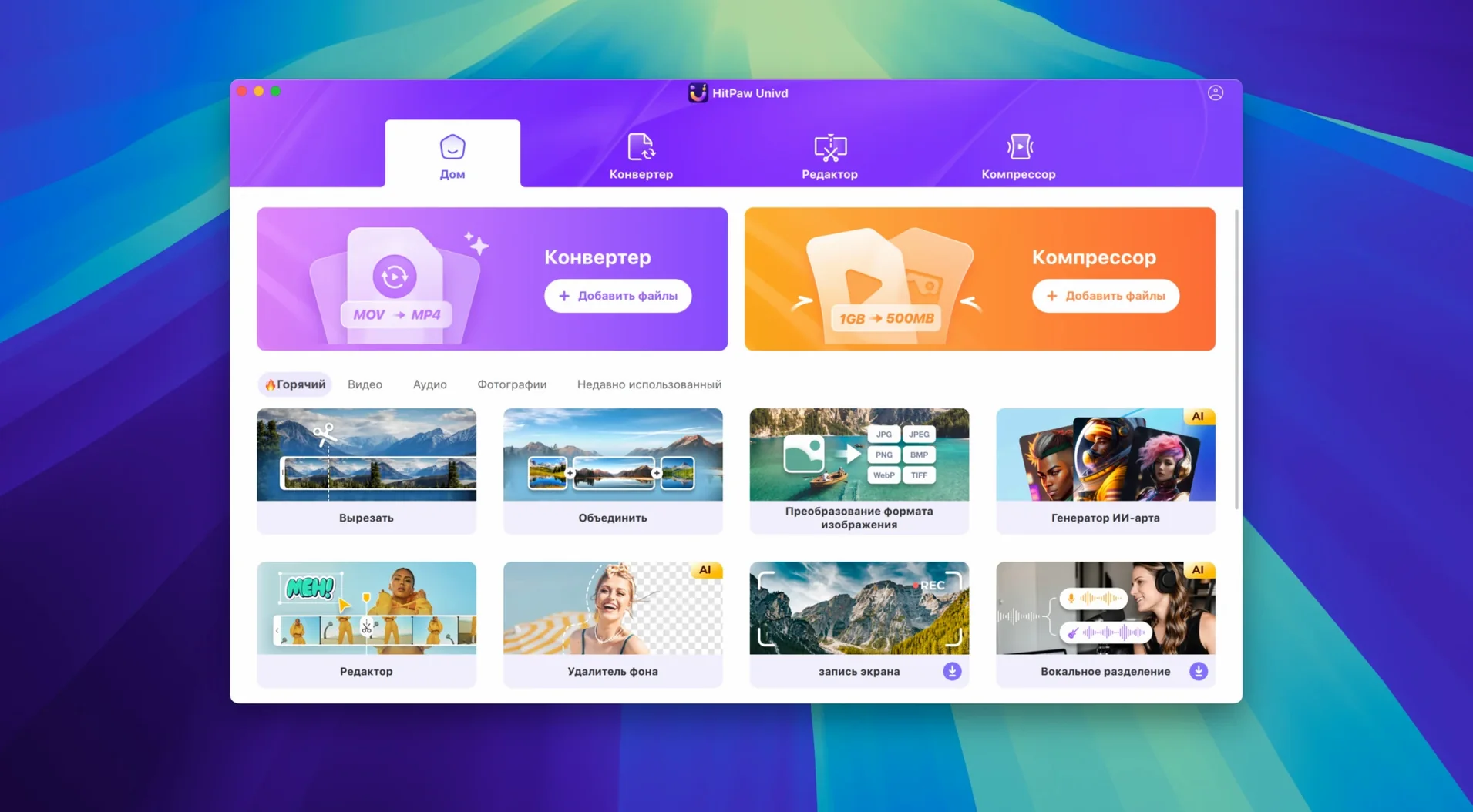
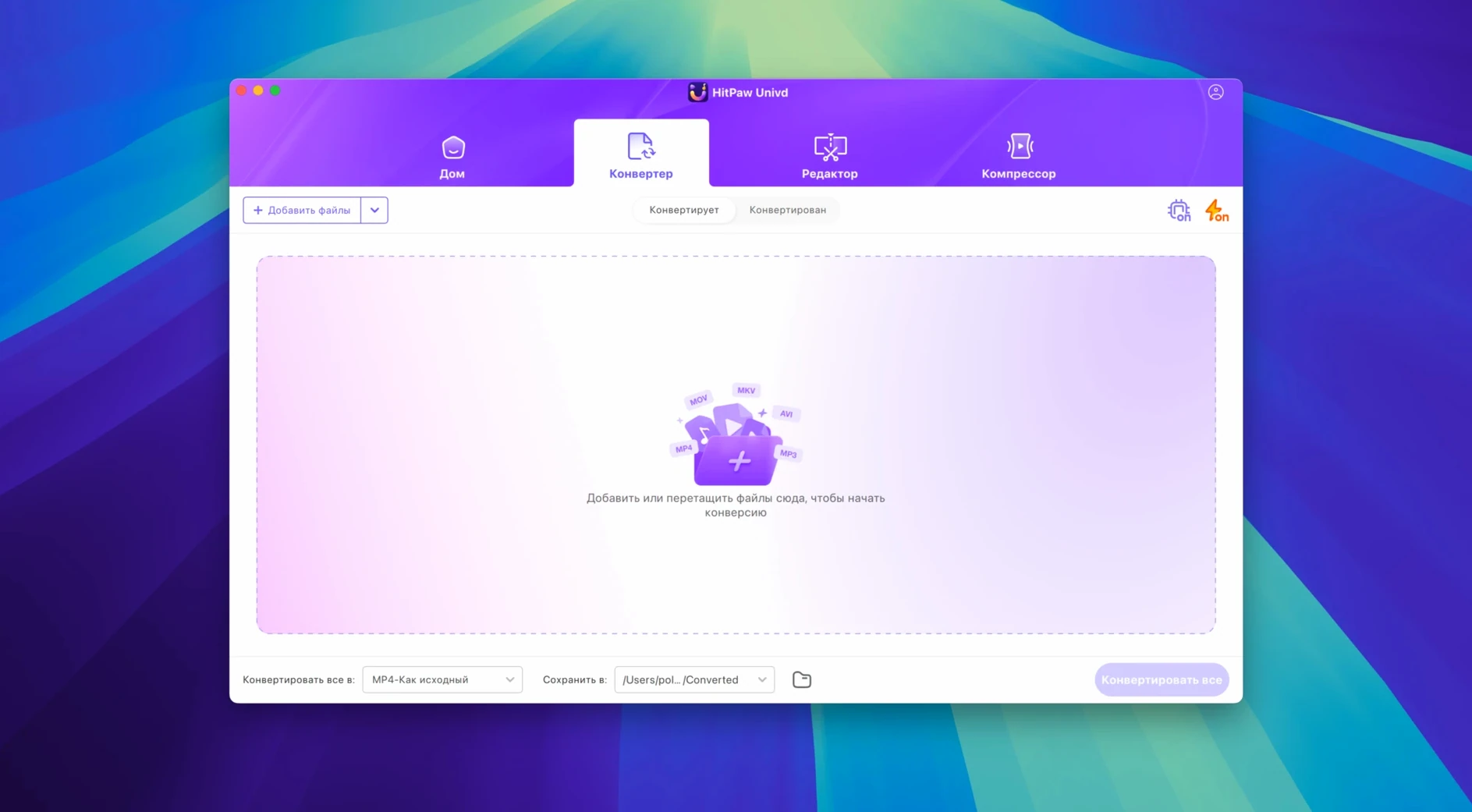
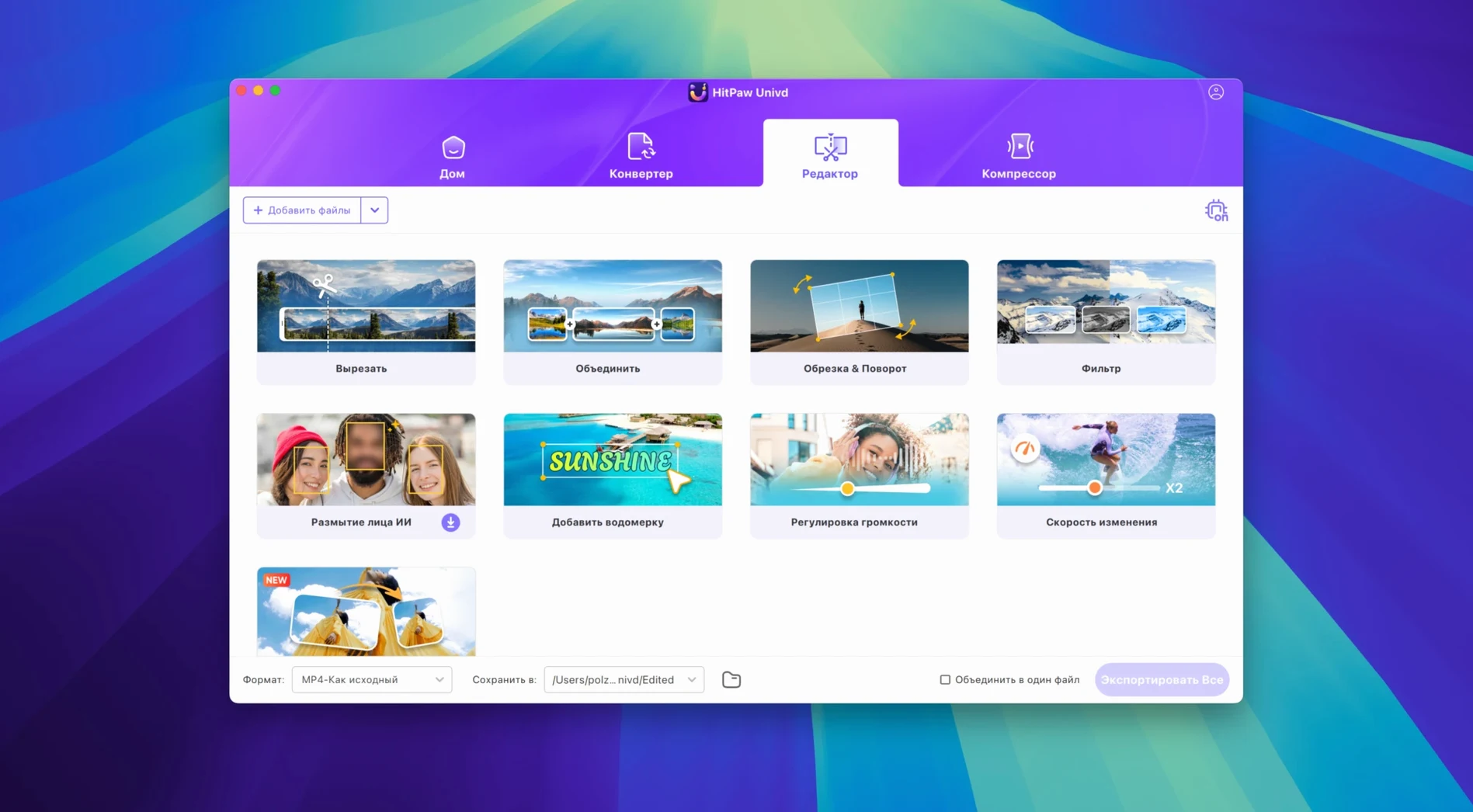
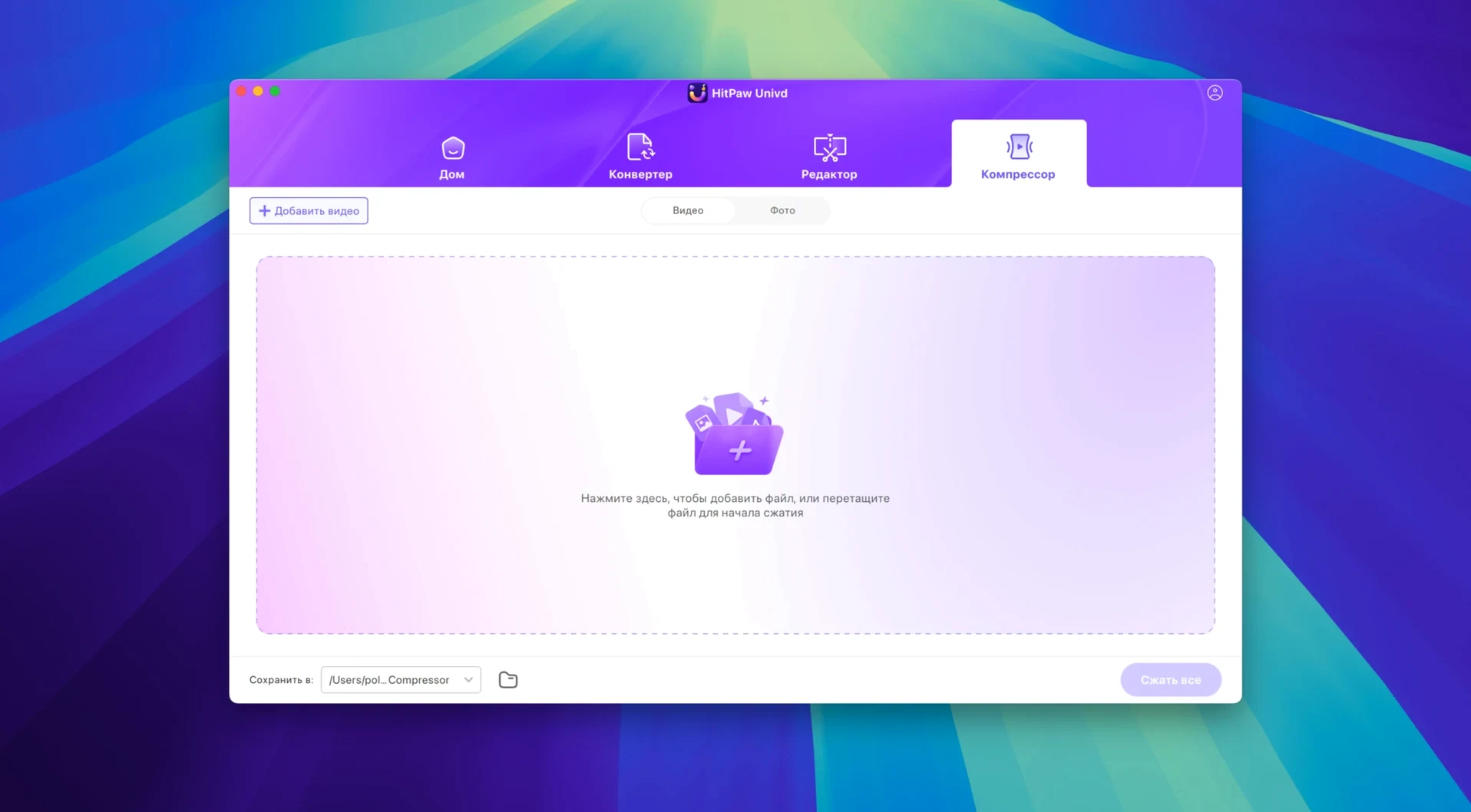
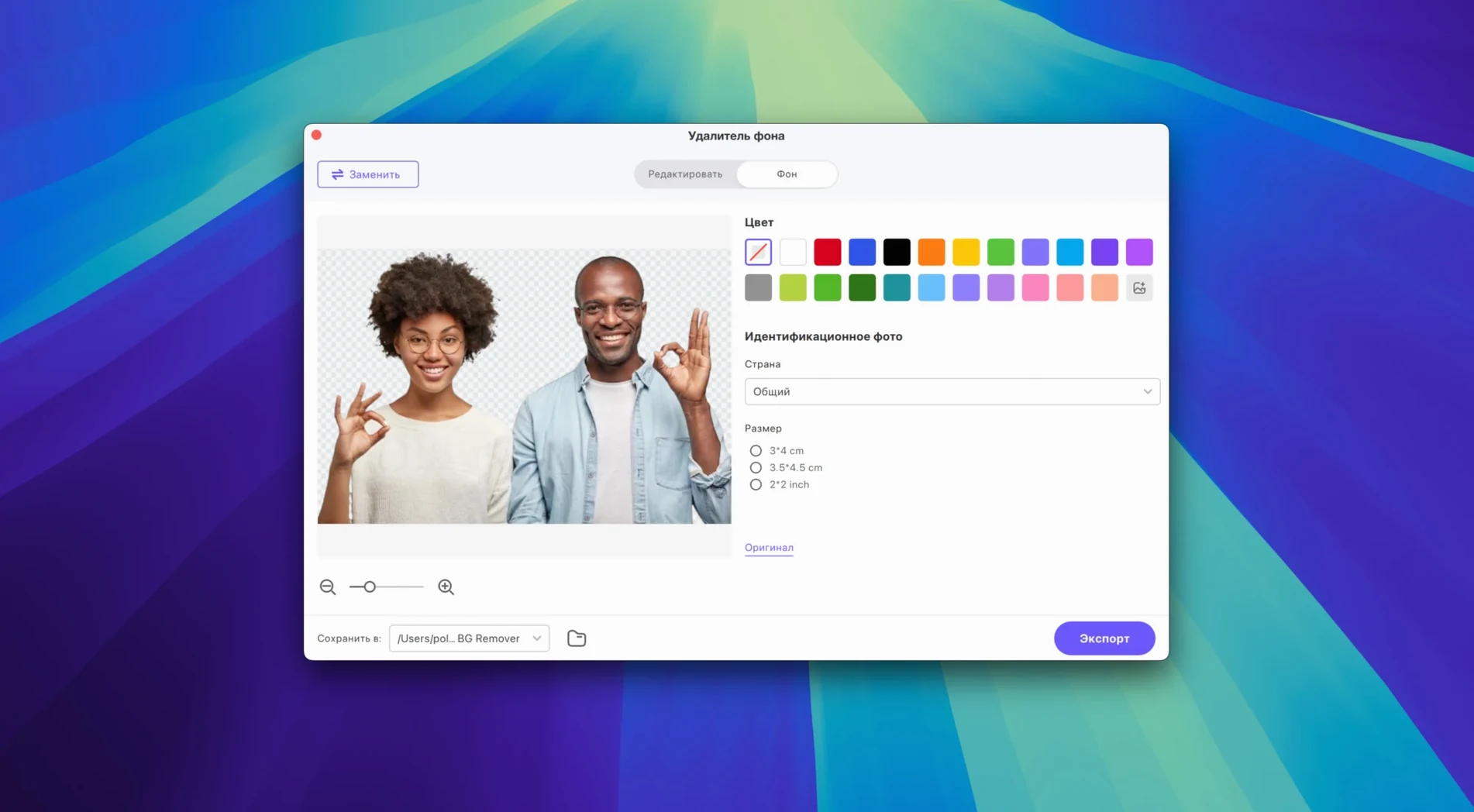
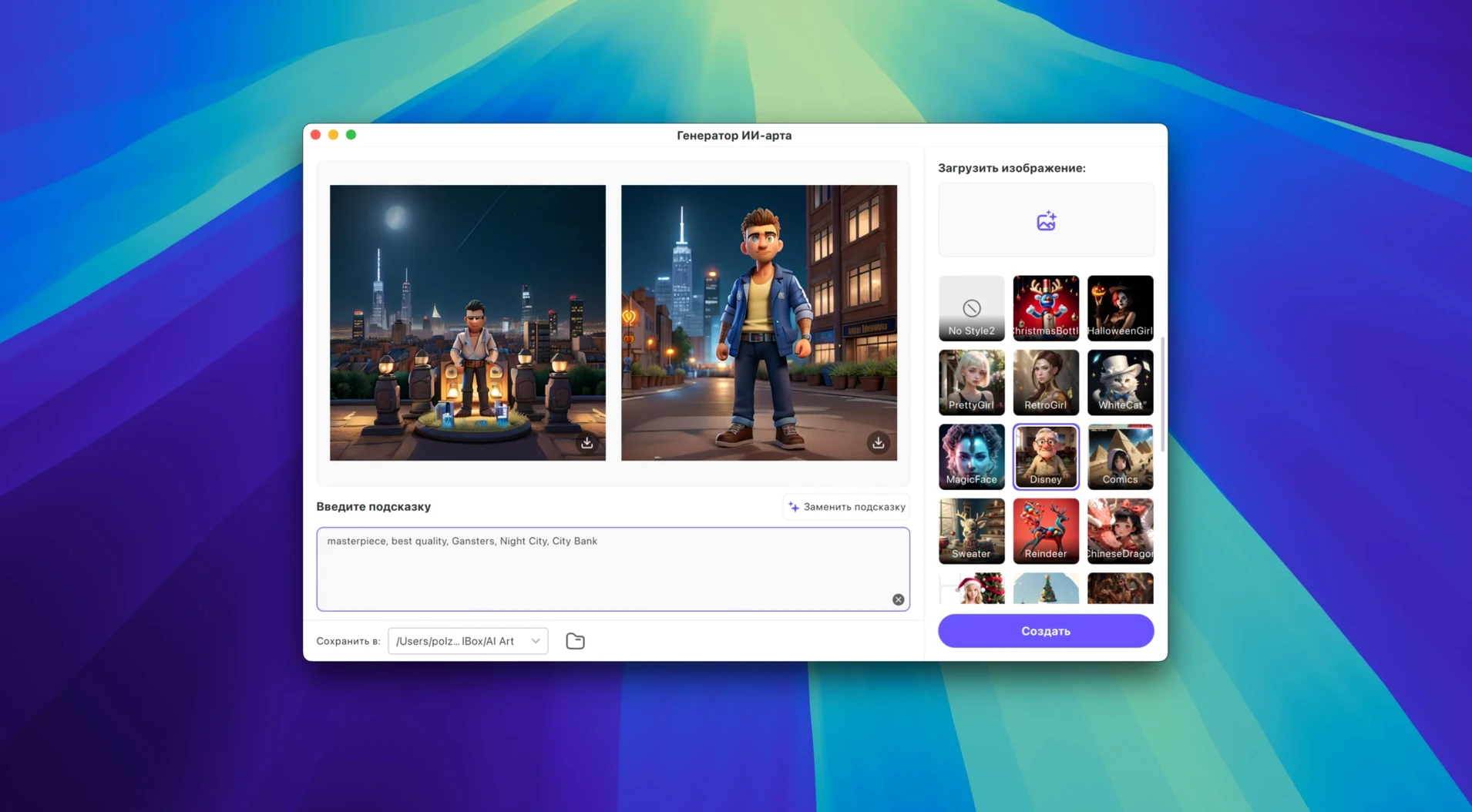
What changed in version 4.7.0. A cleaner UI and a rethought product model make the tool feel less like a utility and more like a daily media bench.
The whole set runs on Intel 64-bit Macs from Catalina onward. It’s a practical stack for someone who rips, tidies and re-encodes media in a single session.
Most Mac video converters pick a lane. Permute sticks to fast drag-and-drop transcoding with a minimal window and almost zero editing. Downie focuses purely on web downloads and leaves conversion to other apps. HitPaw Univd bundles those two jobs and adds a lightweight editor plus AI upscaling, so you don’t hop between three different tools for a single clip.
Where Permute wins on sheer simplicity, Univd pulls ahead when you need odd codec support — VP9, ProRes and Opus all live in the same preset list without extra plug-ins. Downie handles YouTube and Bilibili cleanly, but Univd casts a wider net: over 10,000 sites, including Instagram and Facebook, with music services like TIDAL and Deezer baked in. That breadth matters if you grab audio from one place and video from another during the same afternoon.
The built-in editing is light. Trim, crop, rotate — enough to top-and-tail a downloaded clip or cut a section you don’t need before encoding. Permute and Downie don’t touch that space, so if you’re currently pairing QuickTime Player trims with a converter, Univd drops a step.
The January 2025 release shipped a new UI and a rethought product model. On screen, the layout groups Convert, Download and Enhance into clearer sections, with fewer nested menus. The tool palette now exposes AI upscaling and noise reduction as one-click buttons rather than hiding them in a preferences pane — small change, but it shaves a few seconds off every enhancement pass.
The product model shift mostly reshapes preset organisation. Audio conversion for Apple Music, Spotify, Deezer and TIDAL now sits inside the same flow as video, with a lossless toggle visible from the main panel. Formats like MOV, AVI, VOB and MKV appear alongside codec-level choices so you pick container and encoding in one move rather than two separate lists. It’s a subtle but welcome polish for people who encode batches of mixed sources.
Under the hood, the app stays Intel 64-bit and runs fine on macOS Catalina and later. The UI refresh doesn’t push the system requirements up, so older Macs that ran version 4.x still handle it smoothly. If you’ve been using an earlier release, the new layout takes about ten minutes to feel natural, then fades into the background.
Univd slots in as the middle step between Finder and your library. Drop a downloaded MKV from a HitPaw torrent grab into the converter, pick an Apple-friendly MP4 preset, and the file lands in TV.app or an editing timeline without a second pass. The Preserve Original Audio toggle keeps music downloads from HitPaw Univd torrent sources bit-perfect — handy when you’re pulling FLAC from Deezer and don’t want the encoder touching the stream.
macOS services like AirDrop and Quick Look stay useful around the edges. Convert a batch, AirDrop the result to an iPad for a client review, and Quick Look previews each file before you send it. The app also respects macOS accent colour settings in its new UI, so it doesn’t feel like a ported Windows tool.
For editors working in Final Cut Pro or DaVinci Resolve, the ProRes export option cuts out a transcoding step. Pull a clip from Bilibili via hitpaw vikpea torrent, trim the ends in the built-in editor, and export straight to ProRes 422 — Resolve reads it natively with no optimised media generation needed. It’s a small pipeline improvement that adds up over a week of sourcing footage from different platforms.
The current build lists Intel 64-bit architecture, so it runs via Rosetta 2 on Apple Silicon machines.
It supports VP9, ProRes and Opus among over 1,000 video and audio formats.
Yes, it can convert tracks without loss for Apple Music, Spotify, Deezer and TIDAL.














Chat 0
Hop in or make an account to join the chat.
Quiet in here so far. If you have used this build, tell me what the install actually did.