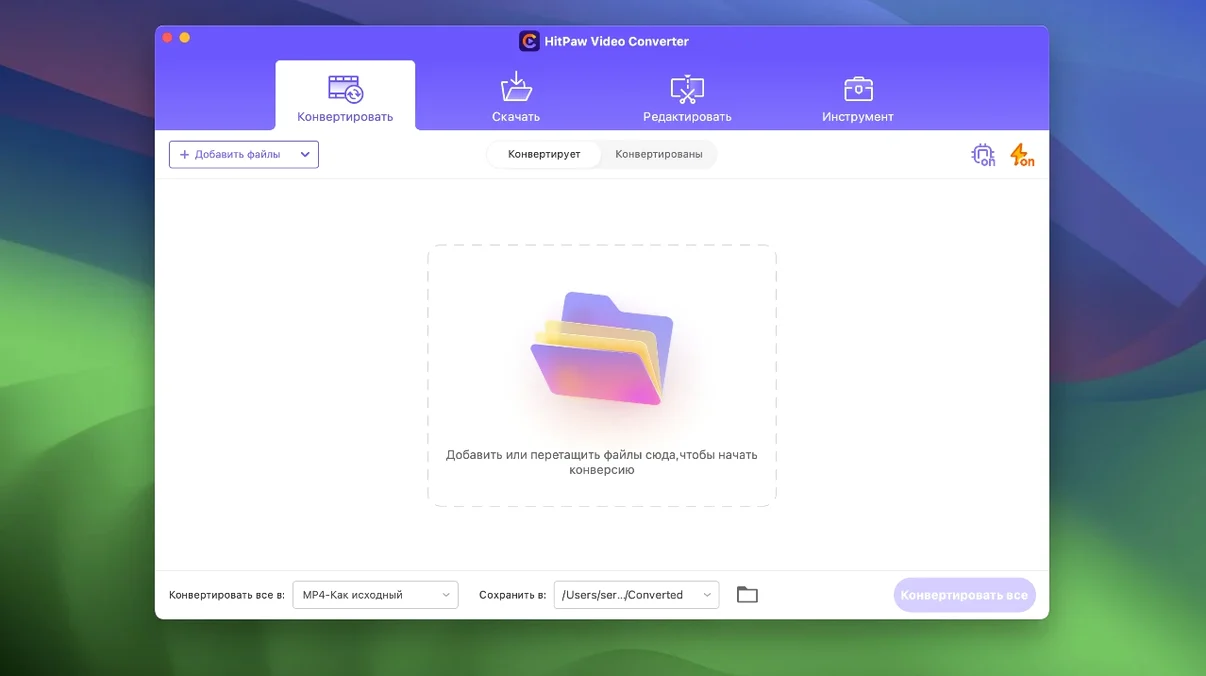
HitPaw Video Converter is for anyone juggling video formats. You might be a content creator grabbing clips from the web, an editor prepping footage for a specific timeline, or just someone who needs a smaller file to send. It pulls the usual conversion, download, and compression jobs into one place, with a few AI tricks to speed things up.
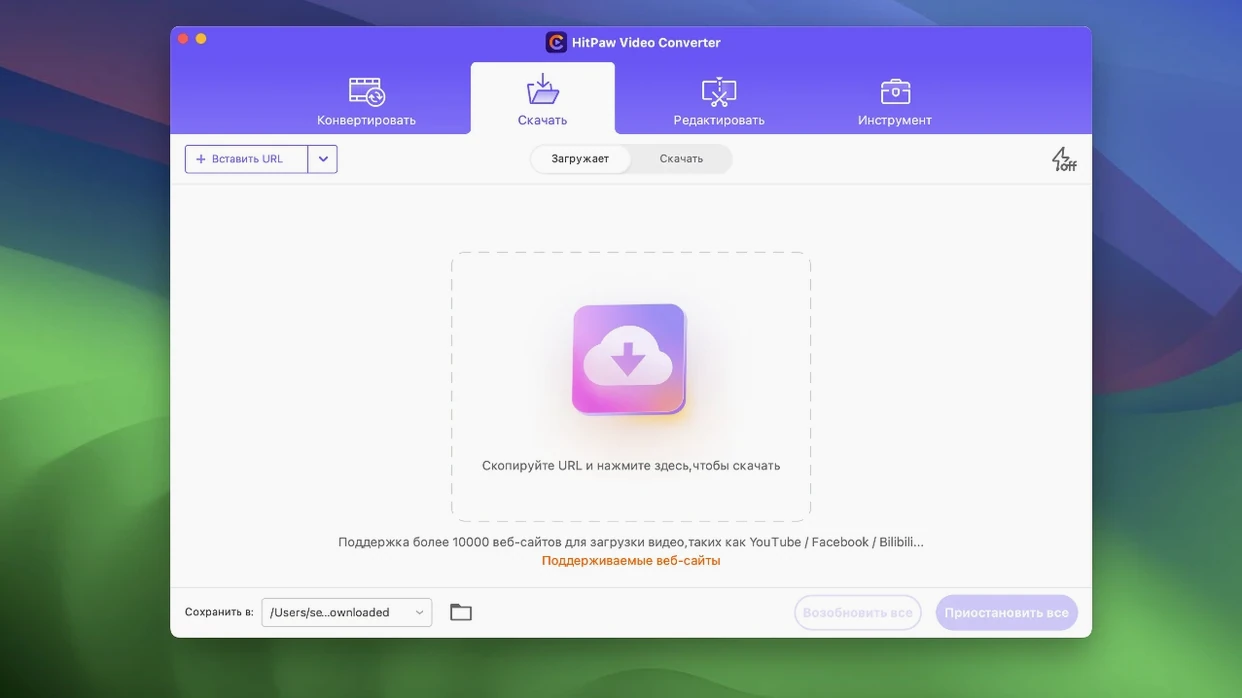
Pulls from 10,000+ sites
Pulling videos from the web. Paste a link from one of over 10,000 supported sites and save the file locally.
Converting to specialist codecs. Go beyond the basics with built-in encoders for VP9, ProRes, and Opus audio.
Quick compression and reframing. Version 4.5.0 sharpened up the compression module and added an auto reframe tool to keep the action centre-stage when cropping for socials.
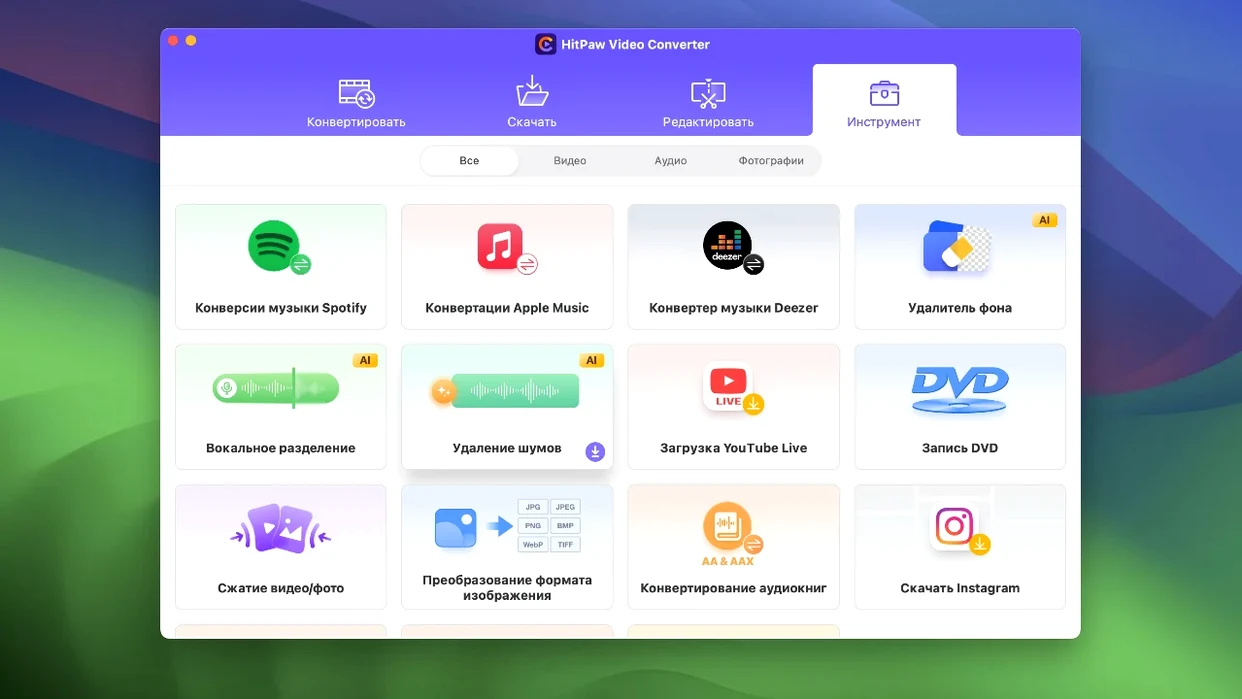
Light AI assistance. The built-in AI tools help with tasks that would otherwise be manual, like upscaling or simple noise reduction.
Intel Mac editing layer
Built for Intel Macs running macOS 10.15 or later.
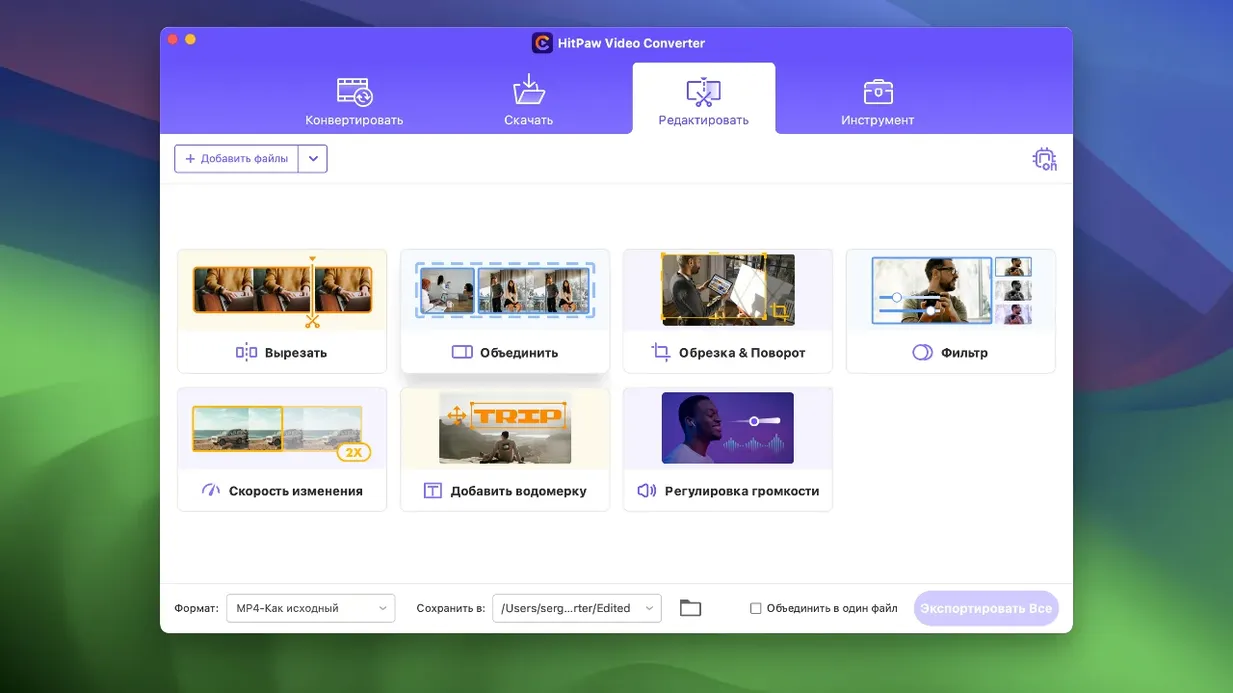
The editing tools cover display tweaks and trimming, not a full timeline replacement.
Compression module has been optimized for better results.
Editor display tweaked for a smoother experience.
New auto reframe feature keeps the main subject in shot when you change aspect ratios.
macOS: 10.15 or later
Architecture: Intel (64-bit)
Questions I get
It handles a wide range, but notably includes advanced encoders for VP9, ProRes, and the Opus audio codec.

 HitPaw Watermark Remover
 HitPaw Univd
 HitPaw Edimakor
 Iconize
 iExplorer
 Haptyk
















Chat 0
Hop in or make an account to join the chat.
Quiet in here so far. If you have used this build, tell me what the install actually did.