
 HitPaw Video Converter
 HitPaw Univd
 HitPaw Edimakor
 Iconize
 iExplorer
 iMazing


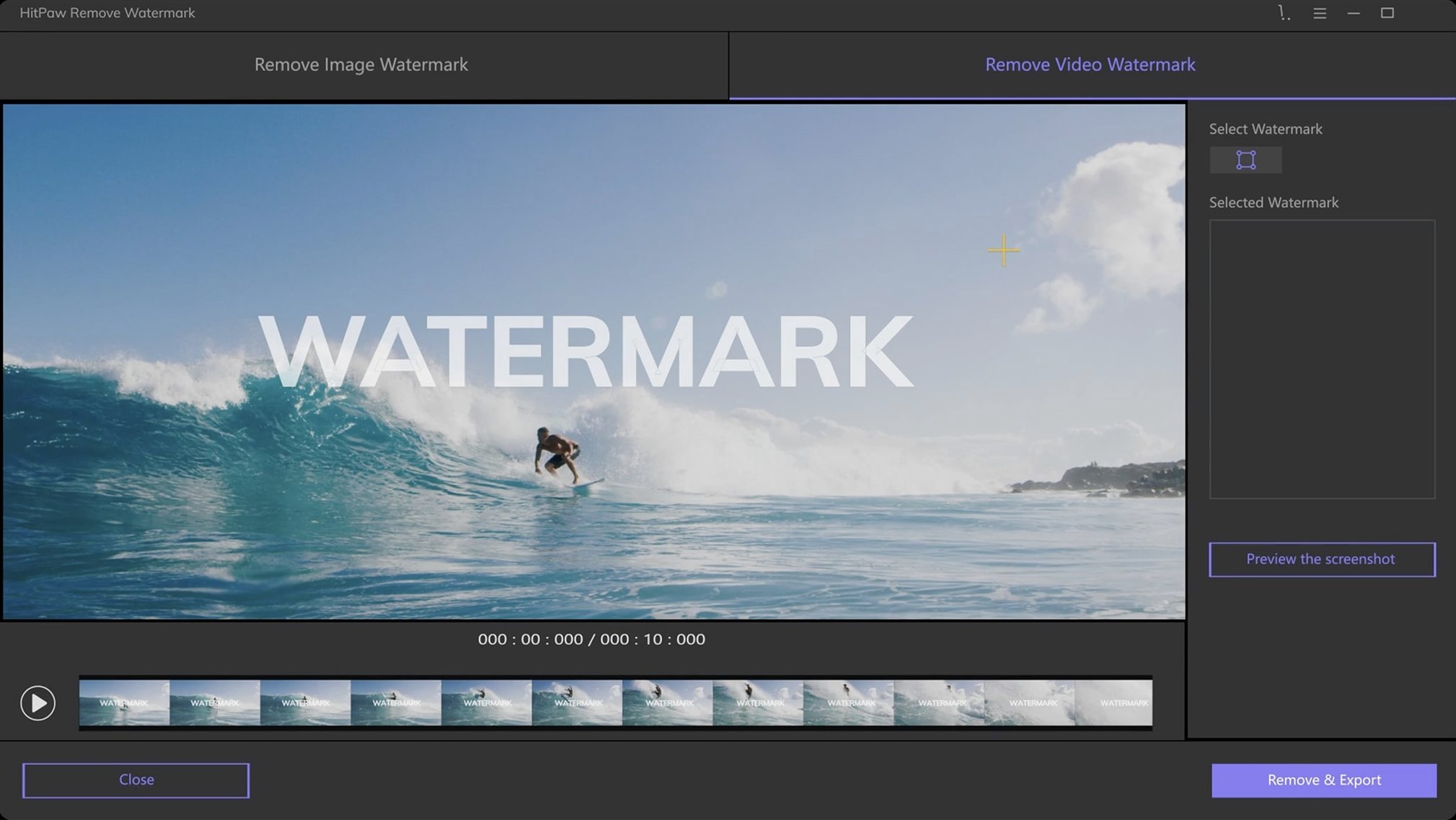
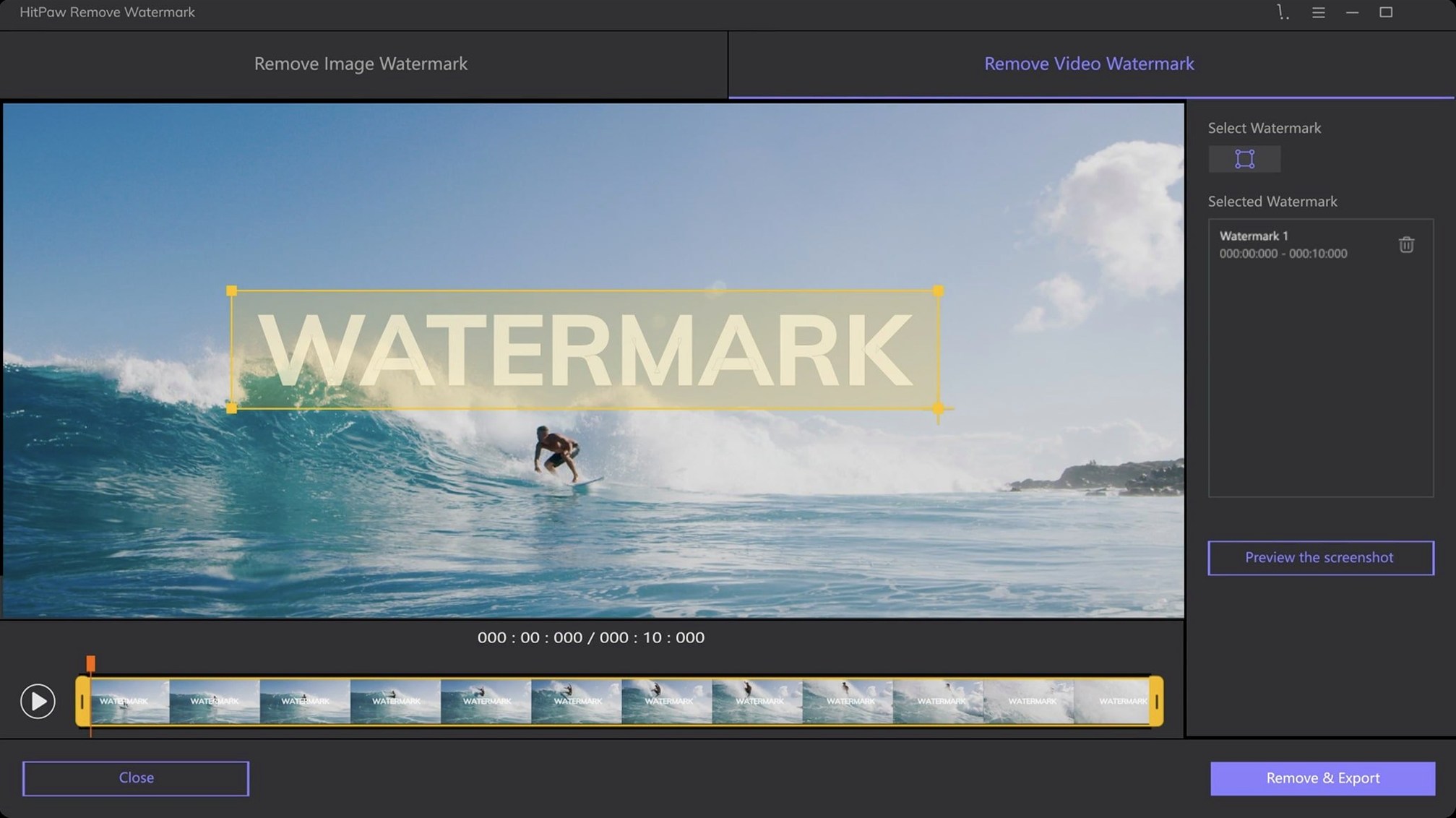
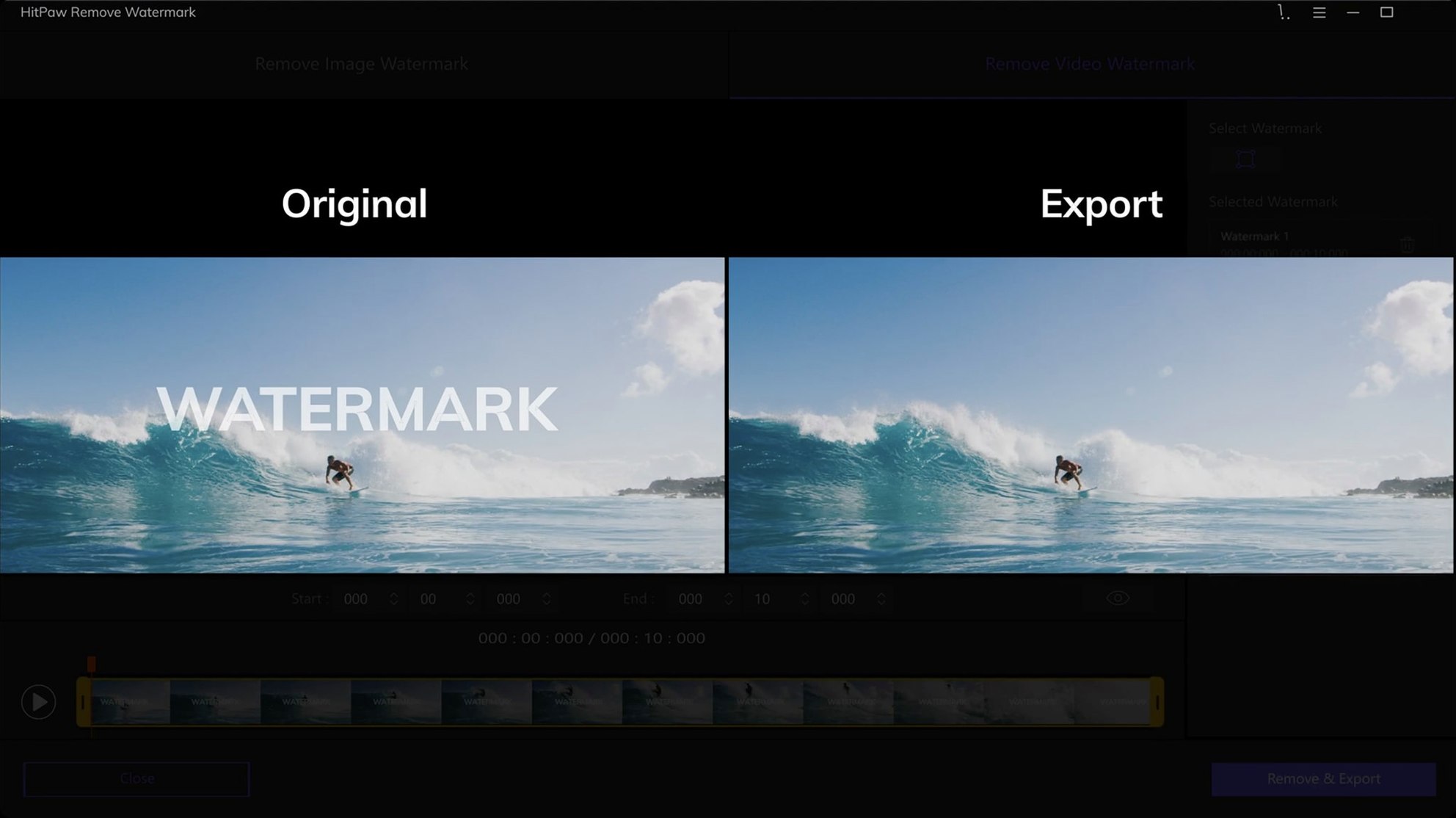
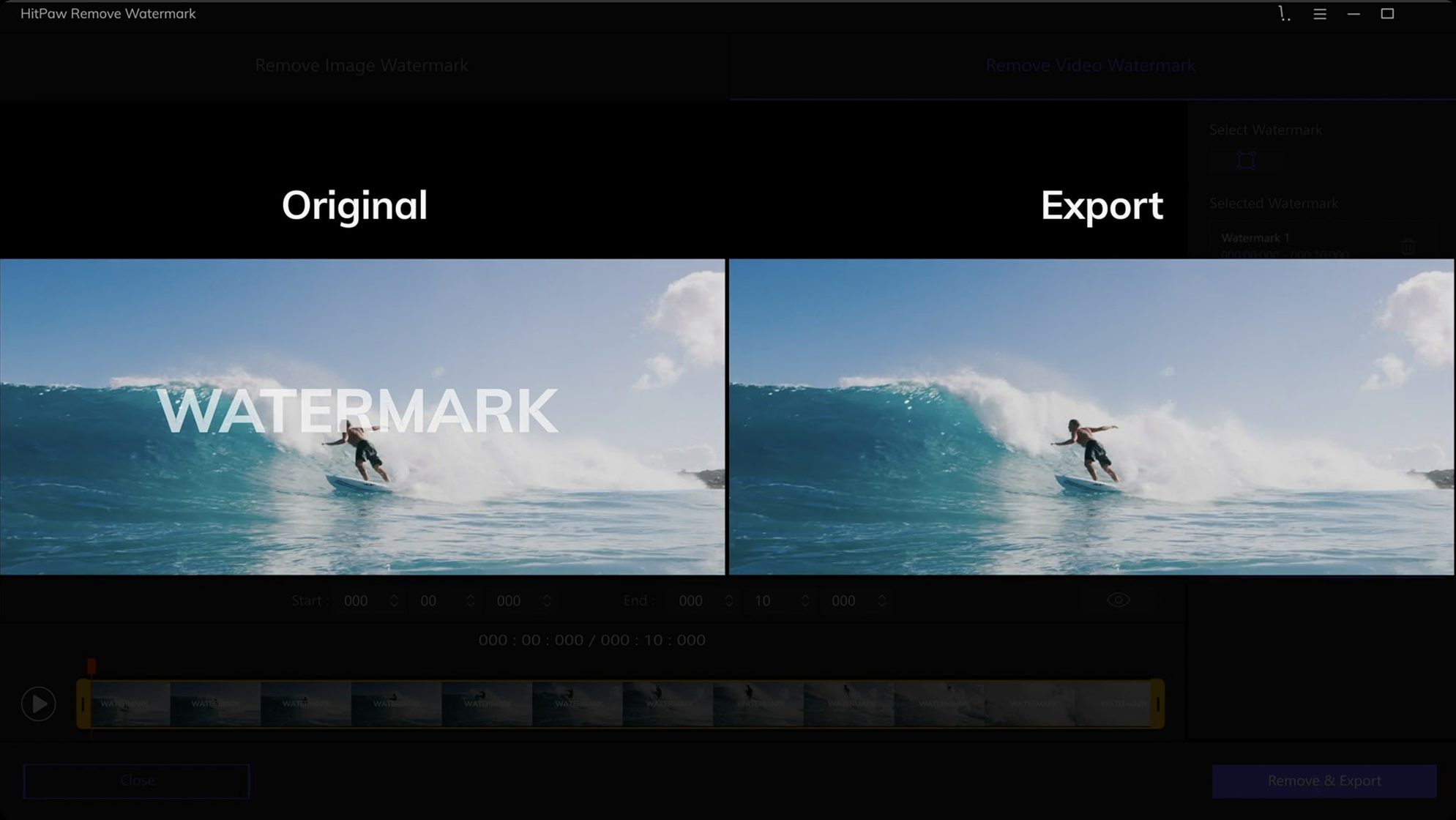
HitPaw Watermark Remover 2.4.7 keeps the interface tidy and the processing direct. No new feature flags this time, just a solid build for knocking out unwanted marks on your Intel Mac.
Got a logo frozen in the corner of a clip? The app pulls it out frame by frame, so you can repurpose that perfect shot without the distraction.
When a timestamp sits over moving detail, the texture repair mode blends the surrounding pixels. It works for complex surfaces where a simple blur would stand out.
When the removed area shows a noticeable blur or smudge, try switching the removal mode. Edge filling handles sharp object boundaries well, while texture repair matches grain and pattern detail on surfaces like wood, fabric or concrete.
Flashing or ghosting in video output usually means the selection frame shifted between keyframes. Tighten the marquee so it stays fully over the watermark in every frame, and avoid feathering the edges too much if the mark sits against a hard line.
Large file imports can stall. If a 4K clip won't load, trim it outside the app first and bring in the relevant segment. The native parser handles MP4 and MOV more reliably than less common containers like F4V or RMVB.
Picture someone who makes YouTube thumbnails from game footage. They grab a striking frame from an MKV replay, but the corner holds an opaque channel bug and a semi-transparent timestamp. The rectangle tool cuts the solid bug cleanly with smooth filling. For the timestamp layered over a gradient sky, they switch to freeform selection and texture repair, which blends the gradient back without a visible patch line. Both marks are gone inside two minutes, and the exported PNG drops straight into their Photoshop template.
Drag in a still image and paint over the caption or date. The tool fills the selection with nearby content, leaving the composition intact.














Chat 0
Hop in or make an account to join the chat.
Quiet in here so far. If you have used this build, tell me what the install actually did.