
 LaunchOS
 Kontakt
 LightBurn
 Little Snitch
 Live Home 3D Pro
 Logic Pro
 Klack
Klack KeyShot


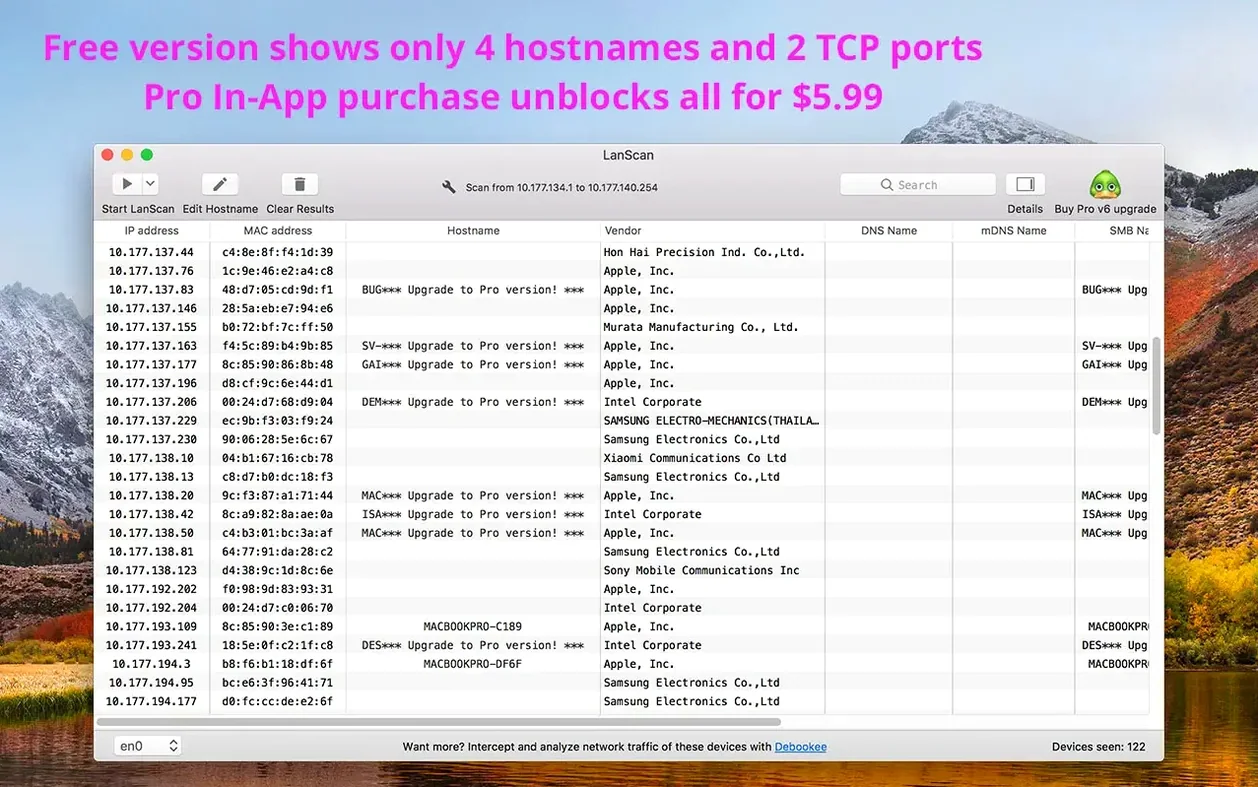
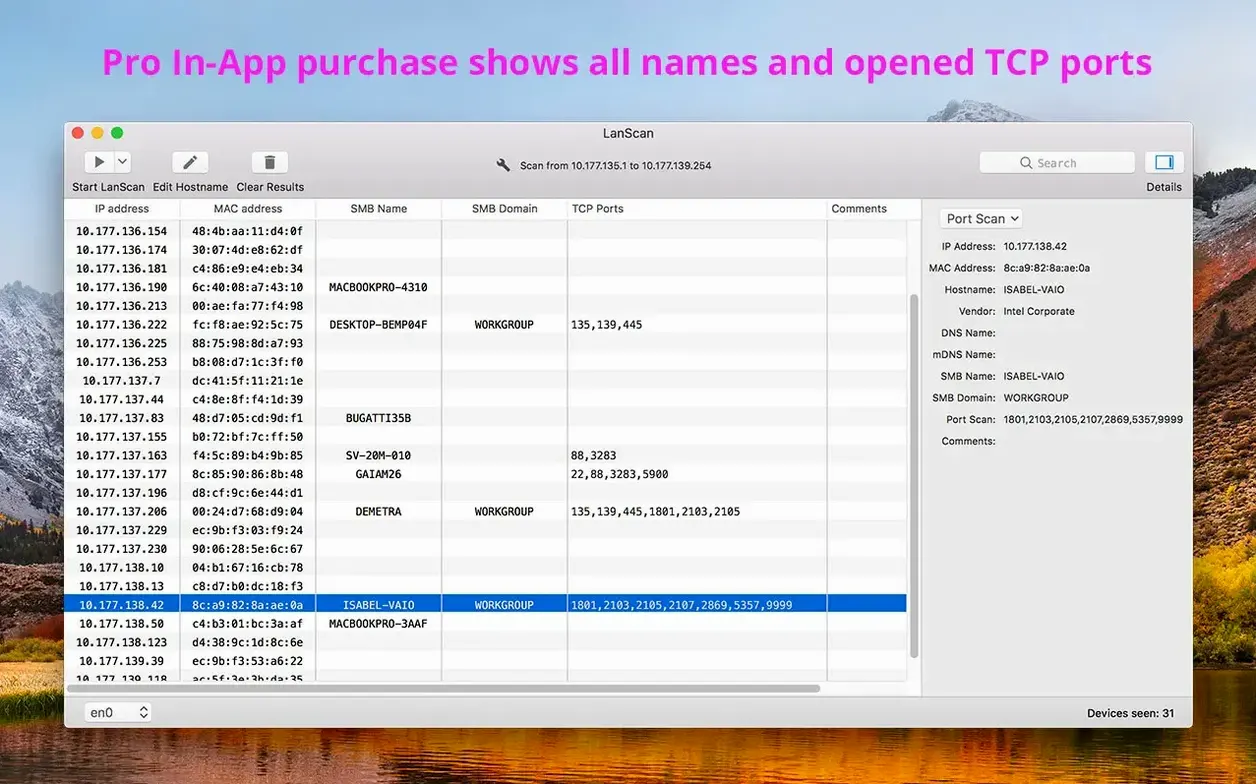
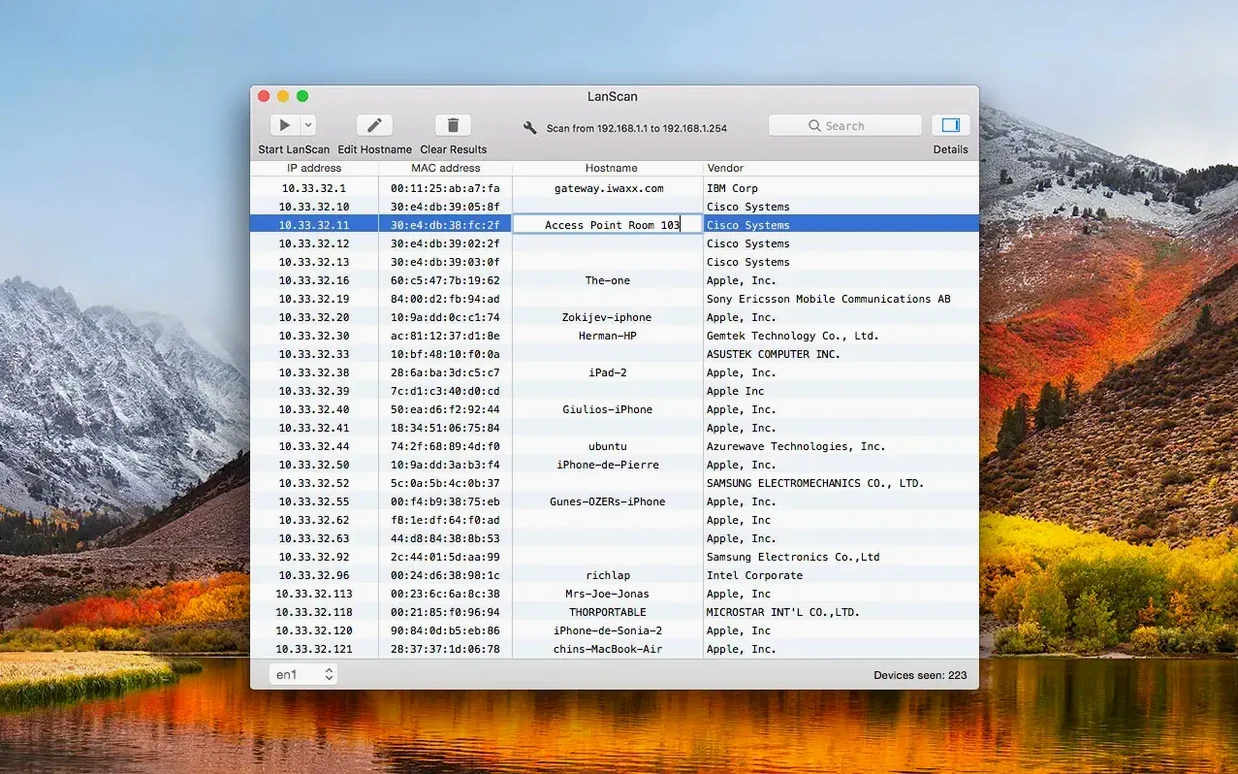
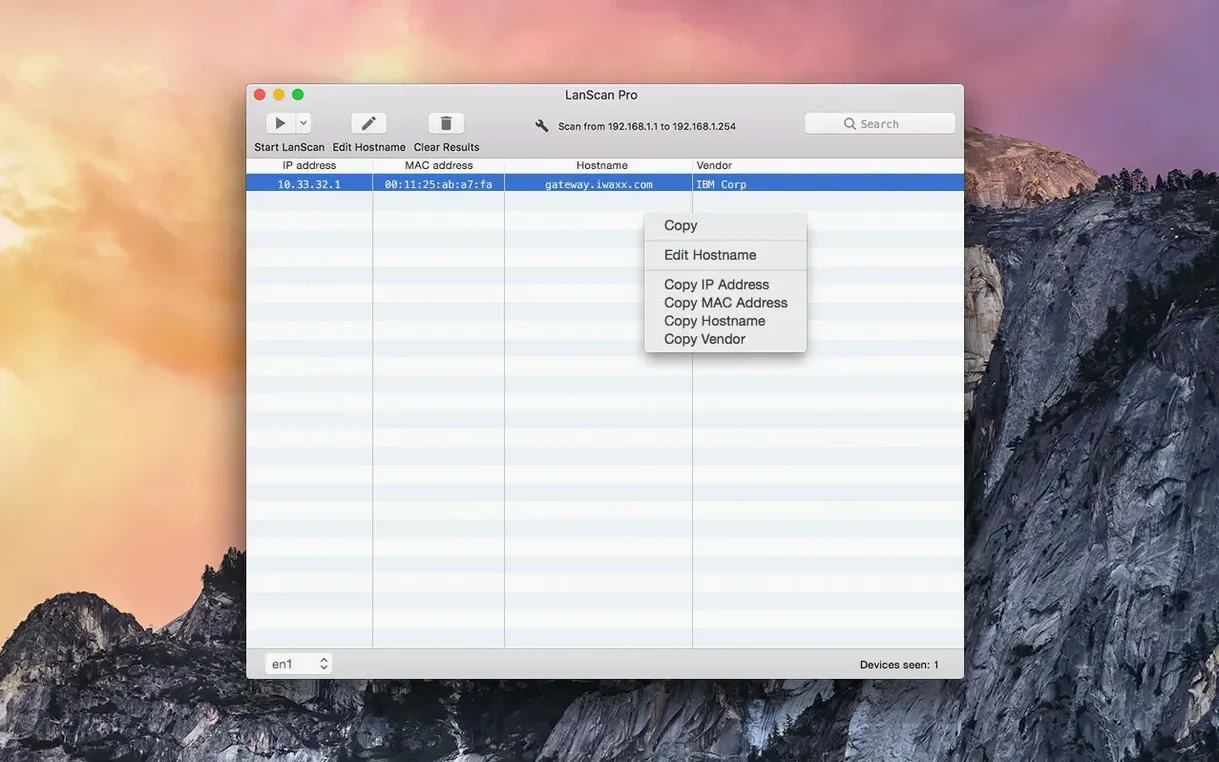
Filter by vendor and it starts making sense. A flat list of IPs turns into a readable map of what’s actually on the network — Macs, phones, printers, the router that’s overdue for a firmware update. LanScan pulls this together without needing a separate subnet calculator or a terminal window left open.
It lives alongside the tools you already use. Run a scan, spot a new device, then open its web config page from a custom URL pattern you set once. If you keep a shared spreadsheet of hostnames, the manual editing and CSV export mean that data stays current and portable — no vendor lock-in.
There’s no cap on how many devices it finds. Point it at a single address or the entire IPv4 space; it handles IPv6 networks the same way. When an SMB domain is configured, LanScan picks it up automatically, which saves a few clicks if you’re chasing down a NAS or file server.
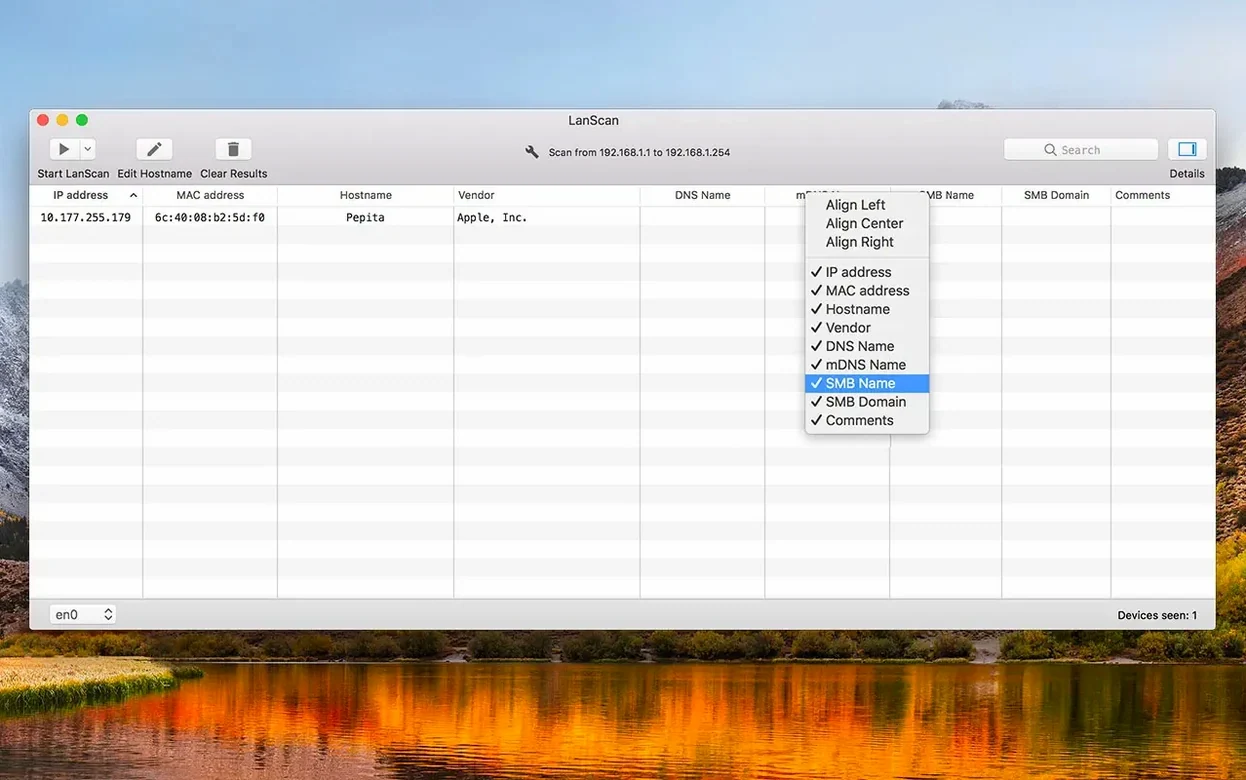
Column alignment is individually adjustable, so long hostnames or lengthy vendor strings don’t break the view. It auto-detects AirPort, Ethernet and virtual interfaces on launch, ready to scan the moment you open it.
The 8.2 line tightened IPv6 results considerably. Earlier versions sometimes listed link-local addresses out of order or dropped a hostname when mDNS responded slowly; now the scanner waits out the full resolution window before filling the table, so names appear more consistently across mixed AirPort and Ethernet interfaces. SMB domain detection also behaves better on networks where the domain controller takes a few seconds to answer.
Interface auto-detection is snappier after the last few updates. Plug in a USB-C Ethernet adaptor mid-session and LanScan picks it up without a relaunch, which matters if you carry a MacBook between desks and VLANs. Column alignment tweaks feel minor, but a tidy view helps when a scan returns 80+ devices and you’re reading vendor names across the row.
Option while opening a device’s custom URL to copy it instead of launching the browser.The custom URL field takes more than plain http:// — you can pass the IP as a variable, which pairs neatly with router admin panels or internal dashboards. Manual hostname edits survive rescans too, so a renamed access point won’t revert to “unknown” five minutes later.
IT support techs dealing with walk-up devices benefit most. A quick scan during onboarding shows whether a new laptop actually joined the right subnet, and the vendor column helps identify rogue gadgets before anyone asks what’s eating bandwidth. Network admins managing mixed IPv4 and IPv6 segments will appreciate not having to run two separate discovery tools — the lanscan mac download crowd typically handles both stacks in one pass.
Home users with a growing pile of smart home gear also find it useful. Printers, TV boxes and IoT bridges often ship with identical default hostnames; the MAC vendor data in LanScan separates them visually, and a comment like “garage sensor” beats guessing from IP order. If you’re after the lanscan dmg for a quick evening audit of what’s joined the Wi-Fi, it’s a practical fit.
People who document networks — whether for audits, handovers or just their own sanity — use the CSV export more than anyone. The fact that comments and custom names travel with the export means the next person inheriting the network sees what you saw, not a bare list of addresses.














Chat 0
Hop in or make an account to join the chat.
Quiet in here so far. If you have used this build, tell me what the install actually did.