
 Live Home 3D Pro
 Little Snitch
 LightBurn
 Loop Mash Up Pro
 Loopback
 Luminar AI
 Luminar Neo
 LaunchOS


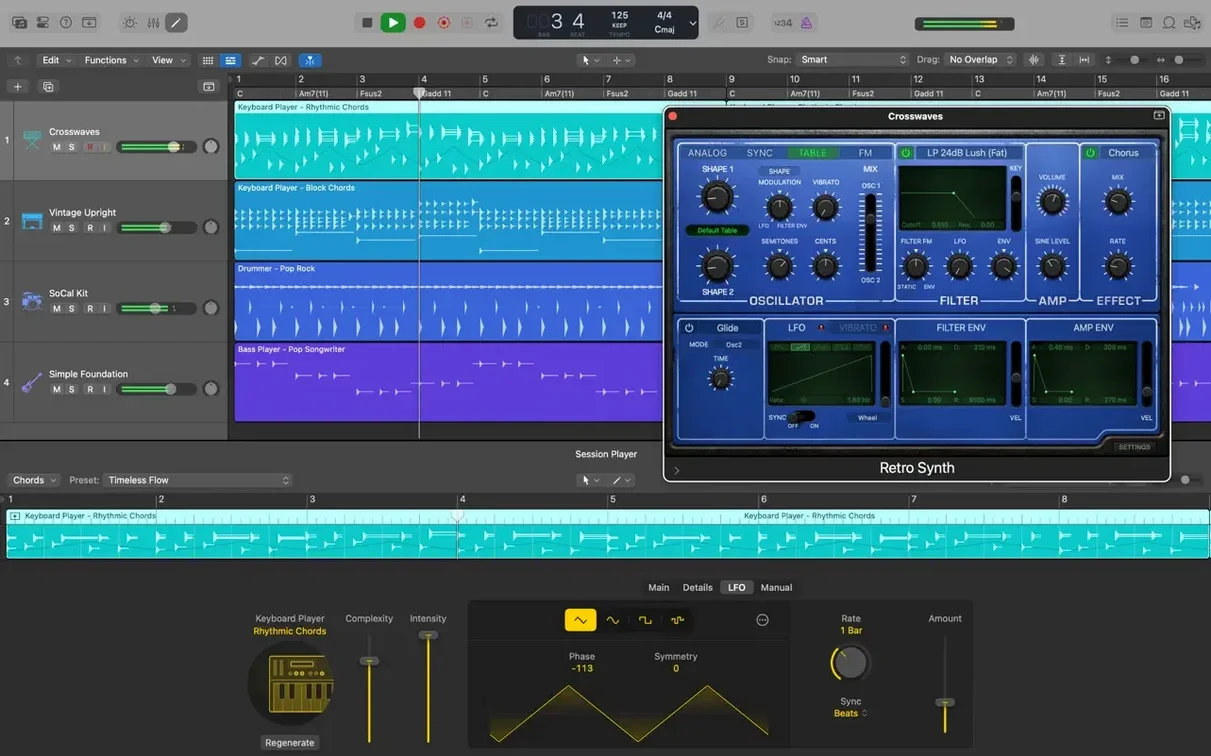
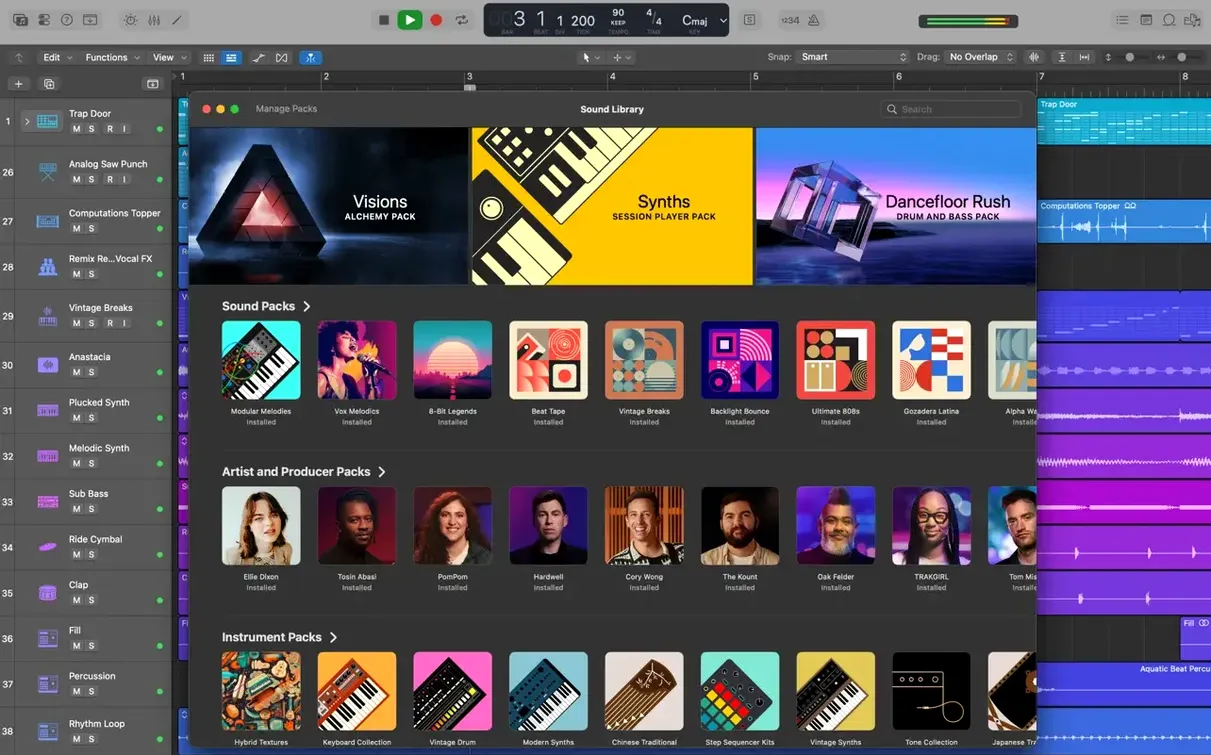
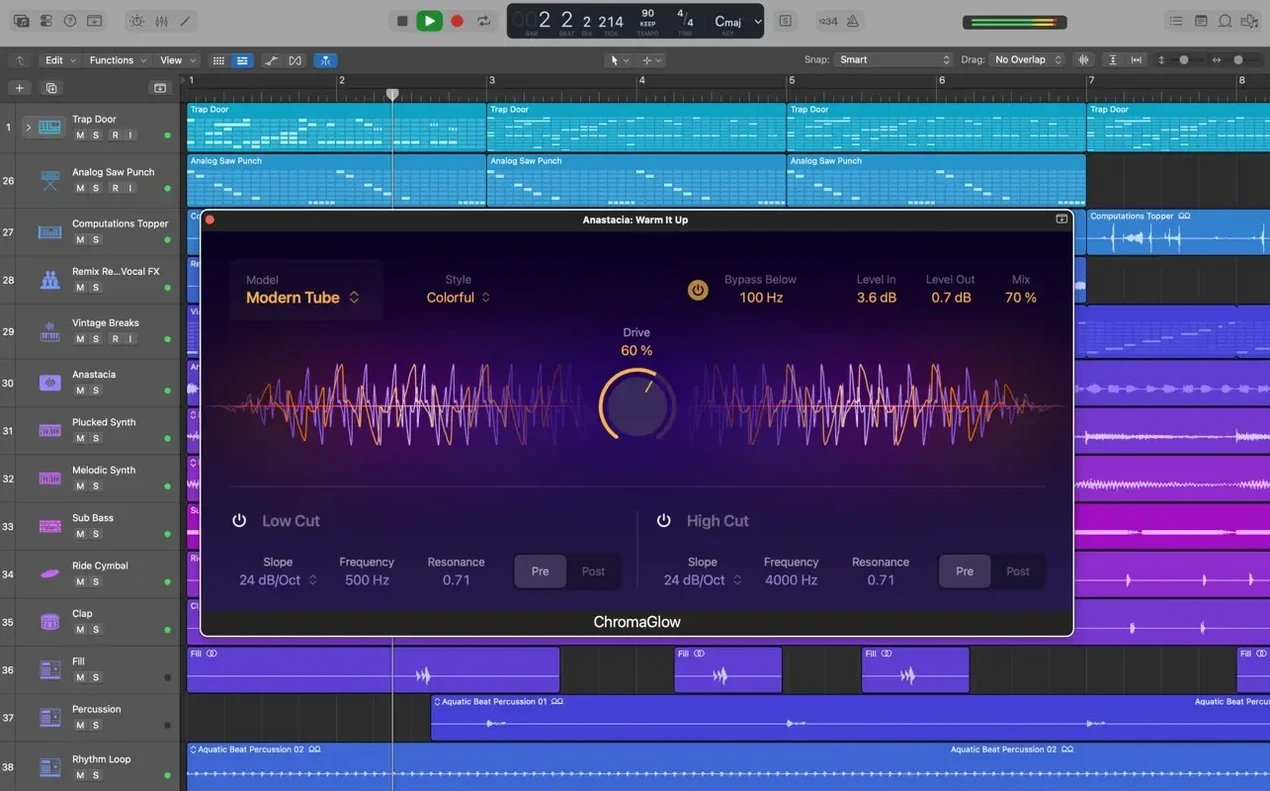
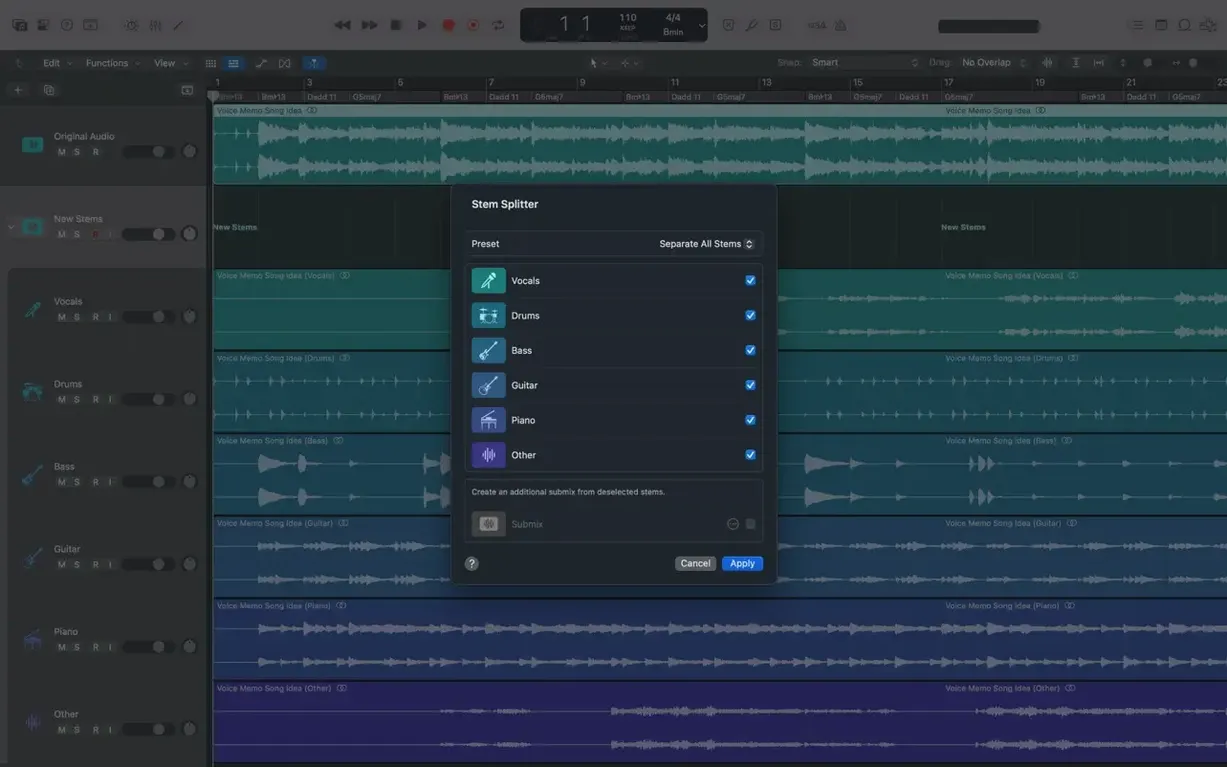
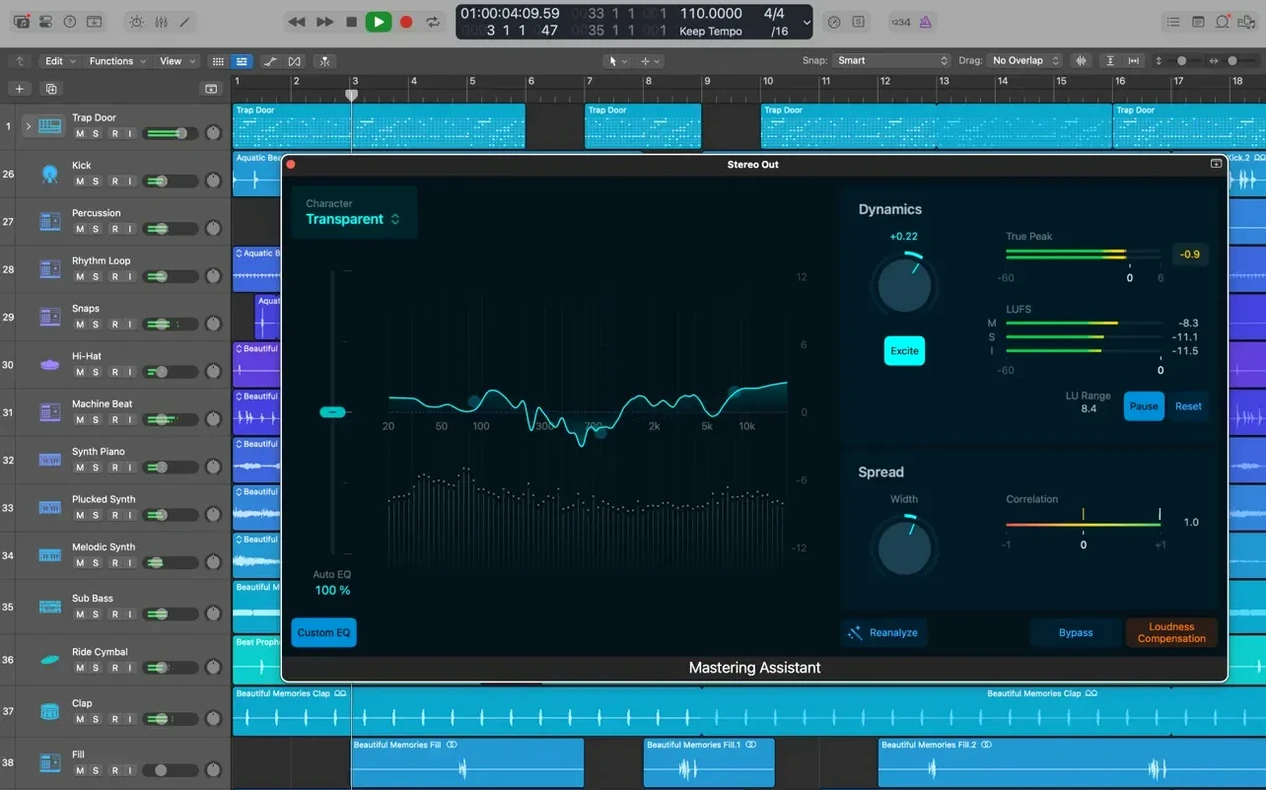
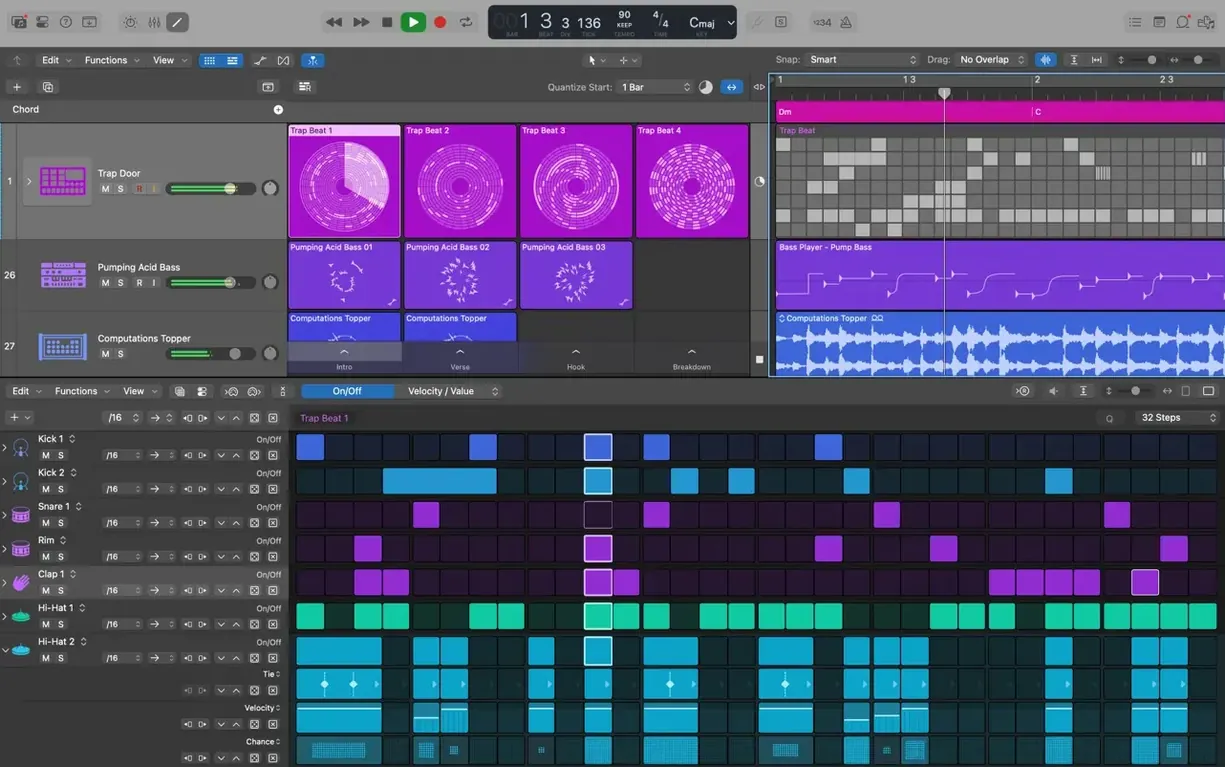
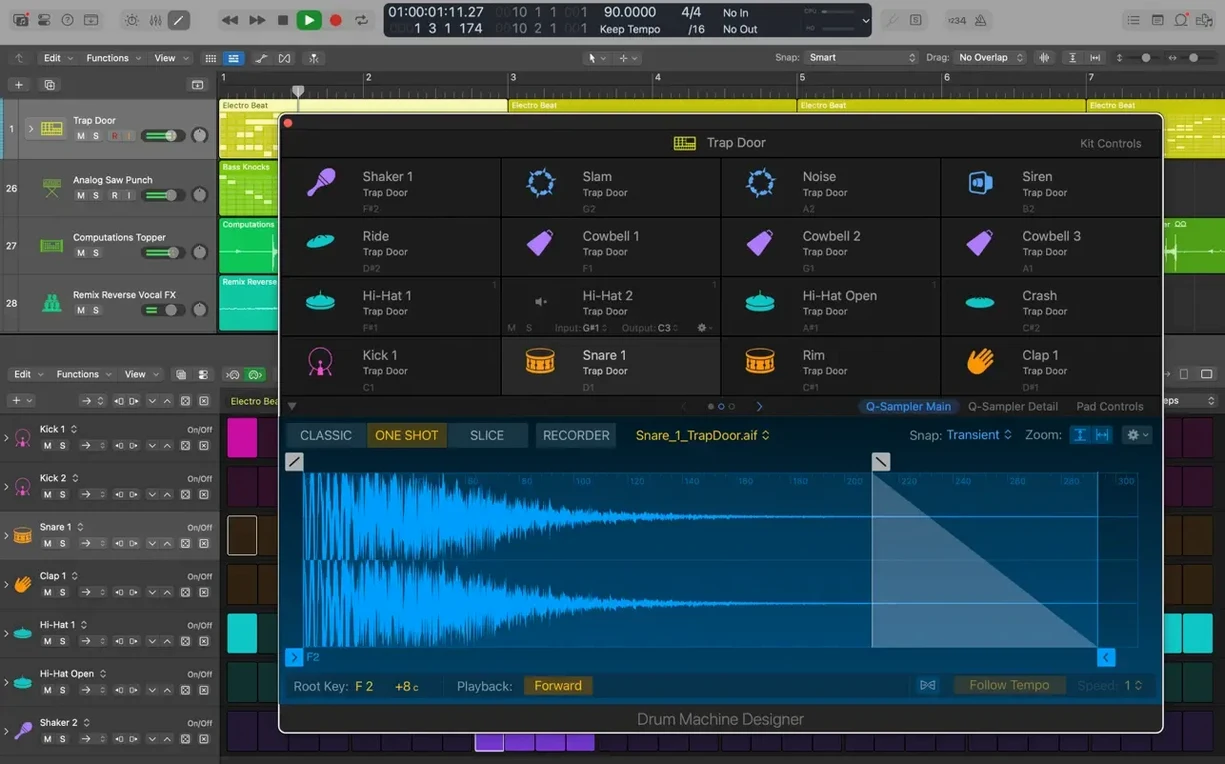
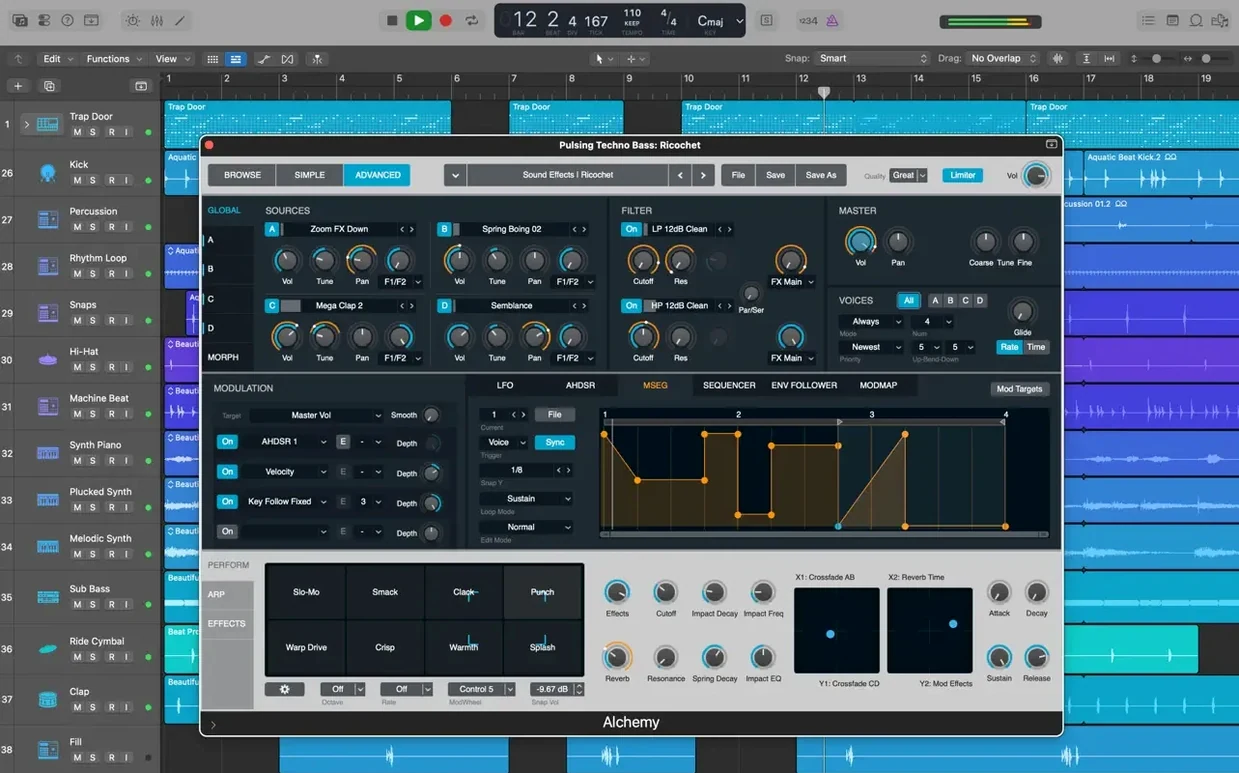
Logic Pro is a music creation app for Mac that bundles beat-making, songwriting, and remixing tools into a single workstation.
Some of the best parts of Logic Pro are the ones nobody shows you on day one. A few to try early:
Keyboard shortcuts speed things up even more. Press Command + K to toggle the musical typing keyboard when you do not have a controller plugged in. Option + drag copies a region instantly. And Command + T slices a region at the playhead, which is one of the fastest ways to break a loop into pieces.
Songwriters tend to settle in quickly because the core loop is simple: record, arrange, tweak, export. The included sounds and patches cover most of what a demo needs, so you can stay in the creative flow instead of hunting for third-party plug‑ins.
Beat-makers usually live in the step sequencer and Drum Machine Designer. The ability to swap out individual hits and layer one-shots makes it easy to turn a stock pattern into something that sounds like yours.
Mix engineers appreciate the routing options. Track Stacks, buses, and surround mixing give you room to build a session that actually resembles a real console. If you are coming from another DAW, the layout can feel familiar within an afternoon.
Audio editors get a lot of quiet value too. Flex Time and Flex Pitch are not just repair tools—they become part of the arrangement. A vocal that drags slightly behind the beat can be tightened without losing its character.
Will it run on my Mac? The current version needs macOS 15.6 or later and works on both Intel and Apple Silicon machines. A 1280 x 768 display is the minimum, but more screen space makes the Mixer and Editor far more comfortable. The full Sound Library takes around 63 GB, so check your free space if you want all the instruments and loops.
Can I open old projects? Yes. Logic Pro opens projects created in Logic 5 or later, which means years of past work can come forward with you.
Do I need a MIDI keyboard? No. Drummer can build a beat without one, and the musical typing keyboard covers basic note entry. A controller helps, but it is not a gatekeeper.
Does it work with my plug‑ins? If you use 64-bit Audio Unit plug‑ins, yes. Most current virtual instruments and effects fit that spec.
Logic Pro plays well with the wider Apple ecosystem. Start a song idea in GarageBand on an iPhone or iPad, then pull it into Logic through iCloud. The import lands as new tracks in your project, so you can keep building without exporting stems manually.
For video work, the XML import and export path to Final Cut Pro X is straightforward. Export a mix, send the XML across, and your soundtrack stays lined up with the timeline. It is a quiet feature that saves a lot of back-and-forth for anyone cutting music to picture.
On the Mac itself, Logic leans on standard macOS behaviours: drag and drop from the Finder, Spotlight search inside the Library, and multi-touch gestures on a trackpad for zooming and scrolling. There is no extra layer of file management to learn—projects live where you put them.
If you are pairing it with MainStage, the workflow shifts from studio to stage. MainStage runs the same patches and instruments for live performance, so a sound you dialled in at home can follow you to a gig.
Once a project is finished, export final mixes in a variety of formats and use XML import and export for Final Cut Pro X workflows.














Chat 0
Hop in or make an account to join the chat.
Quiet in here so far. If you have used this build, tell me what the install actually did.