
 MacWhisper
 Magic Disk Cleaner
 Magnet
 MainStage
 MAMP PRO
 MacGPT
 Marmoset Toolbag
 MacFamilyTree

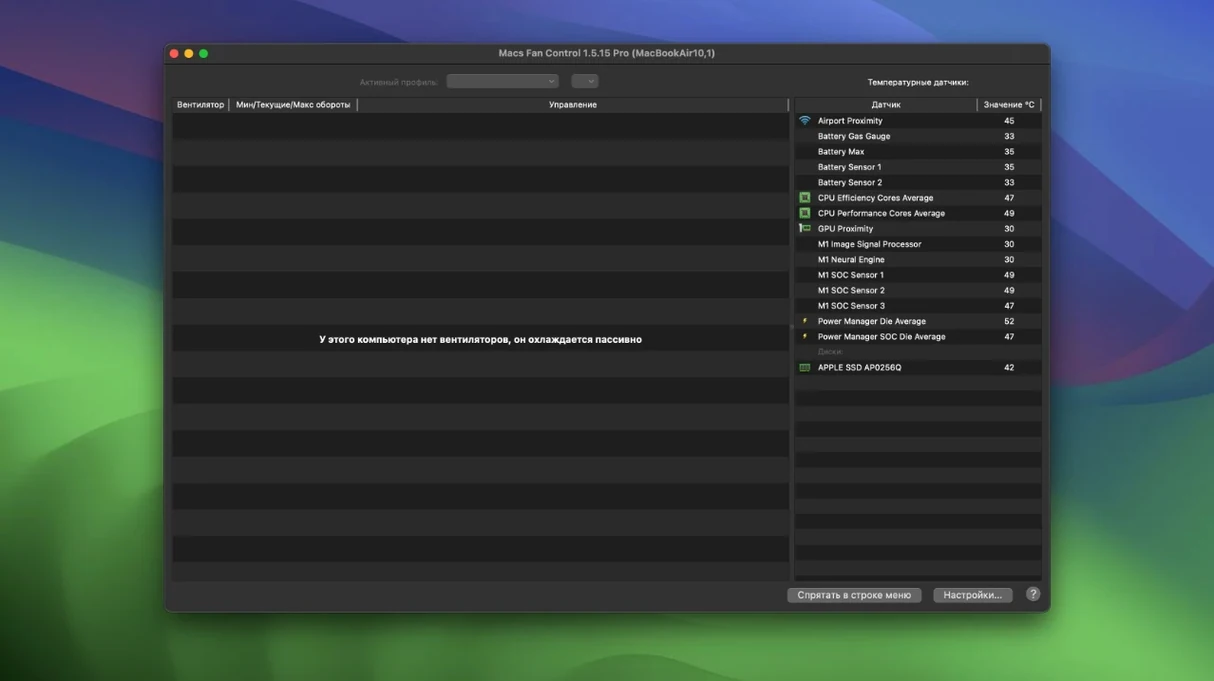
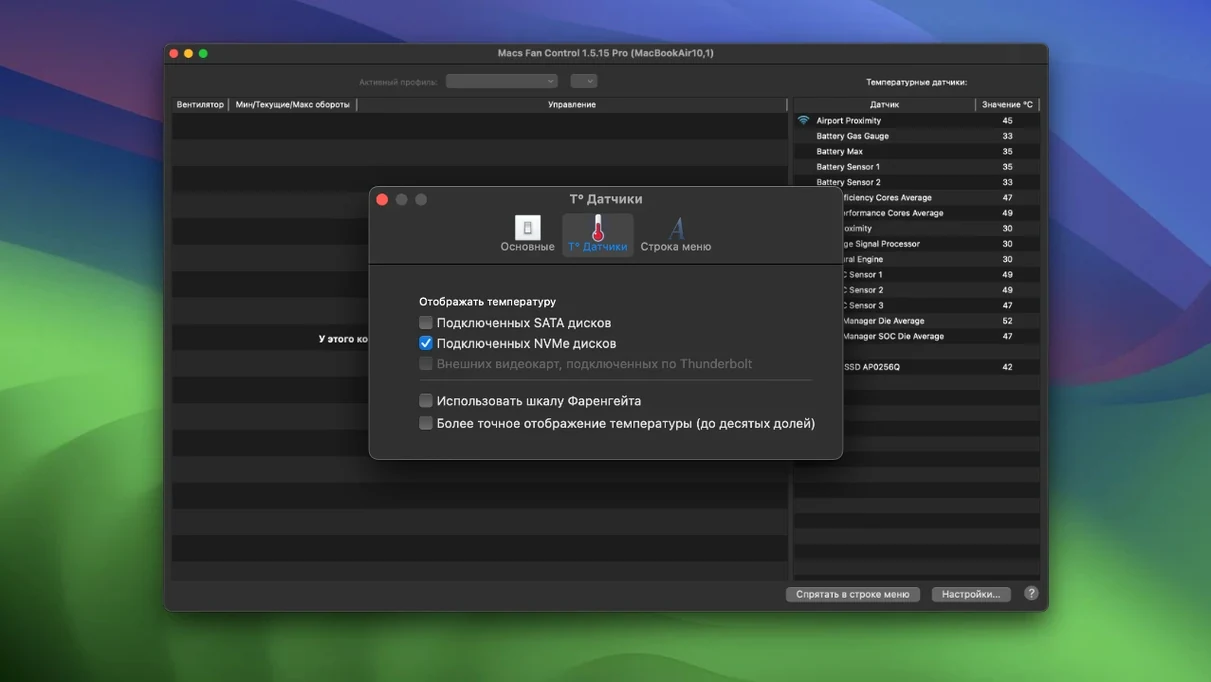
Hardware testers, tinkerers and anyone who runs their Mac hard tend to pick up Macs Fan Control Pro. It gives you a direct line to the cooling system, so you can see exactly which sensors are warm and tell the fans how to react.
You might set a steady low RPM while you read, then let the fans ramp up hard when the GPU sensor hits a threshold during renders. The app runs on everything from an old High Sierra Intel machine to a brand-new M5 Pro MacBook Pro, with the latest version adding support for the M5 MacBook Air and MacBook Neo too. CrystalIDEA keeps the translations current as well — version 1.5.21 ships updated Japanese and Swedish localisations alongside the English and Russian interfaces.
A few shortcuts sit quietly in the menubar icon. Right-click it and you can cycle through saved presets without opening the main window — handy when you jump from desk work to a render queue. The sensor list lets you rename entries with a double-click, so HDD Bay 2 can become Scratch drive in seconds. If you tend to check the same sensor repeatedly, drag it to the top of the list and the app remembers the order next launch.
Another one: hold Option while clicking a fan and the slider jumps in 100 RPM steps instead of the usual fine-grained drag. Not documented anywhere obvious, but it keeps things precise on a deadline.
You grab a coffee, open a project in DaVinci Resolve and notice the top case warming up earlier than usual. The menubar icon already shows CPU die at 72°C, so you pull up the main panel. The left fan is spinning at 2800 RPM — fine, but you know the GPU heat sink sensor will climb once the grade stabilises.
You switch to a custom preset that ties both fans to the GPU proximity sensor. Within seconds the RPM nudges to 3400. The temperature curve you set months ago holds it steady there, and the keyboard stays comfortable. Half an hour in, you glance at the menubar readout: 68°C across the board. You right-click back to the quiet preset, finish the export and close the lid.
Good to know: the app shows both ARM and x86 64-bit architecture support, so it stays responsive regardless of which Mac generation you are running.
The 1.5.18 update brings a fresh round of behind-the-scenes tweaks and reliability work from the developer.
Yes, version 1.5.21 explicitly supports the M5 Pro/Max MacBook Pro, M5 MacBook Air and MacBook Neo.
You can. It reads SMART data from third-party SSDs and hard drives, letting you assign a fan curve to any of those sensors.














Chat 0
Hop in or make an account to join the chat.
Quiet in here so far. If you have used this build, tell me what the install actually did.