
 MacFamilyTree
 MacDroid Pro
 MacCleaner Pro
 MacBooster
 Lunar Pro
 Luminar Neo
 Macs Fan Control Pro
 Luminar AI


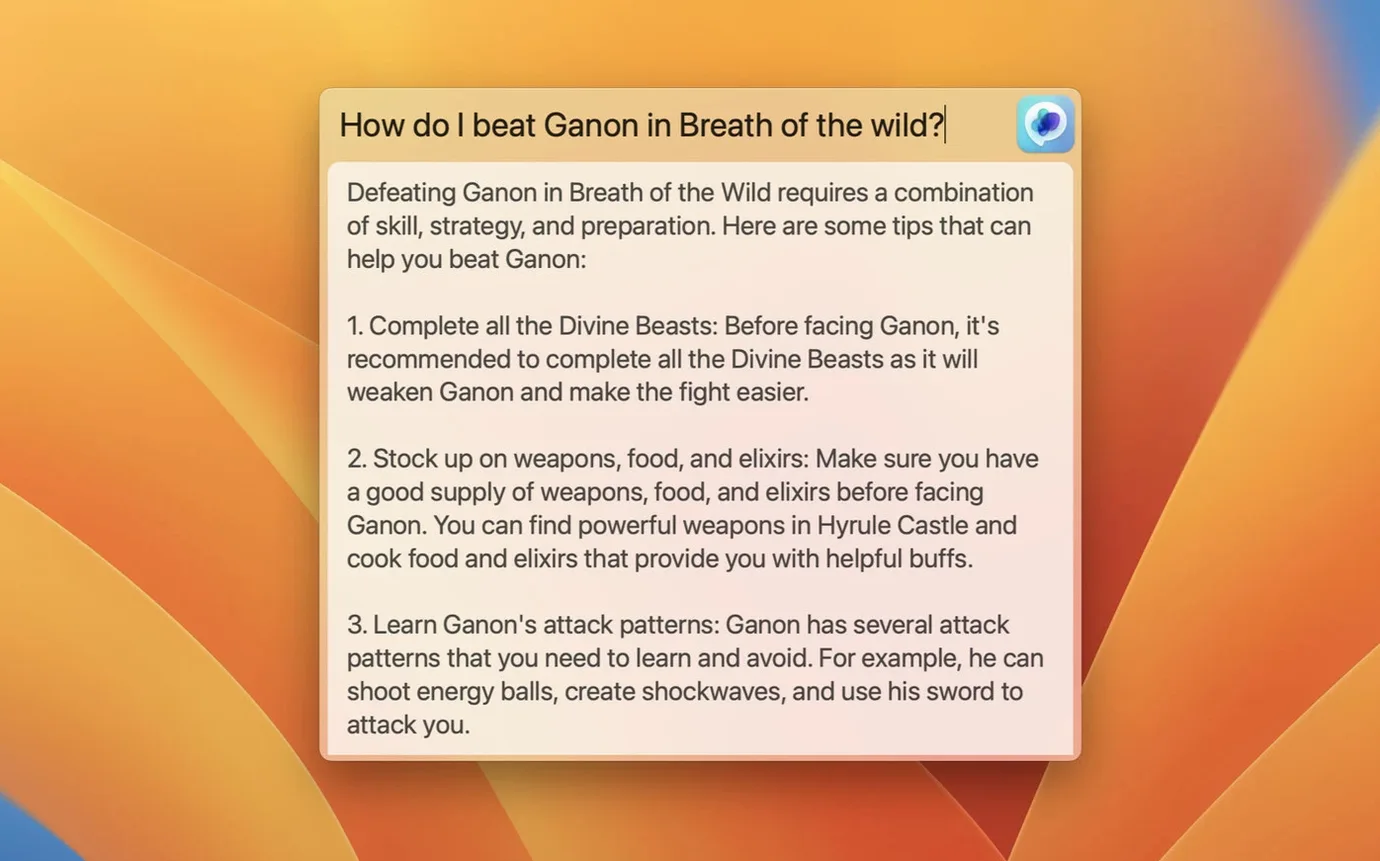
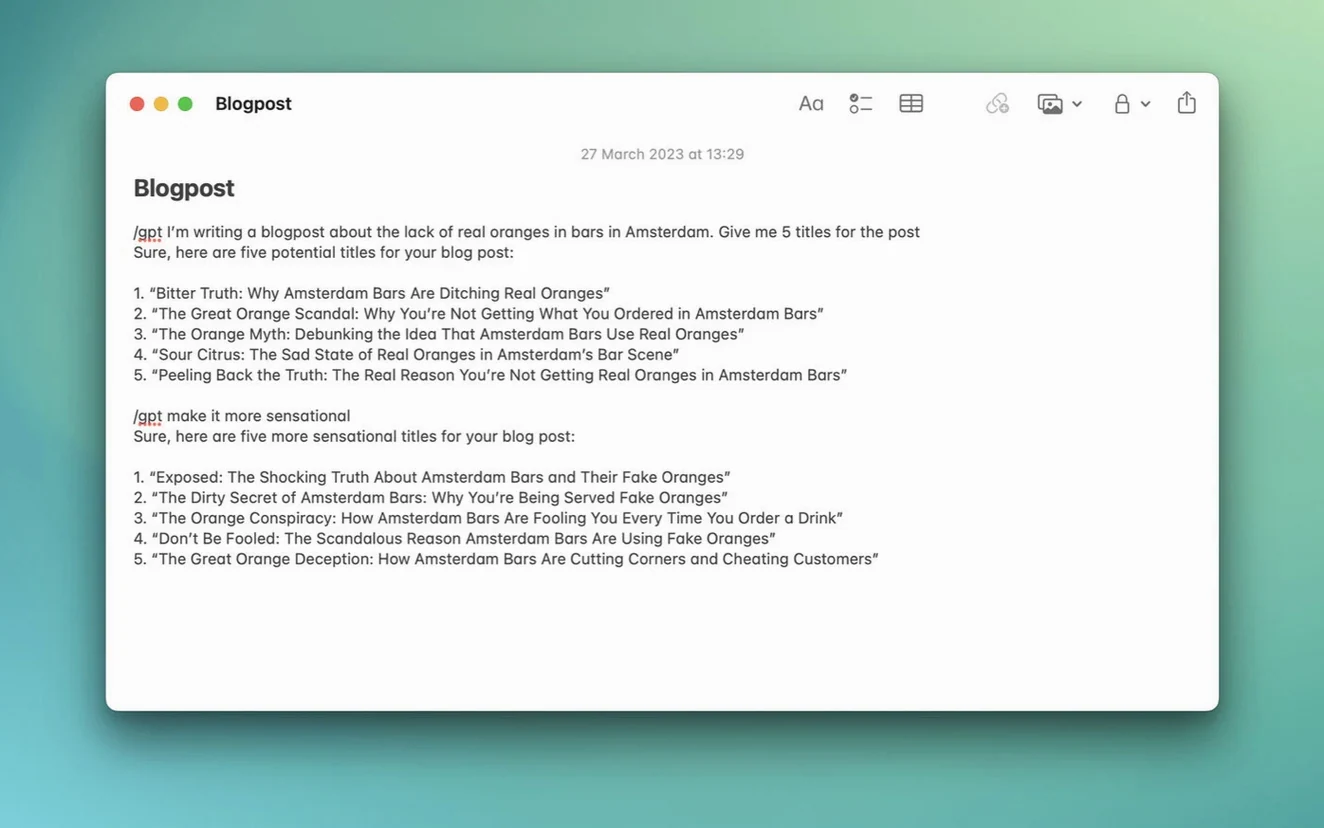
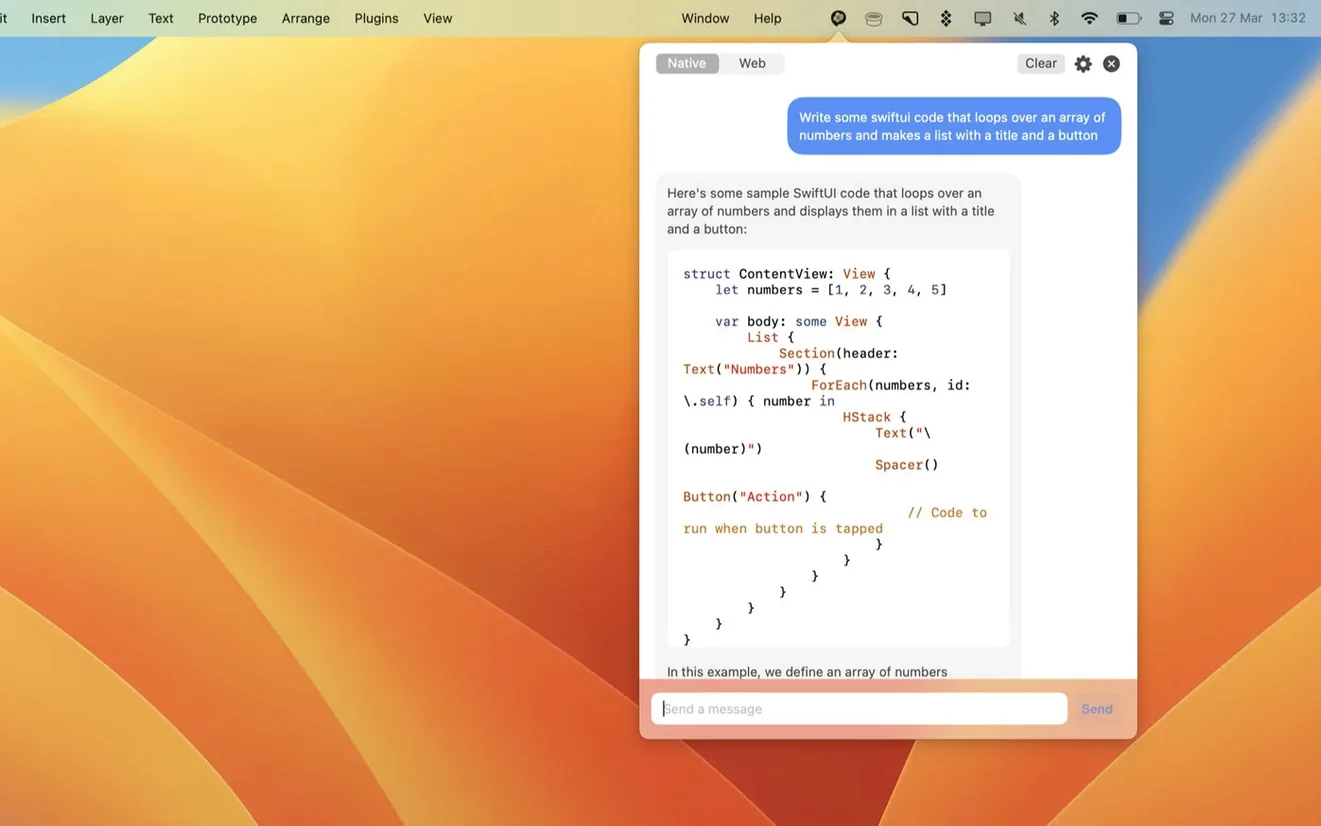
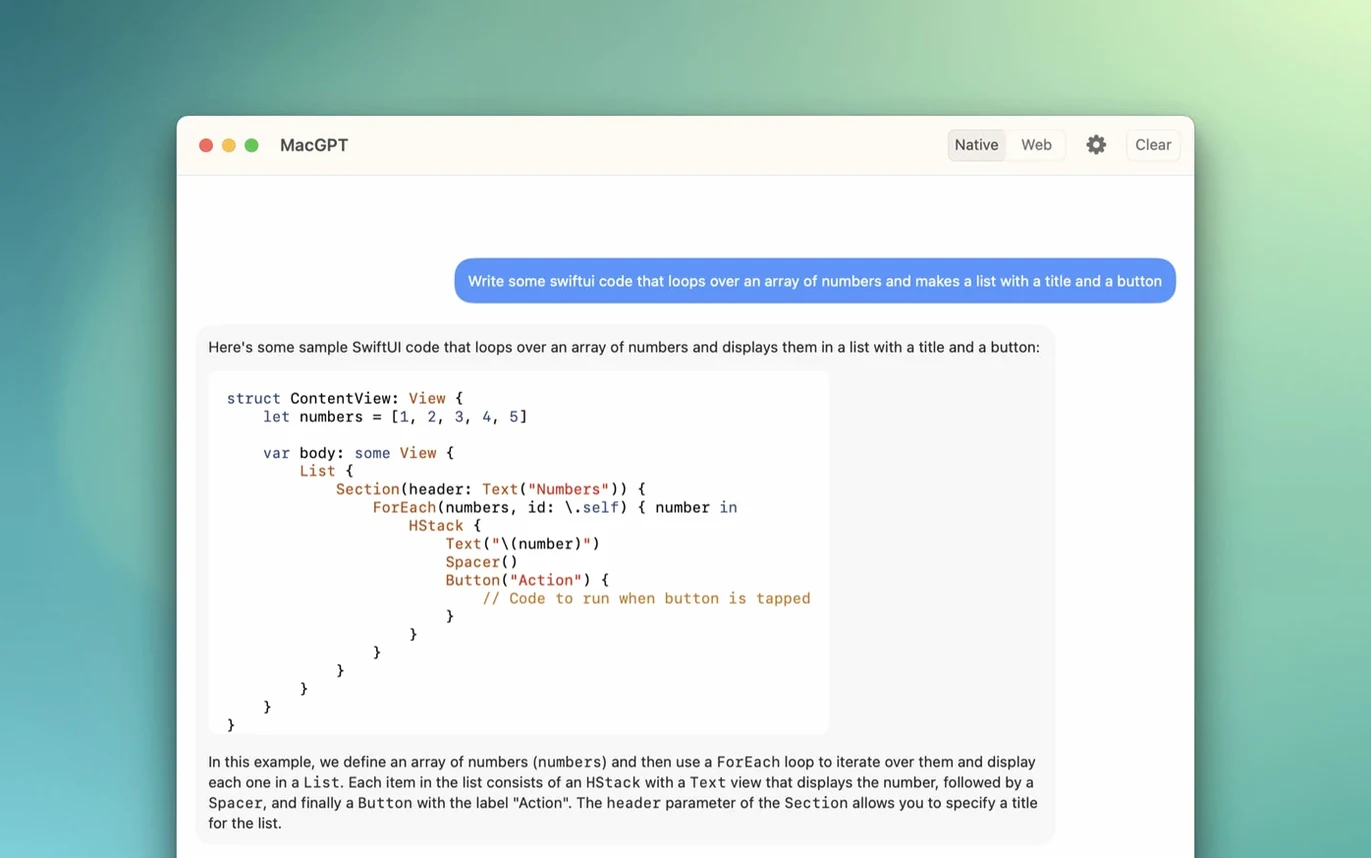
If you already use ChatGPT in a browser tab, MacGPT keeps that same familiar tool but moves it closer. It lives in your menu bar, so you can pull up a chat without digging through windows or typing a URL.
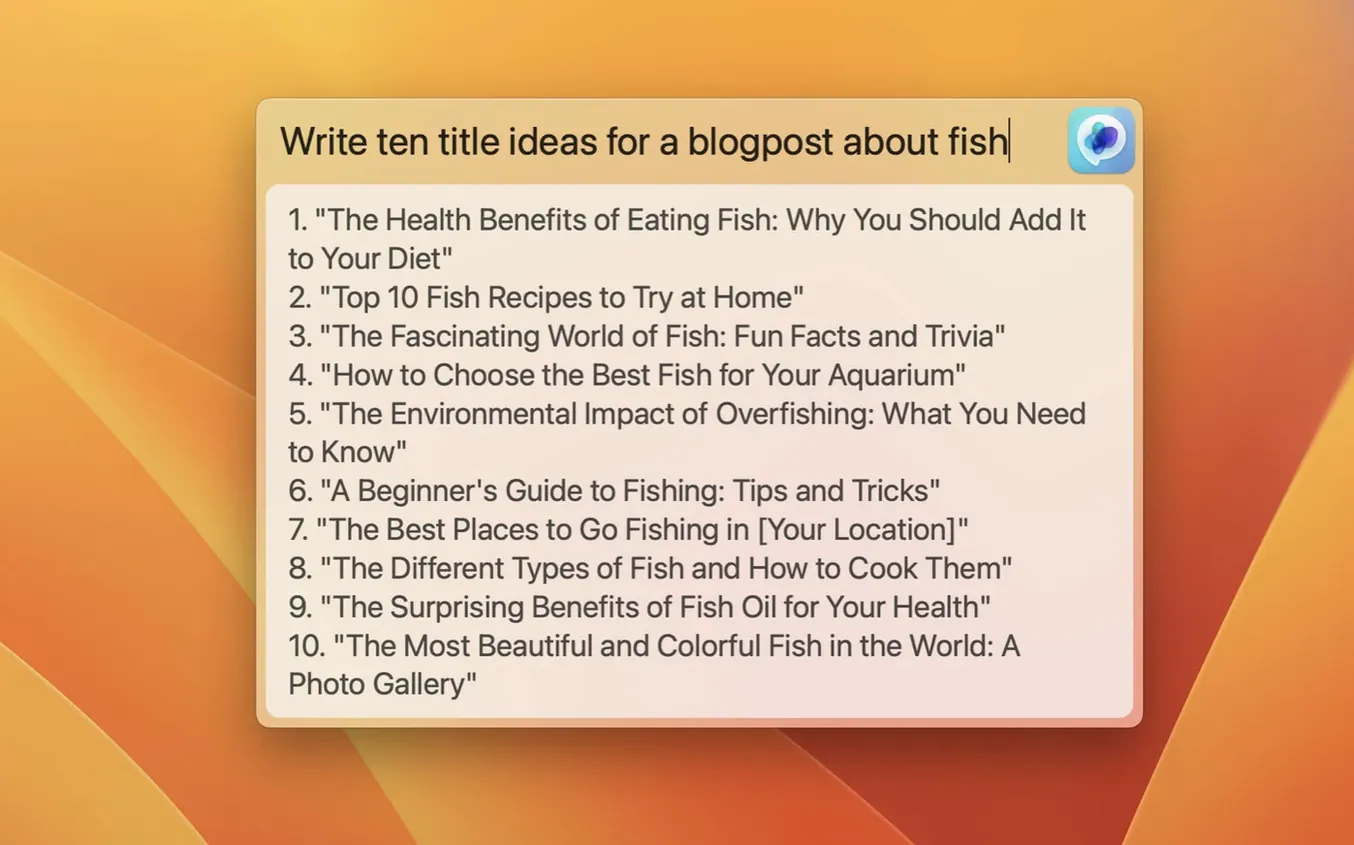
Some of MacGPT's best bits sit quietly in corners you might not explore on day one. The Global shortcut, for instance, is tucked under Settings and lets you summon a clean text field from anywhere — Finder, a browser, a PDF. Assign a key combo like ⌃⌥⌘G and a centred input box appears on top of whatever you're doing. Type your prompt, hit return, and the answer drops straight into your clipboard. No window switching, no hunting for a chat thread.
The Inline feature is just as handy but even easier to overlook. Highlight text in any editable field — a Mail draft, a Notes entry, a Slack message — tap your Inline shortcut, and MacGPT rewrites the selection in place. Good for tightening a paragraph or softening a terse reply. The first time you see it swap three clumsy sentences for one crisp one, you'll wonder where it's been hiding.
Web mode remembers your ChatGPT session, so if you close the menu bar panel and reopen it mid-afternoon, you pick up right where you left off. That alone saves a few "where was I" moments each day.
Once you've dragged the app into Applications and signed in — either with your OpenAI credentials or an API key — spend ten minutes tuning two things. First, open Preferences and tick Launch at login. MacGPT sits at around 40 MB of memory when idle, barely a ripple, so having it ready from the moment you unlock your Mac makes the menu bar access feel truly instant.
Second, set the Global shortcut to something your fingers already know. Avoid combos that clash with system defaults or other menu bar apps; ⌃⌥Space tends to be free on most setups. If you plan to use Inline, give it a distinct shortcut too — maybe ⌃⌥⌘I — so muscle memory doesn't cross wires.
If you're using an API key, open the API settings pane straight away and pick your model. Version 3.21 added gpt-4o, which is the default for new API setups. The text field for the key itself is plain and unfussy — paste it in, click verify, and MacGPT shows a clear error if the key's wrong or missing. That's it. No hidden config files, no terminal commands.
The most common snag is a silent failure after typing a prompt: you press return and nothing happens. Nine times out of ten, the API key isn't set or has expired. MacGPT 3.21 surfaces a cleaner error message than earlier builds, but if you're in Web mode instead, check that you haven't been signed out of your OpenAI account — Safari's cookie policies can occasionally drop the session after a macOS update.
Another head-scratcher is the Global field appearing but pasting nothing. The app writes to your clipboard, so if a clipboard manager is intercepting the paste, the text can vanish. Pause the manager briefly and try again; if the result lands, add MacGPT as an exception in the manager's rules. It's a quick fix that stops the "it didn't work" frustration dead.
Inline mode sometimes refuses to fire inside certain apps — Electron-based tools and some Java editors don't always expose their text fields in the way MacGPT expects. If your shortcut does nothing in one app but works fine in Notes or Mail, that's the likely culprit. There's not much to configure here; just fall back to the Global shortcut, copy the text over, and carry on.
A handful of people hunting for a macgpt free download hit an old archive that predates Monterey support. If the app bounces on launch with a "not supported" message, check you're on macOS 12 or later — Apple Silicon and Intel are both fine, but anything older won't run the APIs MacGPT depends on. The same goes for those grabbing a macgpt crack from a dusty forum: cracked builds often strip out the API verification layer, which means you'll want to double-check your own API key is entered correctly in Preferences so the app can talk to ChatGPT. The real thing is light, native, and doesn't fuss with activation hoops.
No, you need either OpenAI account credentials to sign in or a custom API key for direct access.














Chat 0
Hop in or make an account to join the chat.
Quiet in here so far. If you have used this build, tell me what the install actually did.