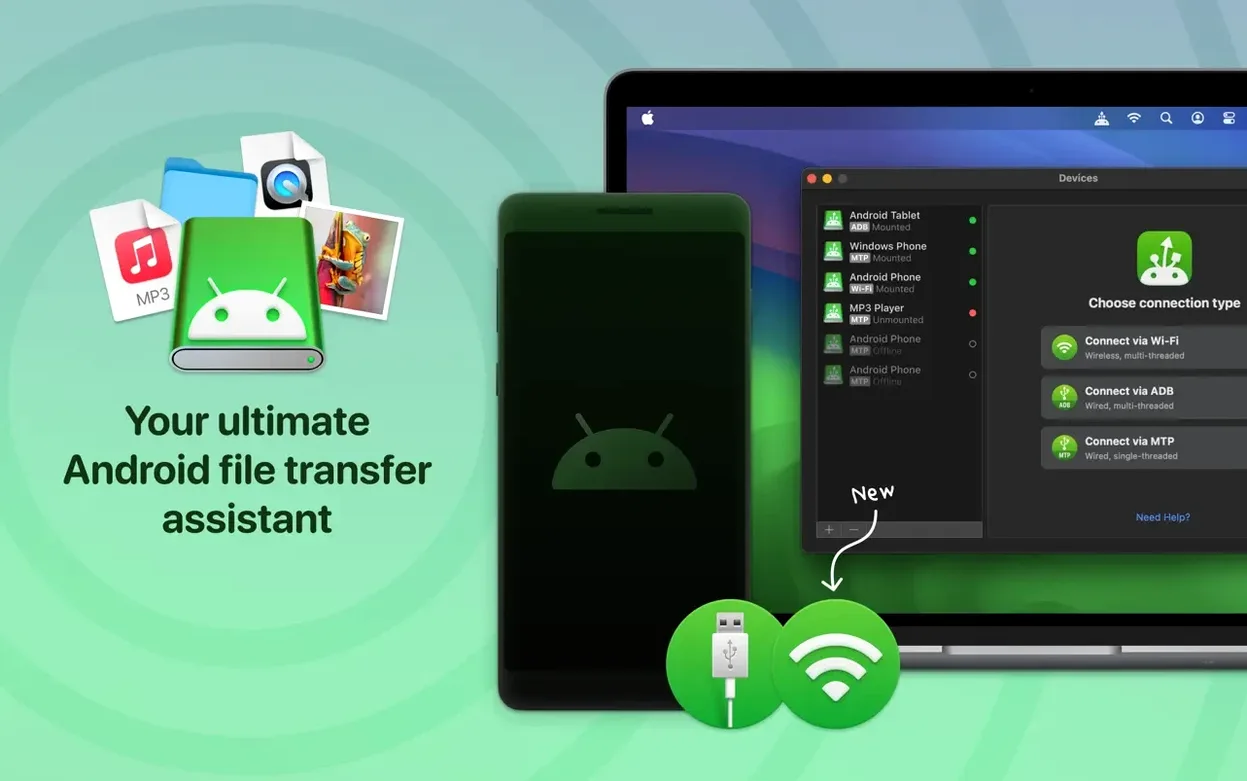
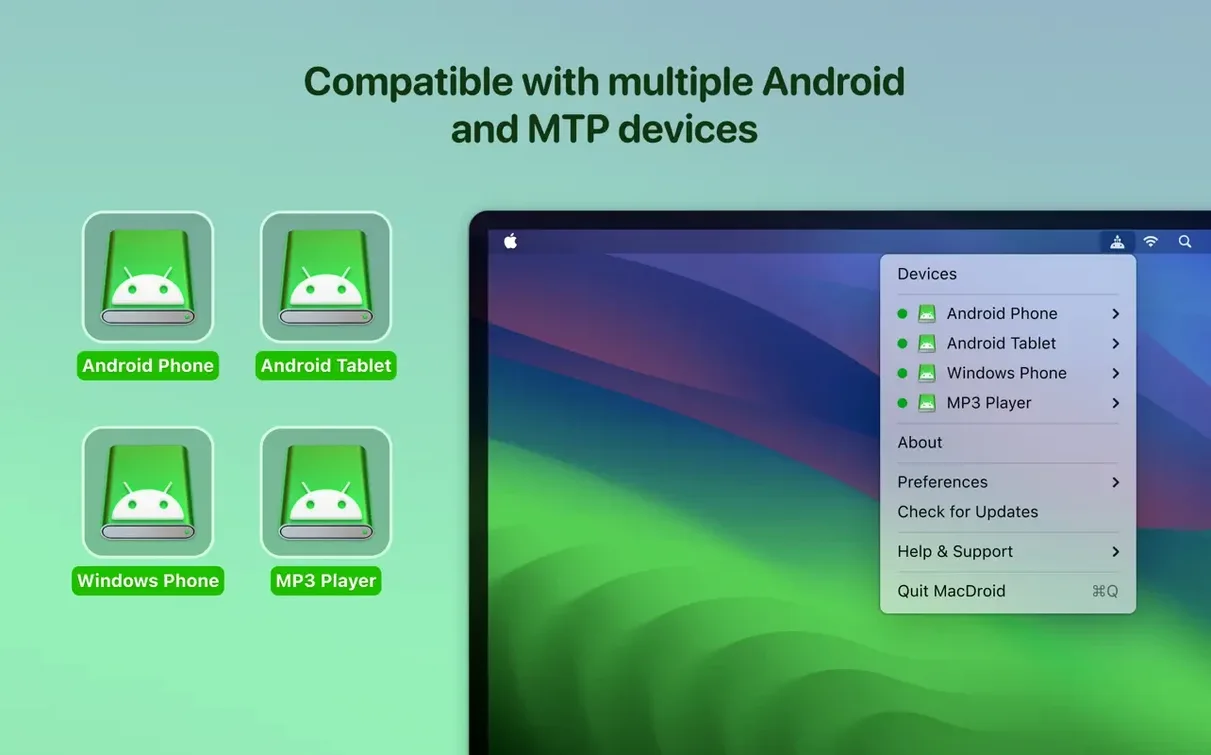
MacDroid Pro is an app that gives your Mac direct access to files on an Android phone or tablet.
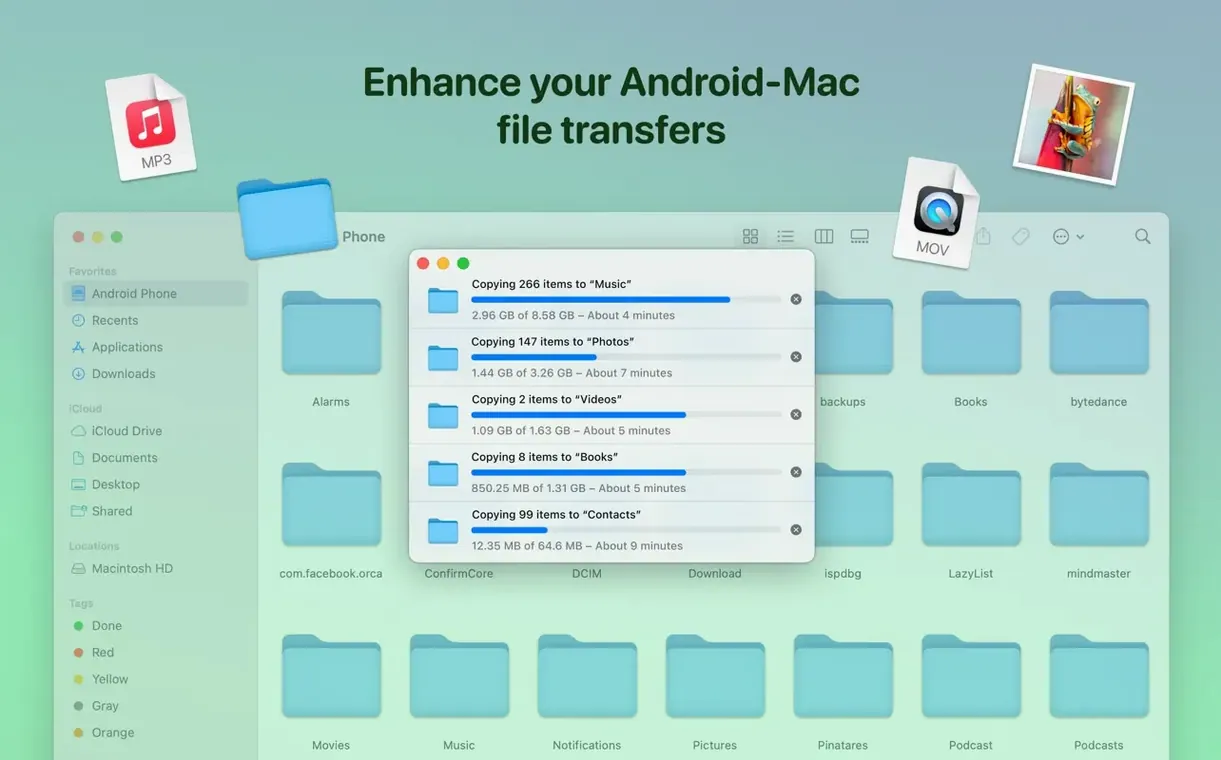
Here’s a realistic task it handles cleanly: pulling a batch of photos off your Android and dropping a folder of new music onto the phone, all in one sitting.
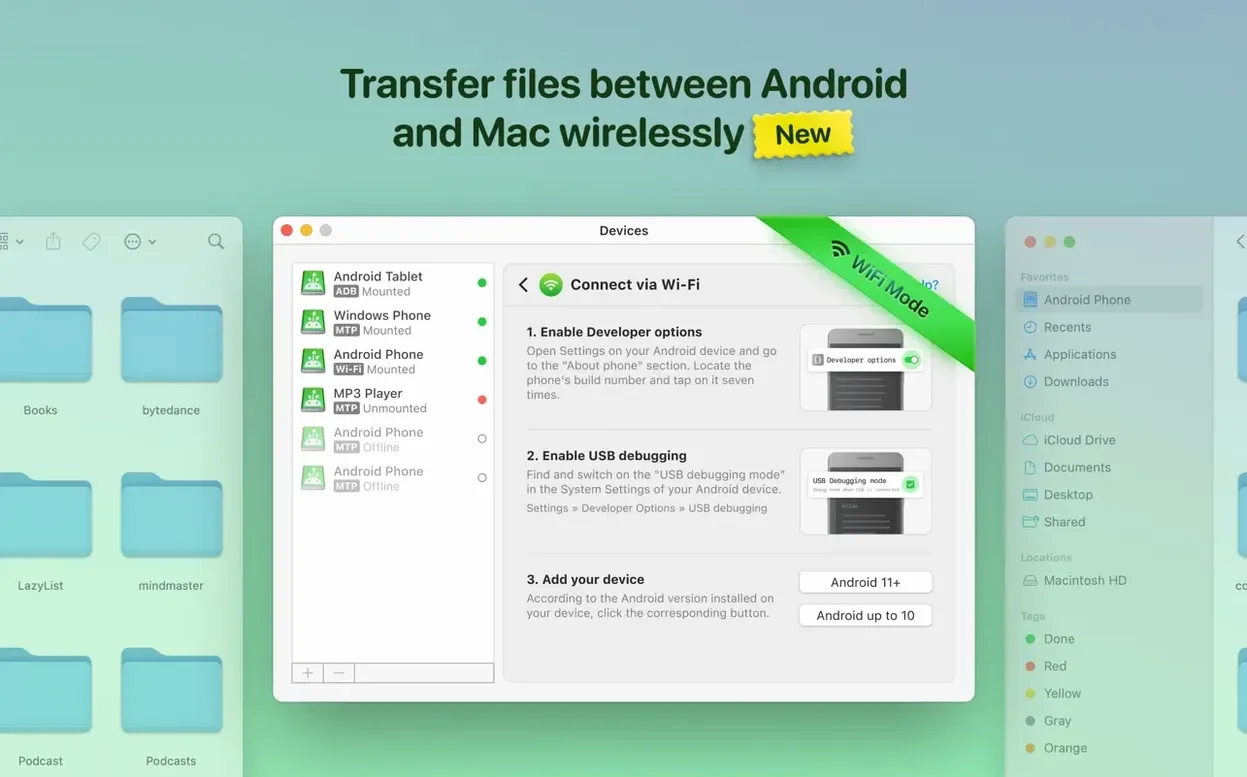
Drag full folders or photos over USB and Wi‑Fi
- Dragging full folders between macOS and Android without a cloud middleman
- Grabbing photos from an Android device straight into a Mac folder
- Adding music to an Android phone over USB or Wi‑Fi
- Working with MTP‑connected devices, wired or wireless
Both devices must be awake before transfers start
- A USB cable or a shared Wi‑Fi network is needed for the connection
- Both devices have to be awake and recognised before transfers begin
- Version 2.10.1206 added Traditional Chinese localisation and faster folder loading
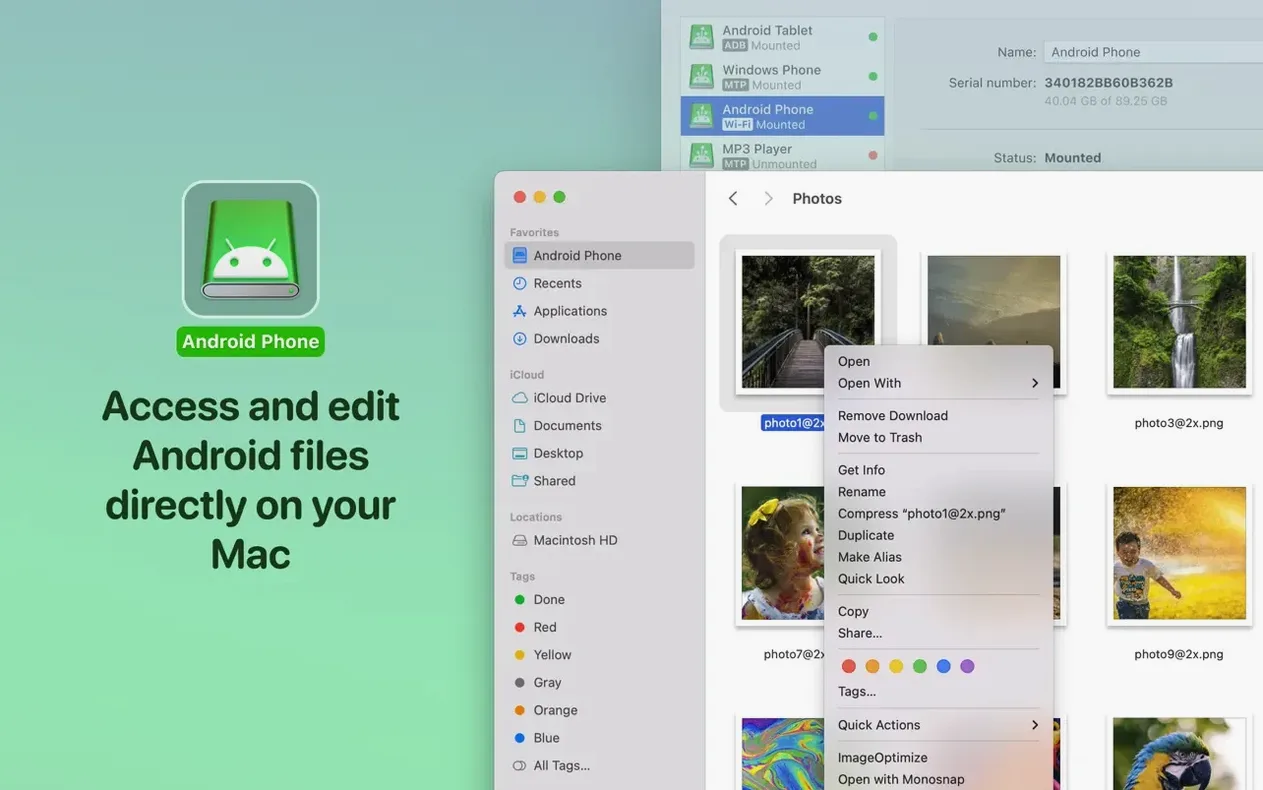
The workflow is simple. Connect your Android phone by USB—MacDroid Pro picks it up and mounts it as a readable, writable drive. You see the phone’s folder tree right in Finder. Select a batch of photos, copy them to your Mac, then drag a music folder back the other way. No extra converters, no web uploads. The recent update made MTP connections steadier and file listings pop up noticeably quicker, so the back-and-forth feels snappier than before.
First days: what pays off
A few habits make the first week smoother.
- Pick a connection and stick with it for a while. USB gives you the fastest, most predictable transfers. Use Wi‑Fi when the cable isn’t handy, but get comfortable with one mode before mixing them. Switching mid‑session can confuse the mount point.
- Name your Android volume in Finder. MacDroid Pro mounts the phone as a disk. Rename it once (right‑click the desktop icon or Finder sidebar entry) so it always appears with a label you recognise, especially if two family members use the same phone model.
- Resist the urge to edit files in place on day one. The app lets you open and tweak Android files without copying them first. Test that with a small, backed‑up text note or screenshot before you rely on it for a folder of work documents. It works, but you’ll want to see how your particular Android folder structure responds.
- Keep the phone awake during long transfers. A screen timeout can interrupt a moving progress bar. Set your Android display to stay on for 10 minutes, or just tap the screen once halfway through a big folder copy.
It’s the pipe between macOS and your existing apps
MacDroid Pro doesn’t try to be a photo manager, a music player, or a backup tool. It’s the pipe. That means it slots neatly between macOS and the apps you already use.
- Finder and Preview. Mount the Android device and browse its DCIM folder. Quick Look photos and videos right from the phone. Delete the blurry ones without importing them first.
- Music and Apple Music. Drag a playlist folder onto the Android’s Music directory. Open your Android music player and the tracks are there. No sync client, no iTunes match confusion.
- macOS folders and Tags. Because the Android storage appears as a volume, you can tag folders with Finder tags while they’re still on the phone. The tags live on the Mac side, but they help you sort what you’ve already grabbed versus what’s still waiting for transfer.
- AirDrop substitute. If you’re in a mixed‑device household, MacDroid Pro bridges the gap. AirDrop doesn’t talk to Android. A quick USB connection and a drag‑and‑drop session does the same job without uploading to a shared cloud folder.
- macOS Shortcuts. If you regularly pull the same folder (say, a podcast directory), a Finder‑based shortcut can be triggered after the volume mounts. MacDroid Pro’s mount point is stable enough that repeated shortcut actions find the same path each time.
Google’s free tool runs USB only with a flat file view
A few other Mac apps handle Android file access, each with a different angle.
Android File Transfer. Google’s free utility is basic and gets the job done for occasional drag‑and‑drop. It runs over USB only, shows a flat file view, and can feel clunky with large folders. MacDroid Pro adds Wi‑Fi, proper volume mounting in Finder, and in‑place editing. If you move files once a month, the simpler tool might be fine. If you do it weekly, the Finder integration and mount‑as‑drive approach save real time.
OpenMTP. A free, open‑source alternative that uses a two‑panel layout instead of Finder integration. It’s more capable than Android File Transfer but still requires you to work inside its own window. MacDroid Pro puts the Android file system where macOS already expects it. For people who live in Finder and use Quick Look, tags, and column view, that’s a meaningful difference.
Commander One with Android plugin. A dual‑pane file manager that can talk to Android devices. It’s feature‑rich and suits power users who want a Norton Commander‑style interface. MacDroid Pro is leaner and doesn’t add a new file manager to your dock. You pick based on whether you want a new interface or just a mount point.
Set your preferred connection order for desk vs. mobile use
Out of the box, the app is functional, but a few adjustments make it feel more like yours.
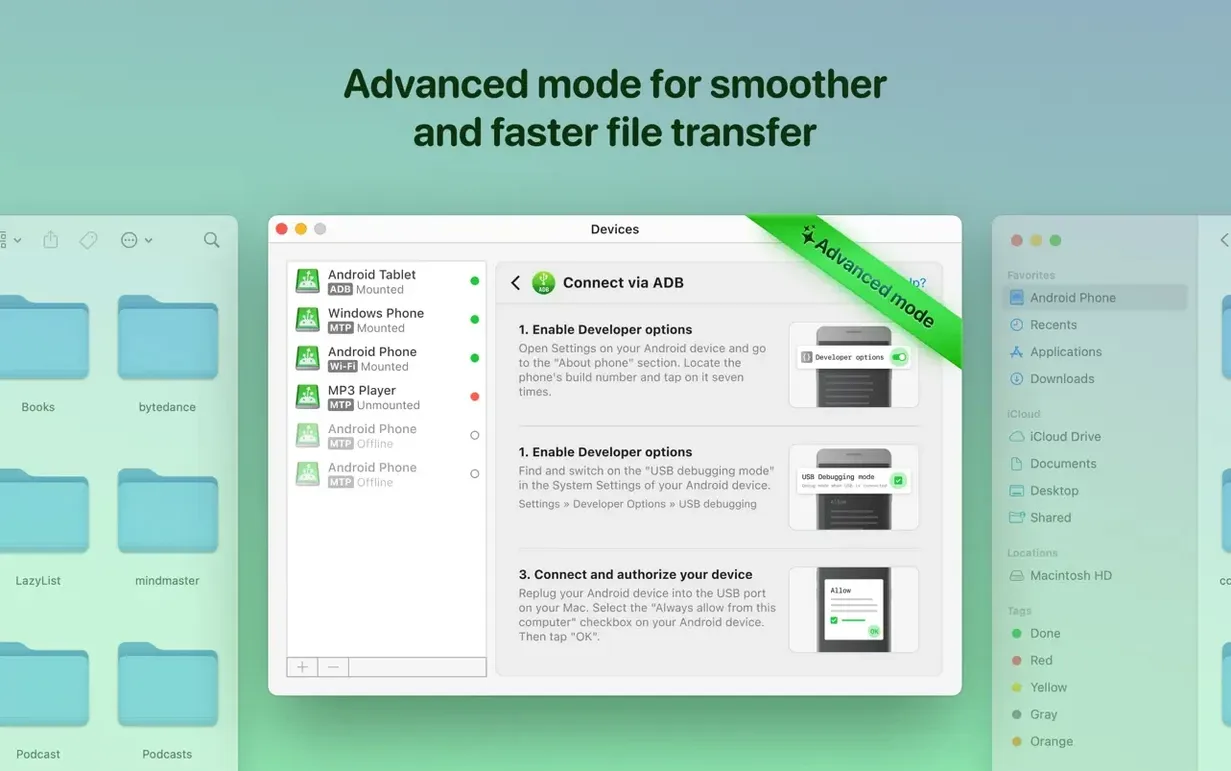
- Connection mode priority. Open preferences and set your preferred connection order. If you’re mostly at your desk, put MTP (USB) first. If you roam between rooms, bump Wi‑Fi up. This stops the app from pausing to hunt for a mode you rarely use.
- Mount behaviour. Tell MacDroid Pro to mount the device automatically when connected. By default it may wait for a manual click. Auto‑mount means you plug in the cable and the Android volume pops up in Finder within a few seconds.
- File listing cache. Version 2.10.1206 made folder loading faster, and a cache setting controls how aggressively it stores file lists. If you work with folders that change often (like a Screenshots directory), keep the cache short. For static music or archive folders, a longer cache keeps navigation instant.
- Notification toggles. The app can notify you when a transfer completes. That’s useful for large batches—start a copy, switch to another window, and wait for the ping. Turn off notifications for small single‑file drags if you find them noisy.
Good to know: if a macdroid pro dmg is what you grabbed, the disk image mounts with the usual Gatekeeper bypass step. Once it’s in your Applications folder, the app handles both Intel and Apple Silicon Macs without a separate build.

 MacCleaner Pro
 MacFamilyTree
 MacBooster
 MacGPT
 Lunar Pro
 Luminar Neo
 Luminar AI
 Loopback















Chat 0
Hop in or make an account to join the chat.
Quiet in here so far. If you have used this build, tell me what the install actually did.