
 MacDroid Pro
 MacGPT
 MacCleaner Pro
 MacBooster
 Lunar Pro
 Luminar Neo
 Luminar AI
 Loopback


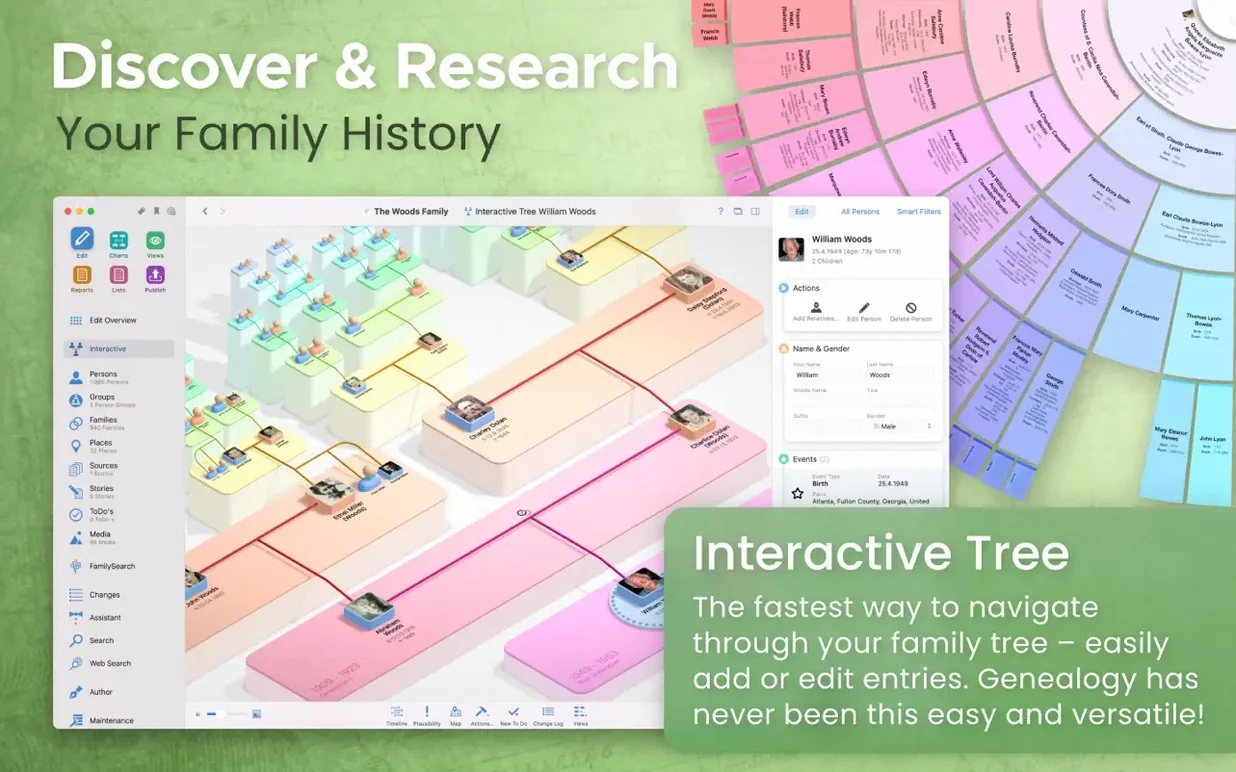
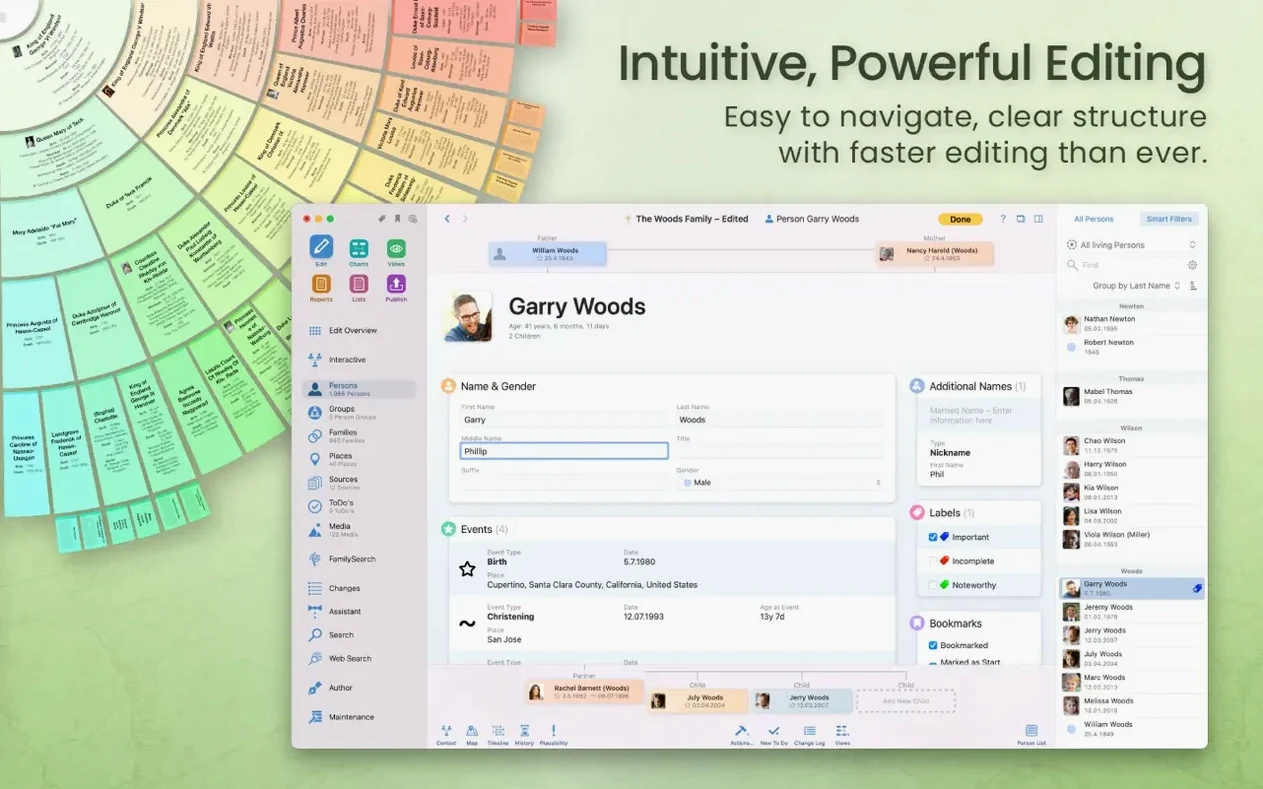
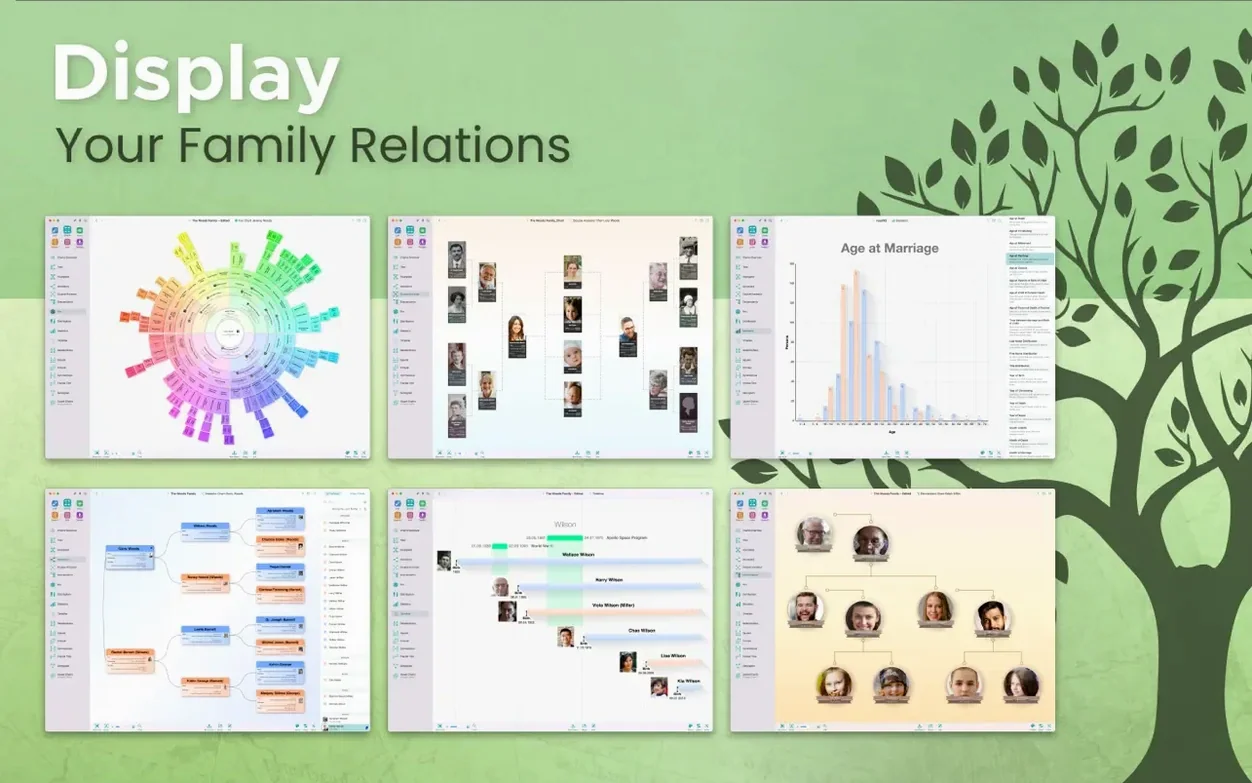
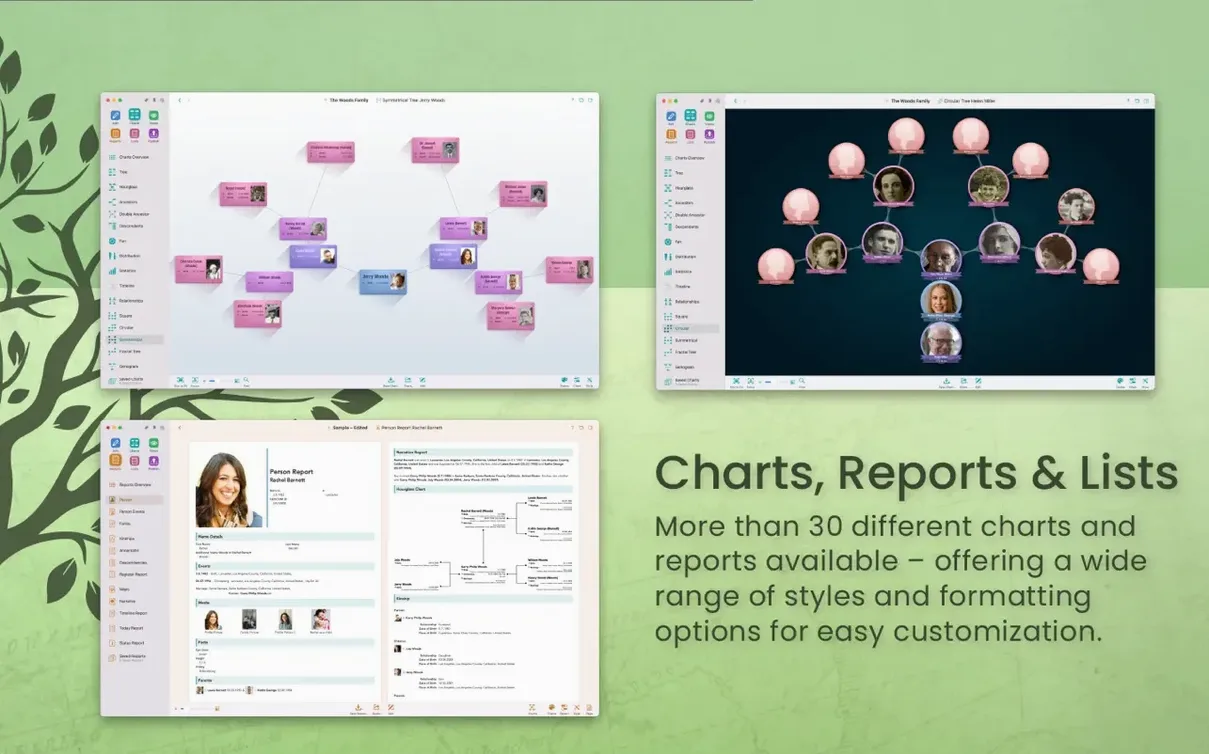
MacFamilyTree is a Mac app for mapping out your family history, from a simple two-generation chart to a sprawling tree with hundreds of names.
Start by adding yourself. The app builds an interactive tree as you go, with a tap-to-expand view that feels more like a map than a database. Switch to the 3D tree view when you want a different angle — it renders your family connections as a floating constellation you can spin and zoom.
Once you have the basics in, try the FamilySearch integration. A built-in search pulls matching records from the genealogy database, letting you attach census entries, marriage documents and headstone photos without leaving the app. Everything you add stays local on your Mac, or you can move it to encrypted iCloud storage and edit the same file from an iPad or iPhone with MobileFamilyTree.
When you are ready to share, the website builder creates a private page from your tree. You set a password and choose which people and records to hide before it goes live — handy for sending a clean snapshot to a relative without exposing every note and birth date.
Let’s say you have just picked up a marriage certificate from 1912. You sit down with a coffee, open MacFamilyTree and double-click the groom’s person card. The inspector slides in from the right. You drop the cert scan straight onto the media tab, then open the events section to add the marriage — date, parish church, witnesses. Three minutes and it all snaps into place.
Next you switch to the family chart. The new spouse appears automatically, linked by a fresh marriage line. You spot a gap on the bride’s side and hit the search icon. MacFamilyTree queries FamilySearch in the background. A census return from 1901 pops up with matching names and an address you recognise. One click attaches the source citation. You add a quick note about the handwriting on the original page, then close the app. When you open MobileFamilyTree on the sofa later, the same update is already there via CloudTree.
CloudTree sync stalls on first set-up. The most common hiccup is iCloud taking its time to push the initial tree between Mac and iPhone. Give it ten minutes with both devices on the same Wi‑Fi and the app left open. If nothing moves, sign out of iCloud inside MacFamilyTree’s preferences, quit, then sign back in. That re‑queues the sync.
GEDCOM import scrambles dates or relationships. MacFamilyTree reads most GEDCOM 5.5 files without fuss, but some older exports use custom tags. Before you import, check the mapping dialogue: the app lists every tag it doesn’t recognise and lets you assign it to a MacFamilyTree field. Take the extra three minutes to walk through that screen and you will avoid phantom siblings and swapped birth years.
3D tree view lags on an older Intel Mac. The constellation view is gorgeous, but on a 2018 MacBook Pro it can chug with more than 400 people loaded. Drop the quality slider in the view’s toolbar or switch to the flat interactive tree while editing. The 3D view is optimised for Apple Silicon, so M‑series machines handle larger trees without breaking a sweat.
MacFamilyTree vs. Reunion. Reunion is the old hand — fast, focused on data entry, with a loyal following among researchers who prefer a no‑frills workspace. It runs lighter on system resources and its search-and-replace tools are still best in class. MacFamilyTree pulls ahead on visual output: the chart styles, 3D view and built‑in website builder give you finished presentation pieces without leaving the app. If you want raw research speed, Reunion often feels quicker. If you want the story to look good once it is researched, MacFamilyTree wins.
MacFamilyTree vs. Heredis. Heredis shares a lot of DNA with MacFamilyTree — interactive trees, media handling, companion mobile apps. The difference is in the details. Heredis offers stronger mapping with automatic geolocation of events, while MacFamilyTree’s CloudTree sync is smoother because it leans on iCloud rather than a separate server account. Heredis also feels more Windows‑like in its menu layout; MacFamilyTree sticks closer to what you expect from a Mac-native app. For a family historian who switches between Mac and iPad throughout the day, MacFamilyTree’s sync just works with less fiddling.
Some users search for a macfamilytree crack or a macfamilytree 11 torrent to try the full feature set before committing — fair enough when you want to test CloudTree across three devices over a weekend. Others look for a macfamilytree 11 crack or a macfamilytree torrent for the same reason. The download right here on this page is the complete MacFamilyTree 11.3.2 build, ready to drop into your Applications folder.
Yes. MobileFamilyTree is the companion app for iPhone and iPad, and an iCloud account lets you keep the same tree encrypted and up to date across your devices.
It does. The developer states that version 11 is optimized for Apple Silicon, so it runs natively on M1, M2 and M3 Macs.
You can search historical records directly inside the app and attach matches to people in your tree, which saves jumping between your family file and a web browser.














Chat 0
Hop in or make an account to join the chat.
Quiet in here so far. If you have used this build, tell me what the install actually did.