
 MediaMate
 MAXON Cinema
 Maschine
 Marvelous Designer
 Marmoset Toolbag
 MAMP PRO
 MainStage
 Magnet

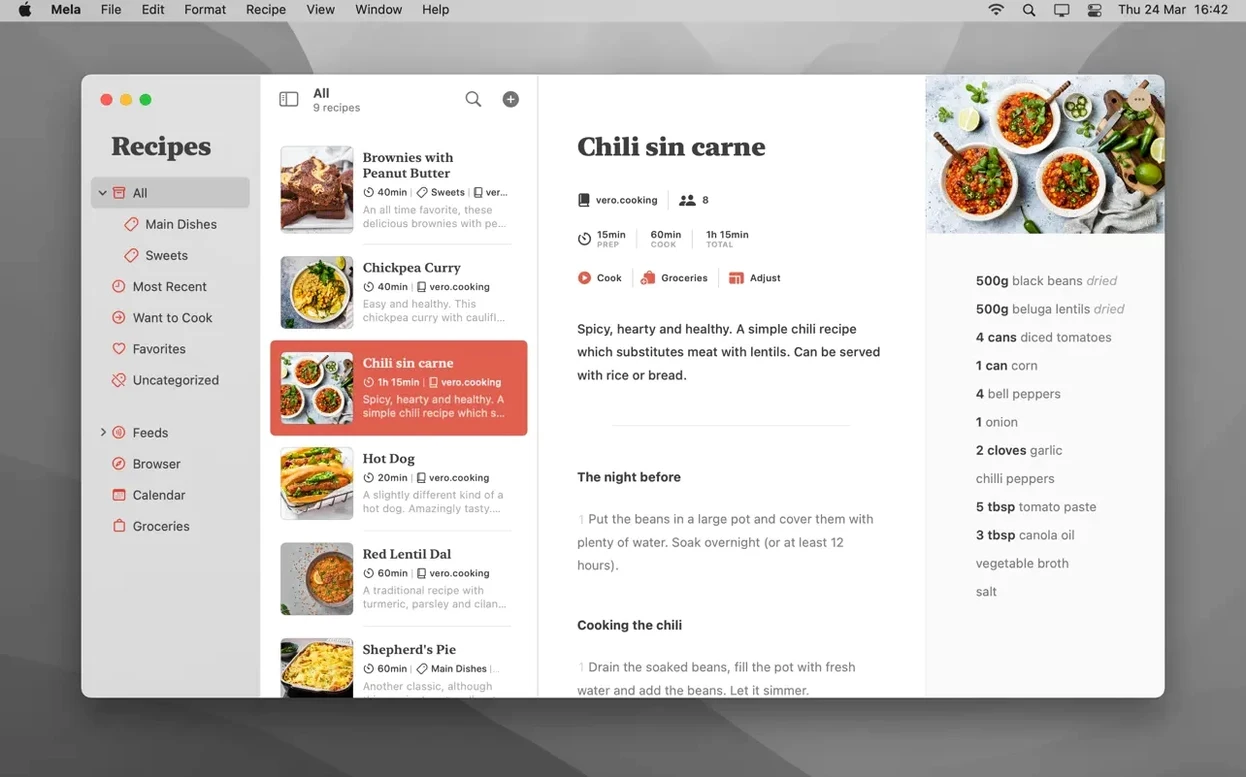
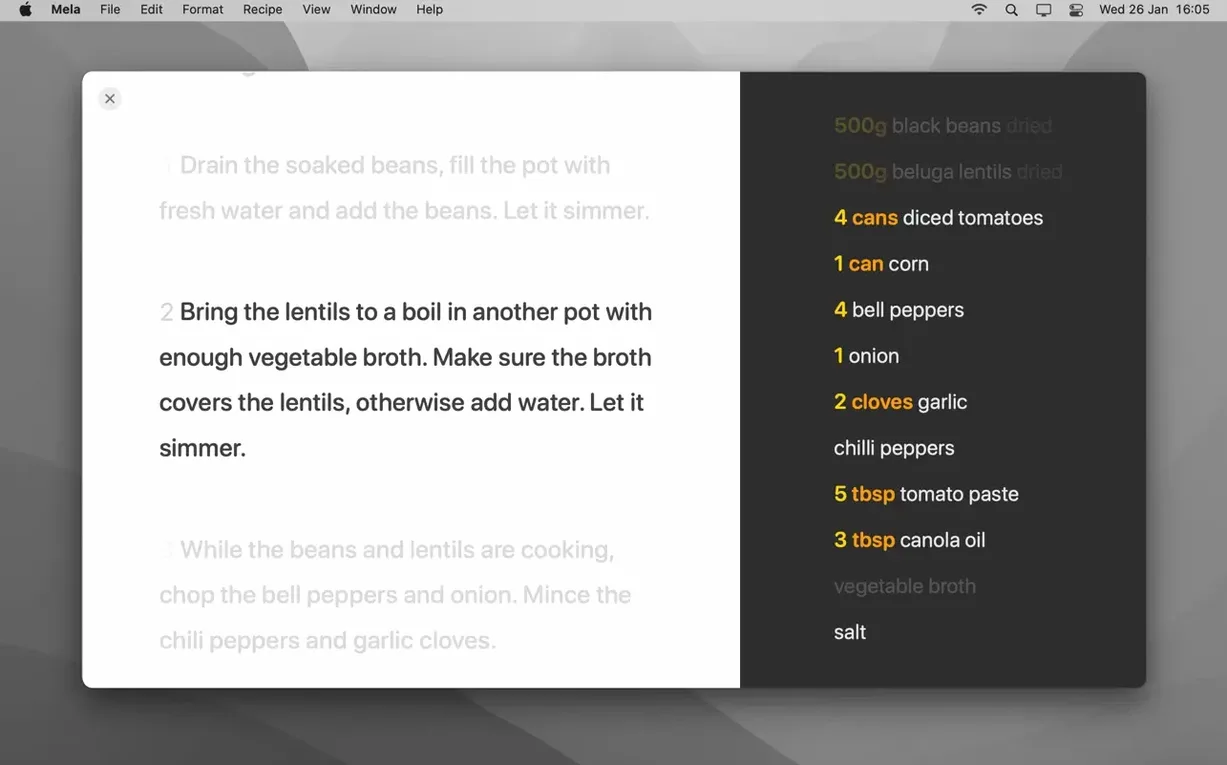
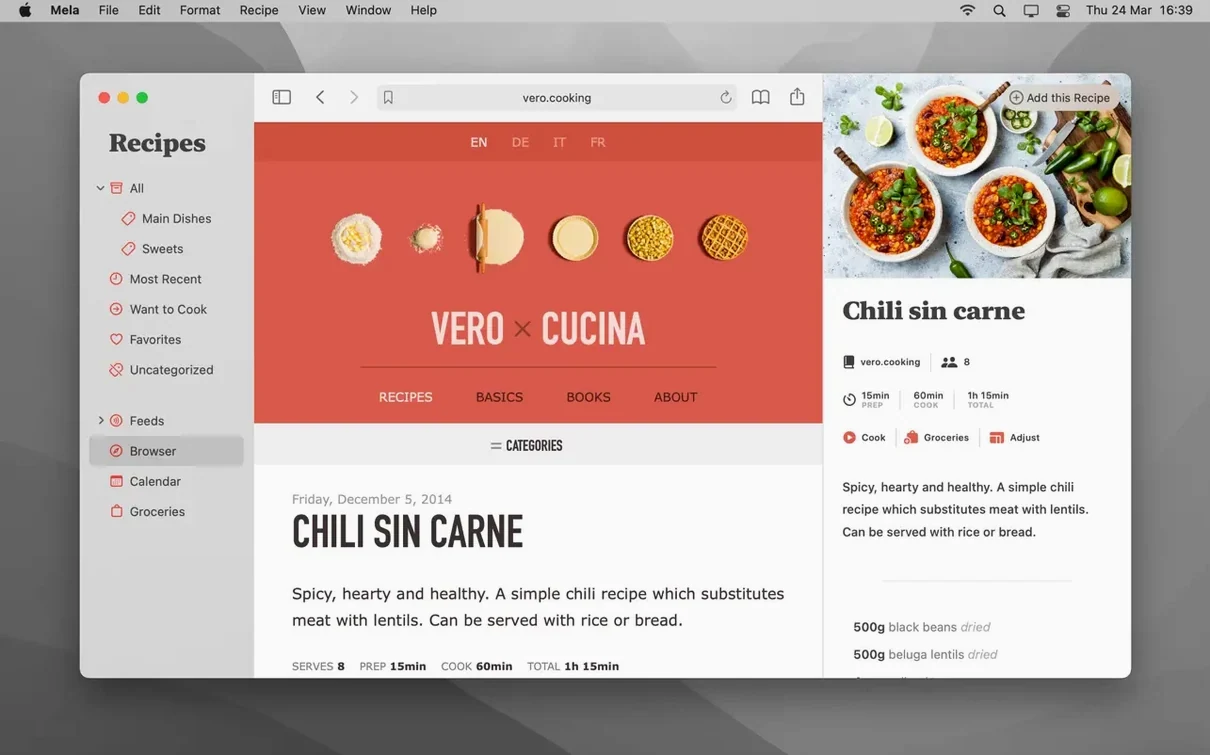
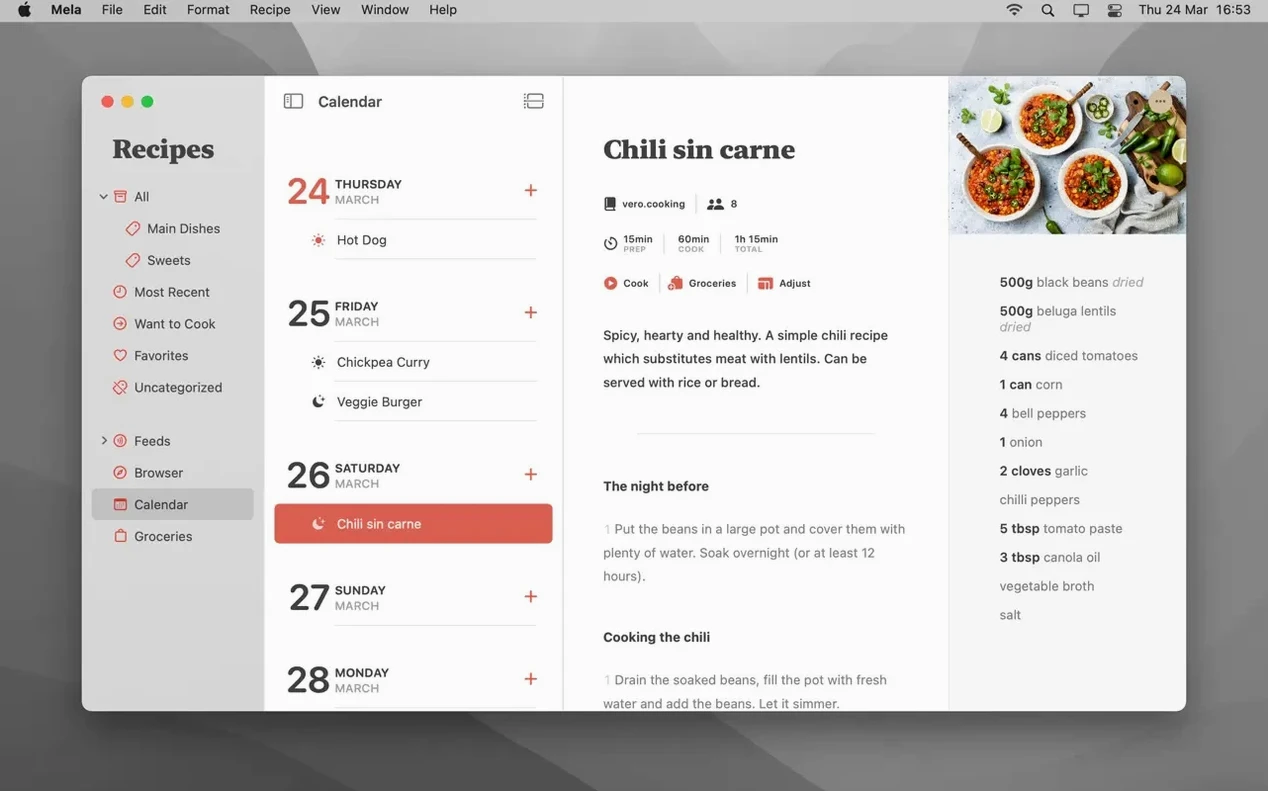
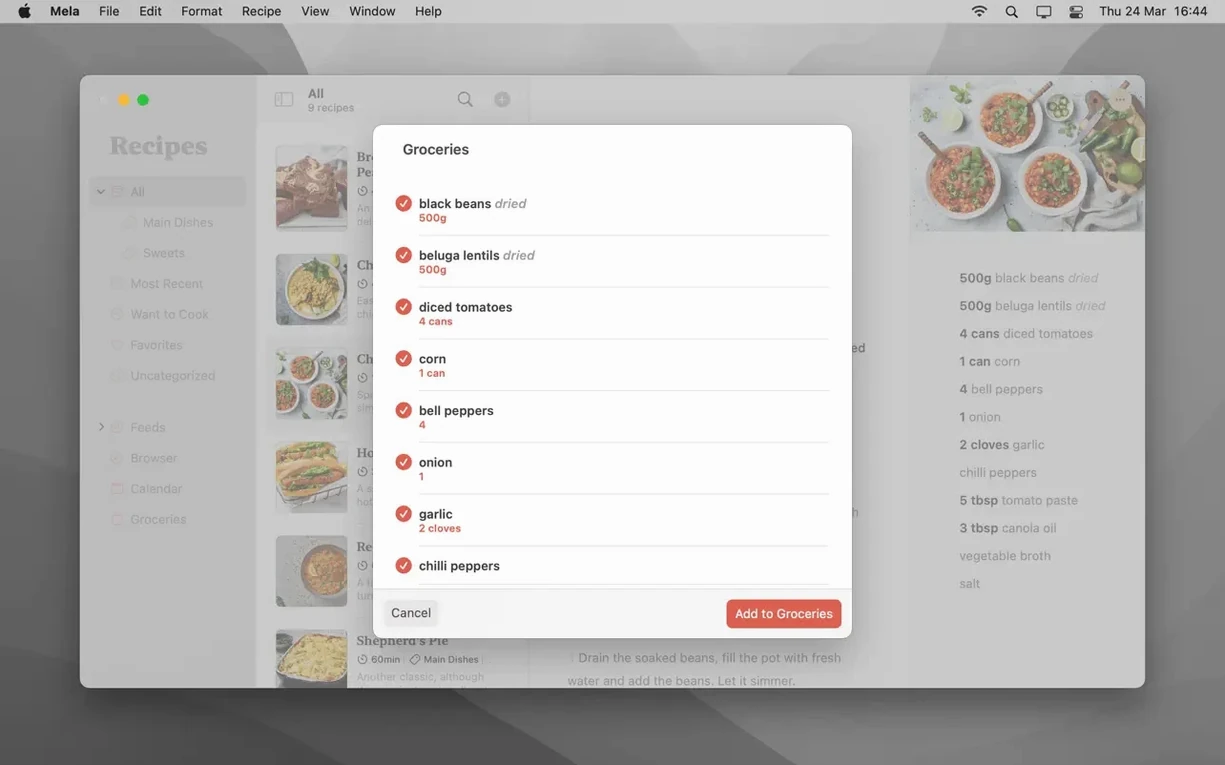
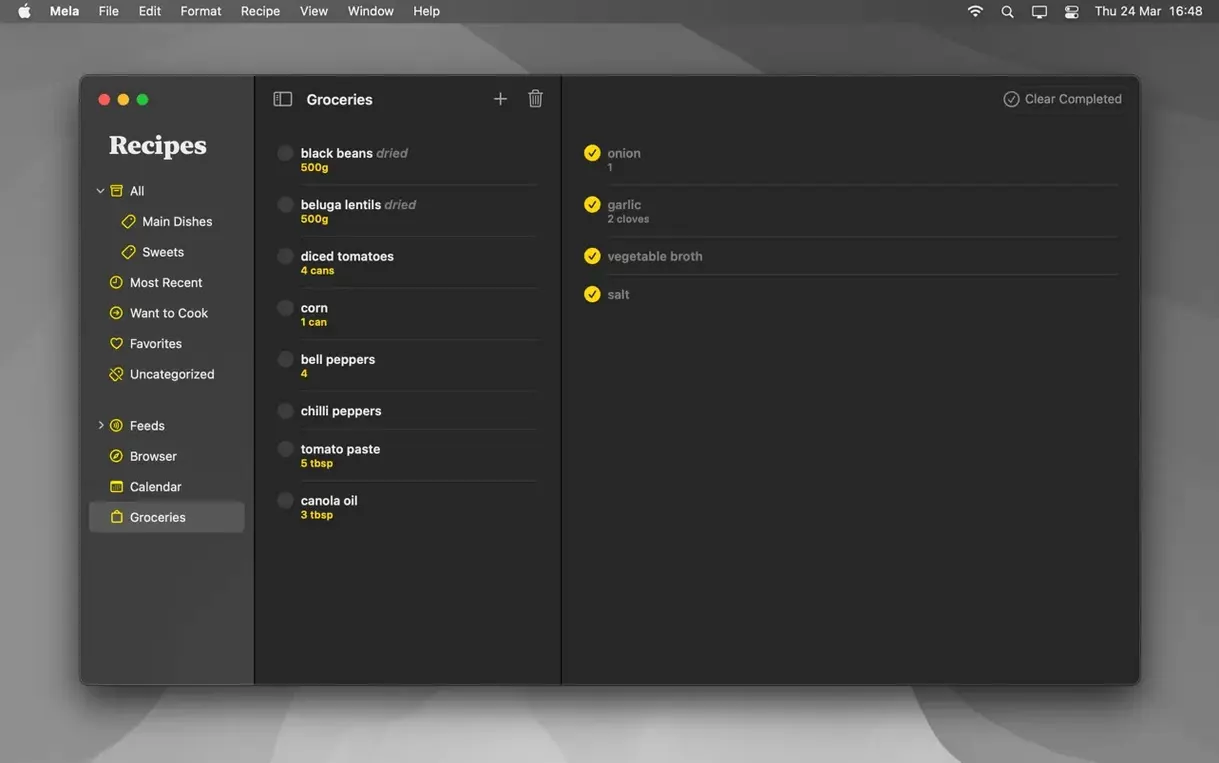
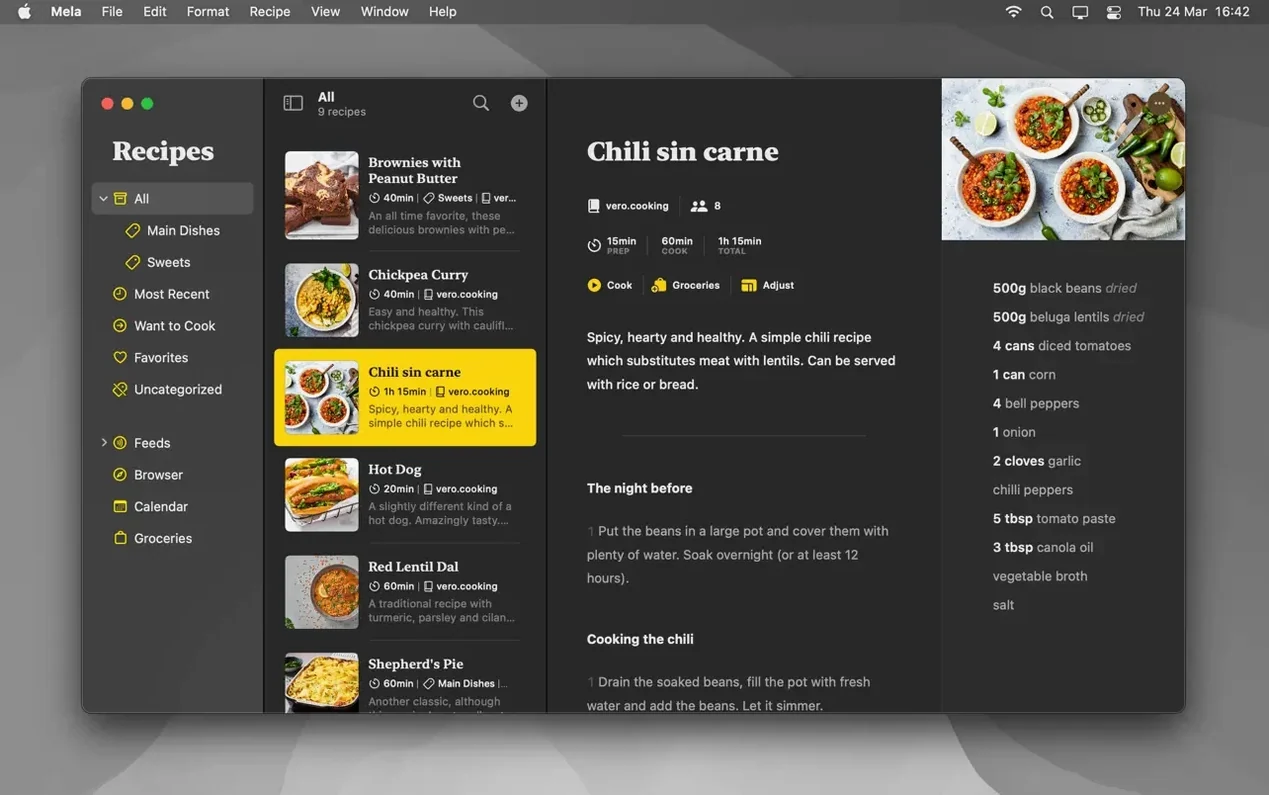
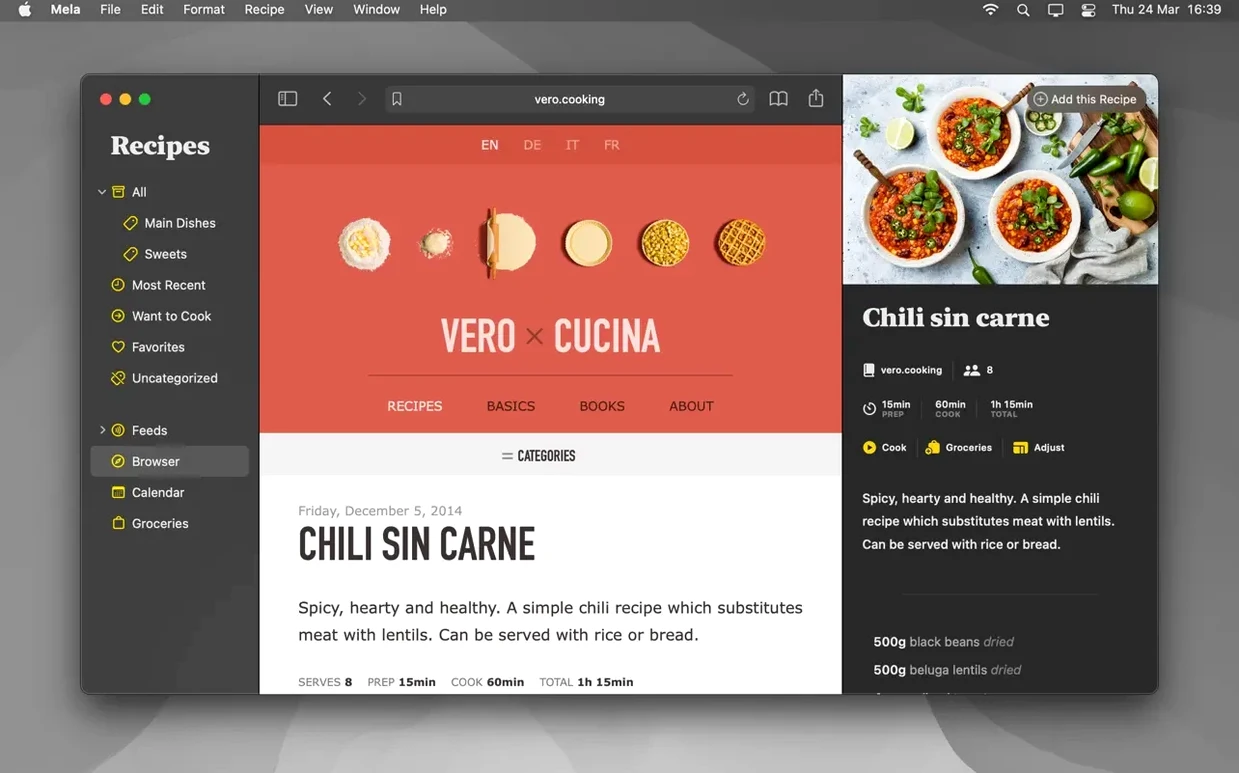
Timers inside cooking mode are the little touch that makes Mela feel properly thought out. It’s a recipe manager that syncs privately through iCloud, so your collection sits alongside notes, photos and files you already keep on Apple’s servers.
Mela stays close to Apple’s own tools rather than fighting them. Private iCloud syncing is the default, shared libraries need macOS 12, and the meal planner leans on Calendar.app. That’s a tidy fit for anyone already using Reminders or Notes for household bits and pieces. The interface languages cover English, German, Italian and French.
Version 2.6.1 tightened the in-app browser. Recipe detection is quicker on busy pages, and the live preview no longer stutters when you scroll through a long ingredient list on an Intel Mac. If you use shared libraries, the sync engine got a quiet polish — fewer “recipe updated” flags when nobody actually changed anything.
Earlier 2.x releases added multi-recipe cooking mode and the timer panel. Those two features together shift how the app feels at 6 p.m. on a Tuesday. You can keep a main dish and a side dish open side by side, both in large text, with a 12-minute timer running for the greens and a 25-minute one for the roast. That used to mean a phone on the bench and a splattered notebook. Now it’s one screen.
The text-recognition scanner for printed cookbooks arrived in the 2.x cycle as well. It’s not instant — you still need decent light and a steady hand — but the capture-to-recipe flow is direct. Point, wait for the yellow outline, tap, and Mela drops the text into a fresh recipe card. From there you can tidy up the ingredient quantities and method steps before it joins your library.
Mela’s connection to Calendar.app is practical rather than flashy. Add a recipe to a day, and the meal appears as an event in whichever calendar you’ve chosen in System Settings. That means Fantastical, BusyCal or a widget on your phone can all show tonight’s plan without extra fiddling. The same event carries the recipe name and a link that opens Mela — useful if you meal-plan on Sunday and forget the details by Wednesday.
The sharing extension slots into Safari and most third-party browsers. When you land on a recipe blog, you can send the detected recipe straight to Mela without copying and pasting. Subscribing to blogs is another quiet strength: paste a site’s URL into Mela’s subscriptions, and new posts appear in the recipe viewer. It won’t replace a full RSS reader, but for food blogs it’s cleaner than bookmarking.
On the export side, the PDF save is system-level and works with anything that understands the macOS share sheet. You can send a formatted recipe to Notes, attach it to a Reminder for grocery day, or drop it into a shared folder that the household can see. Because syncing is private iCloud by default, your library doesn’t touch a third-party server — just the same infrastructure Photos and Notes use.
The defaults are sensible, but a few tweaks make the app feel more personal:
Good to know: the timer panel inside cooking mode supports multiple concurrent timers. Set one for pasta, another for sauce, and a third to remind you when the oven needs checking — they all run independently and flash gently when done.














Chat 0
Hop in or make an account to join the chat.
Quiet in here so far. If you have used this build, tell me what the install actually did.