
 Pixea Plus
 PhotoScape X Pro
 Pixelmator Pro
 Photomator
 Pixologic Zbrush
 Photo Mechanic
 Permute
 Plasticity


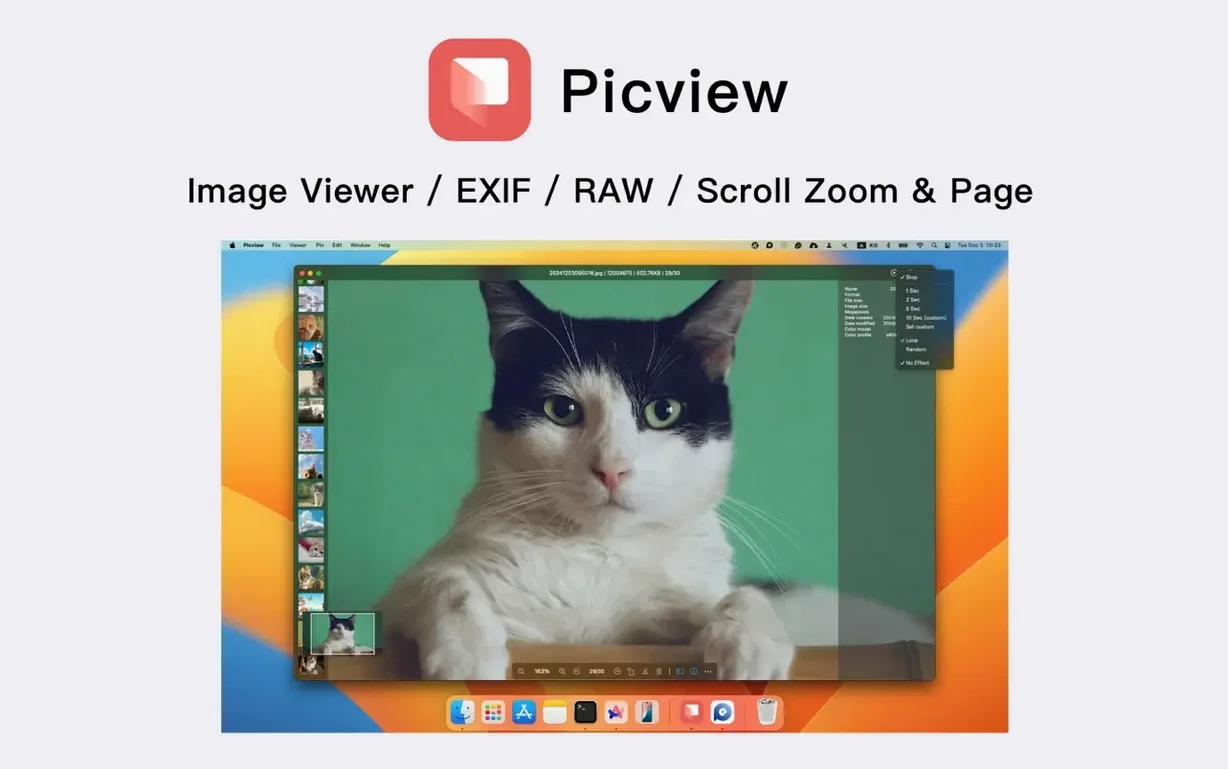
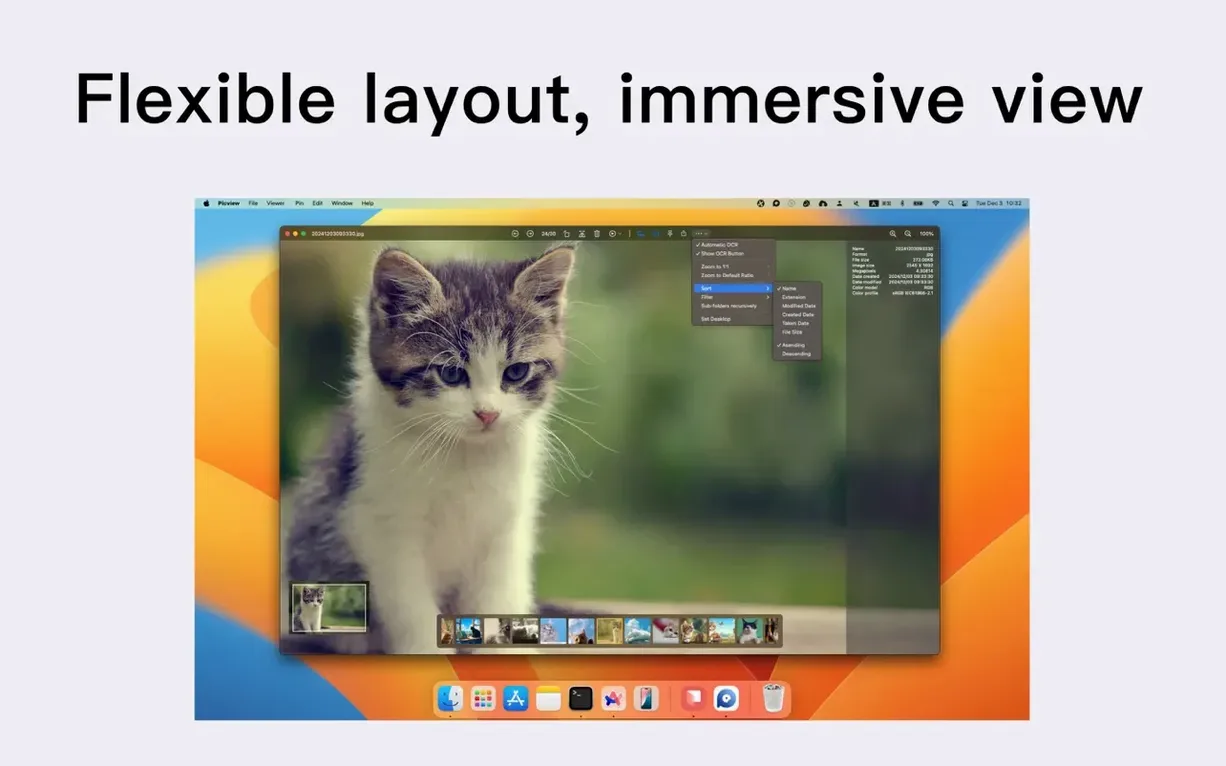
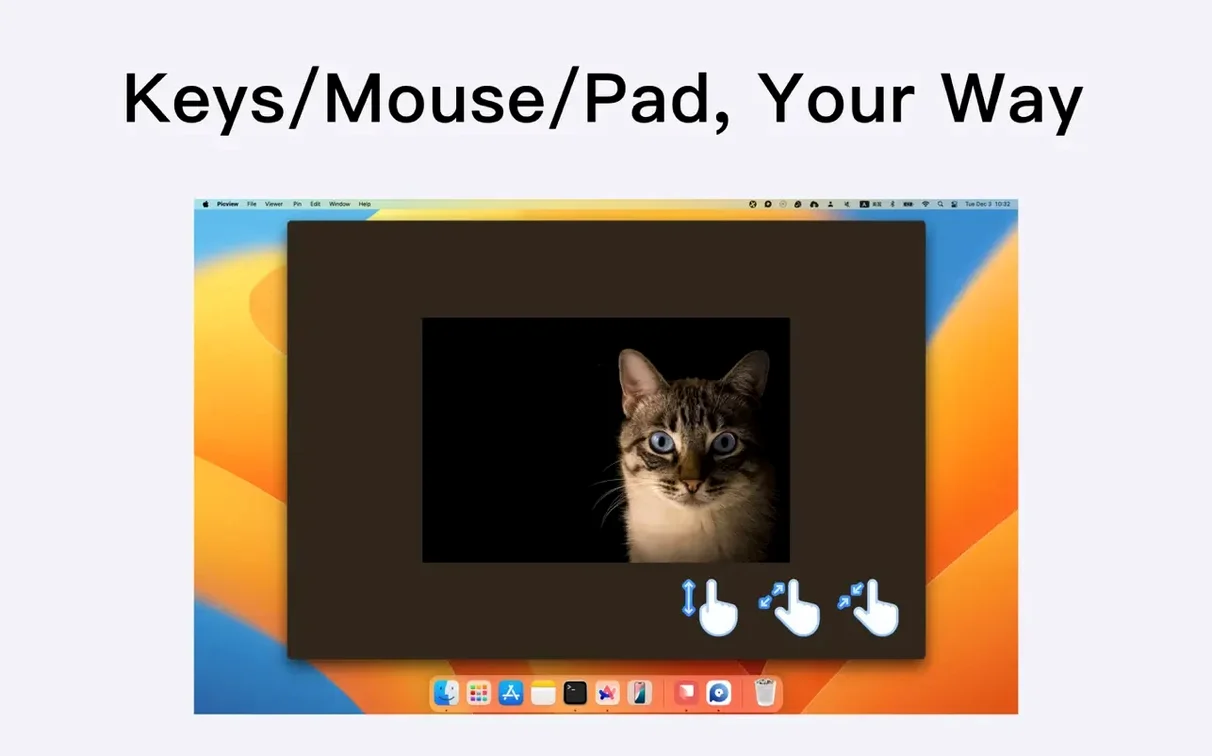
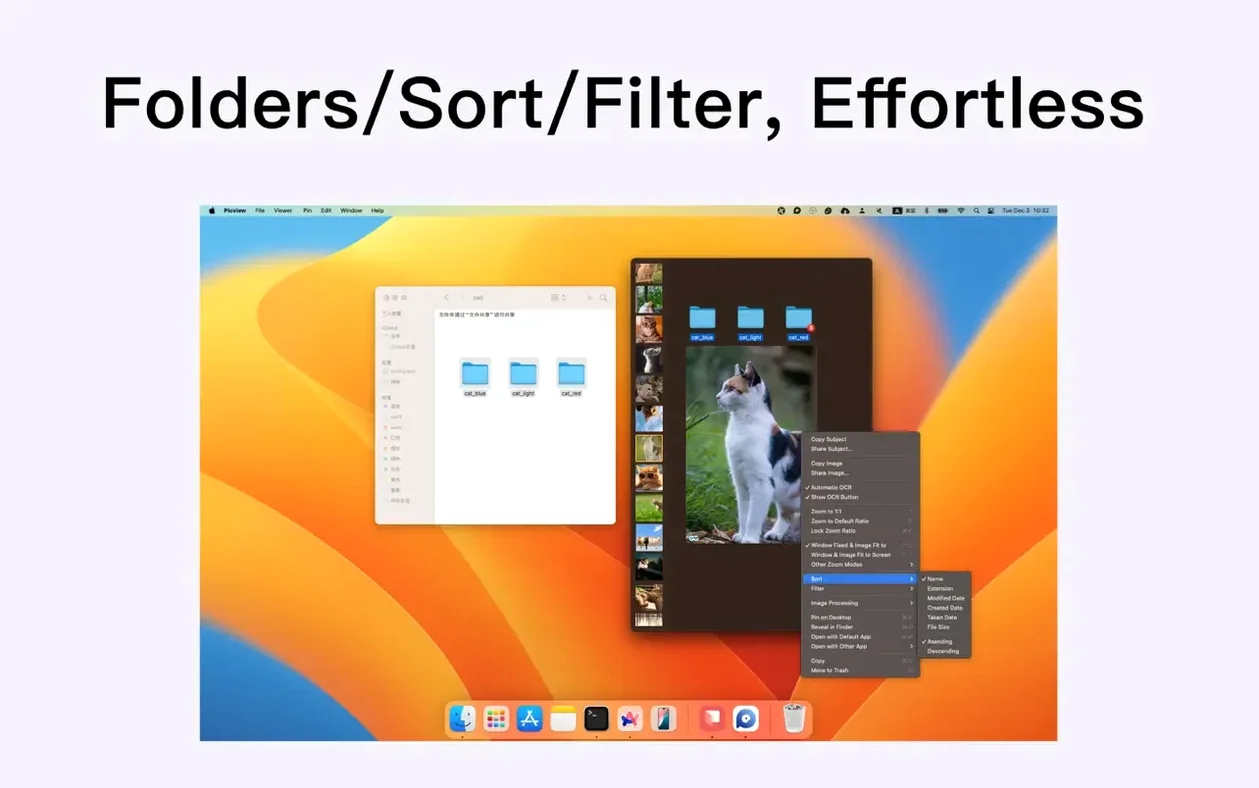
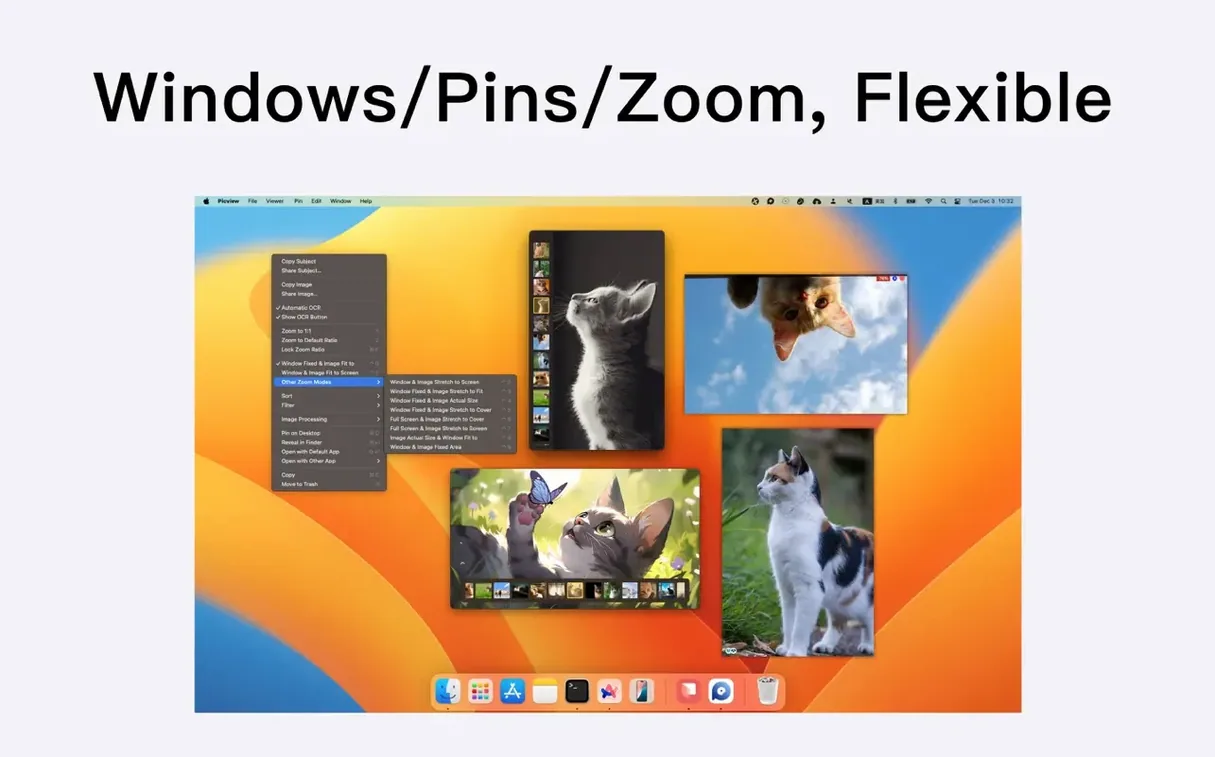
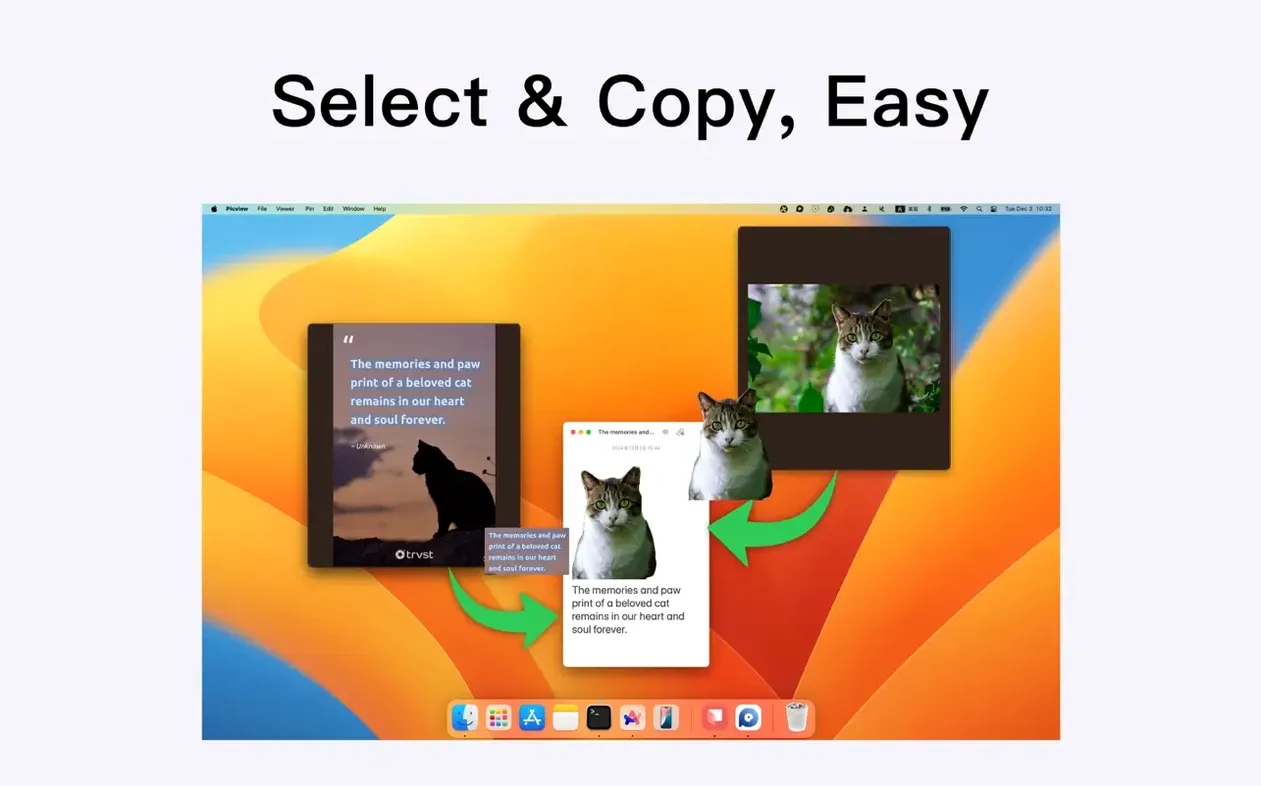
Mask AI picks out a person, a plant or a mug from a photo so you can grab just that object and drop it into a layout. Picview keeps the interface out of the way while you flick through a folder of JPEGs, RAWs or PSDs, which makes it feel closer to a quick preview panel than a heavyweight editor.
It runs natively on Apple Silicon and Intel Macs back to macOS 11. The object copy trick sits next to the clipboard tools you already use, and folder-based browsing means you can point it at a working drive without reorganising files first.
Say you shot a product flat-lay with a dozen variations and need to pull the hero object from each frame. Open the shoot folder in Picview and let it scan the nested RAW and JPEG folders. Switch to adaptive window mode so the frame fills the screen edge-to-edge, then arrow-key through the set. When you land on a keeper, trigger object detection — it isolates the subject in about a second. Hit ⌘C and paste straight into your layout document. No round-trip through a separate masking tool, no saving intermediate PNGs to the desktop.
Sort the folder by capture time to match the order you shot in, or filter to .png only if you exported clean assets alongside the RAWs. The slideshow with shuffle off doubles as a quick client walkthrough — tap the spacebar to pause on a frame and discuss it.
If you have used a Windows-style image viewer and missed the way it just steps through a folder without fussing about libraries, Picview fills that gap. It won't replace a cataloguing app, but for the daily job of looking at lots of pictures fast, it stays out of the way.














Chat 0
Hop in or make an account to join the chat.
Quiet in here so far. If you have used this build, tell me what the install actually did.