
 Picview - Image Viewer
 Pixelmator Pro
 Pixologic Zbrush
 PhotoScape X Pro
 Photomator
 Plasticity
 Photo Mechanic
 Permute


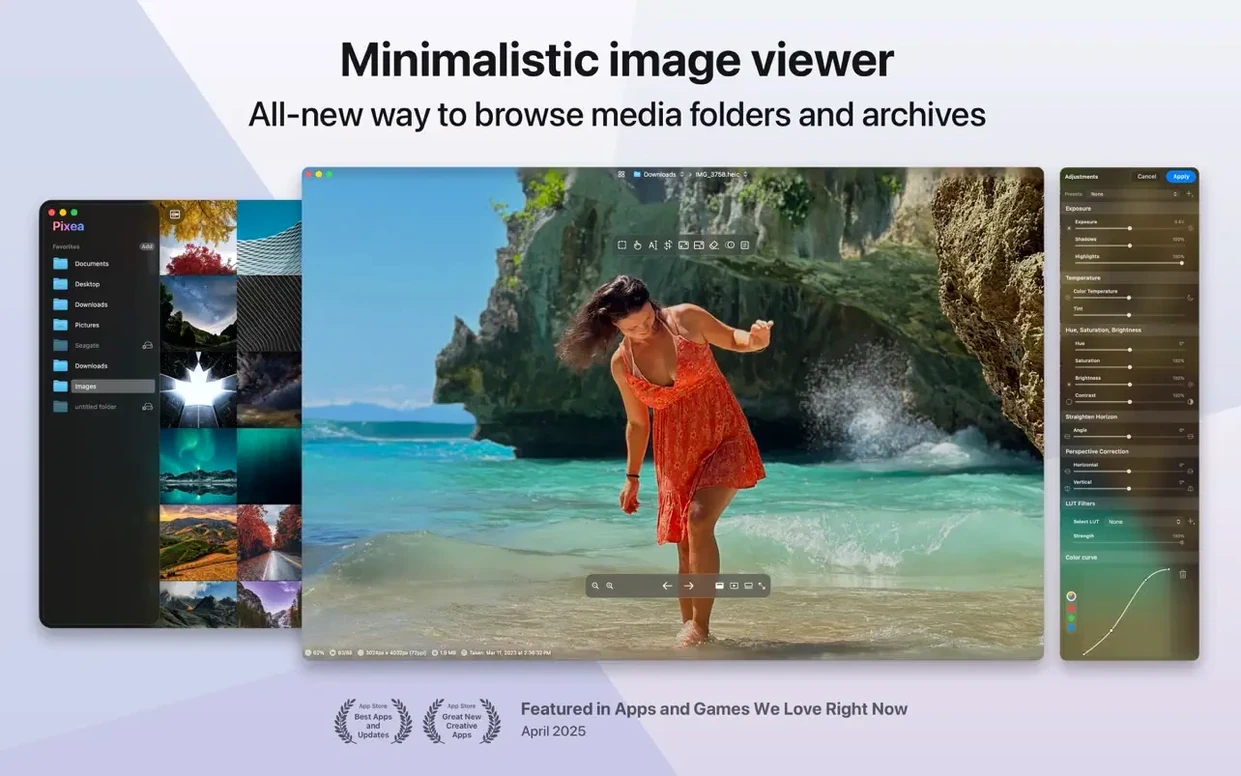
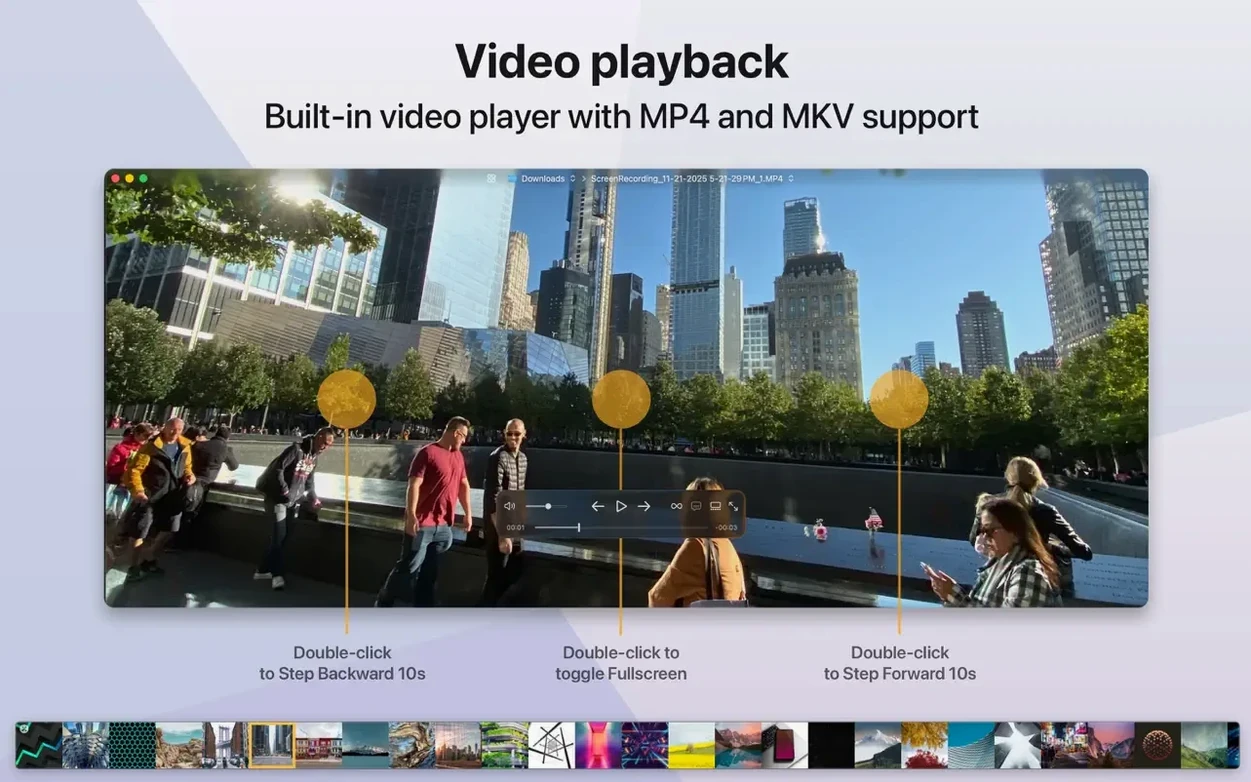
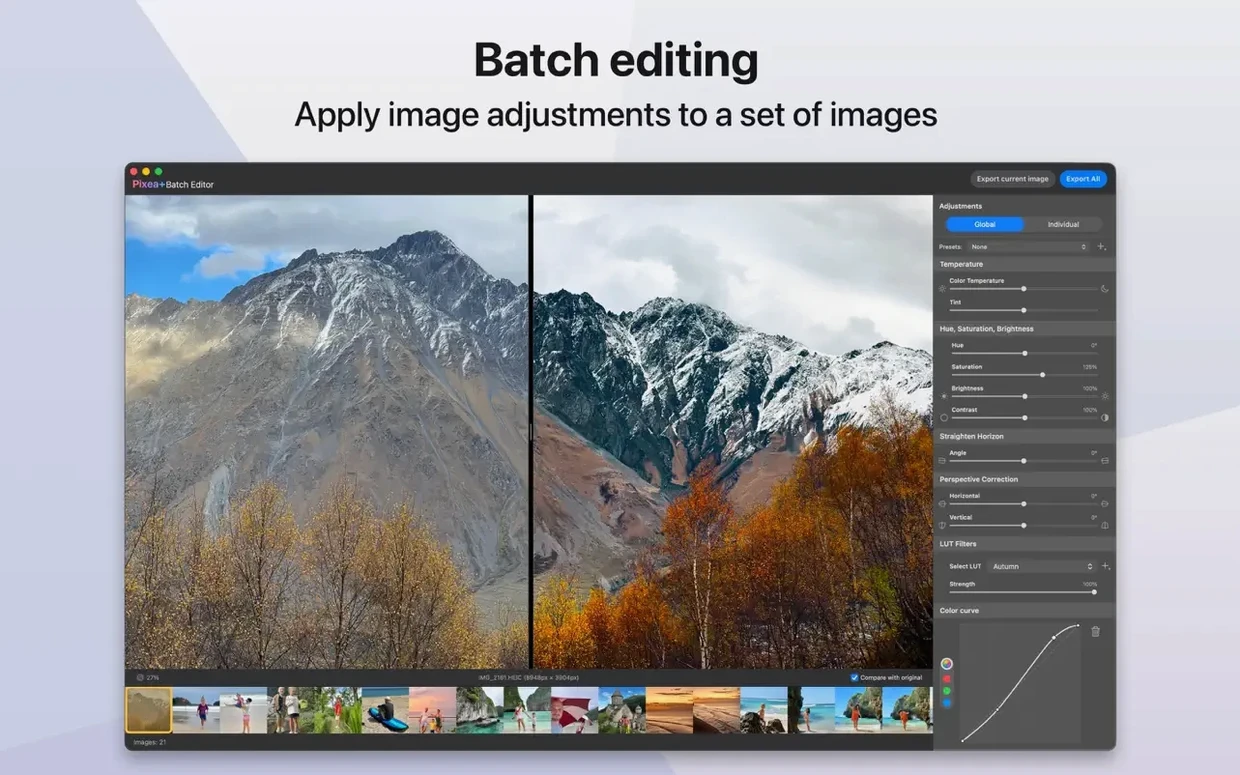
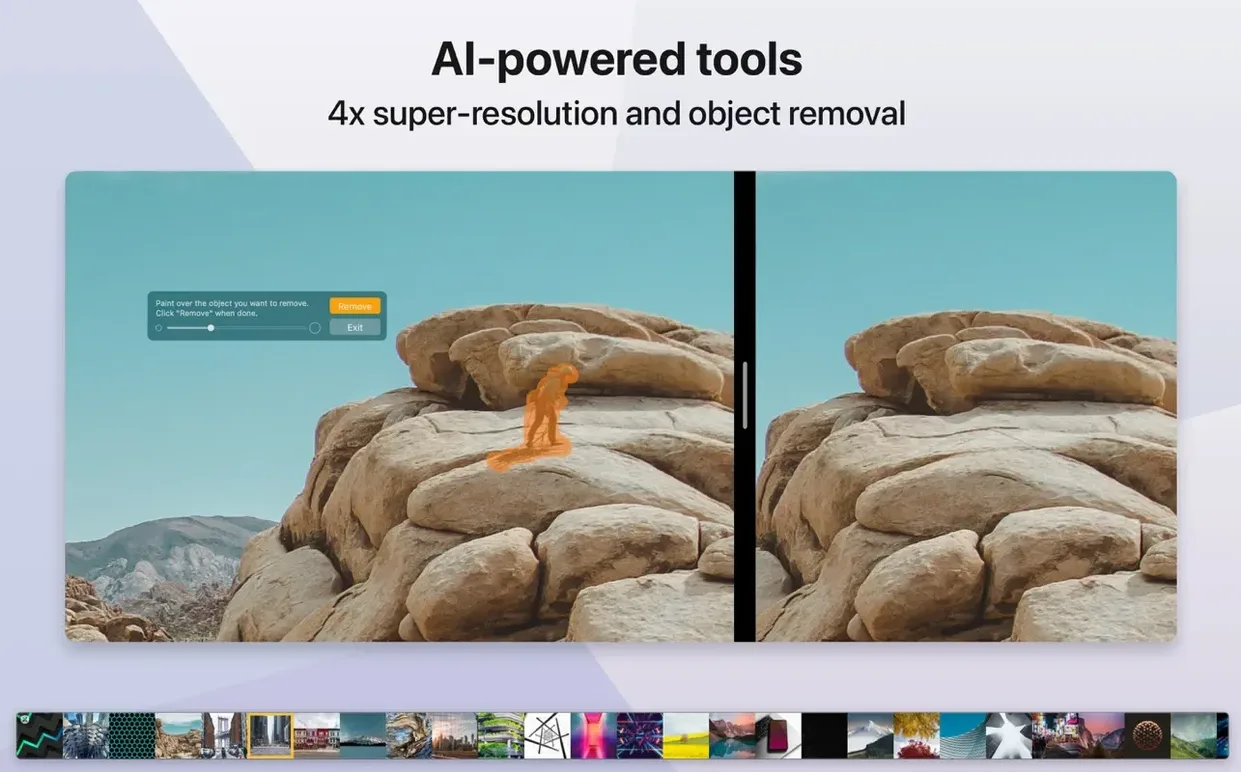
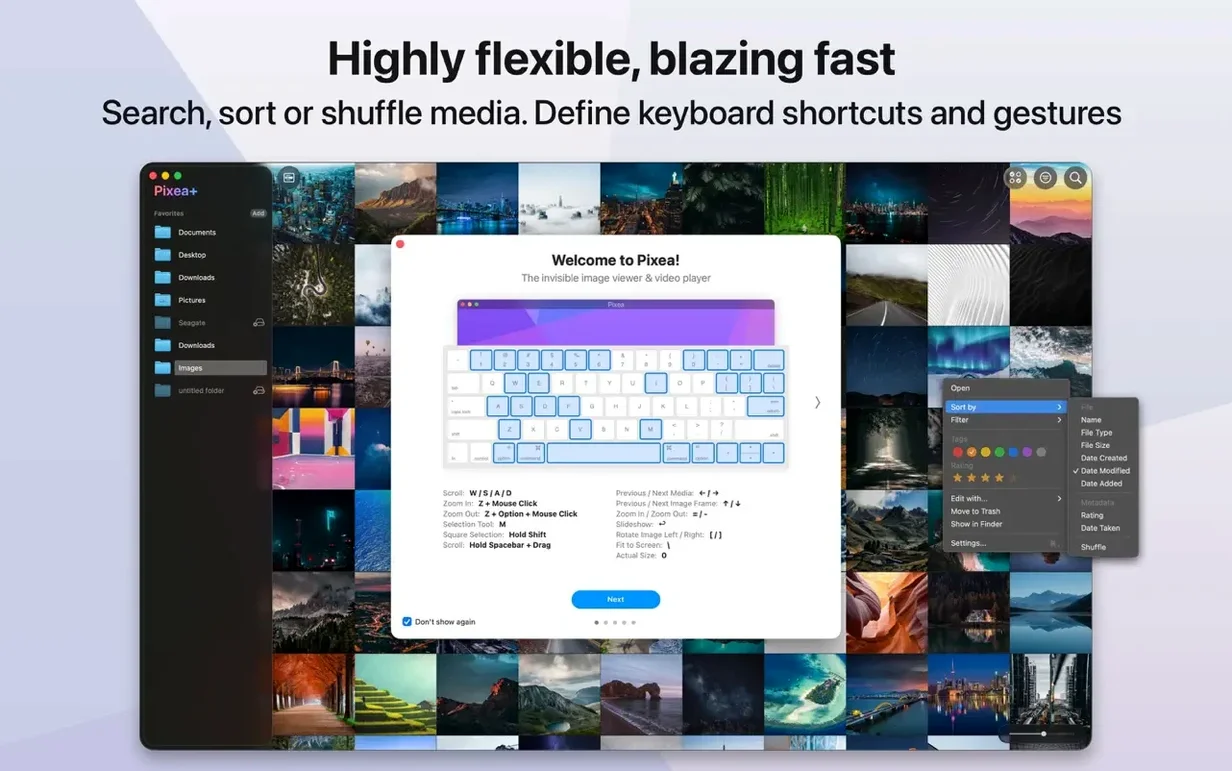
Pixea Plus runs on any Mac with macOS 11 (Big Sur) or later, and works natively on both Apple Silicon and 64‑bit Intel processors. It's a straightforward image viewer, built for opening and adjusting images without the overhead of a photo library app.
The app also introduces its own Pixea Image format for saving work, keeping things entirely self-contained. It's the kind of tool you reach for when you want to browse a folder of images or make a quick crop, without waiting for a catalogue to load.
Outdoor shots with a washed‑out sky are an easy fix when you work step by step. Here’s a typical masking flow inside the app.
Three other apps come to mind when people look for a pixea mac download alternative: XnView MP, qView, and ApolloOne. Each takes a different approach.
XnView MP is a Swiss Army knife. It reads hundreds of formats and includes batch conversion, but the interface feels busy — panels, tabs, and menus everywhere. Pixea Plus keeps things flatter and quicker to scan.
qView is minimal to the point of being spartan. It opens fast and gets out of the way, yet it offers no editing tools at all. If you only need to view, it’s fine. With Pixea Plus you get masks, colour adjustments, and a histogram without leaving the window.
ApolloOne leans into pro camera workflows: RAW decoding, rating stars, and integration with Apple Photos. It’s powerful but heavy for casual browsing. Pixea Plus sits in the middle — lighter than a catalogue app, more capable than a bare viewer.
It’s Sunday morning and I’ve dumped 200 photos from a weekend trip onto the desktop. No libraries, no imports. I drag the folder onto the Pixea Plus icon in the Dock and the first image appears instantly — no spinner, no thumbnail‑building delay.
I use the arrow keys to walk through the set. A blurry seagull? Delete key sends it to Trash. A shot that’s crooked? Cmd+R rotates it one tick clockwise. The histogram confirms the exposure’s fine on the next ten, so I keep moving.
At photo 47 I stop. It’s a market stall under an awning — the fruit looks flat. I tap I to bring up EXIF: f/4, 1/250s, ISO 400. Makes sense. I mask the shadowed area, lift exposure a third of a stop, and bump saturation just on the oranges. The mask edge feathers naturally; no hard lines.
I hit Cmd+Z twice to compare before and after. Happy with it. I save the layered file as a .pixea so I can tweak it next week when I have a calibrated screen. Then Cmd+E exports a full‑res JPEG to the same folder.
Forty minutes later I’ve culled the set down to 60 keepers and edited six. No catalogue file was created, no database updated. The whole session felt like flipping through a physical album with a pen in hand — fast, tactile, and completely disposable when done. That’s exactly what a good pixea download promises, and the latest version delivers it without ceremony.
Good to know: The Pixea Image format stores masks per‑layer, so you can close the file and come back days later to fine‑tune exposure or hue regions without starting over.
No, it's designed as a direct image viewer and editor for files on your drive, not a library manager or catalogue.
Yes, Pixea Plus can display EXIF data, a colour histogram and other image information alongside your photo.














Chat 0
Hop in or make an account to join the chat.
Quiet in here so far. If you have used this build, tell me what the install actually did.