
 PlistEdit Pro
 Pixologic Zbrush
 Pixelmator Pro
 Plugin Alliance Brainworx bx_mastering studio
 Pixea Plus
 Picview - Image Viewer
 PhotoScape X Pro
 Photomator


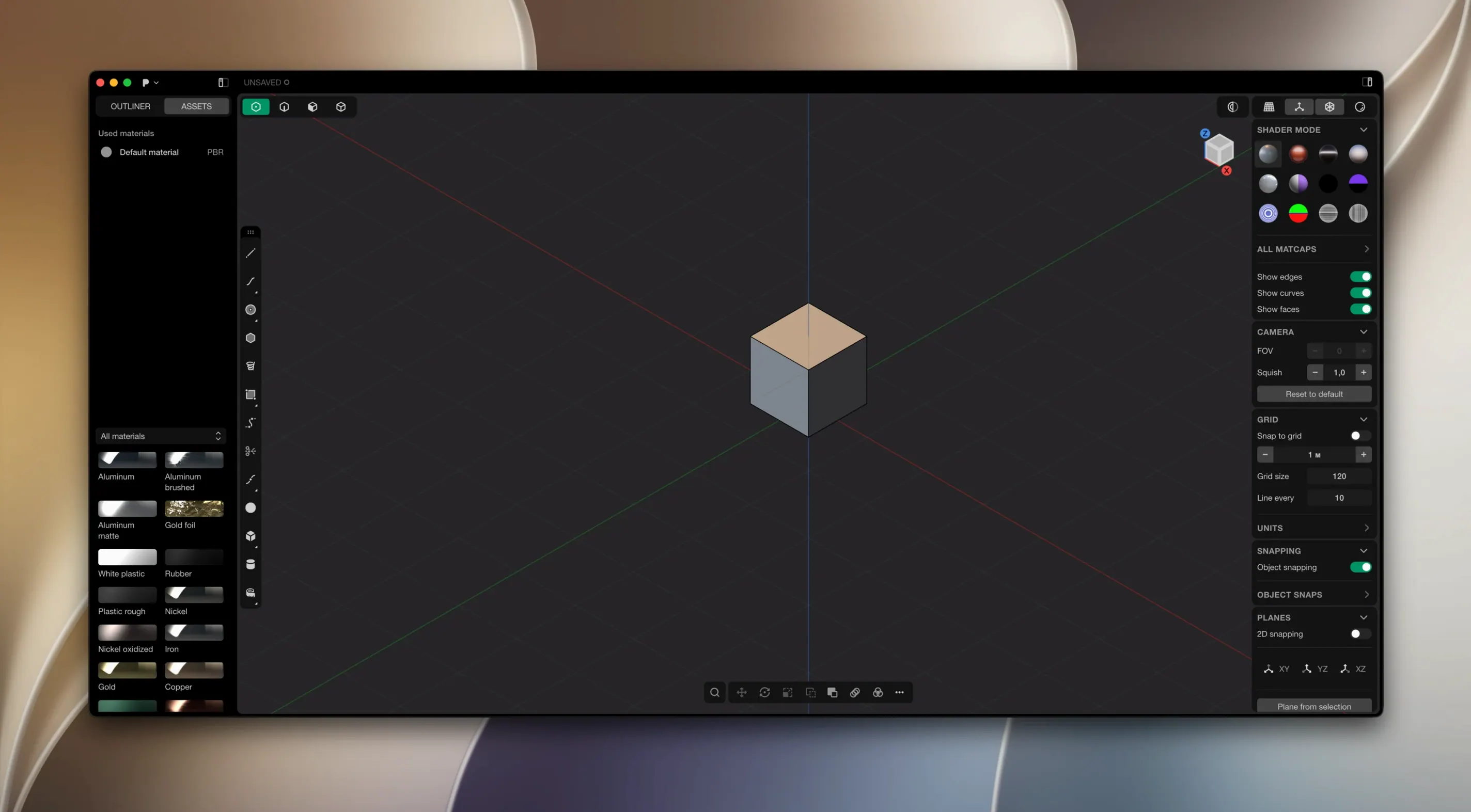
Plasticity is a 3D modeller that blends the precision of solid CAD with a workflow artists actually enjoy.
Good for
Keep in mind
Plasticity hides a few shortcuts that speed things up once they become habit. Most people find them by accident after a week or two.
One less obvious trick: you can type values with units inside any dimension field. 12mm, 0.5in or 3cm all work — the app converts them for you. It's a small touch that saves a lot of mental arithmetic.
Plasticity sits well with people who design physical things but don't want a full parametric CAD system breathing down their neck.
Industrial designers tend to like the direct editing. You push and pull surfaces, add fillets late in the process, and change proportions without rebuilding a feature tree. The xNURBS blending handles organic transitions between hard-edged parts, which suits product concepts that mix machined and sculpted forms.
Engineers who prototype quickly appreciate the booleans. Cuts, joins and intersections come out watertight, which matters when a model heads to 3D printing or CNC. The live dimension system also keeps critical measurements visible while you tweak surrounding geometry.
3D artists moving from mesh tools find the workflow familiar enough to start fast. There's no sculpting mode and no texture painting — Plasticity is not a replacement for Blender or ZBrush — but for hard-surface pieces, props and product visualisation, it's quick and clean. You export to OBJ or STEP and keep working elsewhere.
If you've bounced off Fusion 360 or SolidWorks because of history-based constraints, Plasticity's direct approach will feel like a weight lifted.
Start with a simple object you already know well — a bottle, a bracket, a phone stand. Recreating something familiar teaches you where the tools live without inventing a design at the same time.
If you're coming from mesh modelling, the hardest habit to break is thinking in polygons. Plasticity works in smooth, exact geometry — fillets are true arcs, booleans are calculated, not approximated. Give yourself a few evenings to adjust.
It runs on Parasolid and xNURBS geometry kernels, giving you the same solid modelling backbone used by high-end engineering tools.
No. The documentation confirms you need to download and install each new version manually.














Chat 0
Hop in or make an account to join the chat.
Quiet in here so far. If you have used this build, tell me what the install actually did.