
 Pixelmator Pro
 Pixea Plus
 Plasticity
 Picview - Image Viewer
 PlistEdit Pro
 PhotoScape X Pro
 Plugin Alliance Brainworx bx_mastering studio
 Photomator


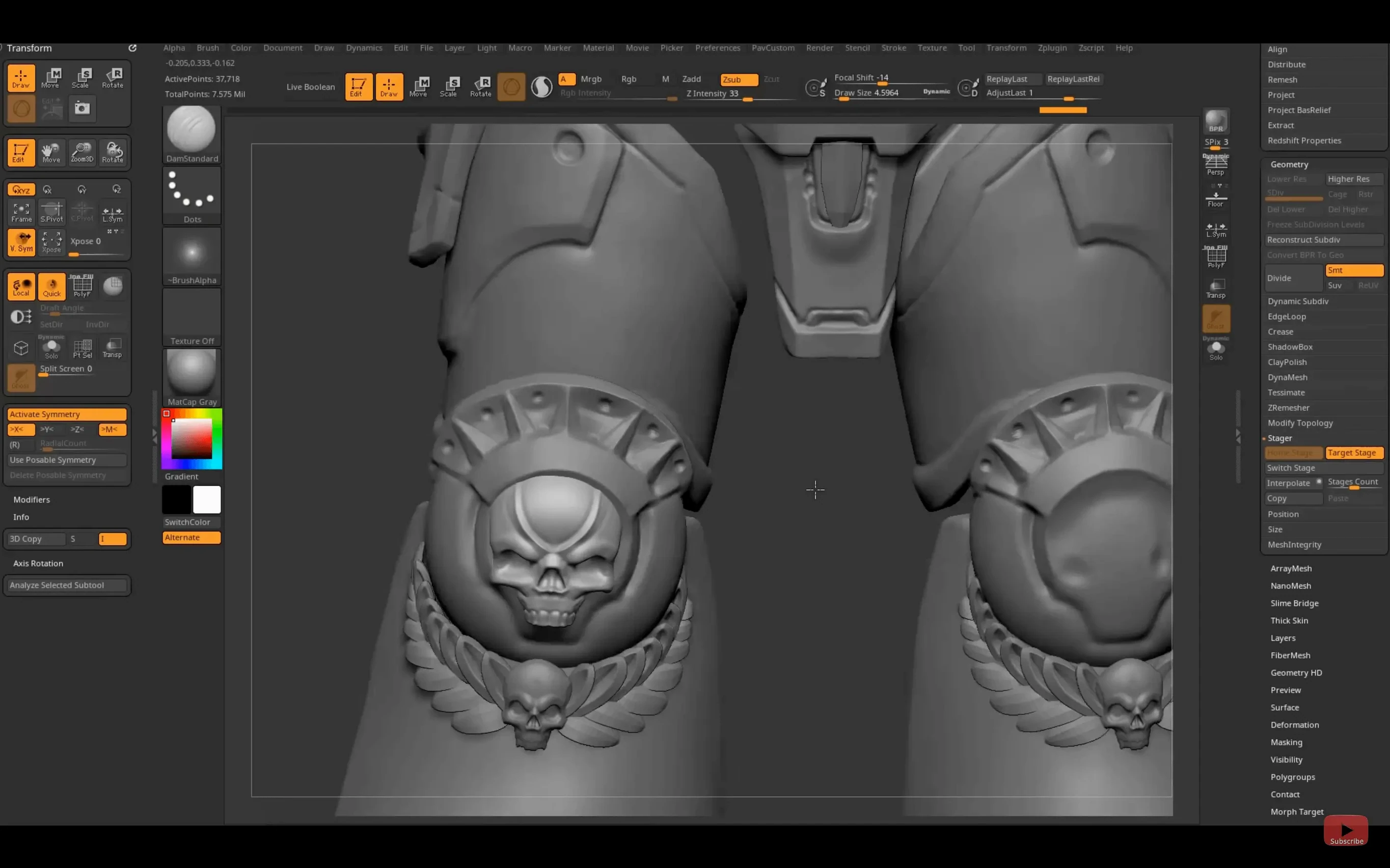
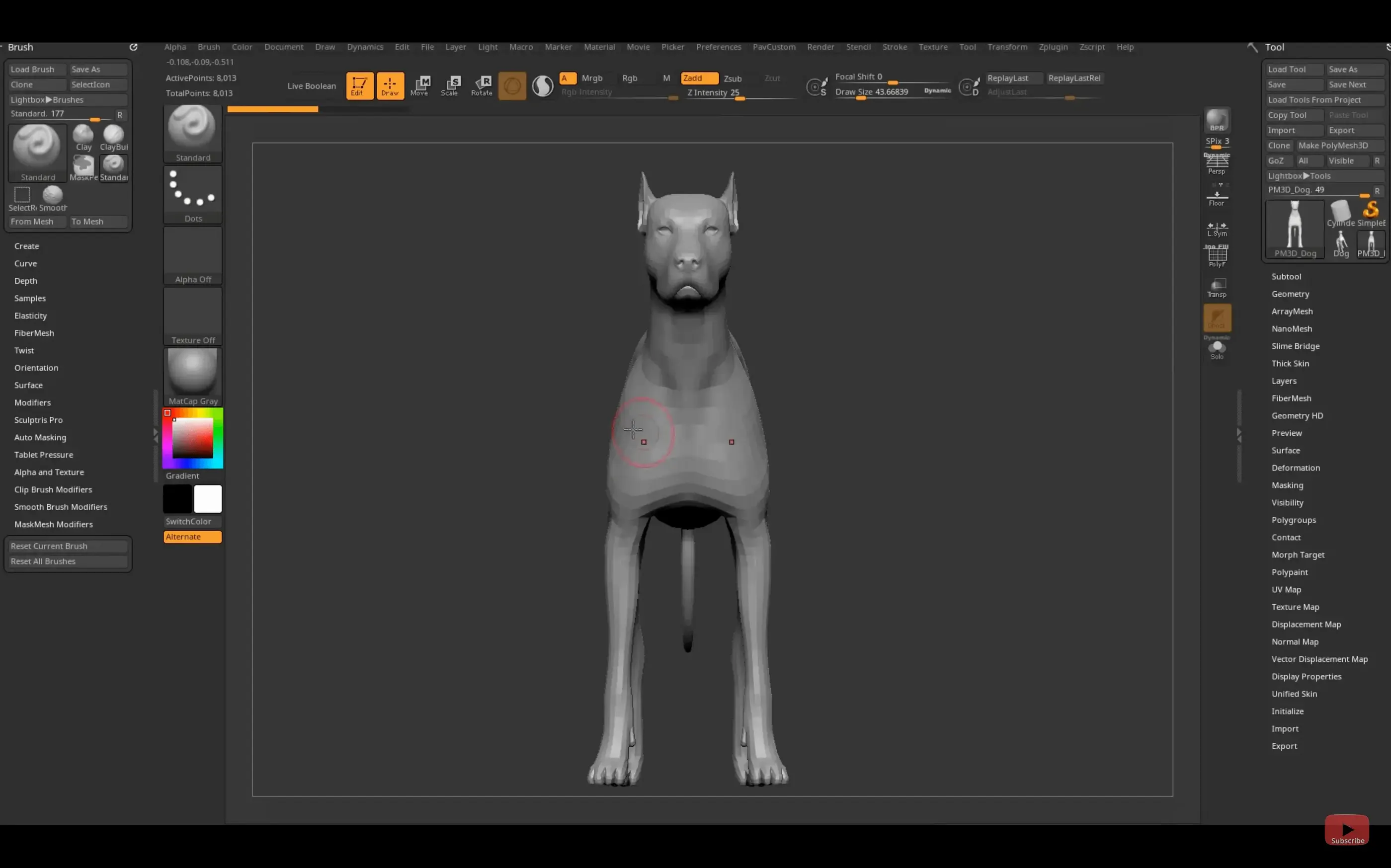
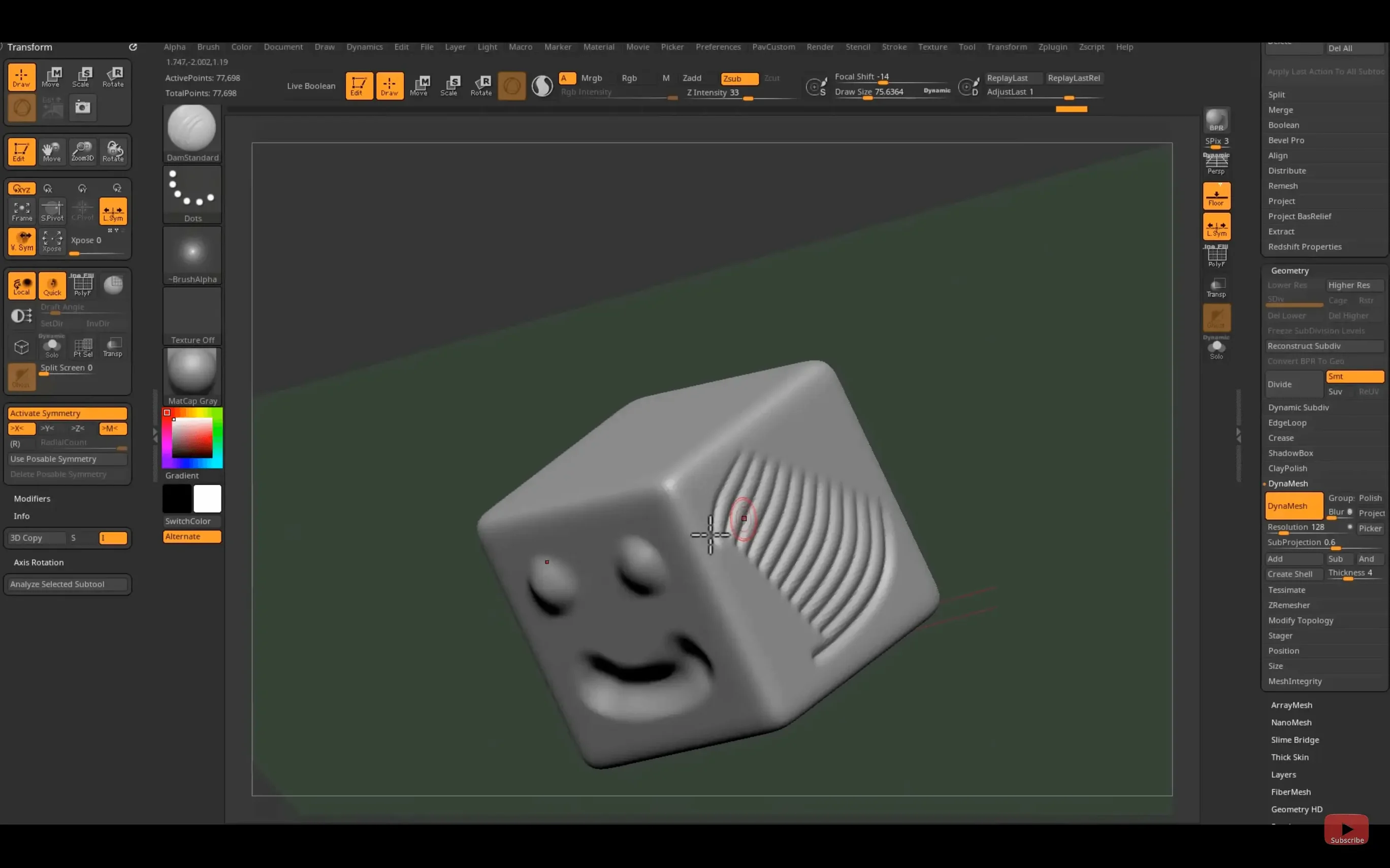
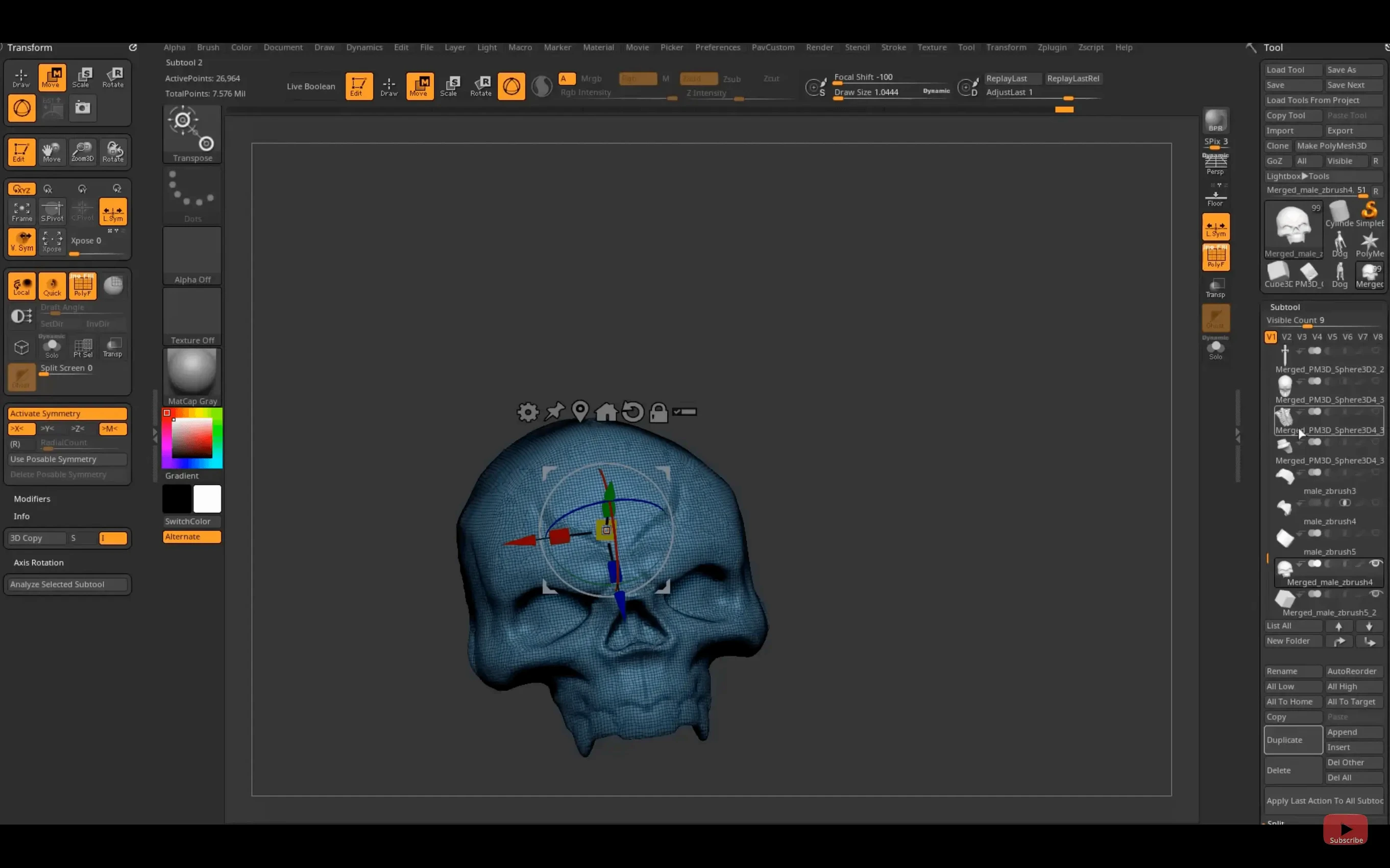
ZBrush runs on any Mac with an Intel 64-bit processor or Apple Silicon chip, provided you're on macOS 12.6 Monterey or later. That covers everything from late-2015 Intel Macs through to the newest M4 machines. The installer is a universal binary, so it picks the right architecture automatically.
The app itself is a digital sculpting and painting tool that treats 3D models like clay. You push, pull, pinch, and smooth geometry with pressure-sensitive brushes, and you can paint strokes that carry real depth — colour and surface relief in a single pass. It sits alongside other Maxon tools in a broader 3D pipeline, with plug‑ins that expand your brush set, add geometry primitives, and layer on texture detail.
The latest release, version 2026.2.1, tightens a few practical links. A Substance Bridge sends your model to Substance Painter in one click, and GoZ now plays nicely with Maya 2026 and 3ds Max 2026. iPad users get an extra: custom hotkeys can be saved and shared, so your sculpting shortcuts travel with you.
The headline feature is the Substance Bridge. You select a subtool, hit one button, and ZBrush hands your model off to Substance Painter with UVs and material assignments intact. That removes a few minutes of manual export per asset — adds up fast on a character with twenty parts.
GoZ updates for Maya 2026 and 3ds Max 2026 keep the back-and-forth smooth when you're posing a sculpt or adding hard-surface kitbash pieces in another app. Nothing changes in how you sculpt; you just spend less time babysitting file formats.
iPad users can now save a hotkey map and share it as a file. If you sculpt on a tablet at a café and on a desktop at home, your custom shortcuts move with you instead of being rebuilt by hand.
Character artists and creature sculptors live here. The brush engine handles tens of millions of polygons without choking, so you can pore over skin wrinkles and scale overlaps without decimating your mesh first. Concept artists who think in silhouettes use ZBrush to block out a shape in minutes, then turn it into a painted keyframe-ready asset.
Jewellery designers and collectible toy sculptors also get a lot from the precise masking and symmetry tools — you sculpt one side of a ring or a figurine head, mirror it, and tweak asymmetry later. Scientific illustrators lean on the polypaint and material system to colour-code anatomical structures directly onto the mesh.
If you already work inside a Maxon pipeline, ZBrush slots in naturally. Redshift renders your sculpt without leaving the viewport, and GoZ keeps the mesh live in Cinema 4D or Maya while you keep refining in ZBrush.
Lazy Mouse. Turn it on when you need a perfectly smooth stroke — great for clean eyelid creases or crisp panel lines on a hard-surface model. The delay is adjustable; dial it down for quick blocking, up for final polish.
Mask by cavity. In the Masking menu, this picks out crevices automatically. Paint a base colour, mask the cracks, invert, and you've isolated every recess to age with dirt or darkened metal.
Spotlight as a reference viewer. Press Shift-Z to drop an image into the viewport. Scale and rotate it, then sculpt right over the top — tracing anatomy or a client sketch without alt-tabbing.
Undo history on disk. By default ZBrush stores undos in memory, but you can point it to a scratch disk for a deep undo queue. With a high-poly sculpt, that's the difference between losing two minutes of work and losing twenty.
Dynamic Subdivision. Toggled in the Geometry palette, it shows a subdivided preview while you sculpt on the low-res cage. You get smooth results without the heavy calculation hit of a live subdivided mesh — perfect for older Intel Macs that sweat under full-resolution sculpts.
ZBrush saves by project file, not by autosave. Hit Ctrl-S manually and often — the app is stable, but one crash at the wrong moment stings. If you need a ZBrush free Mac trial or are hunting a ZBrush Mac torrent for a quick test, the installer is straightforward: mount the image, run it, and if macOS throws a quarantine warning, remove the attribute in Terminal and launch again. Many artists keep an older ZBrush 2026 download handy for plug‑in compatibility while trying the new build on a separate partition.
The interface speaks English, German, Spanish, Simplified Chinese, Korean, French, and Japanese — handy if you jump between studios or tutorial languages.














Chat 0
Hop in or make an account to join the chat.
Quiet in here so far. If you have used this build, tell me what the install actually did.