

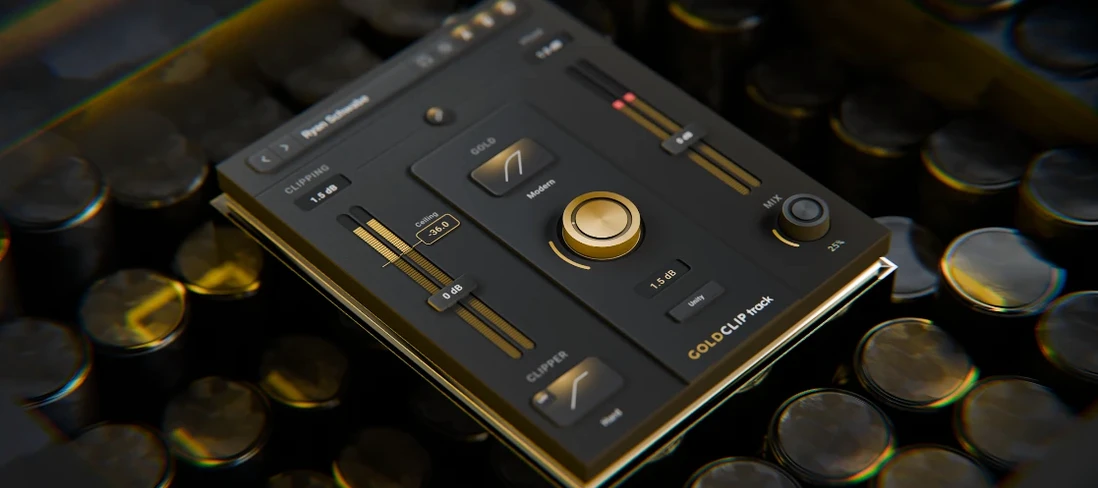
Download Schwabe Digital Gold Clip for macOS
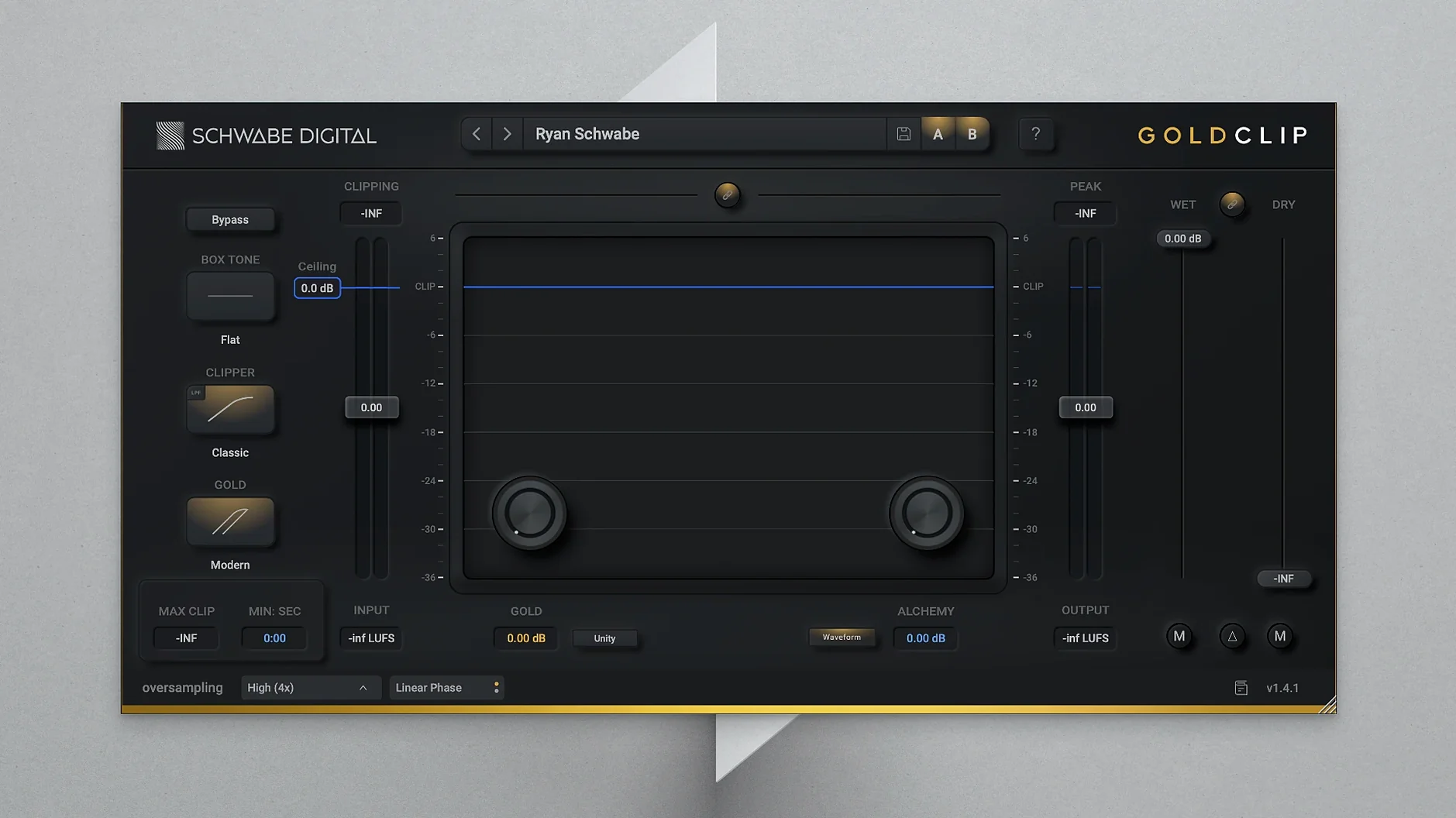
Gold Clip works at the loudest point in your chain — the final output, drum bus or a vocal track that needs density without flattening. Its core is a high-precision clipper that catches peaks so you can push level, but what you hear is shaped by two extra stages.
Clean loudness on your mix bus
- Mix bus and mastering. A clean way to gain loudness while the GOLD stage adds soft saturation.
- Drum bus. Tames transients and glues the kit with subtle warmth.
- Individual tracks. A bass or vocal that needs controlled edge and air.
GOLD and ALCHEMY
GOLD mode is the warmth — a soft saturation that adds body and character after the clipper. ALCHEMY handles the high end, contouring frequencies so the result feels open, not brittle. Run them together and you get loudness, density and a top end that stays musical.
A session with Gold Clip
You drop it on the mix bus after a transparent limiter. First step is always the clipper: pull the threshold down until the loudest snare hit catches, then back off a touch. Next you flick GOLD mode on — instant warmth, like the track moved from monitors to a well-treated room. Finally the ALCHEMY knob gets a slow clockwise turn while you listen for sibilance; stop when the vocal air opens up without turning fizzy.
The whole process takes under two minutes. What you notice isn't just the loudness bump — it's how the low mids hold shape. On headphones it sounds present. In the car it doesn't collapse.
Hard clip for drums, soft for smoothness
The defaults are sensibly flat, but three moves make it yours:
- Clipper shape. Hard clip gives punch for drums; soft clip rounds transients for a smoother mix bus. Try both on the same loop.
- GOLD drive. Start at noon. Push into the last quarter if you want audible saturation that glues backing vocals or synth layers.
- ALCHEMY frequency. The default centre works for most pop, but pull it lower — around 6 kHz — for dense rock mixes where cymbal hash needs taming, not boosting.
Drum bus density, step by step
Here's a real-world chain for a live kit that needs weight without losing snare crack:
- Insert Gold Clip as the final plugin on your drum bus.
- Solo the kick and snare. Lower the clipper threshold until the snare transient just starts to flatten — that's your ceiling.
- Engage GOLD and set drive to 2 o'clock. Listen to the kick body; it should feel rounder, not muddy.
- Dial ALCHEMY to 10 o'clock for a subtle high-end lift on cymbals. If the hi-hat gets spikey, pull the frequency back a notch.
- Un-mute the full kit. Bypass Gold Clip to check your work — the unprocessed version will sound thinner and quieter. Re-engage and smile.
The result is a drum bus that hits the master channel already controlled, with a polished top end that needs less EQ later. Some producers grab the schwabe digital gold clip mac full version specifically for this bus-processing trick, since the GOLD stage does what a separate saturator would, but inside a single window.
- macOS 10.13 or later
- Intel and Apple Silicon Macs
Questions I get
ALCHEMY is a high-frequency contouring effect that processes the top end to keep it open and controlled after clipping and saturation.







Chat 0
Hop in or make an account to join the chat.
Quiet in here so far. If you have used this build, tell me what the install actually did.