

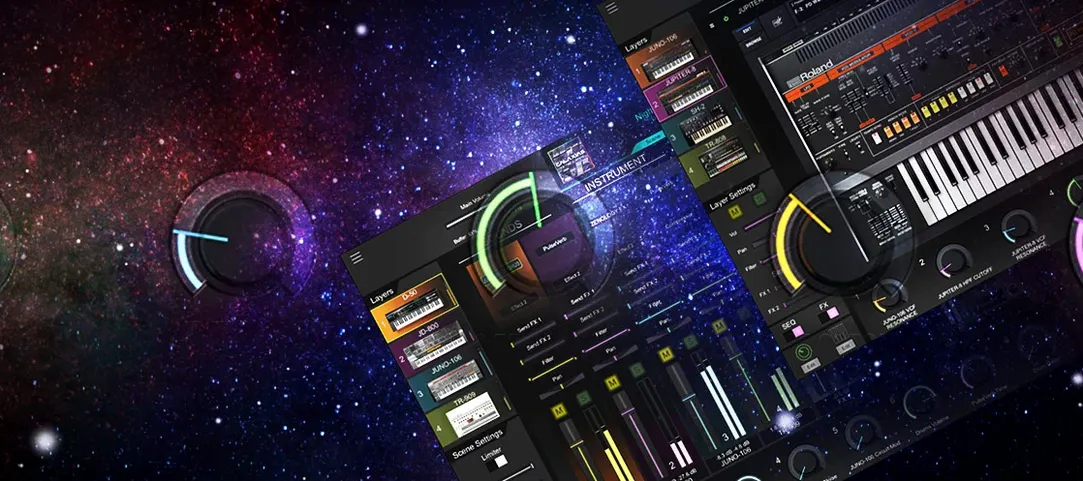
Download Roland Cloud Legendary Series for macOS
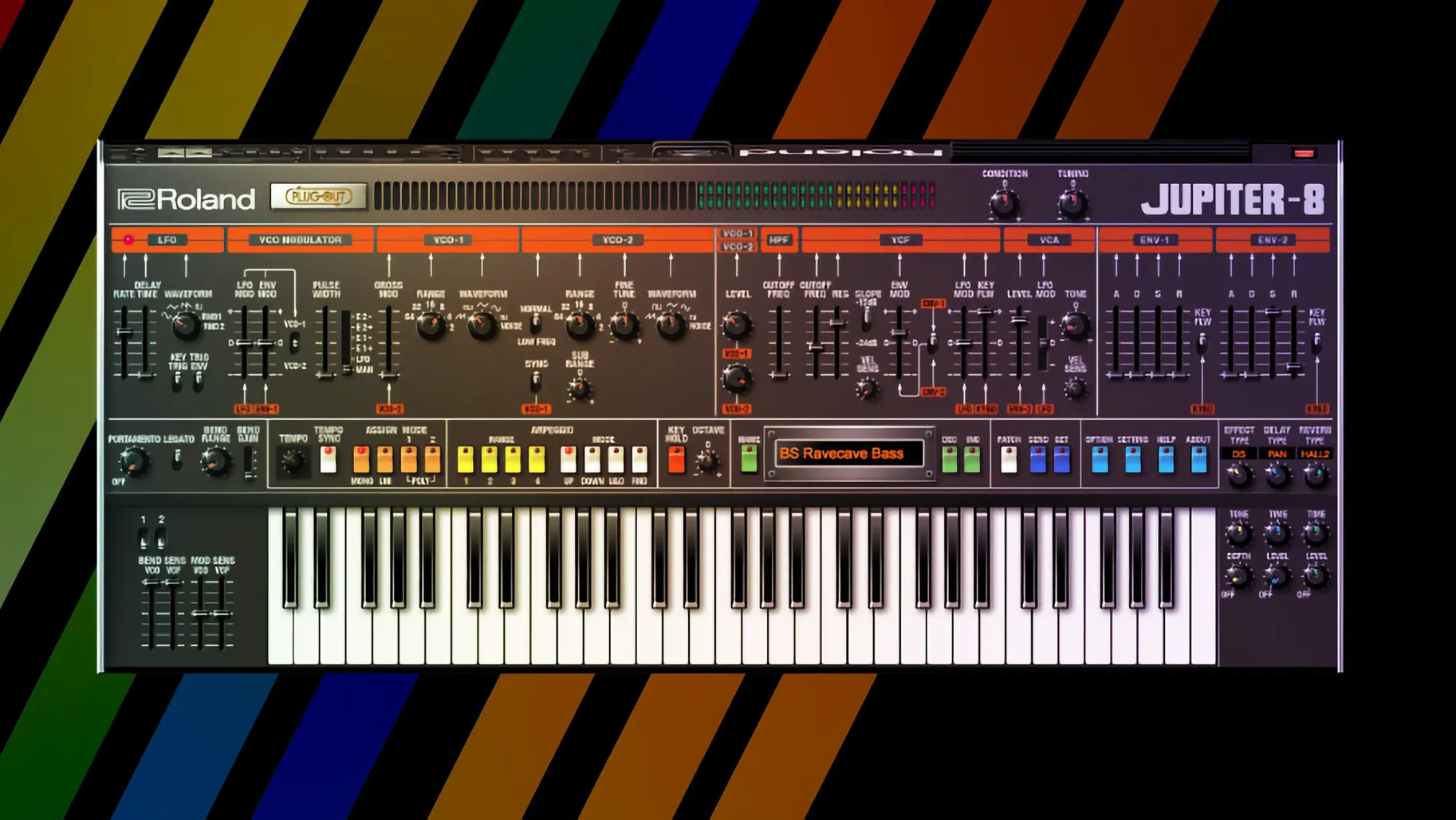
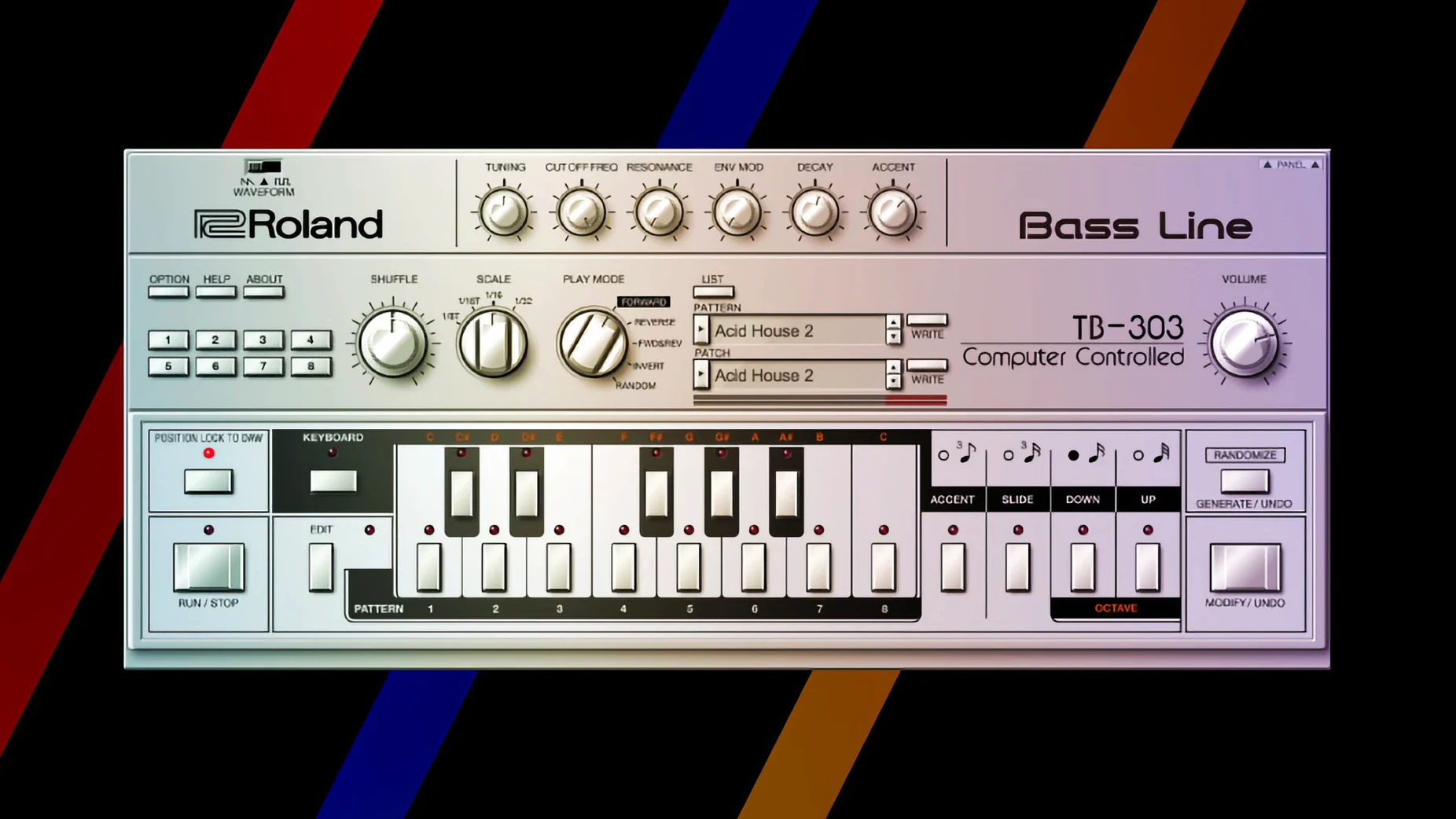
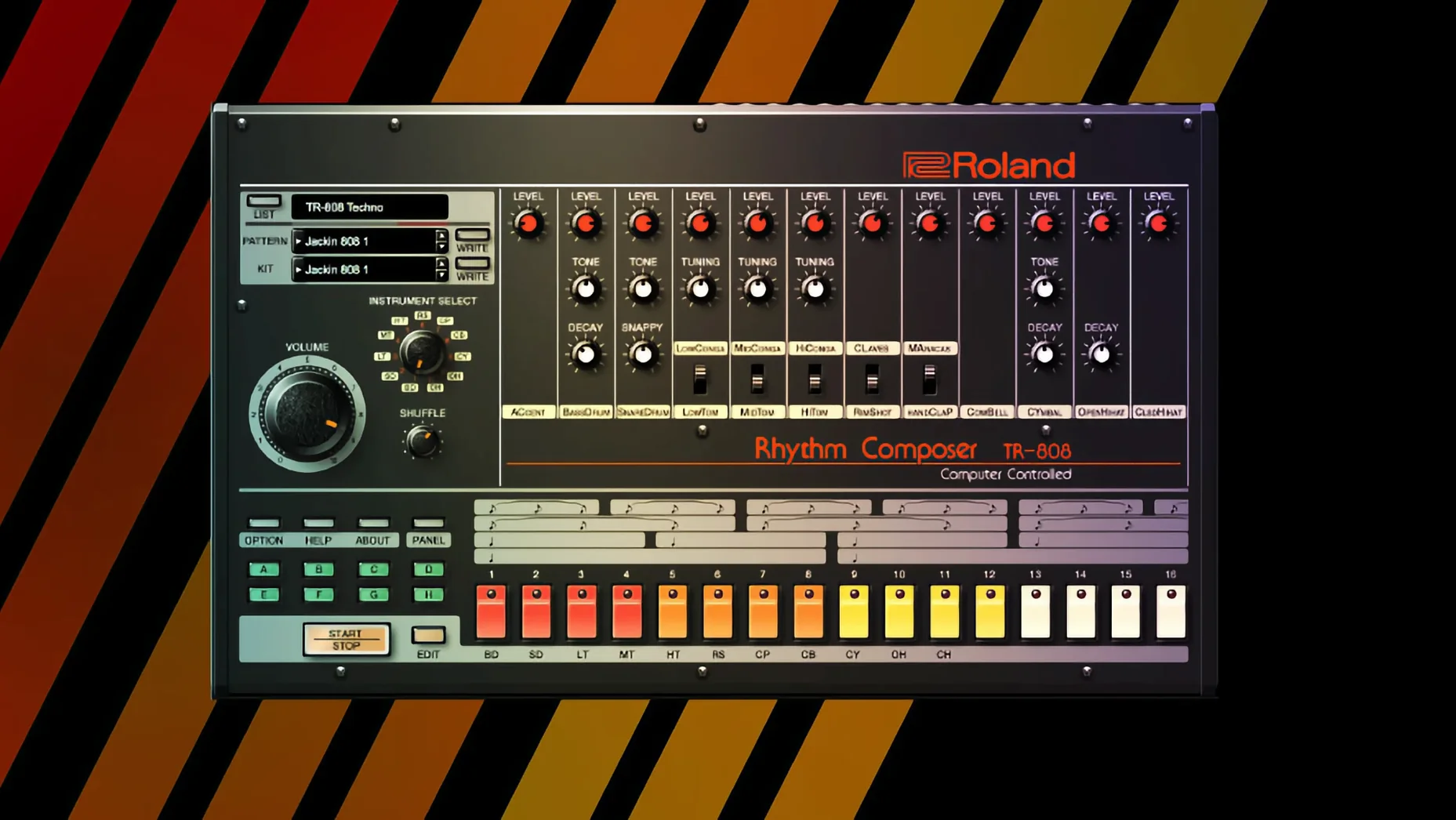
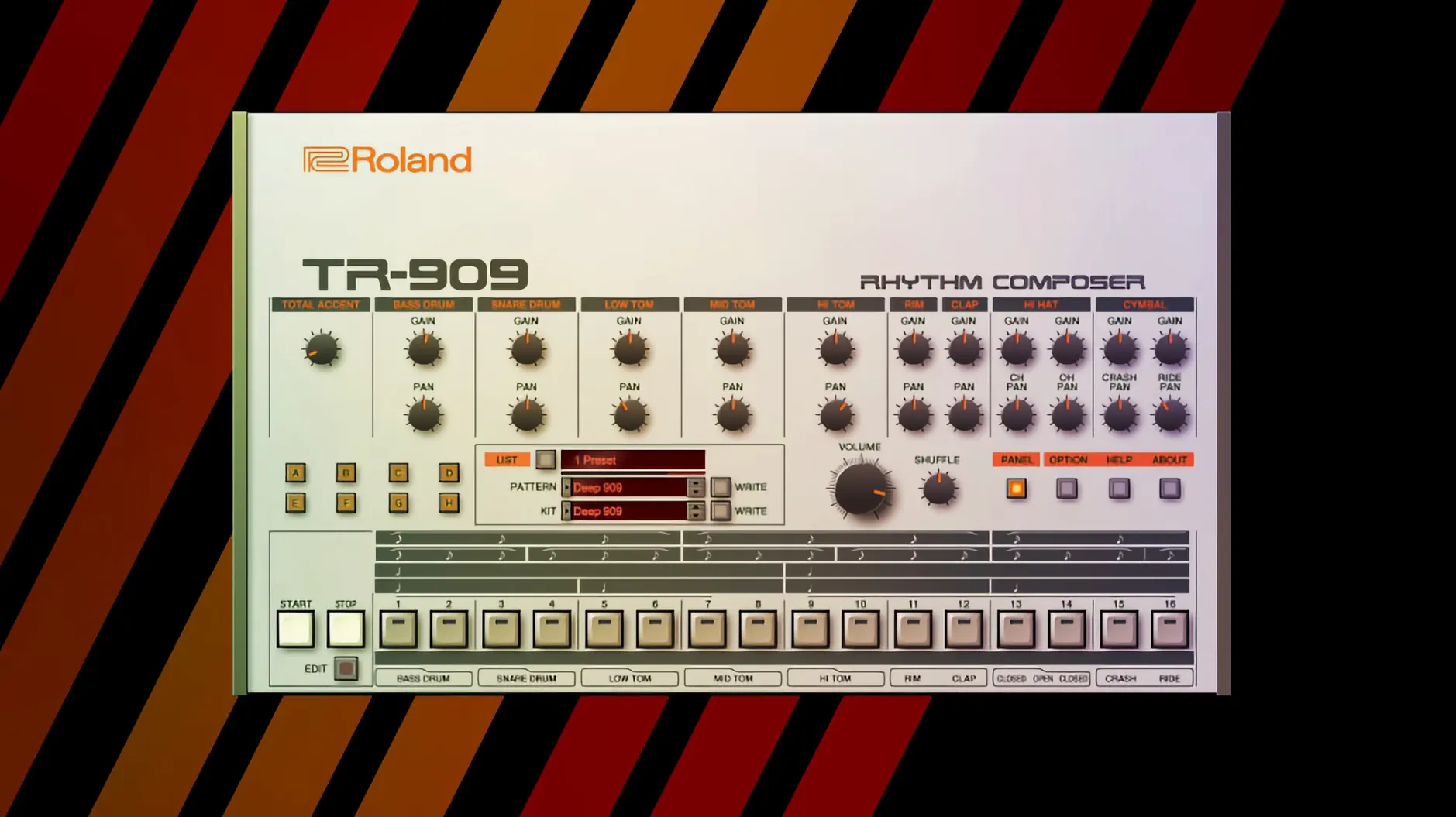
Keyboardists and beatmakers who want the real deal without the vintage price tag tend to land here. The Legendary series puts a handful of Roland’s most talked-about instruments inside your DAW, modelled down to the component quirks that made the originals sing.
| Detail | Quick fact |
|---|---|
| Included instruments | D-50, JUNO-60, JUPITER-8, TR-808, TR-909 |
| Sound engine | Analog Circuit Behavior |
| Architecture | Apple Silicon & Intel 64-bit |
| Current version | 2025.06.29 |
If you are opening the collection for the first time, pull up the JUNO-60 and load a pad preset. The chorus is instantly familiar — wide, warm, and a little noisy in exactly the right way. Then switch to the TR-808 and tap out a simple pattern. The kick thump and open-hat sizzle respond to velocity in a way that feels uncannily hardware-like. Once those two sounds click, the JUPITER-8 and D-50 open up brighter leads and glassy digital textures that still sit beautifully in a modern mix. Everything runs in English and slots into your DAW as a standard plug-in, so there is no standalone routing puzzle to solve on day one.
Tailored for retro-pop and synthwave producers
Producers building retro-leaning pop, synthwave, hip-hop and R&B get the most mileage here. The 808 and 909 sit at the centre of those genres, and the modelled kick, snare and hi-hat circuits respond to gain staging in ways sample packs rarely capture. Dial the 808 kick decay long, push the input gain slightly, and the low end blooms without eating headroom.
Sound designers chasing classic late-80s digital shimmer lean on the D-50. Its partial-based synthesis — combining short samples with synthetic waveforms — still sounds distinct. Layering a breathy D-50 pad under a JUNO-60 chord stab creates texture that feels both nostalgic and fresh.
Keyboardists who record live rather than program MIDI appreciate the JUPITER-8 and JUNO-60. The arpeggiator on the JUPITER-8 locks to DAW tempo cleanly, and the filter cutoff responds smoothly to an expression pedal mapped through any modern controller. If you grew up playing hardware Roland synths, the knob positions and ranges match muscle memory surprisingly well.
High-res interfaces now ship in the v2 instruments
Version 2025.06.29 arrived with refinements rather than overhauls. The Legendary v2 instruments — JUPITER-4, JUPITER-8 and JUNO-106 — now ship with high-resolution interfaces that scale properly on Retina and large studio displays. Text labels stay crisp, knobs no longer look soft when the plug-in window fills a 27-inch screen. For anyone who spends hours tweaking envelopes by a few milliseconds, that clarity reduces eye strain noticeably.
Under the hood, Analog Circuit Behavior modelling received per-voice tweaks. The JUNO-106 chorus now captures the slight stereo image drift of a well-maintained hardware unit, and the JUPITER-4 voice allocation behaves more like the original when four notes are held and a fifth is pressed — it steals the oldest voice without glitching. These are small things on paper, but in a dense arrangement they keep the sound glued together.
DAW integration also tightened. AU and VST3 instances recall their state more reliably after a project reload, particularly when multiple Legendary instruments share a session. Users who stack a TR-909, JUNO-60 and JUPITER-8 across three tracks will notice fewer blank-plugin surprises the morning after a late session.
Apple Silicon loads the JUNO-60 almost instantly
Each instrument loads quickly on Apple Silicon. The JUNO-60 and TR-808 appear almost instantly; the D-50 takes a beat longer because of its PCM sample base, but still under three seconds on an M1 or M2 machine. Intel users on older iMacs and MacBook Pros see slightly longer load times — closer to five seconds for the D-50 — though playback remains click-free once the plug-in is active.
CPU use stays polite. A single JUNO-60 instance with six voices of polyphony and chorus engaged hovers around 3–4% on an M1 core. Stack eight instances of the JUPITER-8 playing four-note chords with reverb enabled, and Logic Pro's performance meter barely nudges past 25 per cent. The TR-808 and TR-909 are even lighter; each drum voice is modelled individually, but the total draw is comparable to a modest sample-based drum machine.
Memory footprint is what you would expect from component-level modelling. Each Legendary instrument claims roughly 200–400 MB of RAM when active. That is manageable on 8 GB machines as long as you freeze or bounce tracks occasionally. On 16 GB or more, you can run a full suite of Legendary instruments alongside other plug-ins without the system swapping to disk.
Stability over long sessions holds up well. Crashes are rare in Logic Pro and Ableton Live on macOS 14 and 15. The one quirk worth noting: if you rapidly switch presets on the D-50 while playback is running, the audio engine can stutter for a split second. Pausing transport before browsing patches sidesteps it completely.
First week with the collection
Start with one instrument, not all five. The JUNO-60 is the friendliest entry point — its control panel is compact, the sweet spot for the filter and chorus is wide, and it teaches you how Roland Cloud handles preset browsing and MIDI mapping without overwhelming options. Spend a few evenings just making pads and bass patches. The muscle memory transfers to the JUPITER-8 and JUNO-106 later.
Map the mod wheel to the filter cutoff on the JUPITER-8 early. That one routing turns a static chord progression into something that breathes, and it takes thirty seconds to set up. On the TR-808, assign the kick decay and snare tuning to two macro knobs on your MIDI controller. Dialling those during a live jam or recording pass gives you the kind of variation that sample packs need hours of editing to achieve.
If you work with a roland cloud legendary collection across multiple DAWs, set a consistent plug-in folder location before installing. The installer places AU and VST3 components in standard directories, but checking that both formats appear in your DAW's plug-in manager after the first launch saves troubleshooting later. On Apple Silicon machines running Logic Pro, running the DAW in native mode — not under Rosetta — keeps CPU readings at their lowest.
Browse the D-50 preset library last. Its partial structure and digital tone palette reward exploration, but jumping straight in without understanding the JUNO and JUPITER engines can make the editing workflow feel opaque. Once the analog-style instruments are familiar, the D-50's layering approach clicks faster.
Good to know: the TR-909's open hi-hat decays slightly longer than some sample-library equivalents. If a mix feels splashy, trim the decay knob back about 15 per cent before reaching for EQ — the modelling already gives you the control you need.
- macOS 11 or later
- Apple Silicon or Intel processor
Questions I get
It is Roland’s method of modelling each component in the original circuit path — resistors, capacitors, transistors — to recreate the behaviour of the hardware rather than just sampling the output.







Chat 0
Hop in or make an account to join the chat.
Quiet in here so far. If you have used this build, tell me what the install actually did.