

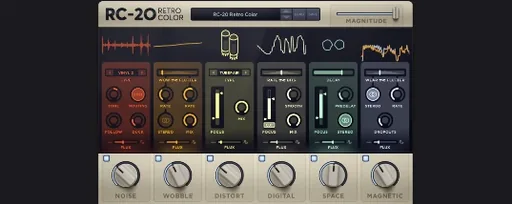
Download RC-20 Retro Color for macOS
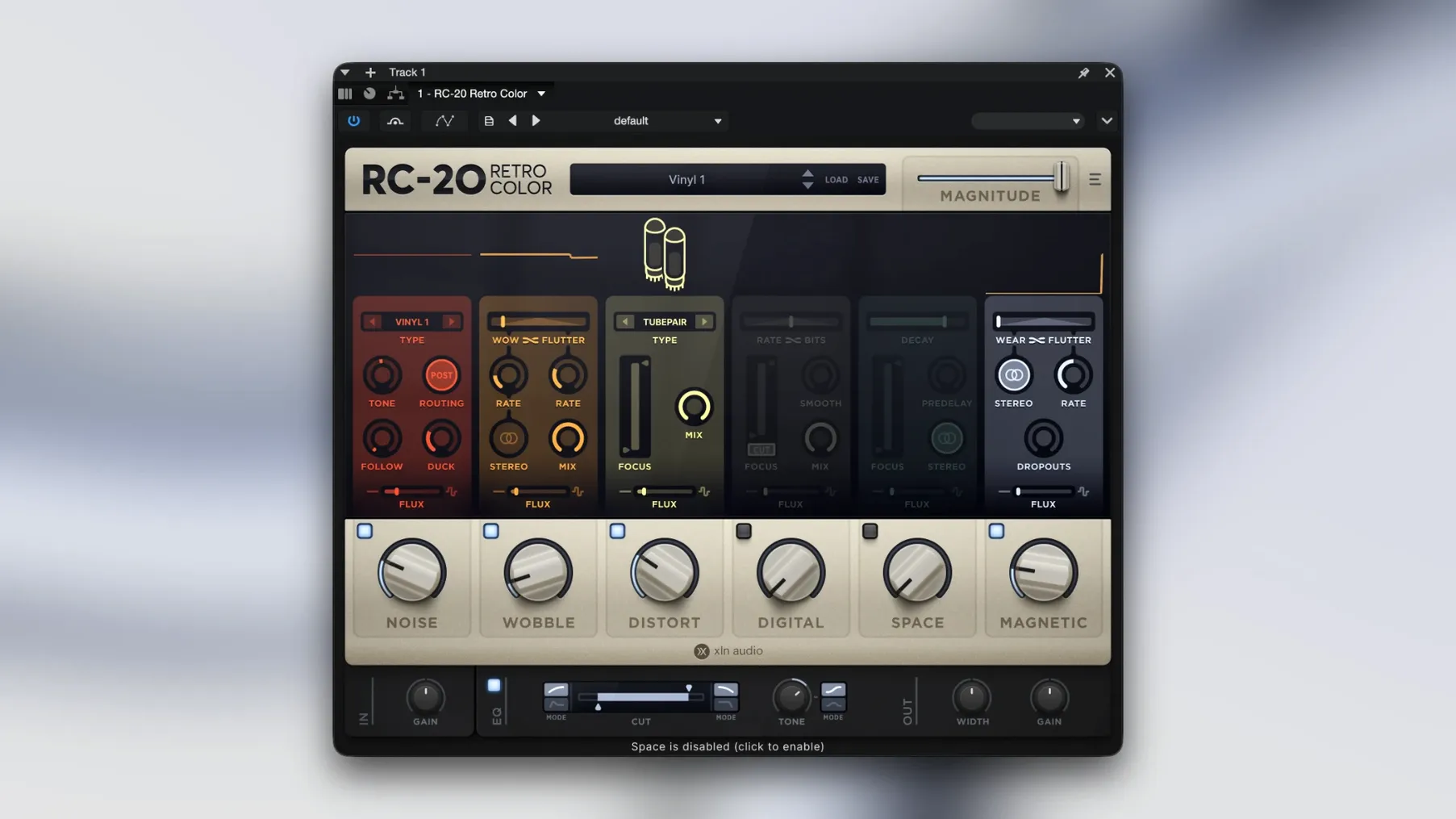
RC-20 Retro Color is a creative effect plugin that gives clean audio the feel of worn-in hardware and degraded tape.
It runs as a 64-bit VST, AU, or AAX plug-in on macOS 10.13 and later, with native Apple Silicon support on current machines. Flip through six modules — noise, wobble, distort, digital, space, and magnetic — each focused on a different flavour of analog instability. The Flux engine adds slow, randomised movement so nothing repeats exactly the same way twice, which keeps things from sounding static in a mix.
You might push the wobble module for pitch drift on a synth line, add magnetic saturation to a drum bus, or dial in digital grunge for lo-fi vocal treatments. Because the modules stack freely, the results range from subtle warmth to full-on destruction, and it all sits inside a modern production setup without any extra routing tricks.
How RC-20 plays with other tools
RC-20 slots into a chain like a colour box — not a fixer, not a metering tool. Place it after your corrective EQ and compression, once the track already sounds clean. That way the noise and saturation modules add texture without fighting a problem you're still solving upstream.
On a vocal chain it works well before a de-esser. The magnetic module softens transients in a way that makes the sibilance control smoother. On drums, try it after a transient shaper: the wobble module introduces subtle pitch movement that makes one-shots feel less robotic, especially on hi-hats and percussion loops.
The space module recreates short room reflections, so you can skip a dedicated reverb send if you only need a little air around a sound. And because the Flux engine runs independently per instance, two tracks with the same preset will still drift differently — handy when you want stereo width without obvious doubling.
From clean Rhodes to dusty tape
You've recorded a clean Rhodes part. It sounds fine, but fine isn't the goal. You want it to feel like it came from a dusty session tape.
You add RC-20 to the channel. The noise module goes on first — a touch of vinyl crackle, volume set low enough that you notice it only when the part plays alone. Next, the wobble module: a slow, shallow pitch drift with some flutter. Now the notes waver slightly, like an old tape machine struggling to keep speed.
You switch on the magnetic module and dial in a gentle saturation curve. The low-mids thicken up, and the attack rounds off just enough to push the Rhodes back into the mix without losing presence. Finally, the space module adds a tight room reflection — not a lush hall, just the sound of a small booth. The Flux engine is on the whole time, moving each parameter in tiny increments so the texture never settles into a loop.
By the end, the part sounds like it was sampled from a library record. That's the RC-20 workflow: stack, tweak, let Flux breathe life into it.
Wider wear than just vinyl crackle
RC-20's closest relatives in the lo-fi plugin space take different angles on the same problem. iZotope Vinyl stays lean: one window, a few sliders, and a narrow focus on turntable-style wear. It's quick for adding crackle and warp but doesn't offer the saturation and digital degradation RC-20 brings. If you only need surface noise, Vinyl is faster. If you want to shape the whole texture, RC-20 gives you more modules to play with.
Then there's Baby Audio TAIP, which concentrates on tape emulation with a sleek interface. TAIP does one thing — magnetic saturation and tape compression — and does it with more parameters than the magnetic module in RC-20. But it doesn't touch pitch wobble, bit-crushing, or ambient space. Producers who love tape sound often run both: TAIP for rich saturation, RC-20 for everything else that makes a recording feel aged.
D16 Group's Decimort 2 takes a narrower path still, focusing on bit-crushing and sample-rate reduction with precise control over filter curves. RC-20's digital module covers similar territory but with broader strokes. Decimort 2 suits sound designers who want surgical control over aliasing and quantisation noise; RC-20 suits anyone who wants to dial in a vibe quickly and move on.
The focus is texture and colour rather than surgical processing, so RC-20 fits most naturally as a character insert across individual tracks or groups.
- macOS 10.13 or later
- 64-bit host (VST, AU, or AAX)
- Apple Silicon and Intel support
Questions I get
Yes, version 1.5.1 supports Apple Silicon natively alongside Intel-based Macs.
It comes in VST, AU, and AAX formats for broad DAW compatibility.
There are six modules: noise, wobble, distort, digital, space, and magnetic.







Chat 0
Hop in or make an account to join the chat.
Quiet in here so far. If you have used this build, tell me what the install actually did.