

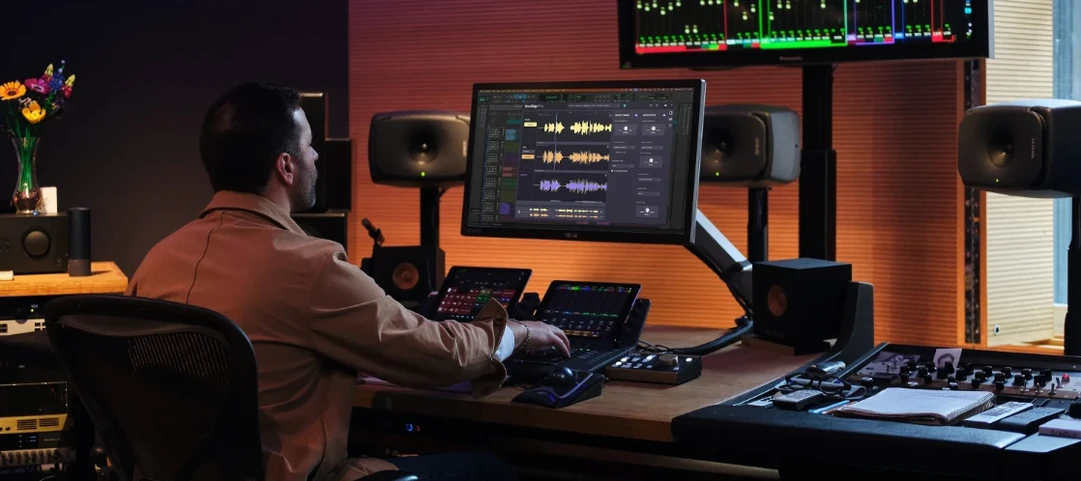
Download Synchro Arts VocAlign 6 Pro for macOS
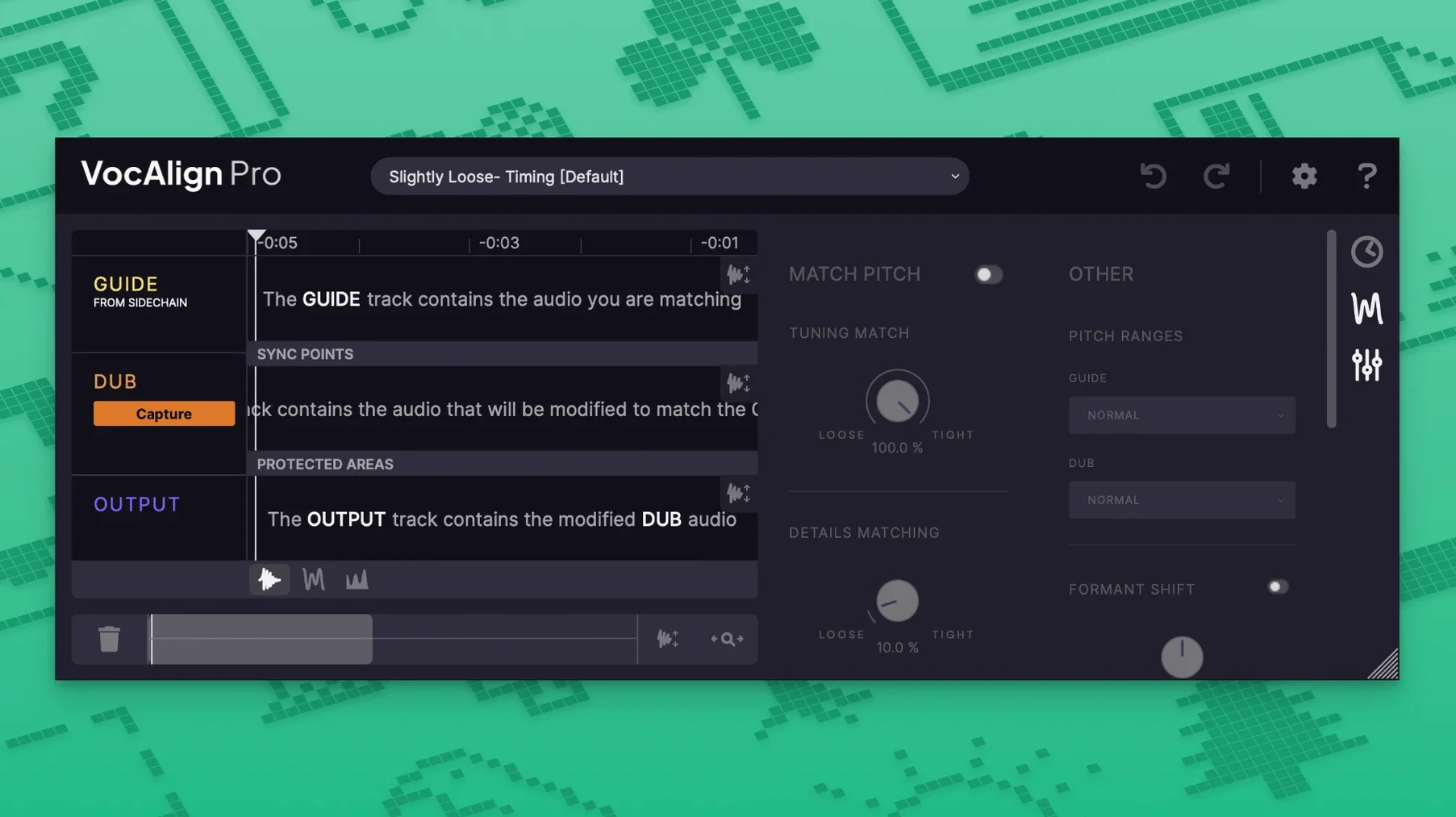
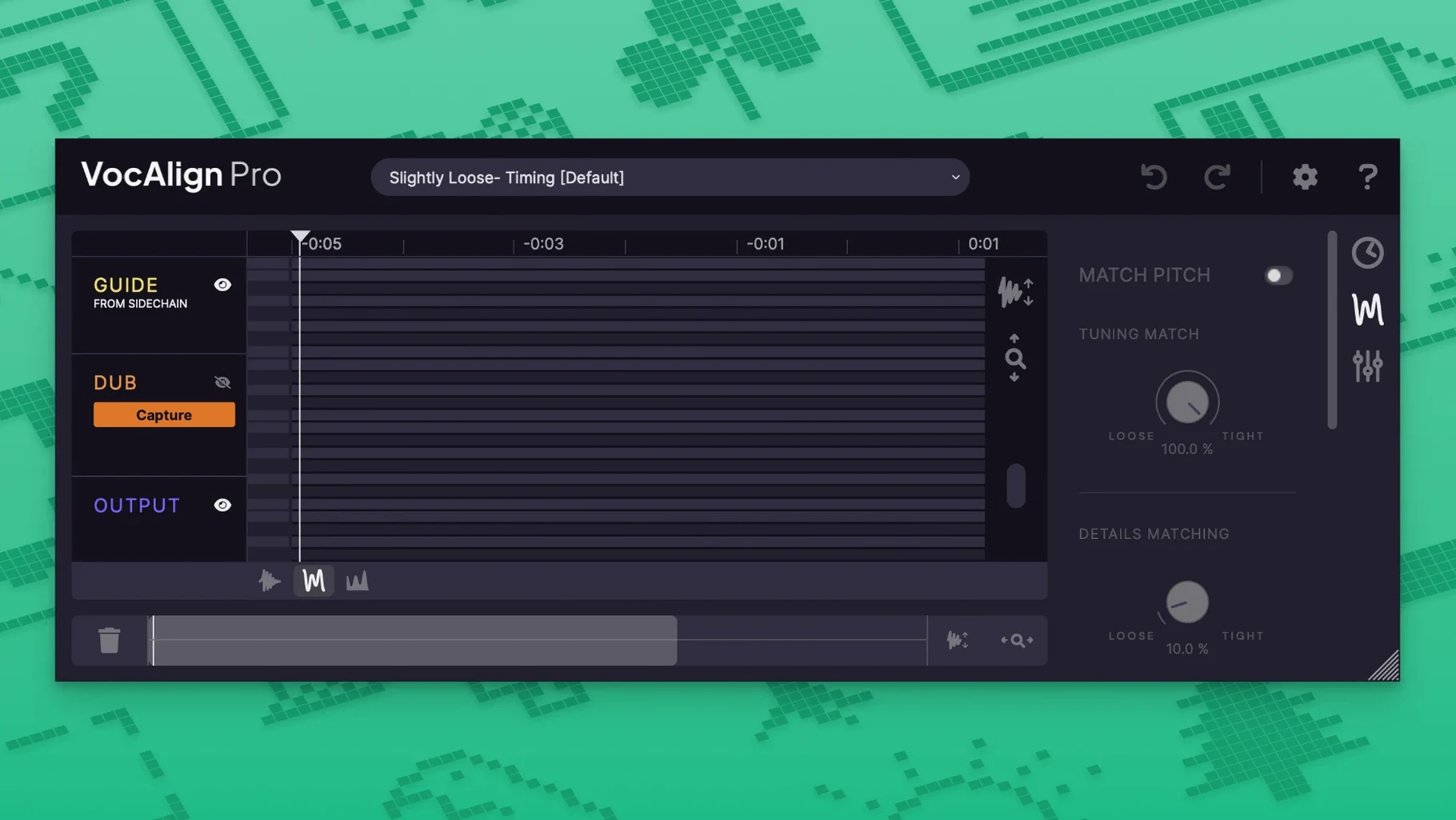
VocAlign 6 Pro is a plug-in that pulls one audio performance into tight alignment with another, matching time, pitch, or both in a few clicks.
What shapes the alignment
- SmartAlign — lets the plug-in listen and decide which sections need tightening, so you don't have to mark every phrase by hand.
- Sync points and protected areas — tell it exactly where to lock in and which transients or breaths to leave untouched.
- Tightness Control — dials how rigidly the follower snaps to the guide, from loose and natural to locked solid.
- Alignment presets — one-click starting points that get you close fast, then you tweak.
- Transpose shift — nudges formant and pitch independently, handy when doubling a part up or down an octave.
Point at a guide, correct timing and pitch in one pass
Drop it on a track and point it at a guide signal. The processor matches timing across the performance, and if pitch alignment is active, it pulls the intonation into line as well. Process groups let you treat stacked doubles as one unit, so a four-part harmony stays locked together. ARA support means the plug-in talks directly to your DAW timeline — edits you make in the arrange window update inside VocAlign without extra transfers.
Ease off the Tightness knob to fix warbly audio
If the aligned audio sounds warbly or over-processed, ease off the Tightness knob first. A value around 50–70% often cleans things up without losing the timing fix.
When SmartAlign seems to miss a phrase, drop a sync point at the start of the problem section. Even one marker tells the engine where to listen harder.
ARA not showing up in Pro Tools? Check that the track is not frozen or committed — ARA needs the raw clip on a live audio track. Restarting the DAW after the first plug-in scan also forces the handshake.
If the Guide and Dub signals end up slightly out of phase, nudge the Dub's sync point back by a few milliseconds. VocAlign locks timing but doesn't automatically correct for mic-distance offset.
Audition alignment with a short loop before building presets
Start with the Default Tight alignment preset and a short loop of four to eight bars. That gives you a quick baseline for how the plug-in interprets your material before you start building a custom preset.
Name your process groups clearly — something like "BV Highs" — straight away. It saves untangling a mess of unnamed slots when you come back to the session the next morning.
Try the Arm Capture All button before recording guide and dub passes. One click arms every track you've assigned, so you aren't hunting through drop-downs while the talent waits. It's a small thing that speeds up the first half-hour enormously.
If you grabbed the synchro arts vocalign 6 pro mac download and want to test pitch alignment on a DI bass line against a synth guide, keep Transpose shift at zero until the timing feels right. Moving pitch and formant too early makes it harder to judge what the timing engine is actually doing.
- macOS 10.14 or later
- Apple Silicon or Intel 64-bit Mac
Questions I get
Yes. It can align pitch, time, or both together, and the transpose shift control lets you move the formant and pitch independently.







Chat 0
Hop in or make an account to join the chat.
Quiet in here so far. If you have used this build, tell me what the install actually did.