
 Cubase
 CorelDRAW
 CorelCAD
 Cursor Pro
 Compressor
 Commander One PRO
 Cycling '74 Max
 Color Finale


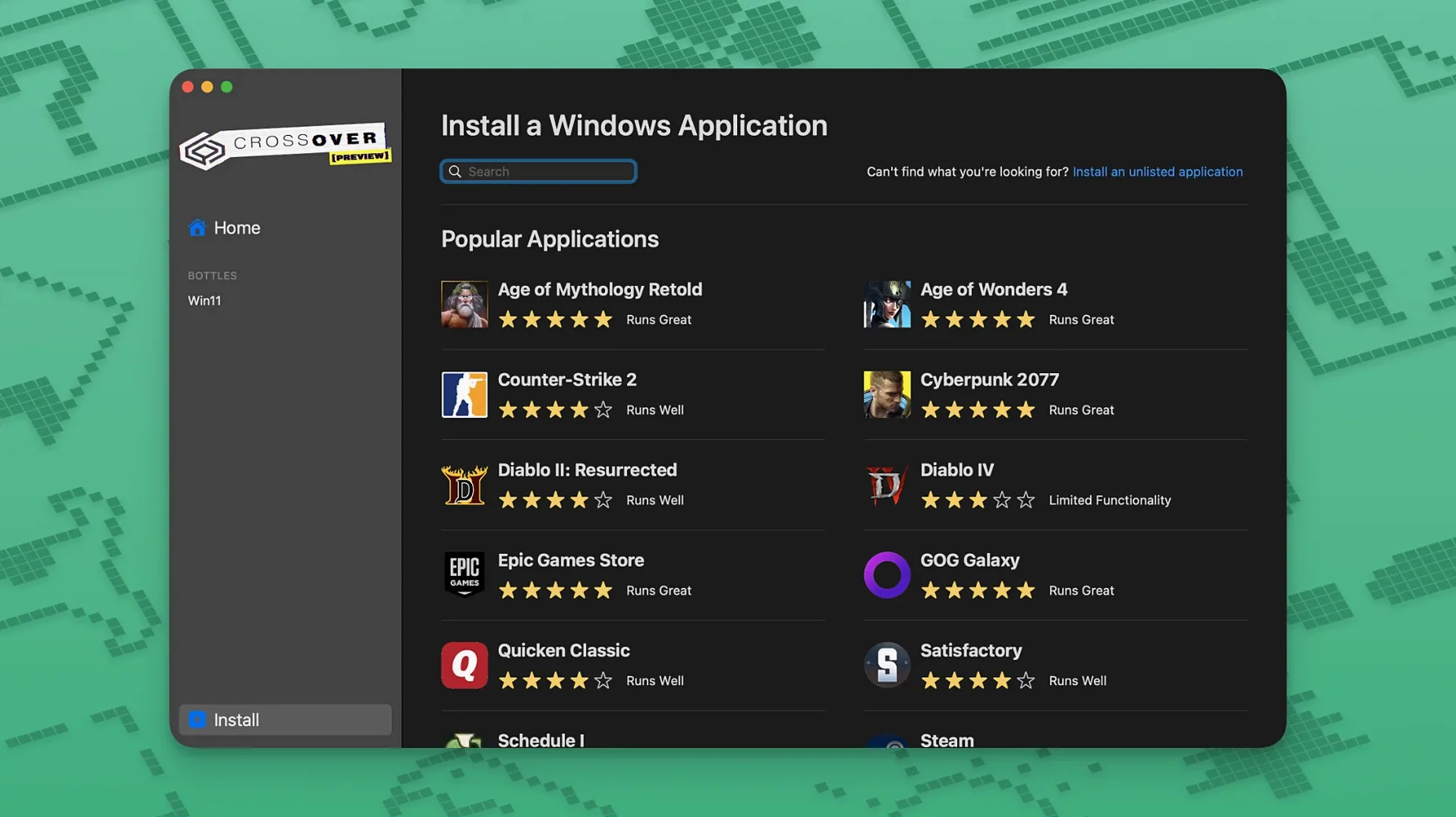
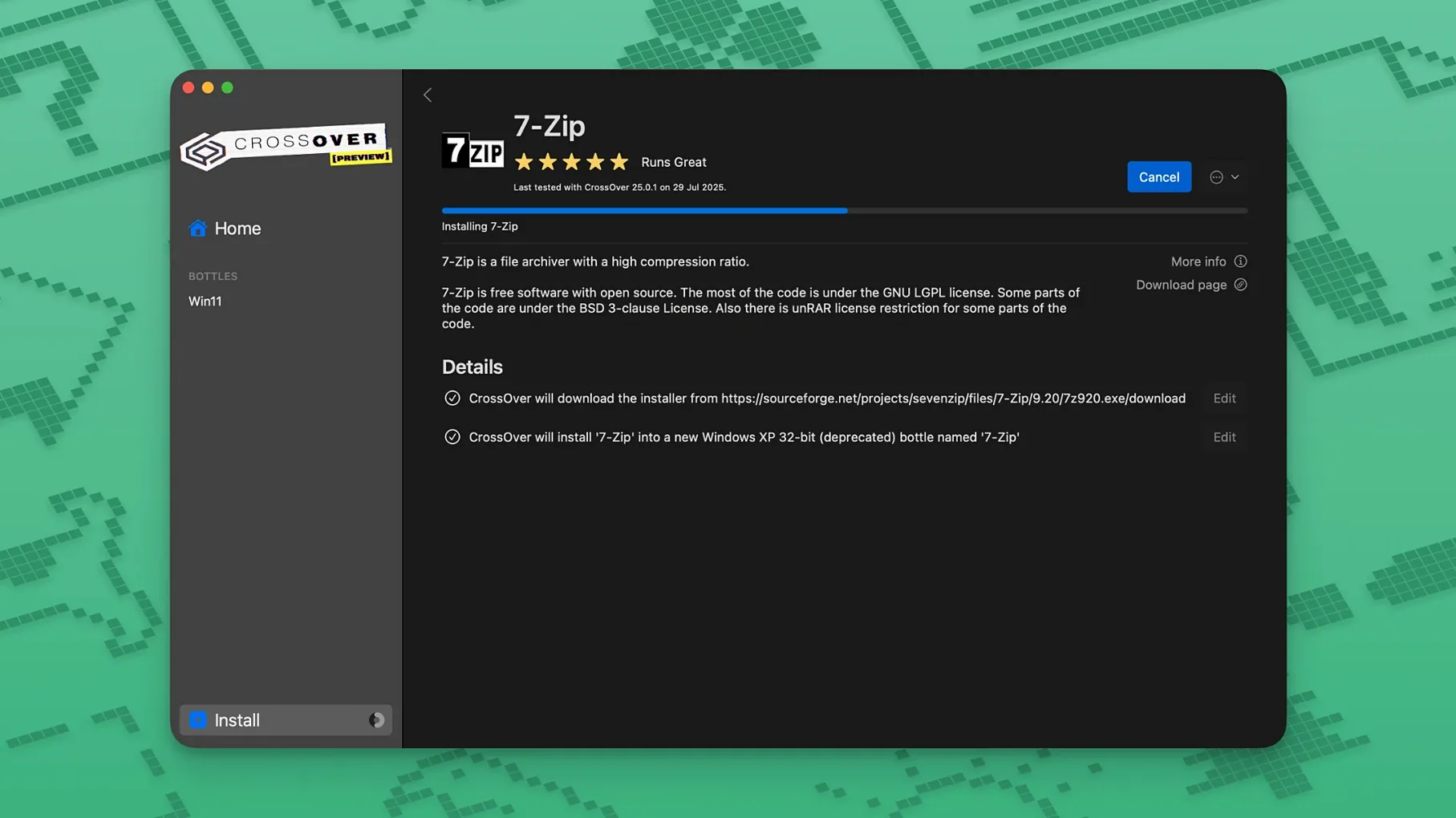
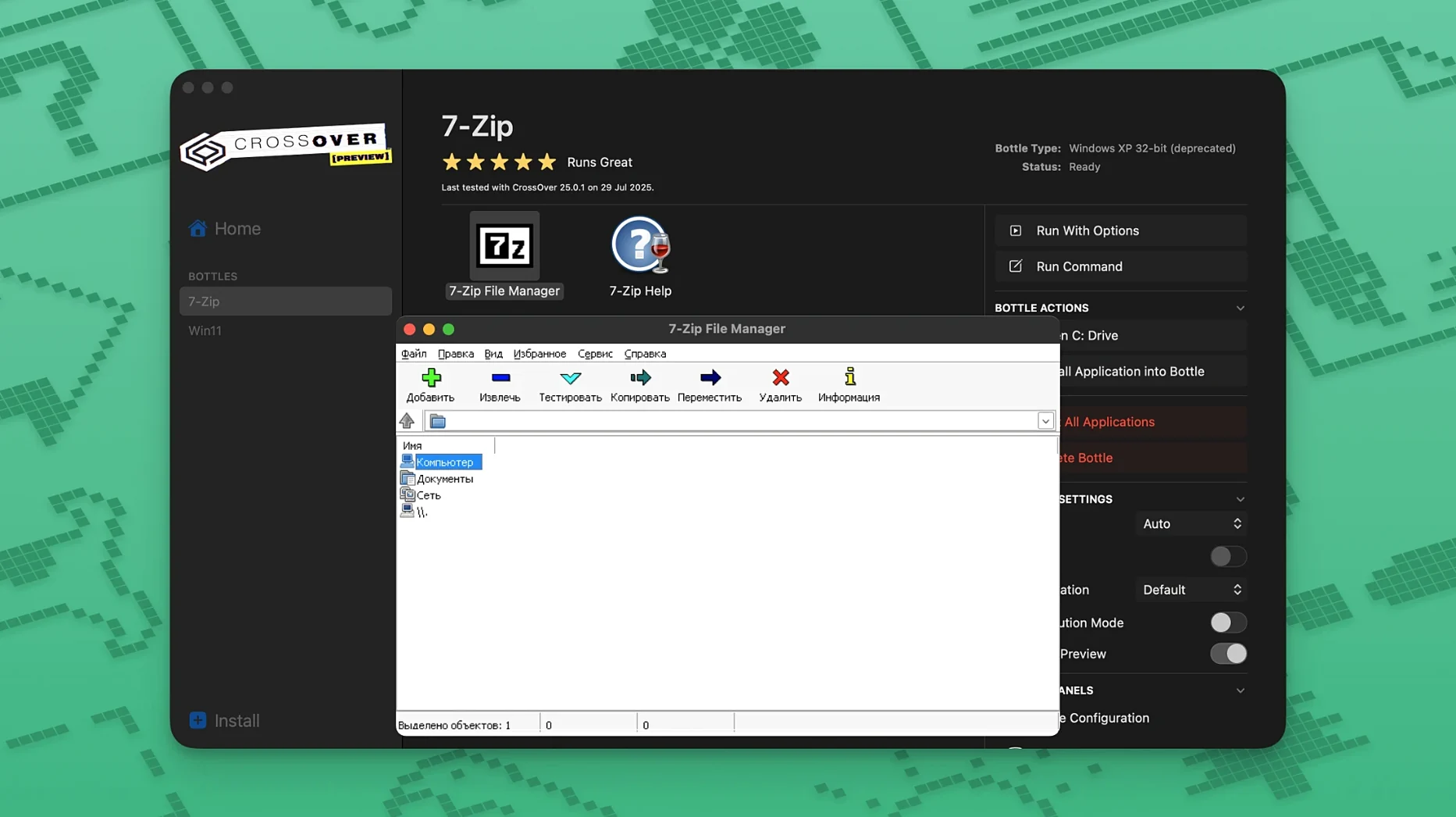
If you have ever used Apple’s Boot Camp, think of CrossOver as the lighter cousin that skips the reboot. It translates Windows commands for macOS on the fly, so you can open a .exe productivity tool or launch a game right from the dock — no full Windows licence required. The latest update stays focused on keeping things running rather than reinventing the wheel.
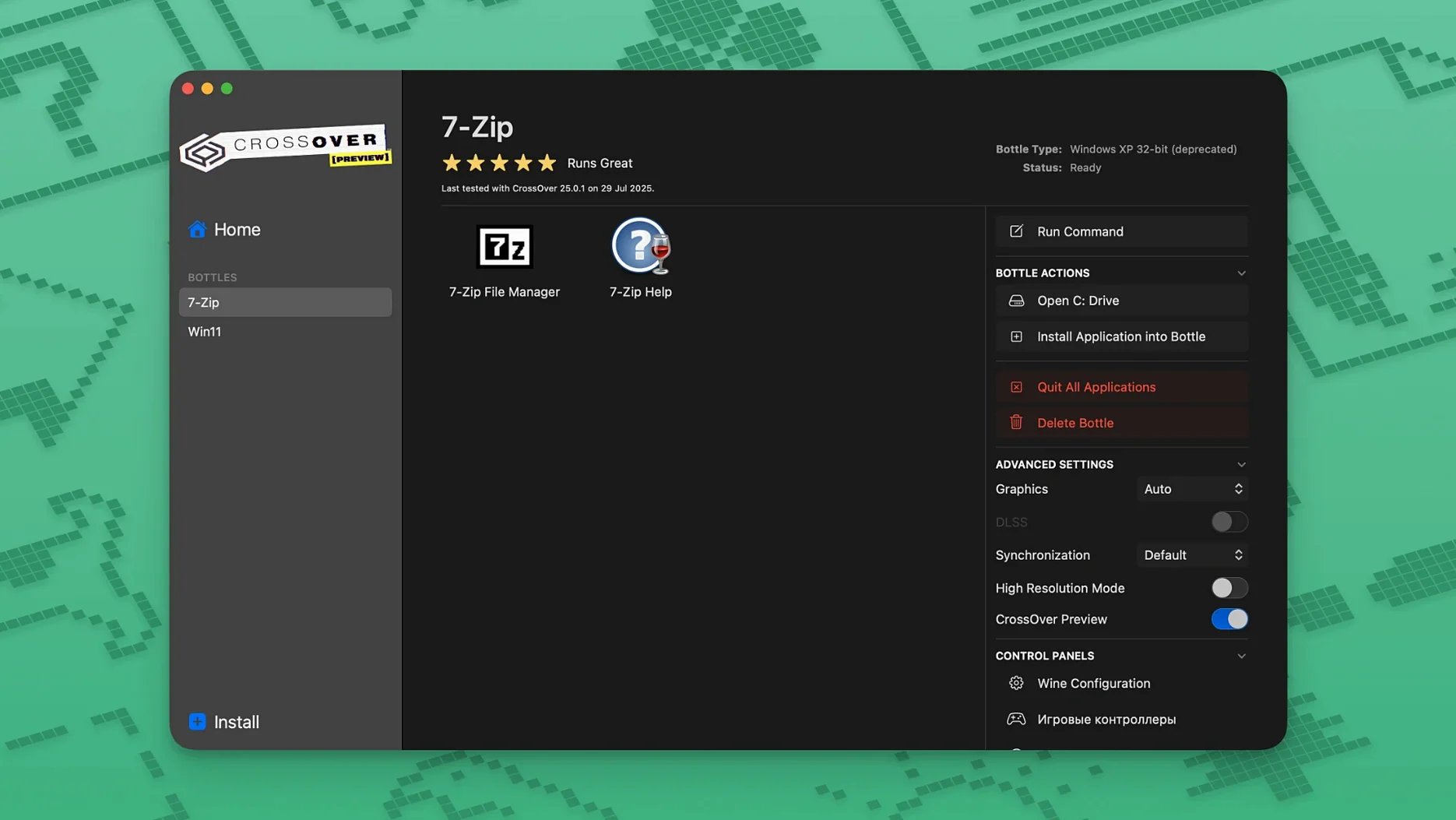
Core behaviour hasn’t shifted. You still point CrossOver at a Windows installer, it sets up a self-contained bottle, and you double-click to run. Not every app behaves; unsupported Wine titles can be unstable. But for the catalog it handles well, it keeps the friction low.
CrossOver doesn't demand its own ecosystem. A bottle lives in your home folder, so Time Machine backs it up along with everything else. You can drag a Windows .docx onto the CrossOver icon and it'll open in the Office bottle you set up weeks ago — Spotlight won't index the file, but Finder tags still stick.
It plays nicely with Mission Control too. Full-screen a Windows app and it becomes its own space, swipable just like a native Mac window. I've watched people run a Windows-only CAD viewer on one desktop while flipping back to Safari and Notes on others, forgetting the app isn't native.
Less obvious is the Services menu integration. Once CrossOver associates a bottle with a file type, you can right-click a file in Finder and pick the Windows app — no launching CrossOver first. That's not a headline feature, but it's the kind of thing that makes daily use feel less like translation work.
This isn't the update you open to find a redesigned interface. The fixes are narrow and specific — the kind that matter most when something you rely on suddenly stops working.
Before the fix, Diablo IV players hit a wall after the game's own update. CrossOver 26.3.0 got them back in without messing with settings or bottle config. The Epic Games Launcher download issue was similarly abrupt — one patch from Epic and the Mac flow broke. This release unbreaks it. GOG Galaxy users saw the client hang on load; now it doesn't.
All three fixes target the rhythm of use: you sit down, you double-click, it works. When that rhythm breaks, people end up in forums digging for bottle tweaks. 26.3.0 keeps people out of forums.
App install hangs at the end. Some Windows installers spawn background processes that CrossOver's bottle can't see. Kill the installer, close the bottle, reopen it — the app often appears installed anyway. If not, run the installer again inside the same bottle; it'll usually detect the partial install and finish.
Graphics glitches in full-screen. Switch the bottle's display settings from auto-detect to a specific resolution. Sometimes CrossOver guesses wrong and feeding it a fixed size clears up flickering UI elements or black screens.
Activation hiccups after updating. If the license check stumbles, open System Settings > Privacy & Security > Full Disk Access and add Terminal (temporarily). Re-run the activation tool, then remove Terminal from the list. Overly cautious, but effective.
App worked before, doesn't now. Bottles aren't immune to Windows-style rot. Create a fresh bottle with the same Windows version (Win 10 is usually the safer pick), reinstall just that one app, and try again. You can keep the old bottle around while testing — they don't interfere.
CrossOver doesn't emulate hardware, so the performance hit is lower than a full virtual machine. A Windows app that's light on graphics runs with barely any perceptible lag on an Intel Mac. On something like a 2019 MacBook Pro, I've seen a Windows PDF editor open faster through CrossOver than some native Electron apps wake from sleep.
Memory use is bottle-dependent. A single lightweight utility bottle sits around 200 MB. A bottle running a game with its own launcher and overlay can push past 1.5 GB. You control that by closing bottles you're not actively using — the CrossOver menu bar item lets you shut them down one by one.
Stability varies harder than speed. Apps from the CodeWeavers compatibility database tend to hum; anything outside it is a coin toss. I've had a niche Windows accounting tool run for weeks without a crash, while a different utility in the same bottle would freeze on print dialogue. When it works, it's set-and-forget. When it doesn't, the crash is usually contained to that bottle — the rest of macOS stays solid.
On older Intel hardware, don't expect miracles from GPU-heavy titles. The translation layer adds overhead, and while DirectX 11 support is decent, frame pacing can get uneven under load. Lowering in-game resolution almost always helps more than tweaking CrossOver's own settings.
Bottles on an external SSD work fine, incidentally. If you're tight on internal storage, moving the CrossOver folder to a fast external drive keeps things running without eating your boot disk — just symlink it back or point CrossOver at the new location.
No. CrossOver runs Windows software without installing the Windows operating system, so no separate licence is needed.
Not all of them. Unsupported applications that rely on Wine may be unstable or fail to run completely.














Chat 0
Hop in or make an account to join the chat.
Quiet in here so far. If you have used this build, tell me what the install actually did.