
 CrossOver
 Cursor Pro
 CorelDRAW
 Cycling '74 Max
 CorelCAD
 Compressor
 DaisyDisk
 Commander One PRO

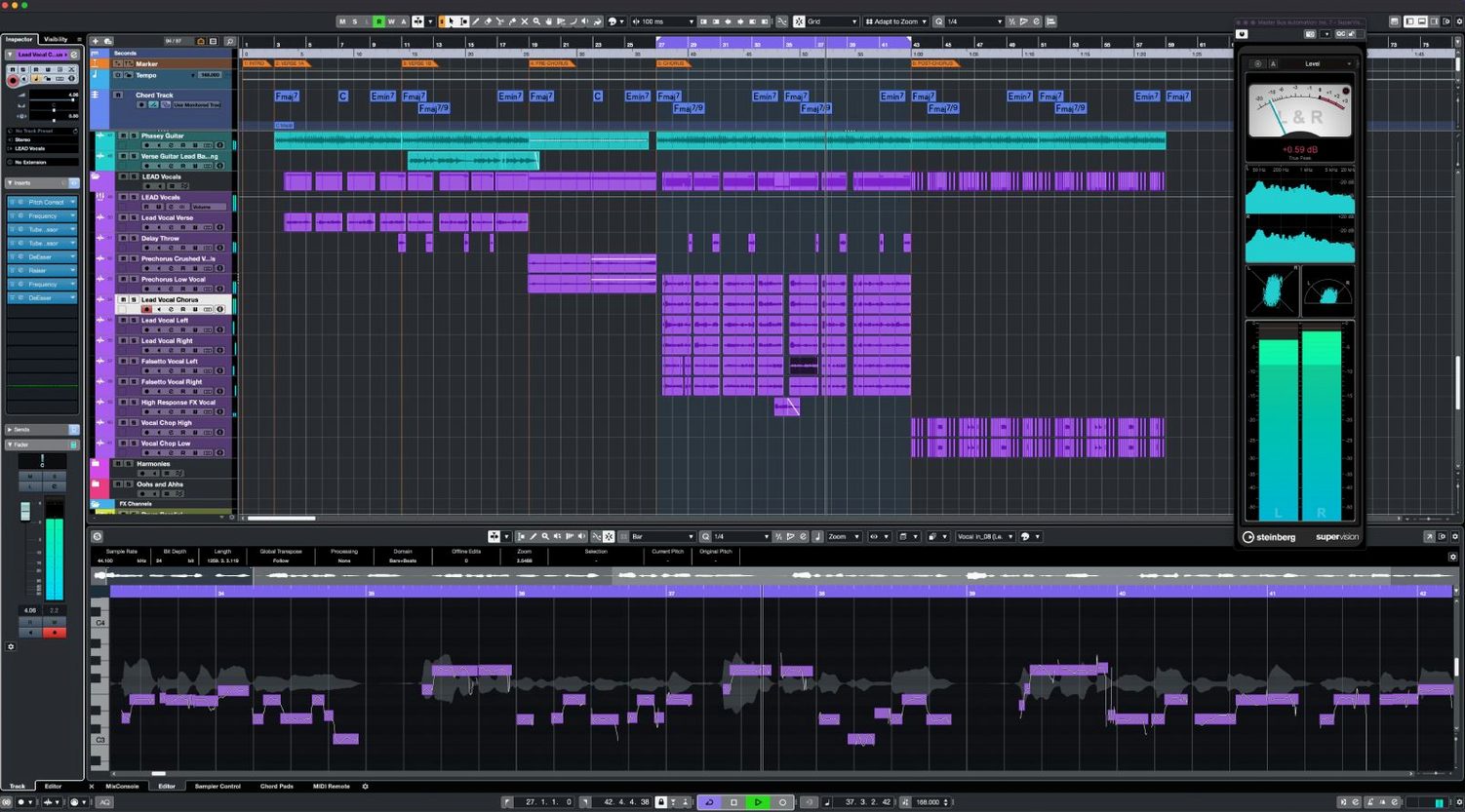
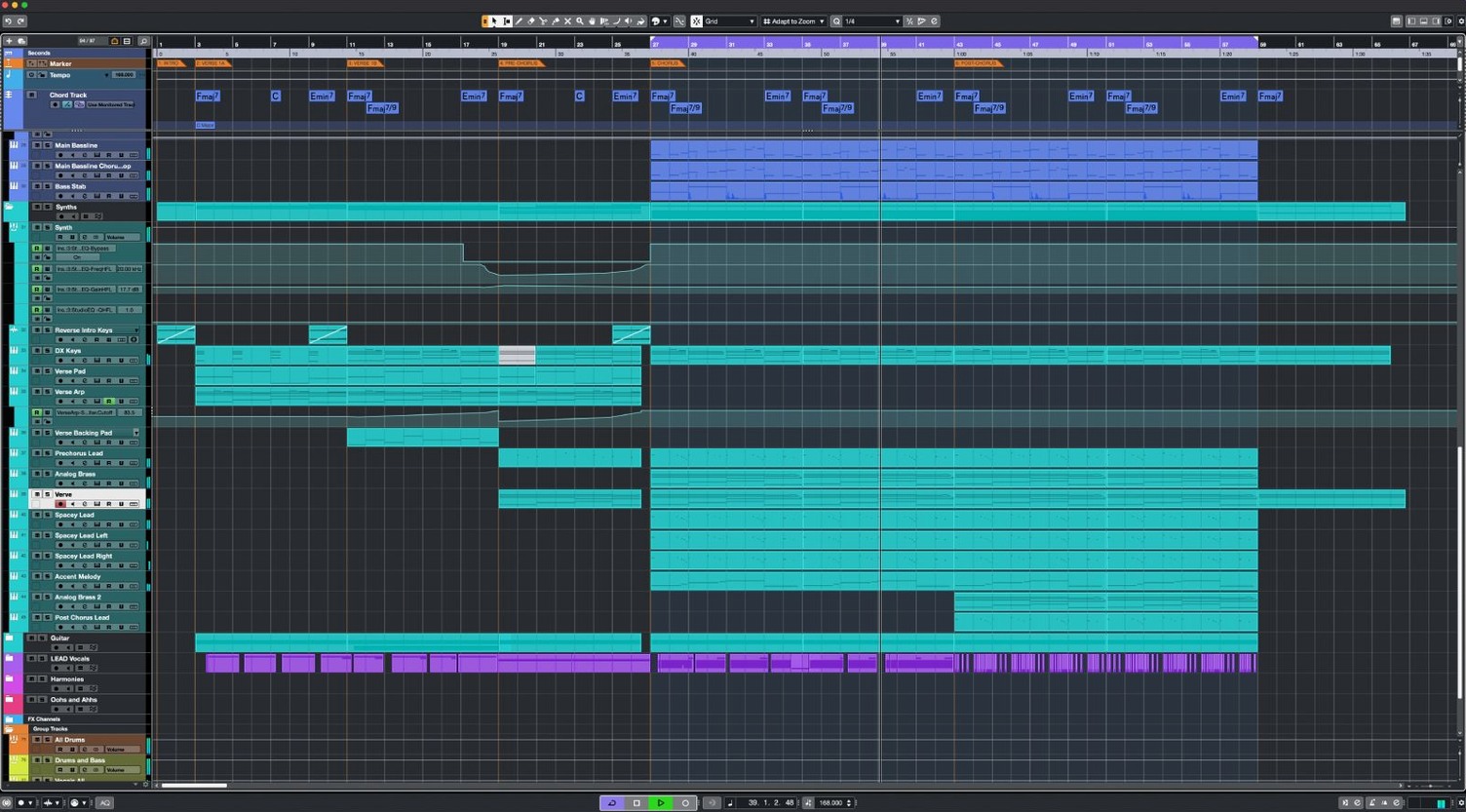
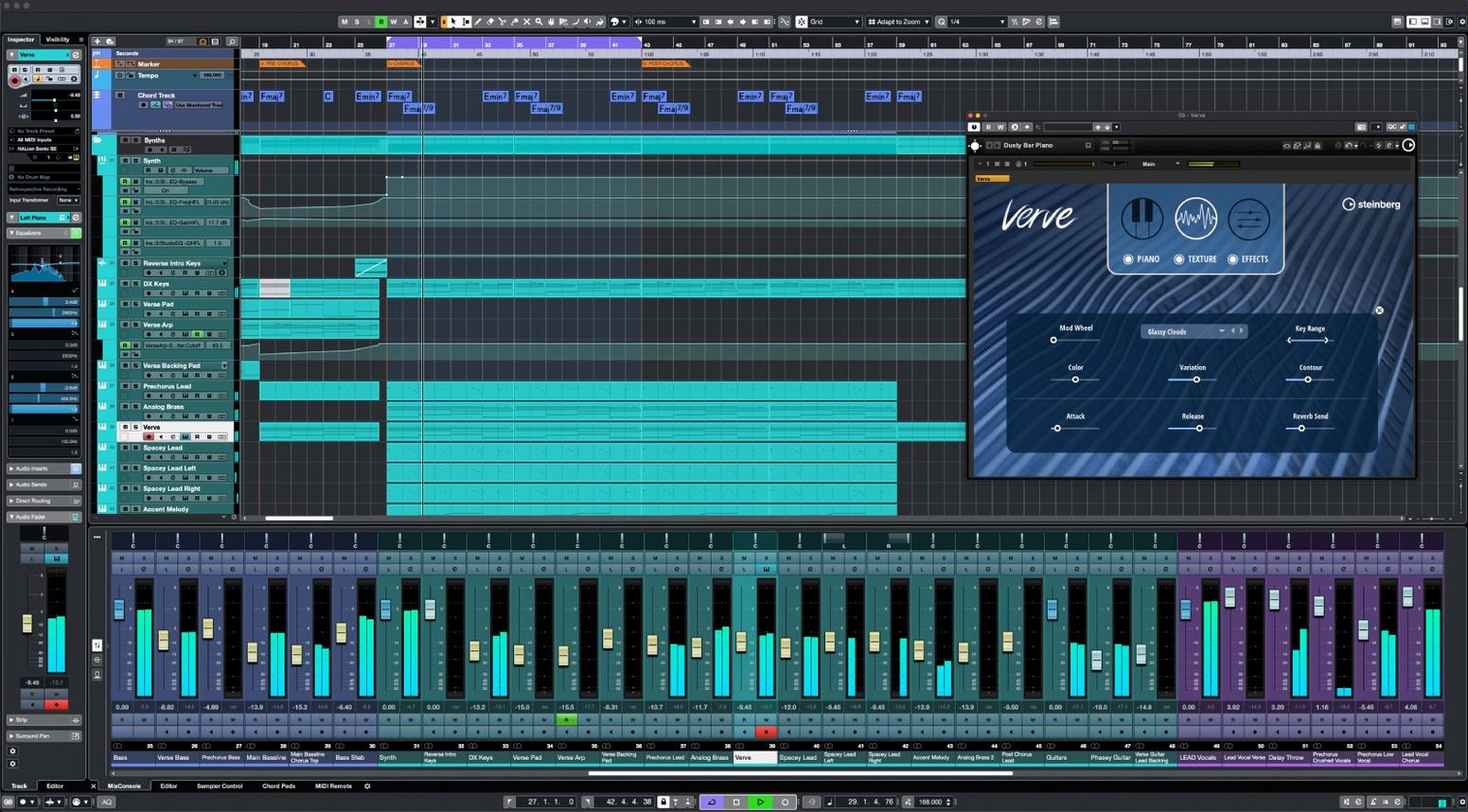
When an idea hits, you need a space that keeps up. Cubase gives you that — a full-featured digital audio workstation where you can record, arrange, edit, and mix without hitting artificial limits.
A few small changes early on make daily work feel lighter. Open Studio Setup first and check the audio buffer size — 128 samples keeps things snappy during tracking; 512 or 1024 suits mixing with heavier plug‑in chains. If you use an Apple Silicon Mac, tick ASIO Guard and set it to High for smoother playback under load.
Next, head to Preferences > Editing and turn on Snap to Zero Crossing. It stops clicks at edit points without extra fuss. Under MIDI, switch on MIDI Remote API 1.3 if you own a Novation Launch Control Series 3 — the integration landed in version 15.0.30 and the recognition is immediate once the controller is wired up.
Colour‑coding tracks is worth a minute too. Assign a palette early: warm for vocals, cool for drums, muted tones for buses. Scanning a tall session becomes second nature when the hues guide your eye.
Sessions that used to trip up earlier builds now run lean. On an M1 MacBook Air with 16 GB of RAM, a 60‑track project full of VST instruments and insert effects hovers around 40% CPU with ASIO Guard active. The 64‑bit engine stays quiet — no pops during heavy automation passes, and the metering remains fluid even when Raiser is clamping transients across a drum bus.
Projects open noticeably faster since the 15‑series refresh. Steinberg trimmed the boot sequence and the macOS package now sits under 1.3 GB, which leaves a lighter footprint on disk. The shared installer model helps too: one download serves every Cubase 15 tier, and your licence simply unlocks the right feature set.
Memory use creeps up with large orchestral templates, but paging stays gentle if samples reside on an external NVMe drive. Buffer underruns are rare, and when they do happen, the transport bar flashes a warning instead of throwing a hard stop — a small touch that saves sanity during late‑night arranging.
The jump to 15.0.30 brought fixes that tighten the feel rather than rewriting the rulebook. Support for Novation Launch Control Series 3 means the faders and knobs map without wading through a MIDI learn routine — plug in, tap a preset, and transport controls plus channel strips are ready. The MIDI Remote API 1.3 update lets script‑savvy users push custom mappings further, but most people will just notice that more controllers wake up faster.
General performance tweaks in the 15 line keep the timeline scrolling smooth. Zooming in and out of waveform‑dense projects no longer hesitates, and the Scale Assistant inside the Key Editor got smarter about suggesting passing notes that fit the harmonic context. Audio to MIDI chords also holds its timing better when fed long, ringing guitar parts — fewer stray notes slip into the detection.
Cubase plays well with the Apple ecosystem once a few bridges are in place. Sidecar turns an iPad into a dedicated mixer or MIDI editor pane — drag the MixConsole onto the secondary display and keep the arrangement window clean on the main screen. The touch strip on a Magic Keyboard works for horizontal scrolling, though a scroll wheel mouse still feels more precise for nudging faders.
Routing audio between apps stays straightforward. Set up an aggregate device in Audio MIDI Setup and Cubase sees the combined inputs; you can pipe in a synth from Logic Pro or a stem player via BlackHole without leaving the session. I regularly record a rough idea in Voice Memos on iPhone, AirDrop the file to the Mac, and drag it straight onto a track — the waveform snaps to tempo via AudioWarp in one click.
For post‑production, the Dolby Atmos renderer exports beds and objects that open cleanly in DaVinci Resolve. MIDI export works the same way: export a chord progression as a standard MIDI file, drop it into Scaler 3 for re‑harmonisation, and bring it back — no conversion quirks. If you use a Stream Deck, the keyboard shortcut system in Cubase lets you map transport commands, quantise triggers, and track visibility toggles to physical buttons, cutting down mouse travel when you are deep in a session.
Yes. VariAudio is included for vocal correction, letting you tweak pitch and timing directly in the editor.
Cubase supports unlimited audio channels and unlimited MIDI or instrument tracks.
Yes. The current version adds support for the Novation Launch Control Series 3 and the MIDI Remote API 1.3.














Chat 0
Hop in or make an account to join the chat.
Quiet in here so far. If you have used this build, tell me what the install actually did.