
 Compressor
 CorelDRAW
 Commander One PRO
 CrossOver
 Color Finale
 Coherence X
 Cubase
 Cocktail Sequoia Edition


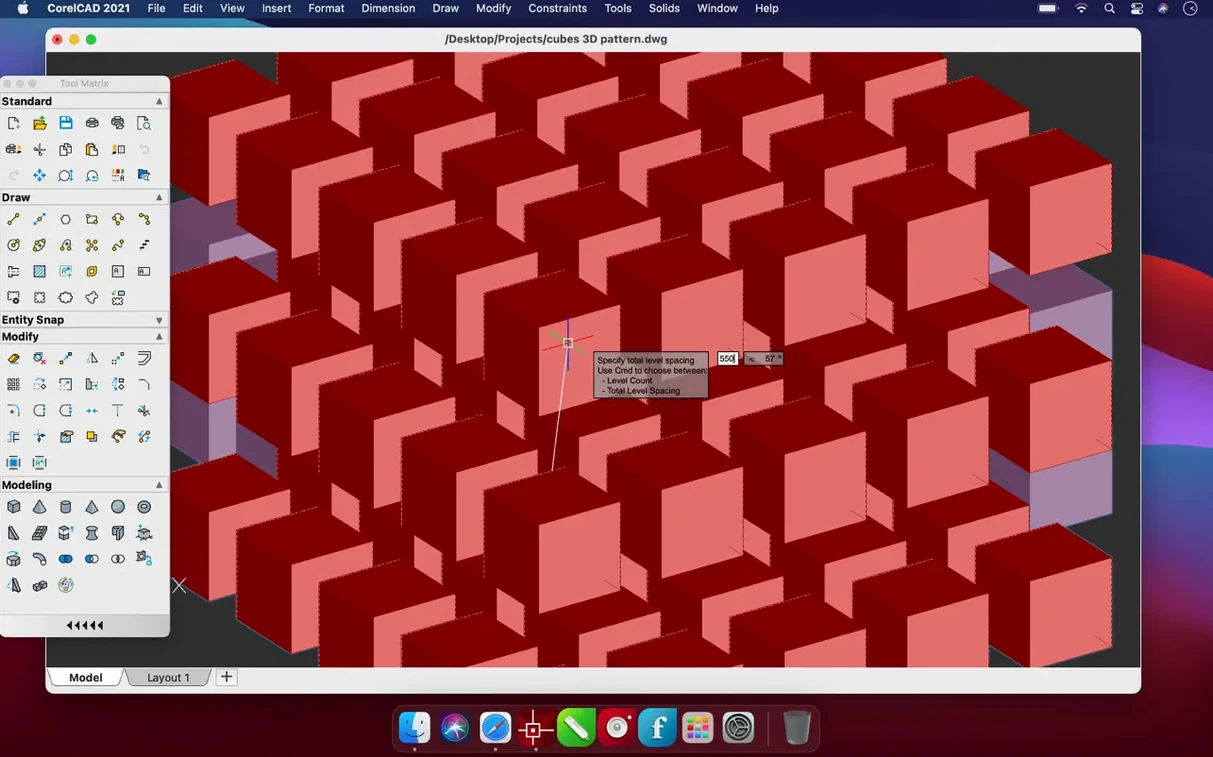
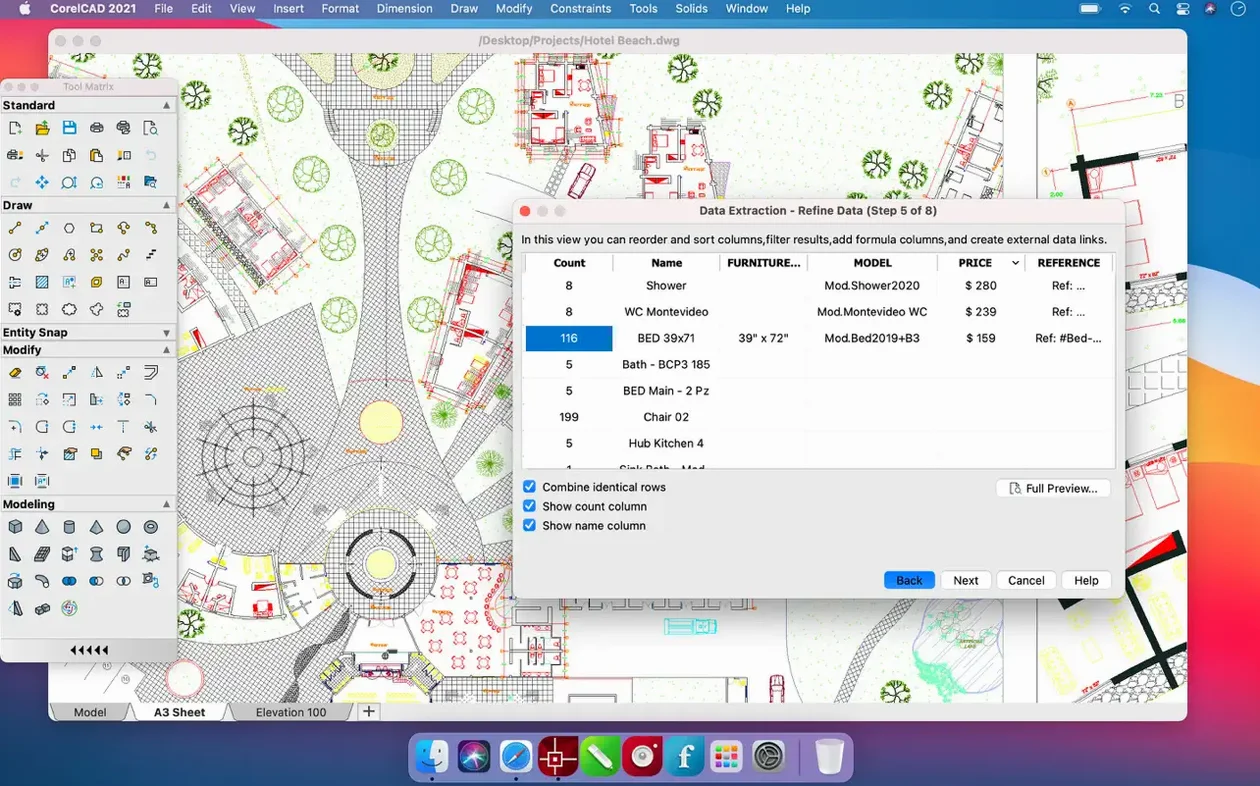
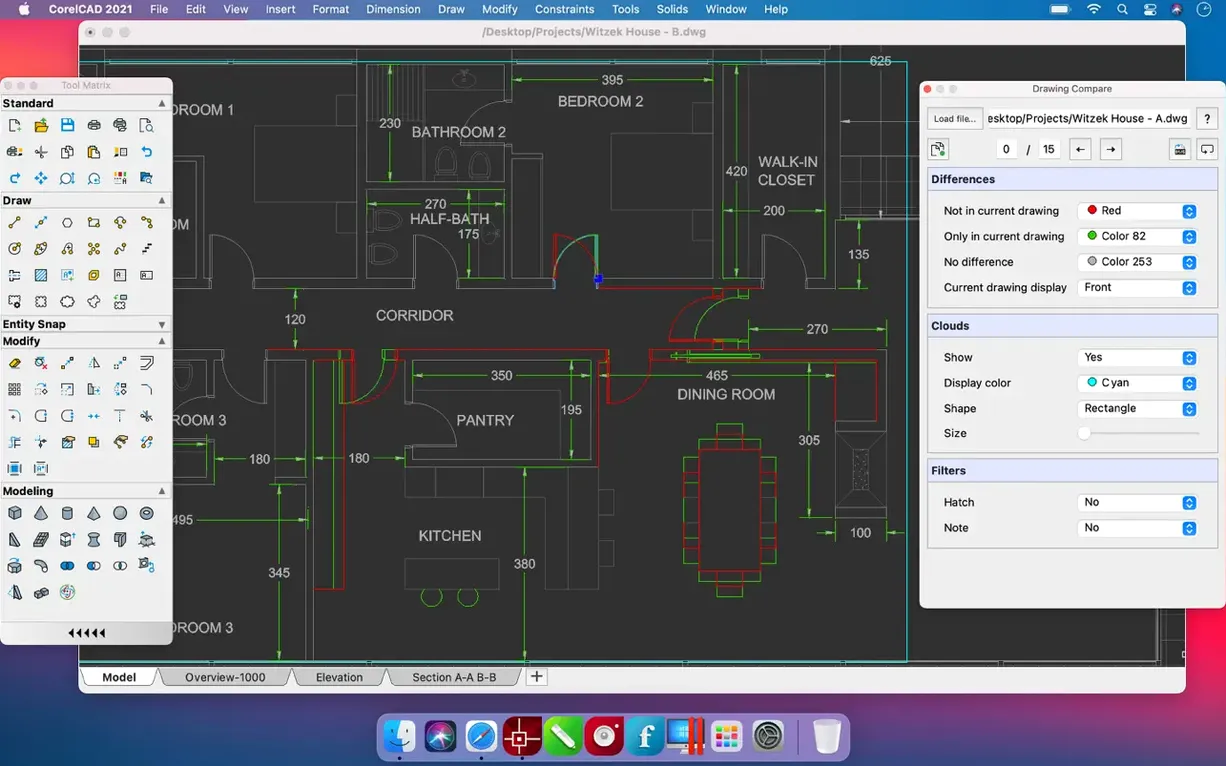
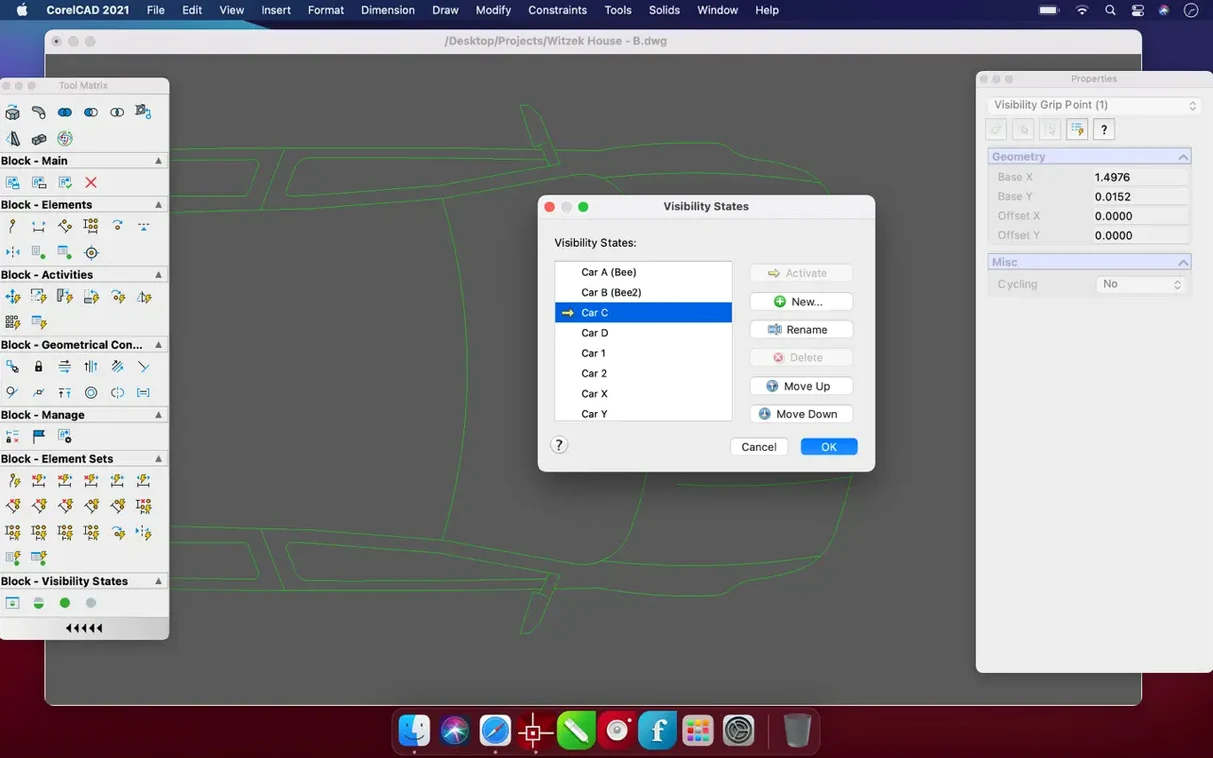
CorelCAD is picked up by architects, engineers, and fabricators who already think in coordinates and constraints. It’s a workspace for 2D drafting and 3D solid modeling where the native AutoCAD DWG format sits at the centre, not as an afterthought.
The app bakes in tools for scripting and customisation, so repetitive drawing tasks become recorded macros instead of endless clicks. Experienced hands use this to keep sheet layouts consistent across projects.
Beyond standard DWG and DXF, direct support for SHP, SAT, and STL files means GIS contours and 3D printing solids land on your canvas without third-party converters.
DWS drawing standards files and DWF underlays let you check work against office norms right on the sheet. Switching between design concepts and final layouts stays tidy because the file references remain live.
The defaults serve general CAD work fine, but a few quick tweaks make the workspace feel like yours. Head into Preferences right after launch.
Does it actually open and save native DWG, or just import?
It reads and writes the DWG format natively — no translation layer, no import dialogue that strips line weights. Files move between CorelCAD on a Mac and AutoCAD on a Windows workstation without a cleanup pass.
Will it feel slow on an Apple Silicon machine?
The 2022.5 build runs as a universal binary, so it loads directly on ARM without Rosetta. Orbit, pan, and regen on mid-sized 3D models stay fluid. The only perceptible wait crops up when rebuilding very dense mesh geometry for STL export, which is true of any modeller.
Can I use it alongside SketchUp or Rhino files?
Directly, no — CorelCAD doesn’t open SKP or 3DM files. The practical route is exporting those as DWG or SAT from the original app, then opening them here. SAT solids come across cleanly because the kernel shares heritage with ACIS-based modellers.
CorelCAD behaves like a good citizen on the Mac desktop. Drag a DWG file onto the Dock icon to open it, or right-click a folder of sheet files in Finder and batch-plot them via a Quick Action you wire up once. The app writes to the standard macOS Print dialogue, so PDF output picks up any paper size your printer driver offers.
For pattern work or presentation boards, many designers keep a vector app like Affinity Designer or Illustrator in the loop. Export a top-down view as PDF or SVG, then drop it straight onto an artboard for colour fills and annotation. Dimensions and line weights remain crisp because the export is true vector.
On the 3D side, STL files generated from solid models feed straight into PrusaSlicer or Cura. The faceting quality slider in the export options controls file size versus surface smoothness, so you can tune it for quick test prints or final parts. If you have a corelcad mac workflow that touches CNC prep, the DXF output slots into VCarve or Fusion 360 CAM without re-scaling.
Collaboration between Mac and Windows teams is where the DWG-native core really earns its keep. A file saved on macOS opens on a colleague’s PC with layer states, xref paths, and sheet layout tabs intact. The same applies in reverse, and a CorelCAD torrent can slot right into that workflow — the file format is the common language, not the platform.














Chat 0
Hop in or make an account to join the chat.
Quiet in here so far. If you have used this build, tell me what the install actually did.