
 CorelCAD
 Compressor
 CrossOver
 Commander One PRO
 Cubase
 Color Finale
 Coherence X
 Cocktail Sequoia Edition

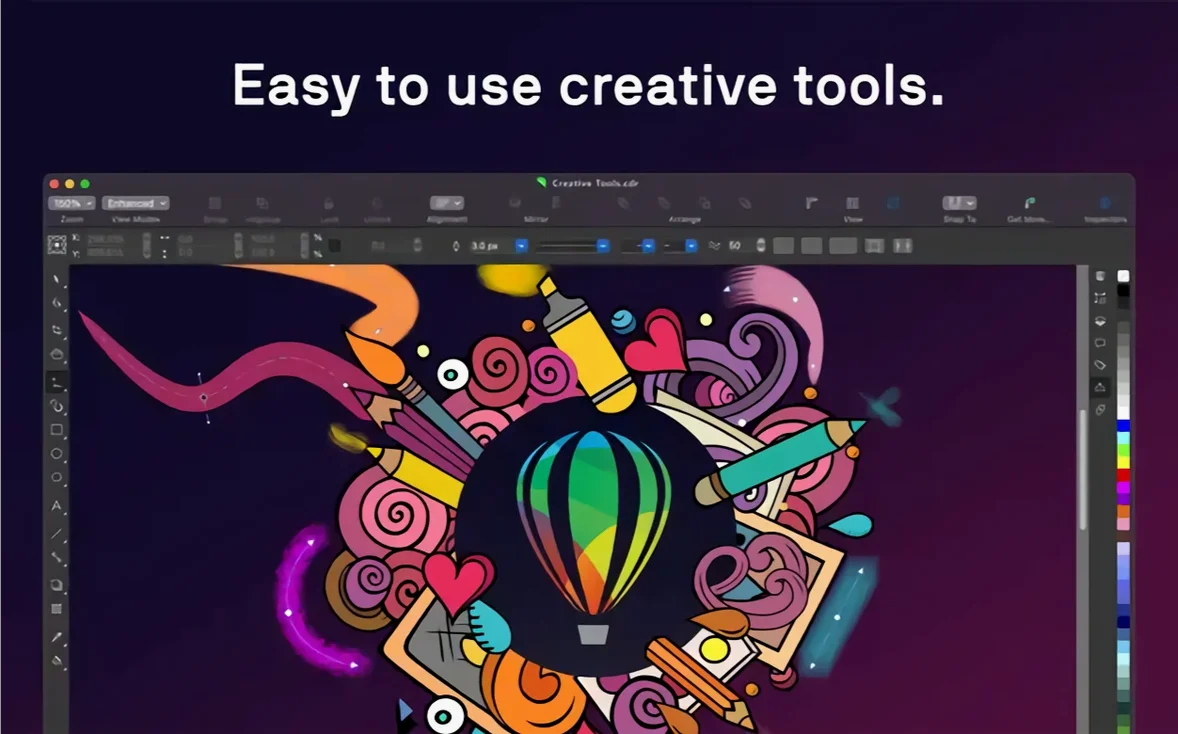
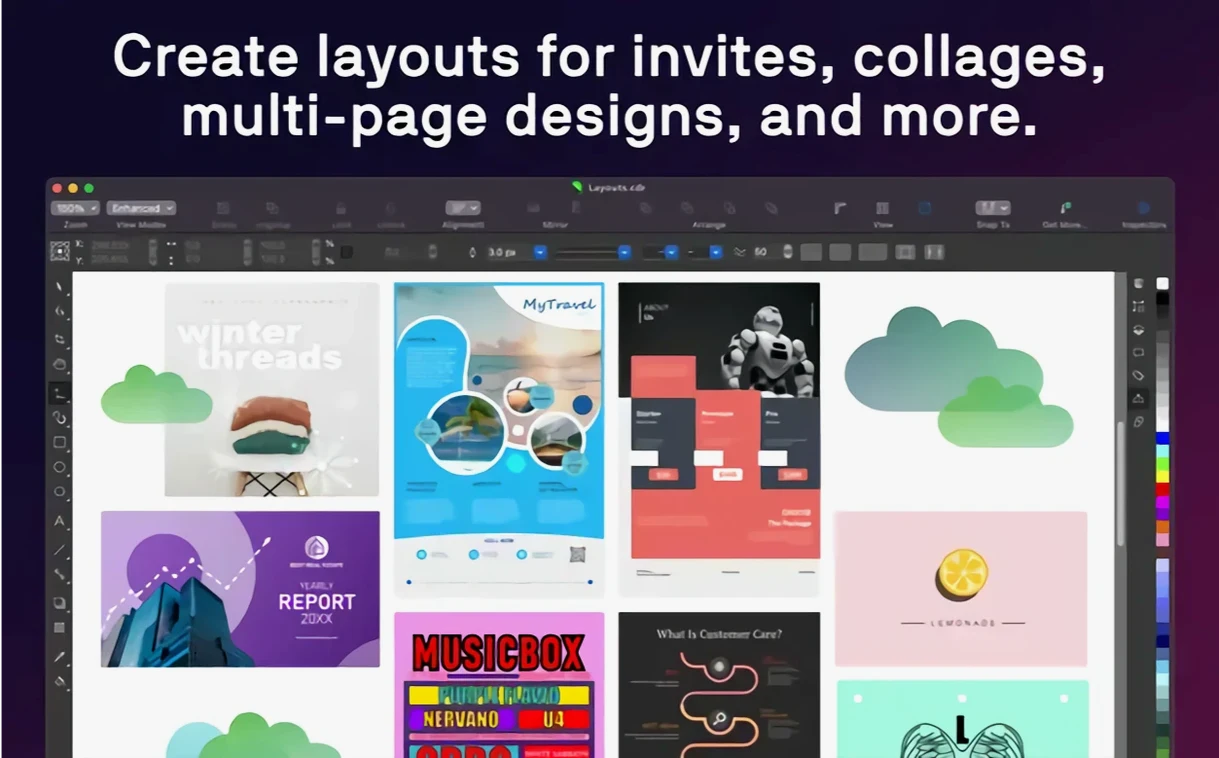
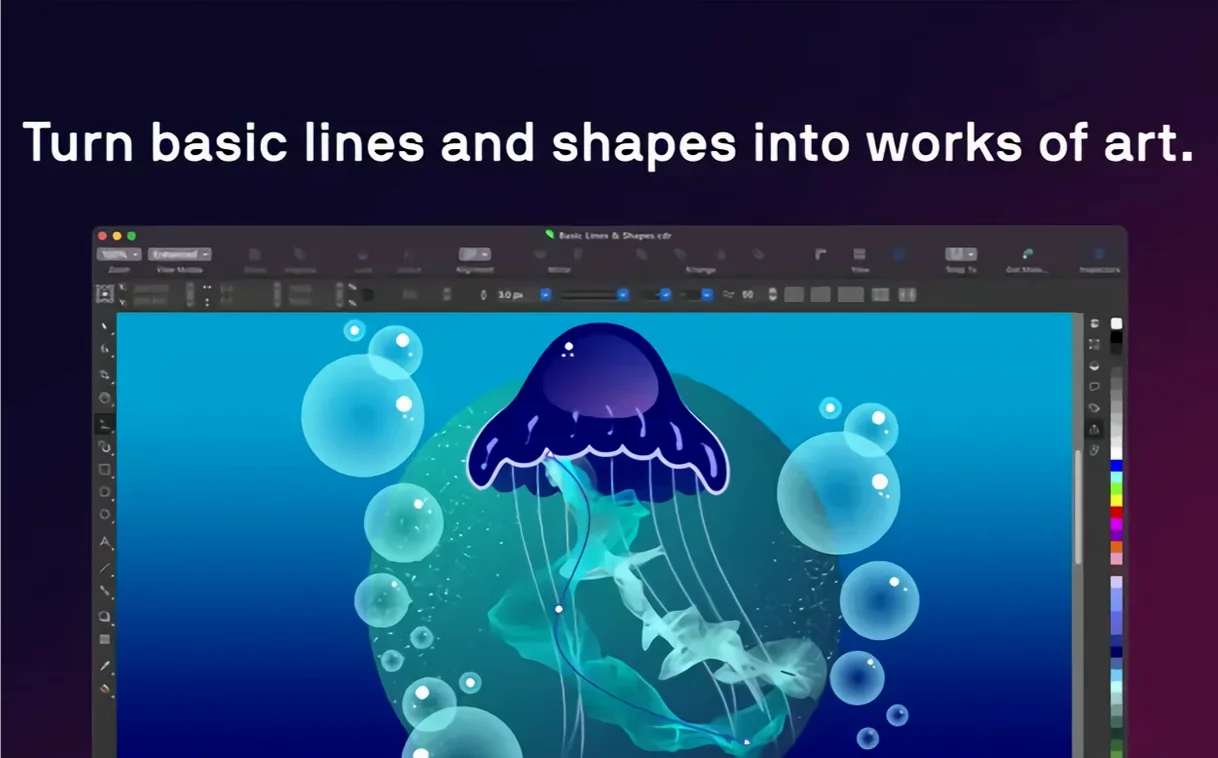
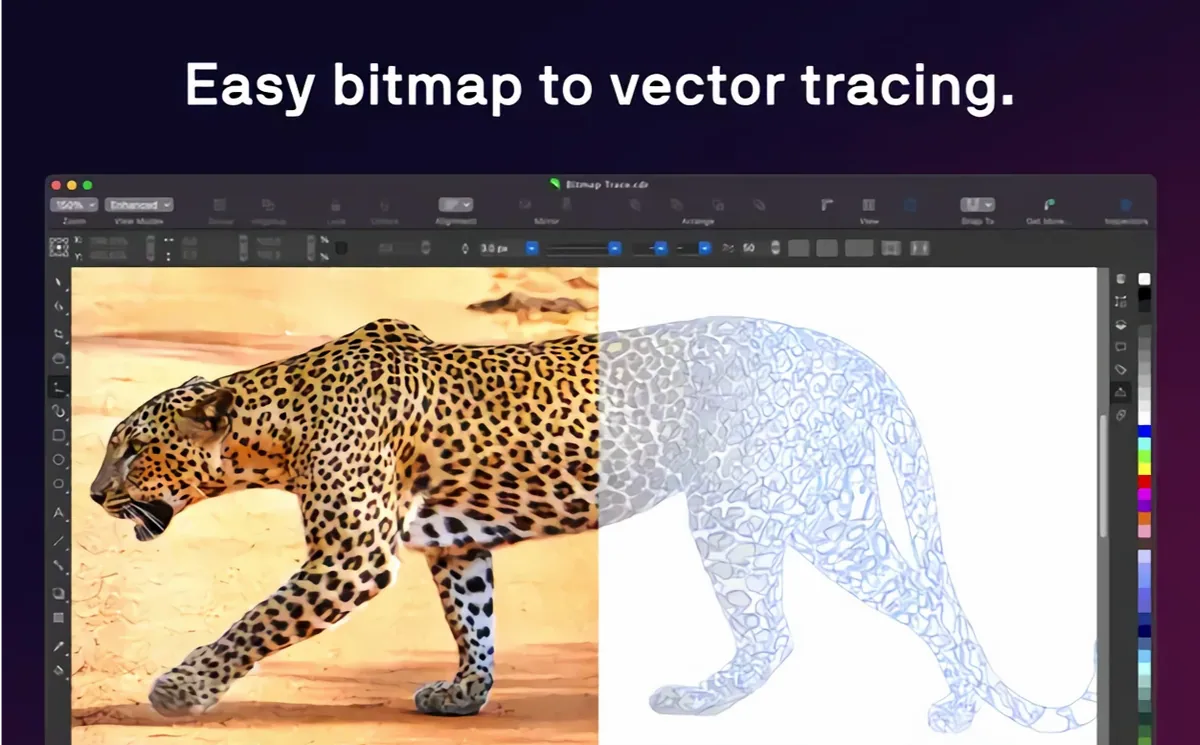
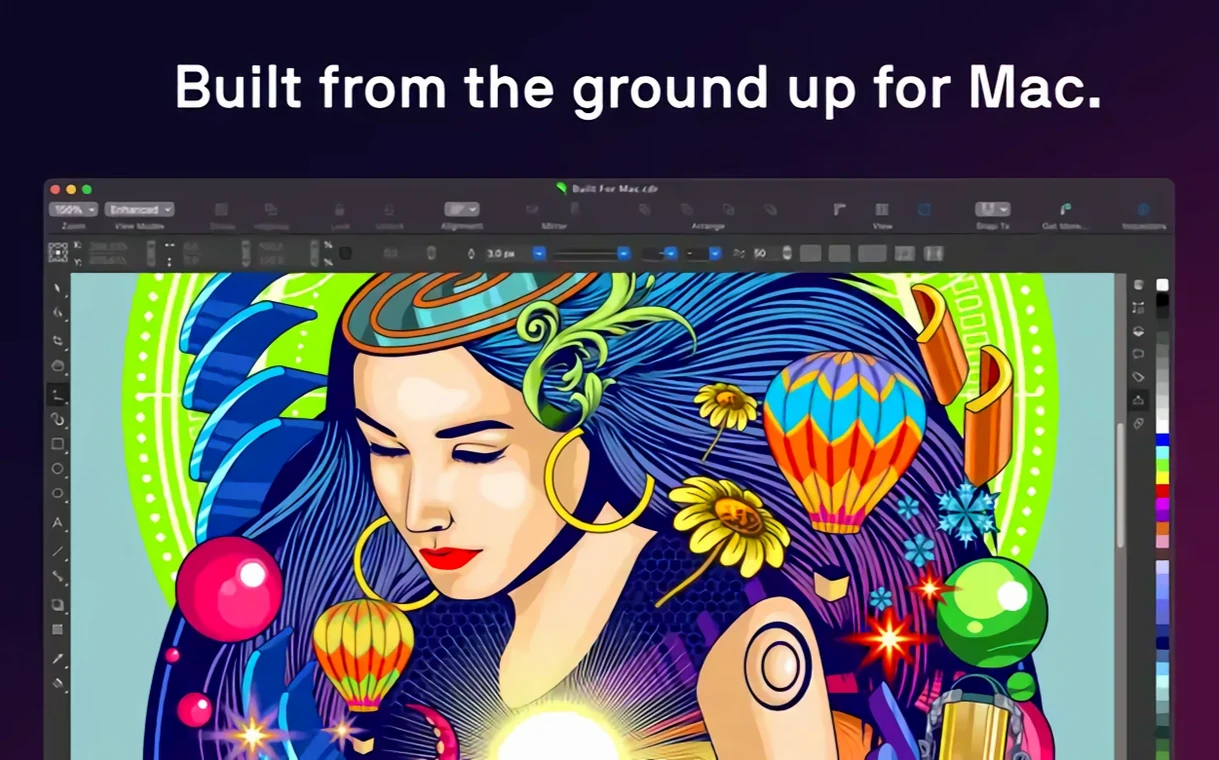
If you're coming from a Mac-first app like Sketch or Pixelmator Pro, CorelDRAW Graphics Suite feels like a big, well-equipped workshop. It bundles vector illustration, page layout and photo editing into one native macOS package. Here are three tasks to try first.
Grab the Rectangle or Ellipse tool and draw something simple. Then open the Properties docker to apply a fountain fill and layer a raster effect like a drop shadow. CorelDRAW lets you mix vector and raster effects on the same object, so a single shape can look remarkably polished in seconds.
Use the Text tool to create a heading and a paragraph frame, then drag an image onto the page from Finder. The suite reads PSD, AI, PDF, and SVG files, so your existing assets slide right in. Apply a style set to unify the colours and type across the whole document without chasing down individual settings.
Drop a slightly rough JPEG onto the canvas and switch to the Photo-Paint workspace. Run the AI upscaling and JPEG artifact removal to sharpen things up. It won't replace a dedicated raw editor, but for marketing mockups and social graphics, the fix is fast and keeps you inside a single app.
Imagine a small three-person marketing team putting together a product launch. One designer handles the social banners, another builds the PDF spec sheet, and a third retouches product photos. All three sit on MacBooks — one Intel, two Apple Silicon — and share assets through a common folder. The designer on layout pulls a half‑finished brochure straight from the shared CDR file, drops in a new hero image, and adjusts the paragraph styles while the photo editor works on the same image in Corel PHOTO‑PAINT. Nobody exports intermediates or juggles three different apps. That’s the kind of workflow this suite quietly enables.
Launch time on an M2 MacBook Air is around six to seven seconds — fast enough that you won’t reach for your phone while it loads. Once open, switching between the vector, layout and photo workspaces is near instant. RAM use with a half‑dozen moderate files open hovers around 1.5 GB to 2 GB, so a 16 GB machine rarely feels strained.
Stability on version 27.2.0.135 has been uneventful in the best way. Heavy PDF imports, multi‑page documents with linked images, and long sessions with the PowerClip tool all held up without a beachball. The only thing that occasionally slows things down is live previews on complex blends — and even then, the app stays responsive enough to cancel the operation without force‑quitting.
On the Intel side, the app runs smoothly as long as the machine meets the AVX2 requirement. Large gradient meshes and real‑time effect previews do nudge the fan, but scroll and zoom stay fluid. This build genuinely feels native on macOS, with proper window resizing, trackpad gestures for zoom and pan, and system‑wide colour profile support.
Recent versions refined the dark UI contrast on macOS, so docker panels and tool icons stay readable in bright office light. The variable font support is now baked deeper into the text engine — you can tweak weight, width and slant with sliders directly in the Properties docker, which makes creating tight headline variants much faster than cycling through fixed font weights.
The Sidecar experience has also tightened up. When you pair an iPad and Apple Pencil, the lag is barely perceptible on a modern Mac, and the pressure response in the vector brush tools feels closer to a dedicated drawing app than it did in early builds. For quick freehand sketches that later become vector shapes, it’s a setup worth trying.
Performance around raster‑to‑vector tracing improved noticeably after the initial 27.0.0.121 release on Mac. What used to be a coffee‑break wait on a detailed logo trace now finishes in under thirty seconds, even on colour‑rich images. The Trace docker also exposes more preset options, so you can dial in the right level of detail without guessing.
Out of the box, the default nudge distance is often too large for precise keyboard alignment. Drop it to 0.5 mm in the rulers and grid preferences — your arrow keys will feel far more useful. Next, set the backup auto‑save interval to 10 minutes instead of the default 20, especially if you work across multiple files at once.
If you use a display with a wider colour gamut, switch the colour management policy to Preserve embedded profiles for imported files. That stops the suite from converting everything to your working space without asking. And in the text defaults, turn off automatic hyphenation unless you’re typesetting columns — it saves you from cleaning up awkward breaks in headlines later.
Good to know: the suite can read CDR files from older Windows versions without conversion, but saving back to them strips newer macOS‑specific effects. Keep a local master in the current format and export flattened versions when sharing across platforms.
Yes, CorelDRAW Graphics Suite is a universal app with native support for both Apple Silicon and multicore Intel processors with AVX2.














Chat 0
Hop in or make an account to join the chat.
Quiet in here so far. If you have used this build, tell me what the install actually did.