
 Techtool Pro
 Tenorshare UltData
 TablePlus
 Termius
 System Dashboard Pro
 TG Pro
 SwitchResX
 Swinsian


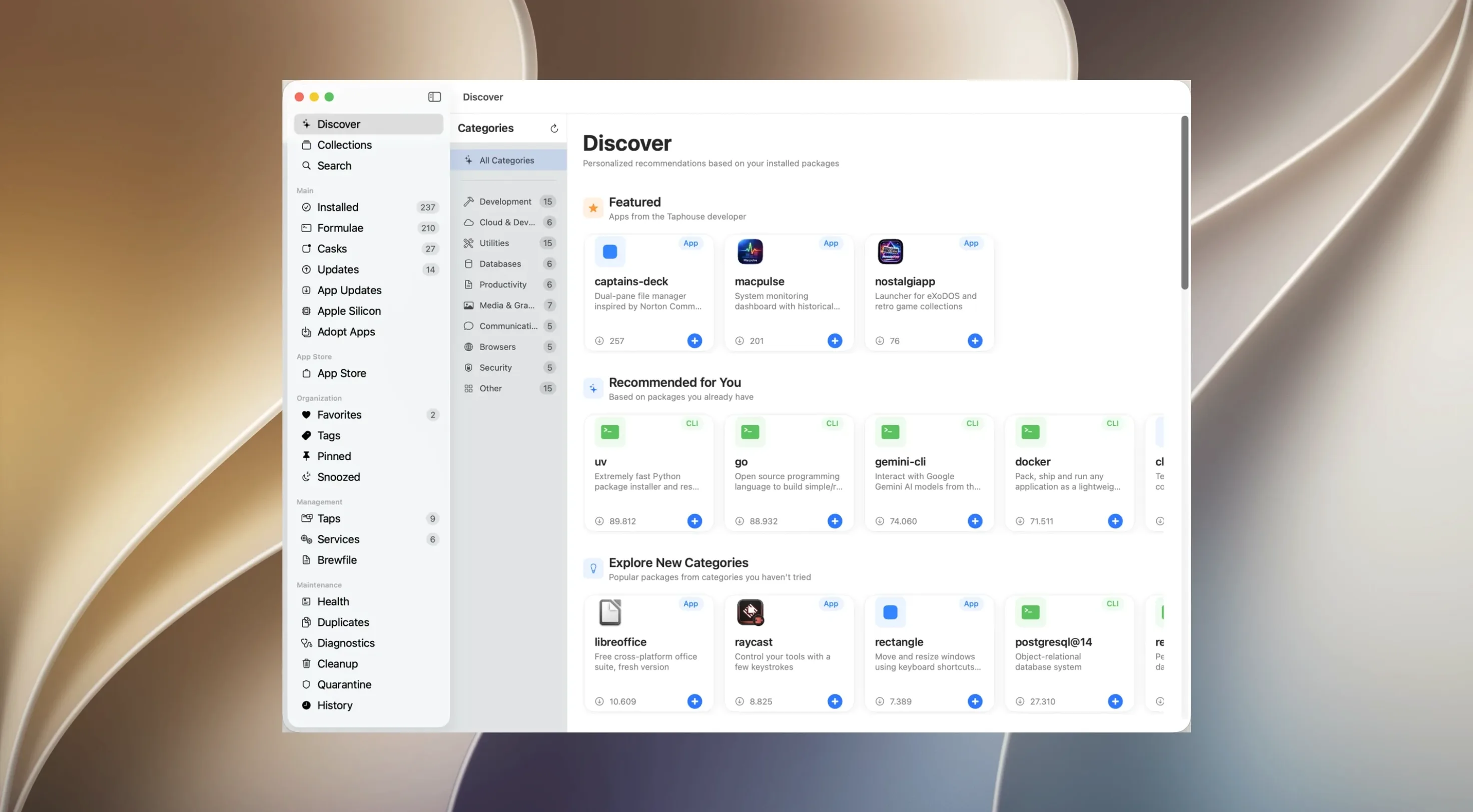
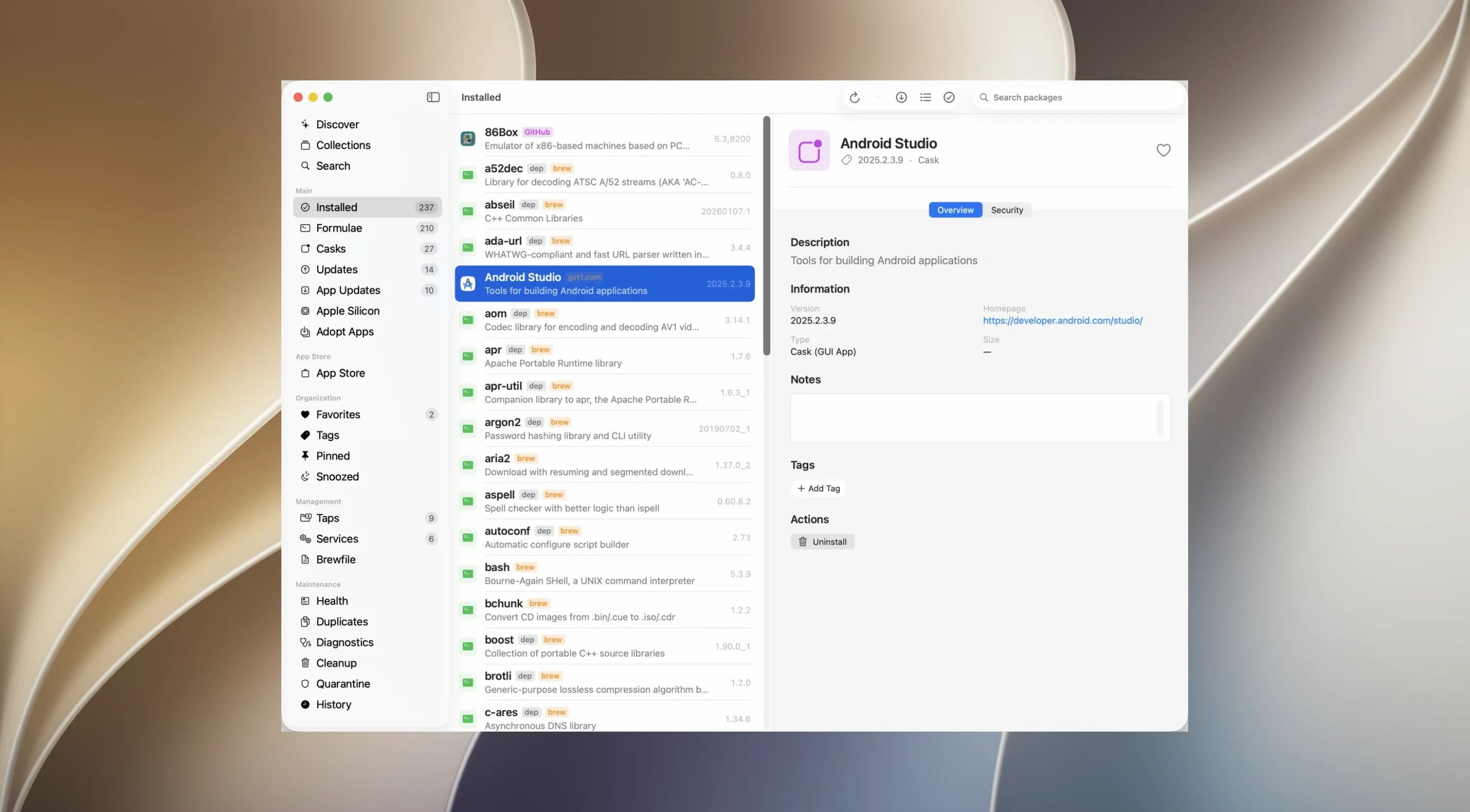
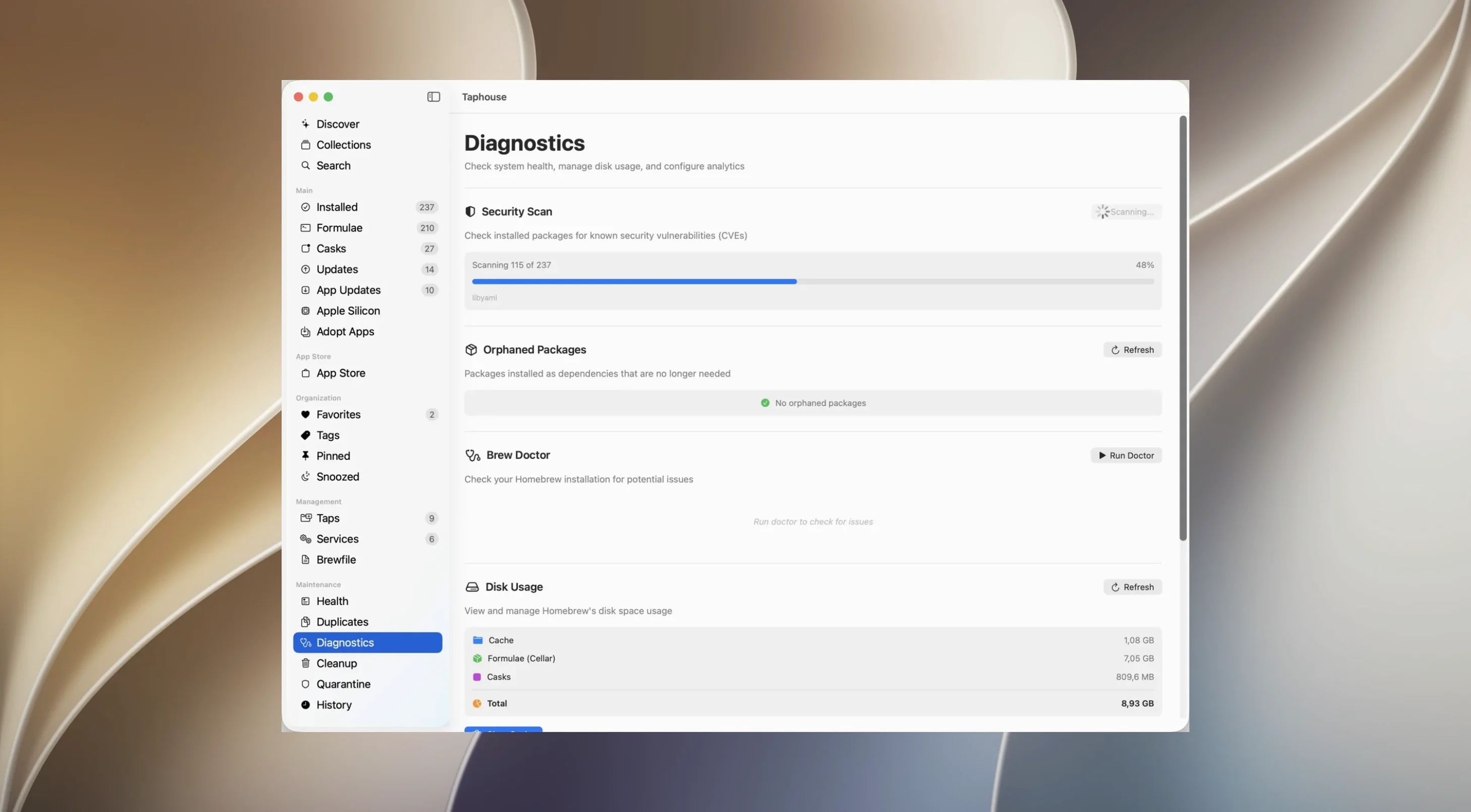
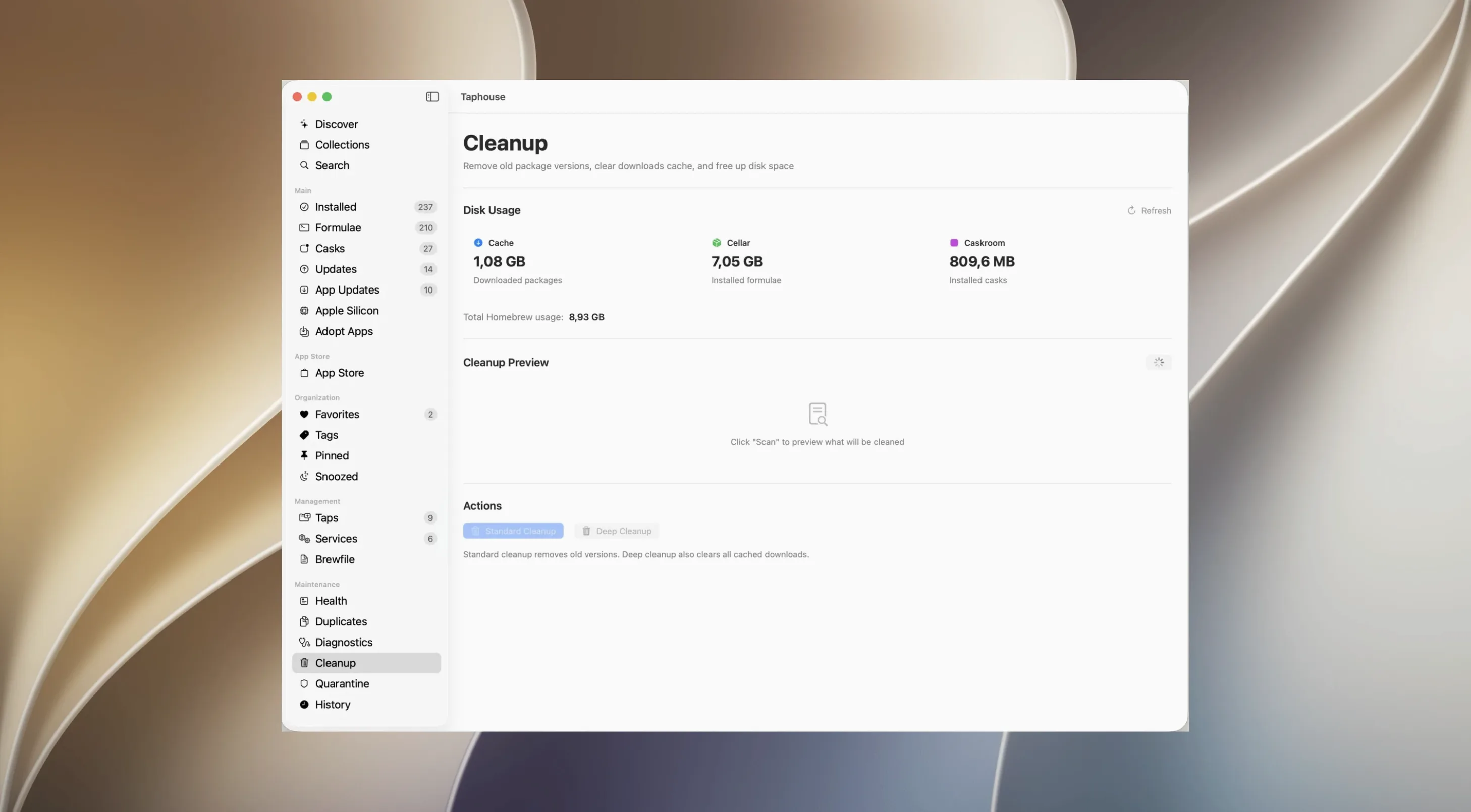
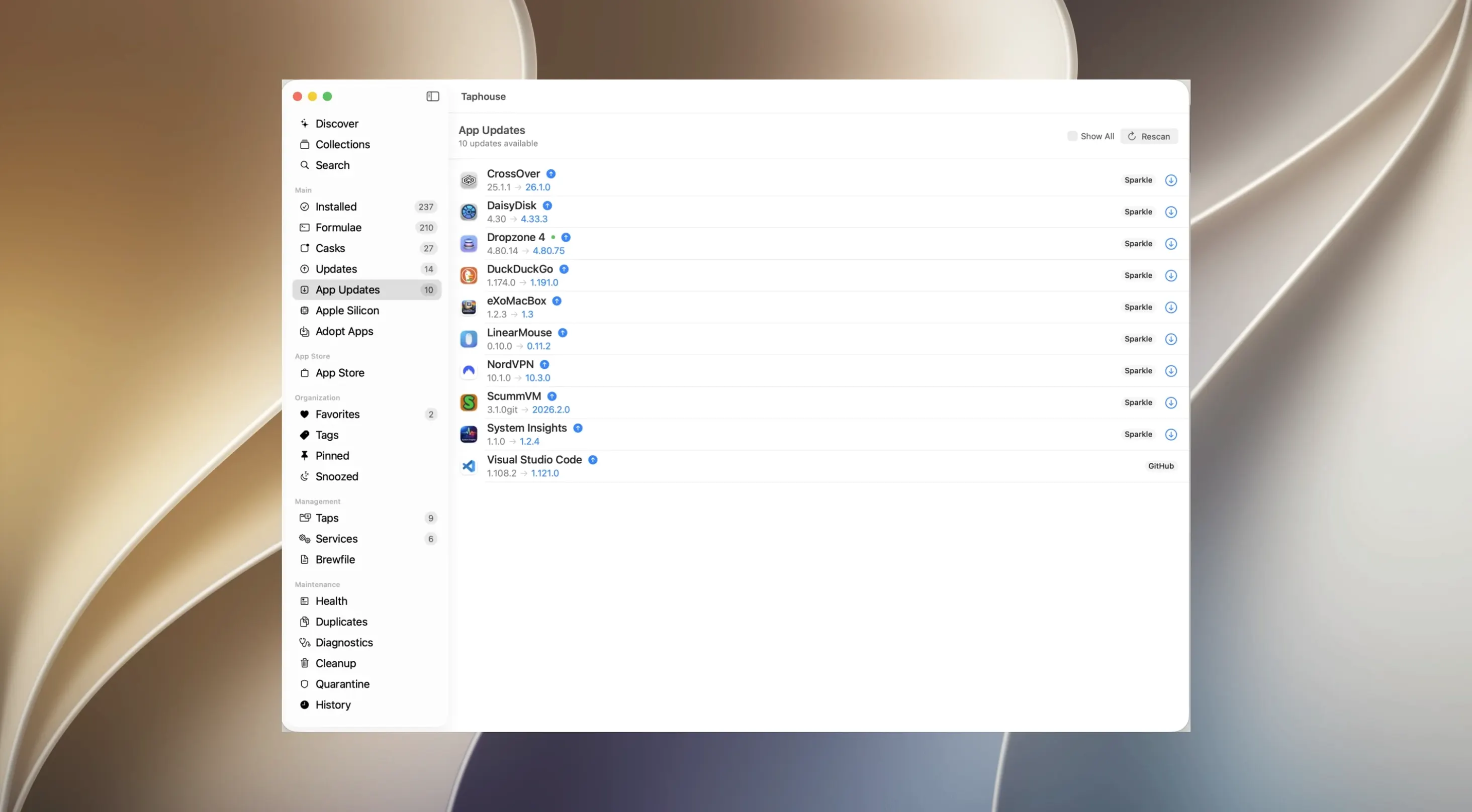
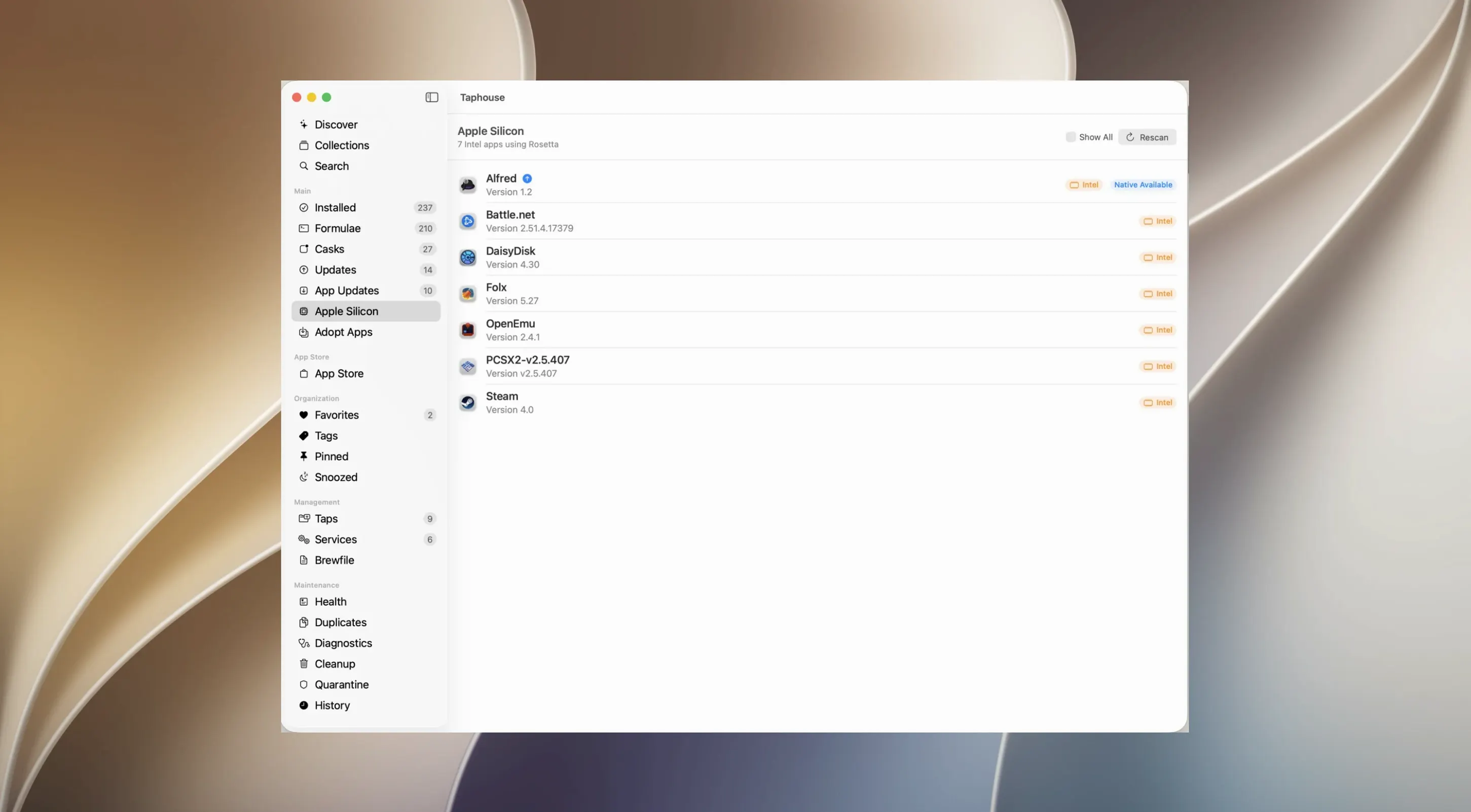
Colour-coded service indicators give you an instant read on what's running. Instead of typing brew services list to check each time, a green dot next to a service name tells you it's active, while a grey dot shows it's stopped. Starting or restarting a service is a single click away, with no need to remember the exact syntax.
Every package entry pulls its description, dependency tree and on-disk footprint into a clean row. You can scan a list of formulae and immediately spot which ones are eating space or relying on a library you were about to remove. The real-time log pane shows the output as each operation runs, so a stuck install never leaves you guessing.
Yes. Beyond standard Homebrew casks, the app checks for newer versions of supported third‑party applications. That means your GUI tools stay current alongside your command‑line utilities, all from one interface. You can also flip on background auto‑updates and let the app handle the schedule quietly.
Use the adoption feature. Point it at an app you installed manually—something you dragged into Applications months ago—and the app wraps it into a cask or formula where possible. It saves you from hunting down the correct Homebrew identifier and re‑installing from scratch just to gain version tracking.
Open preferences and switch on background auto‑updates. By default the app waits for you to click, but letting it run a quiet check once a day keeps your casks and formulae moving without you thinking about it. Pair that with a defer window you're comfortable with—a week tends to work well for most people, catching the urgent security bumps while skipping the noise of daily point releases.
Next, pin your favourites in the sidebar. A quick right‑click on a handful of everyday tools turns them into a shortlist that loads in one keystroke. If you prefer staying out of the Dock, tick menu bar mode and set a global shortcut. The app collapses into a compact dropdown you can summon without lifting your hands from the keyboard.
Finally, head to the storage section and lower the cache retention. The default keeps older versions longer than many people need; trimming it to a couple of weeks reclaims gigs of space on smaller drives. Run the unused dependency sweep once after changing this to clear what's already accumulated.
Does this replace the brew command entirely? No—it sits on top of a standard Homebrew installation and the command line keeps working as usual. You can install something in the app and uninstall it in Terminal five minutes later without either side getting confused. The GUI just gives you a visual alternative for the tasks you run most often.
Will it slow down my Mac? The app itself is lightweight. The only real CPU time comes from Homebrew operations you trigger, exactly as if you'd typed them yourself. Auto‑update checks run in the background and finish in seconds, so they're unlikely to register in your Activity Monitor.
What if a formula gets stuck? The real‑time log pane shows you the raw output as it unfolds. You can pause, copy the error, and search for a fix—or defer that package until the next version lands. The deferral keeps your update list clean without permanently skipping something you need.
Is the full version different from what's shown on the developer site? The taphouse pro mac full version downloaded here is the same Universal build that runs natively on both Apple Silicon and Intel Macs, with all features unlocked from the first launch.














Chat 0
Hop in or make an account to join the chat.
Quiet in here so far. If you have used this build, tell me what the install actually did.