
 Typinator
 Tuxera NTFS
 TunesKit iPhone Unlocker
 Trimma
 Transmit
 Traktor Pro
 TouchDesigner
 Vector Magic


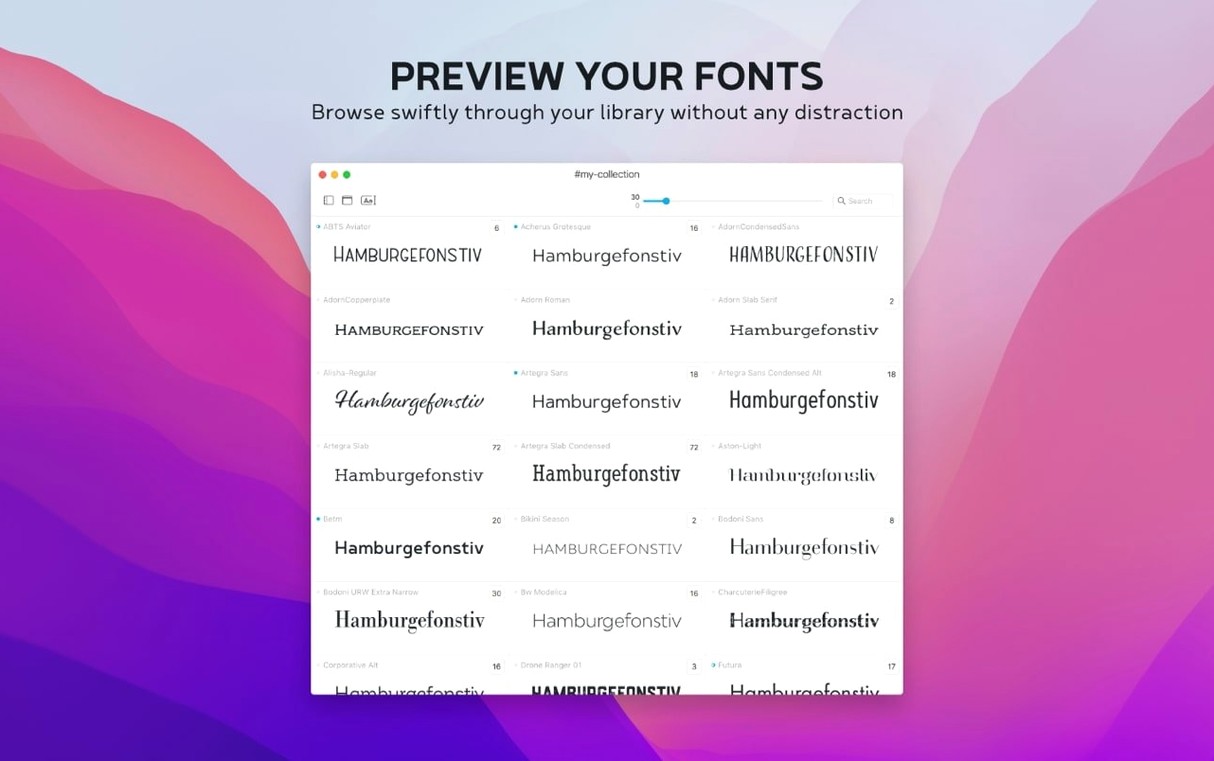
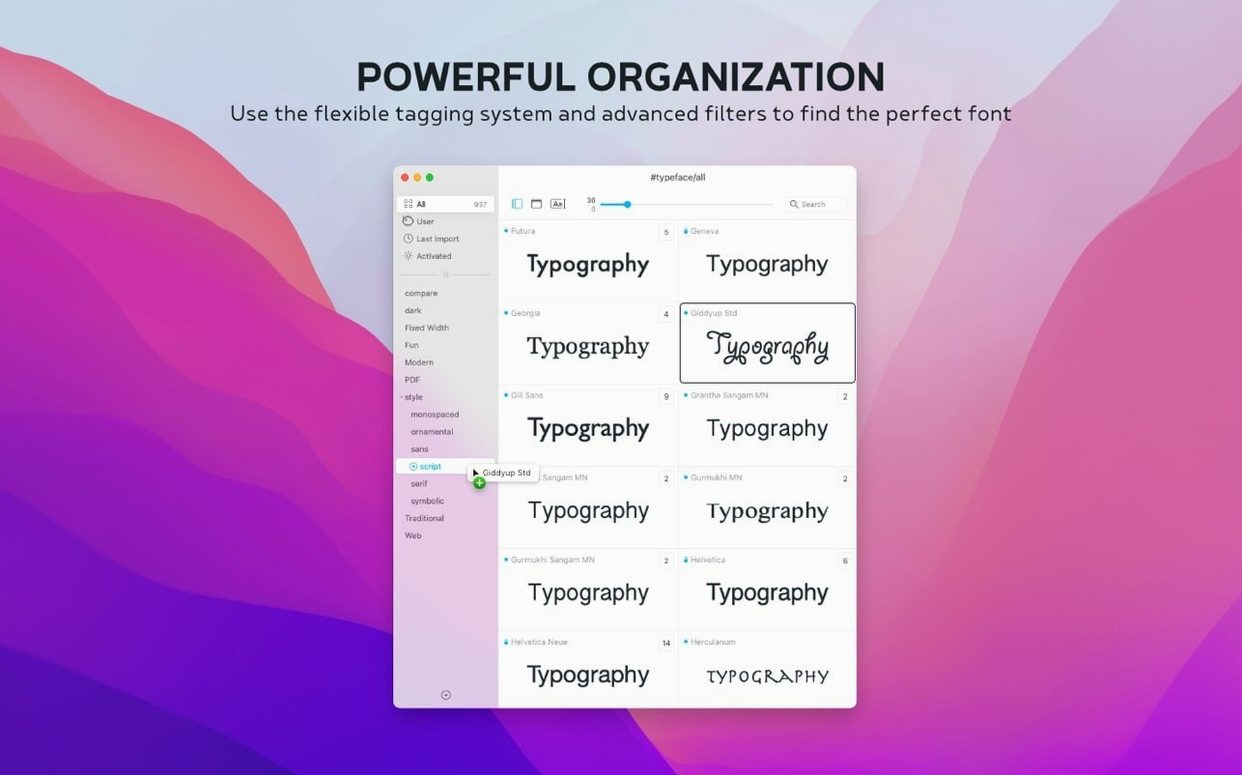
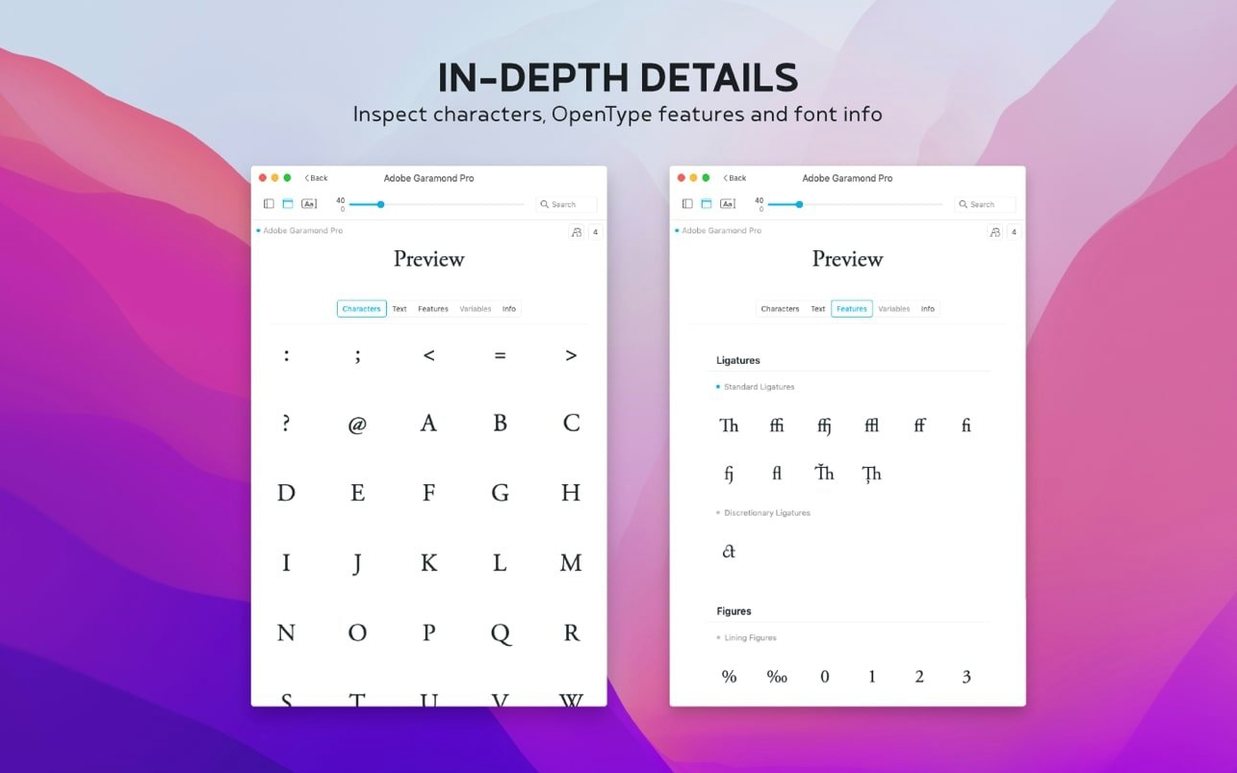
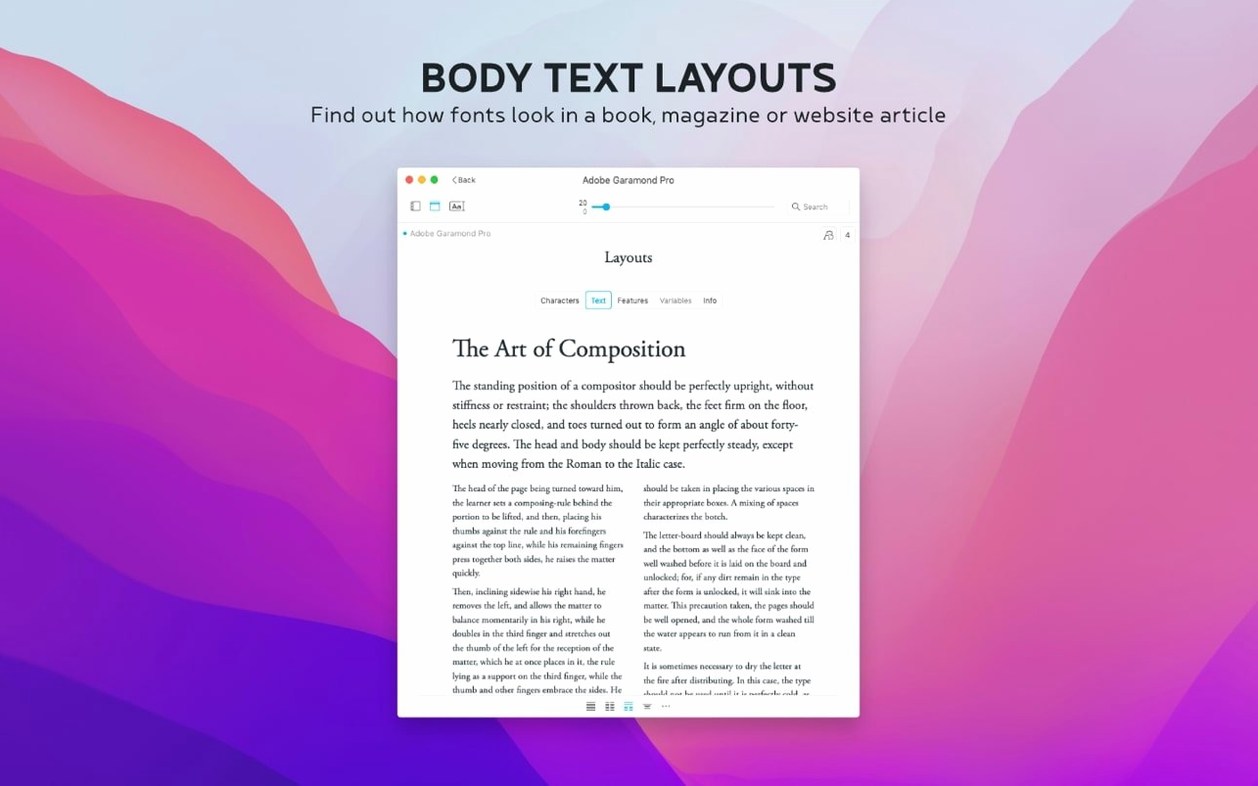
Version 4.5 quietly sharpens a few everyday edges. There's a Notes field in the Info tab now, you can search those scribbles across your whole collection, and a Last Activated column helps you retrace your recent font flings. Under the hood, .otc support lands too.
Typeface pulls in every installed Mac font the moment you open it. Scroll through the list or pick a family to see all its weights at once. Type your own sample text up top and the whole view redraws instantly.
Select any two fonts and hit the compare view. They appear side by side with the same sample text, so you can spot the difference in a loop on the 'g' or the weight of a heading without flipping tabs.
Make a collection. Drag a few workhorses in, then build another for that client project you keep reopening. Collections live in the sidebar and don't touch your original files—just a tidy way to keep go-to fonts within reach.
You open the app before your coffee cools. A client brief sits on the desk asking for a logotype that feels 'warm but crisp' — vague enough to need five options. The sidebar already lists your Installed collection, so you type 'warm crisp' into the sample text field and start scrolling.
Three serifs catch your eye. You select two, tap the compare view, and the same phrase sits between them like a scale. The lowercase 'a' on the left font closes too tightly; the other has a tail that feels friendlier. You tag that one warm-option and move on.
Next you import a few Google Fonts you remembered from last week. They land in a temporary collection you name Logo shortlist. A quick drag drops the tagged serif in too. You bump the preview size to 48 pt, switch to a heavier weight, and suddenly the second font looks too stiff. The Notes field gets a one-liner: "good weight, bad personality".
You sort the collection by Last Activated to check what you used on a similar job three months ago. One of those old picks works, so you duplicate the sample text, tweak the tracking in your design app later, and export five screenshots for the client — all before the morning standup.
The Notes field sounds small, but it changes how you work across sessions. Instead of keeping a separate spreadsheet or sticky note, you jot context right on the font: which project it suited, why you rejected it, what weight pairing worked. Search picks up those notes instantly, so typing "book cover" surfaces fonts you tagged months ago.
The Last Activated column and its sort option let you retrace your steps. If you found a perfect geometric sans last Tuesday but forgot its name, sorting by activation date brings it straight to the top. It's a quieter feature than the .otc support, but one you'll use more often.
Typeface vs RightFont
RightFont packs auto-activation and deeper Adobe integration — handy if you bounce between Illustrator and InDesign all day. Typeface stays lighter. No background helpers, no plug-in panels. If you just want to browse, compare, and organise without extra weight, Typeface feels faster to open and easier to scan.
Typeface vs Font Book
Apple's built-in Font Book covers the basics: install, disable, preview. But side-by-side comparisons need extra clicks, sample text control is rigid, and there's no tagging or notes. Typeface turns font browsing into something closer to a light table — you see more, compare quicker, and leave useful breadcrumbs for later.
Typeface vs FontBase
FontBase offers a similar clean preview experience and handles Google Fonts well. Its interface feels slightly more layered, with nested folders and a panel-heavy layout. Typeface keeps everything in one window with a flatter structure — collections and tags over folders. If you prefer dragging fonts into ad-hoc groups rather than managing a deep hierarchy, Typeface fits that rhythm better.














Chat 0
Hop in or make an account to join the chat.
Quiet in here so far. If you have used this build, tell me what the install actually did.