
 Typeface
 Tuxera NTFS
 TunesKit iPhone Unlocker
 Trimma
 Transmit
 Traktor Pro
 TouchDesigner
 Vector Magic


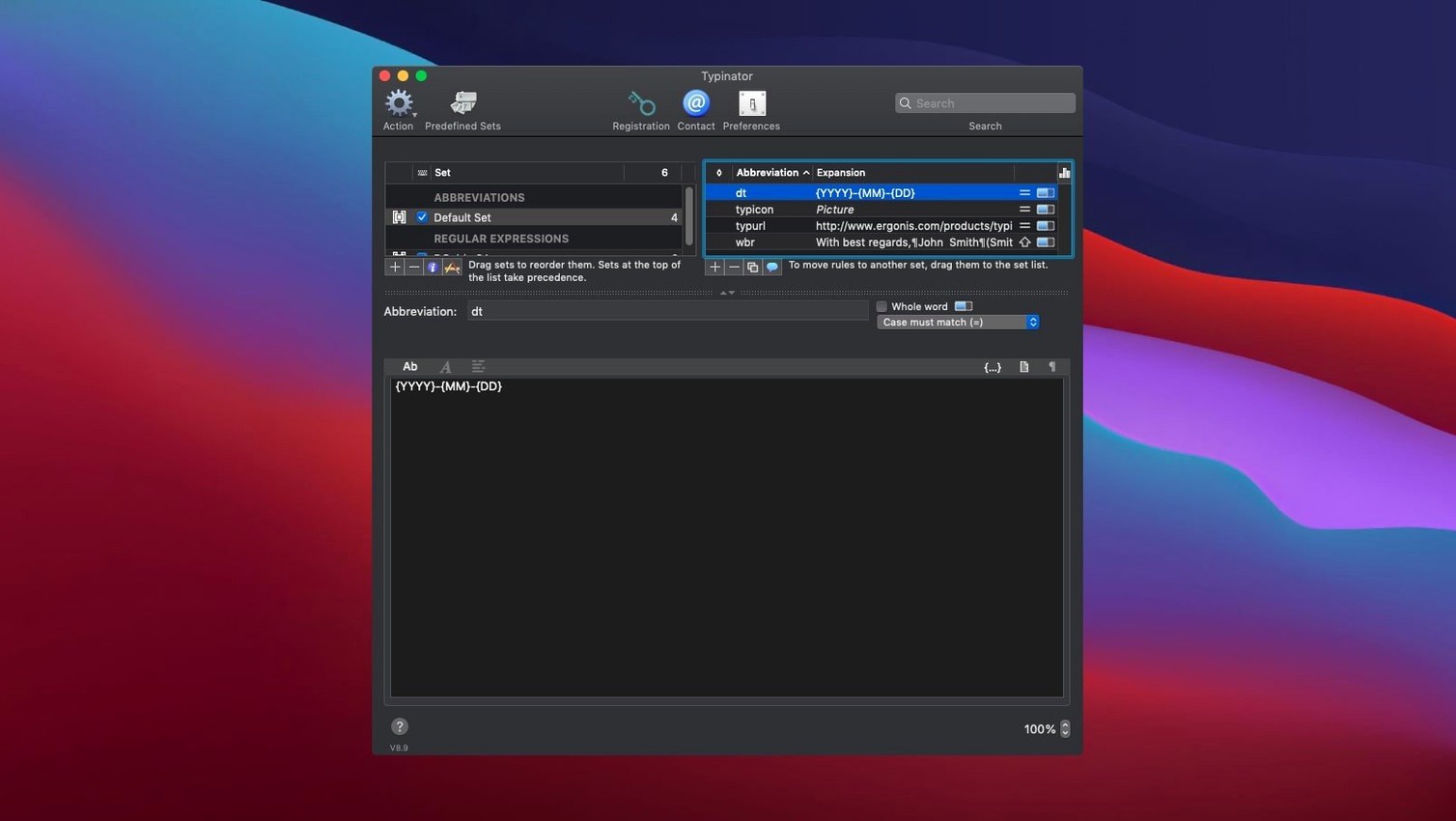
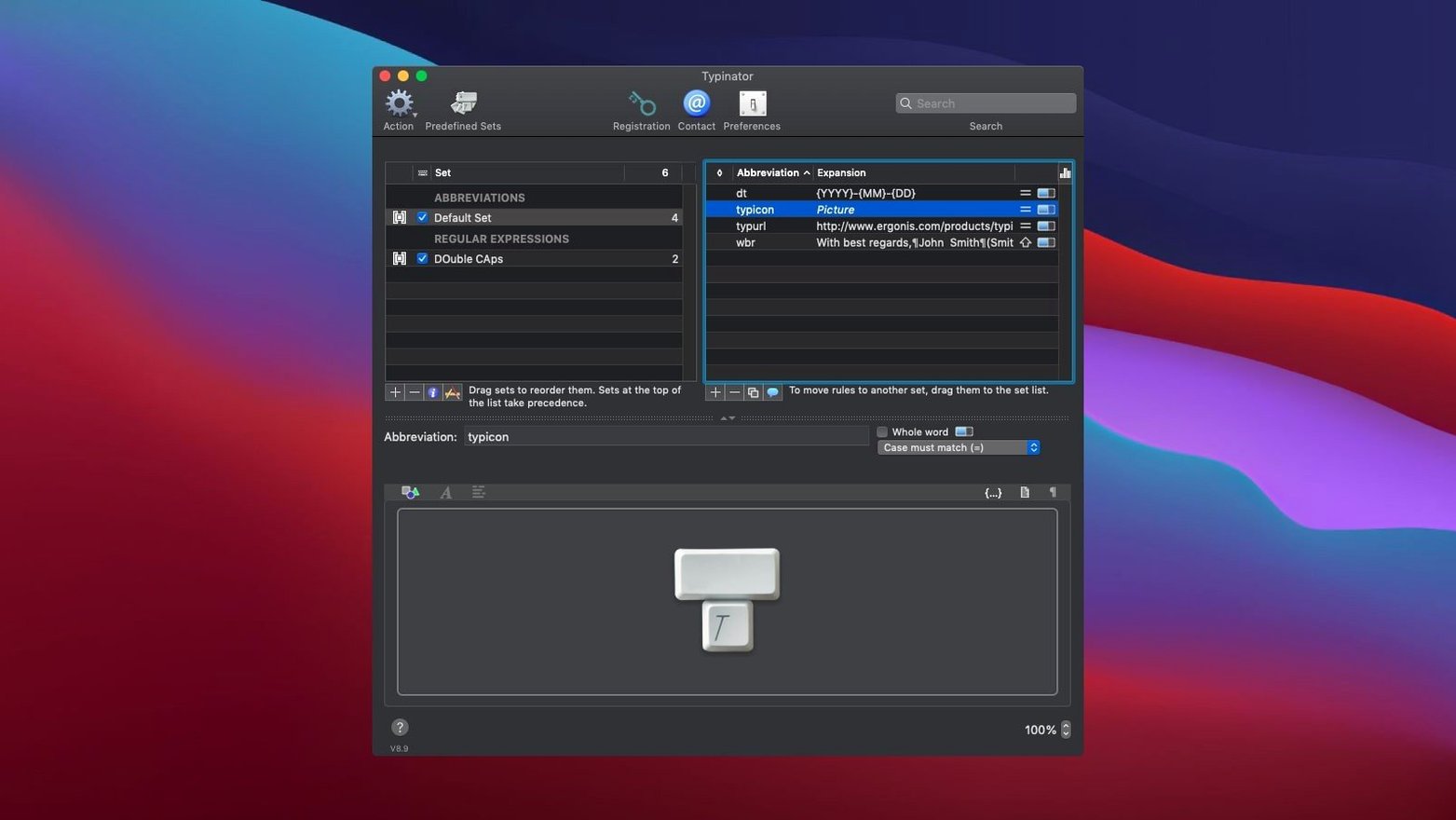
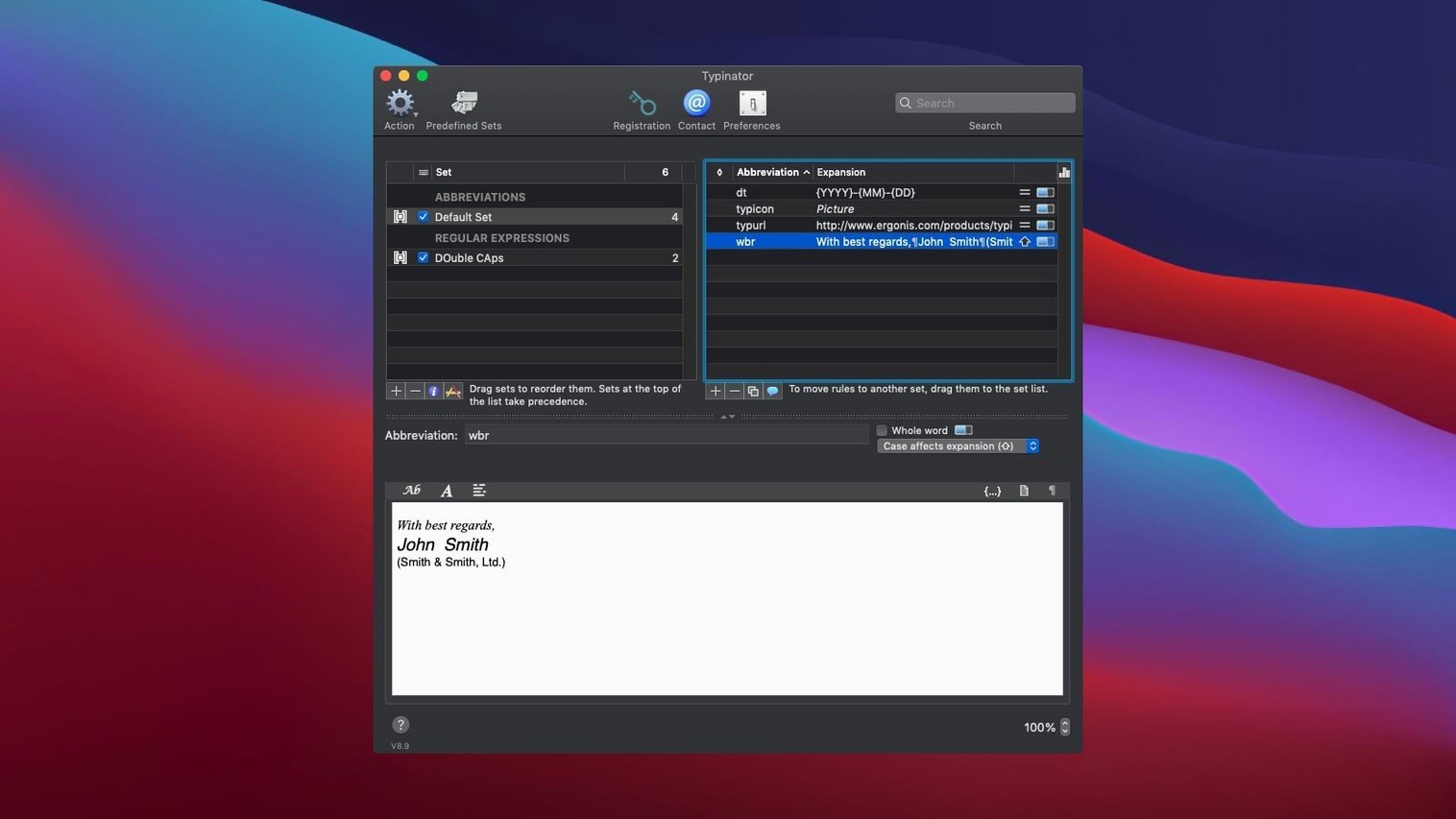
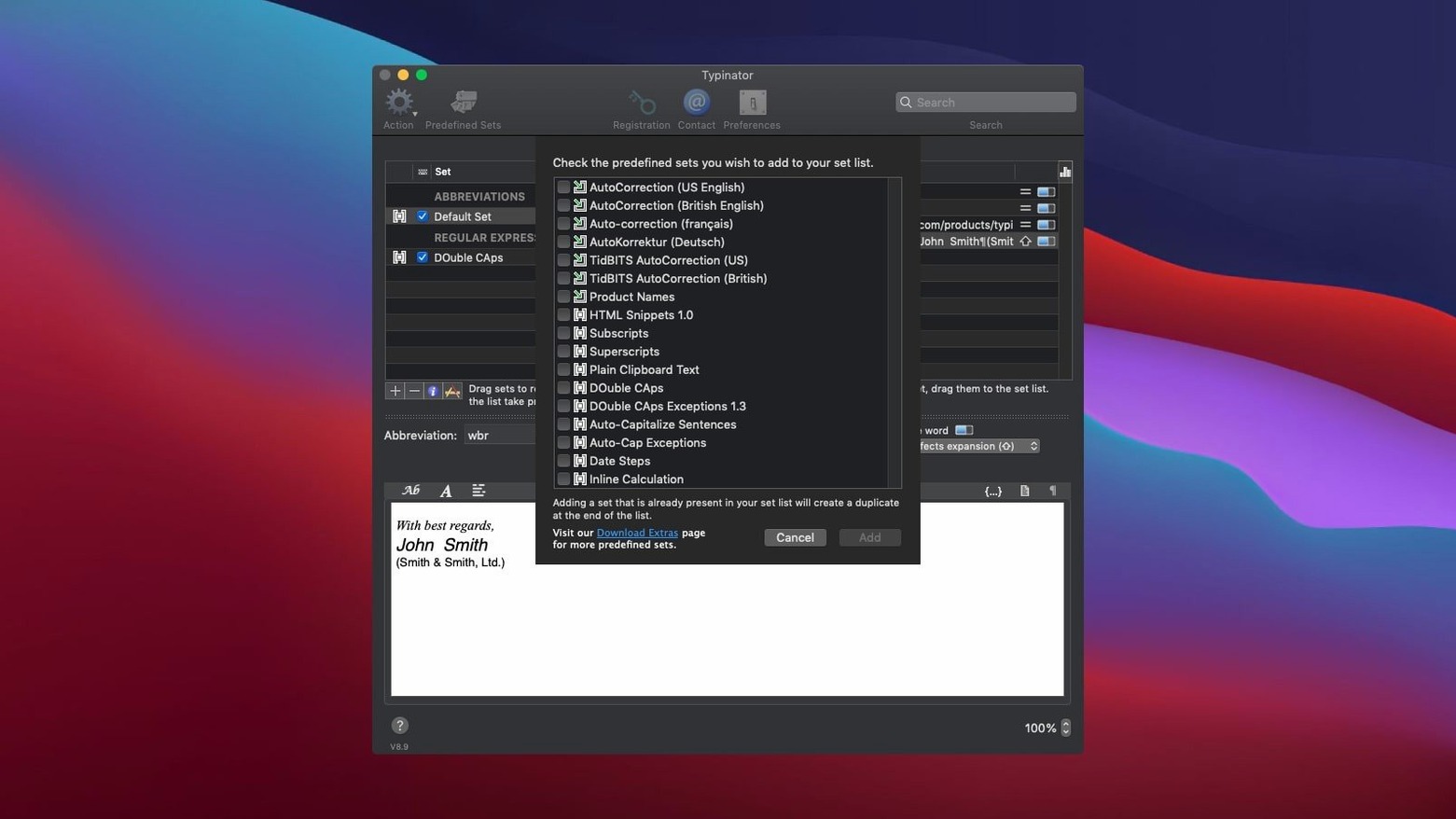
Anyone who types the same email sign-off, address block or code comment more than once a day will spot the value in seconds.
The core job. You type a short string — ;addr, say — and Typinator drops in the full text or formatted picture you prepared. It works in any Mac app without touching a menu.
Mistyped words fix themselves as you go. Add your own slip-ups or let the built-in English, German and French sets catch the obvious ones system-wide.
Insert today’s date, tomorrow’s, or last Tuesday’s in whatever format your invoice or journal needs. Calculated placeholders mean you type the shortcut and the right date lands on the page.
Switching from another expander is direct. Version 10.2 pulls in your library from TextExpander, aText, Alfred, Espanso or PhraseExpress so you don’t rebuild from scratch.
Open a fresh message in your mail client. Type ;tpl to drop in the standard greeting and case-number placeholder. Hit Return twice. Now ;diag expands into the checklist you need the customer to run — ports, OS version, app build number. Another shortcut, ;sig, appends your name, title and direct line, formatted neatly with no extra typing. The whole reply skeleton lands in under ten seconds and every field is consistent with the four other agents on your team.
Press ;now to stamp the current date and time in the ticket log format your helpdesk expects. If the reply needs tomorrow’s follow-up date, ;tom calculates it from the system clock — no mental arithmetic, no wrong weekday. Wrap up with ;kb1234 to insert the canned link to the relevant knowledge-base article, complete with anchor text.
Support teams and customer-success people live inside a browser and a mail client all day. They type the same troubleshooting steps, return policies and handover notes dozens of times. Cutting each one from twenty keystrokes to three keeps the reply queue moving and the phrasing identical across agents.
Developers get a different lift. Inline code blocks, function signatures and terminal commands sit behind short triggers like ;dd for a debug dump or ;ssh for a server address. Because Typinator works in VS Code, Terminal, Xcode and Slack equally, muscle memory for a snippet carries everywhere. Writers and editors lean on the auto-correction sets — teh becomes the before they even glance at the screen — then add their own glossary shortcuts for character names, style-guide notes and recurring client feedback.
Anyone who answers the same question across email, chat and a ticketing tool finds the multi-app reach the real payoff. Define a snippet once, use it in Mail, Messages, Zoom chat and a web form without copying from a sticky note. The download typinator 9.1 for mac path is a known search, but the current build ships ready for Apple Silicon and Intel Macs alike, so users on either architecture stay current. Those hunting a typinator mac full version will find the same abbreviation engine under the hood, driving everything from HTML template expansion to quick contact-card insertion.
Typinator now detects secure text fields — password prompts and the like — more reliably, and pauses itself so your abbreviations stay private.
Yes, version 10.2 imports directly from TextExpander, aText, Alfred, Espanso, and PhraseExpress, plus older formats like Textpander and TypeIt4Me.
No. It detects secure text fields automatically and suspends expansion so your shortcuts aren't revealed in sensitive areas.














Chat 0
Hop in or make an account to join the chat.
Quiet in here so far. If you have used this build, tell me what the install actually did.