

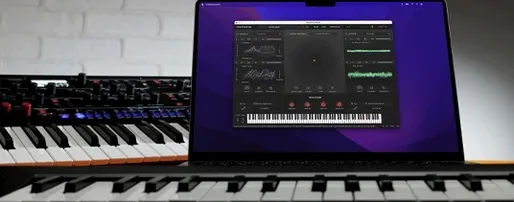
Download KORG Software Modwave Native for macOS
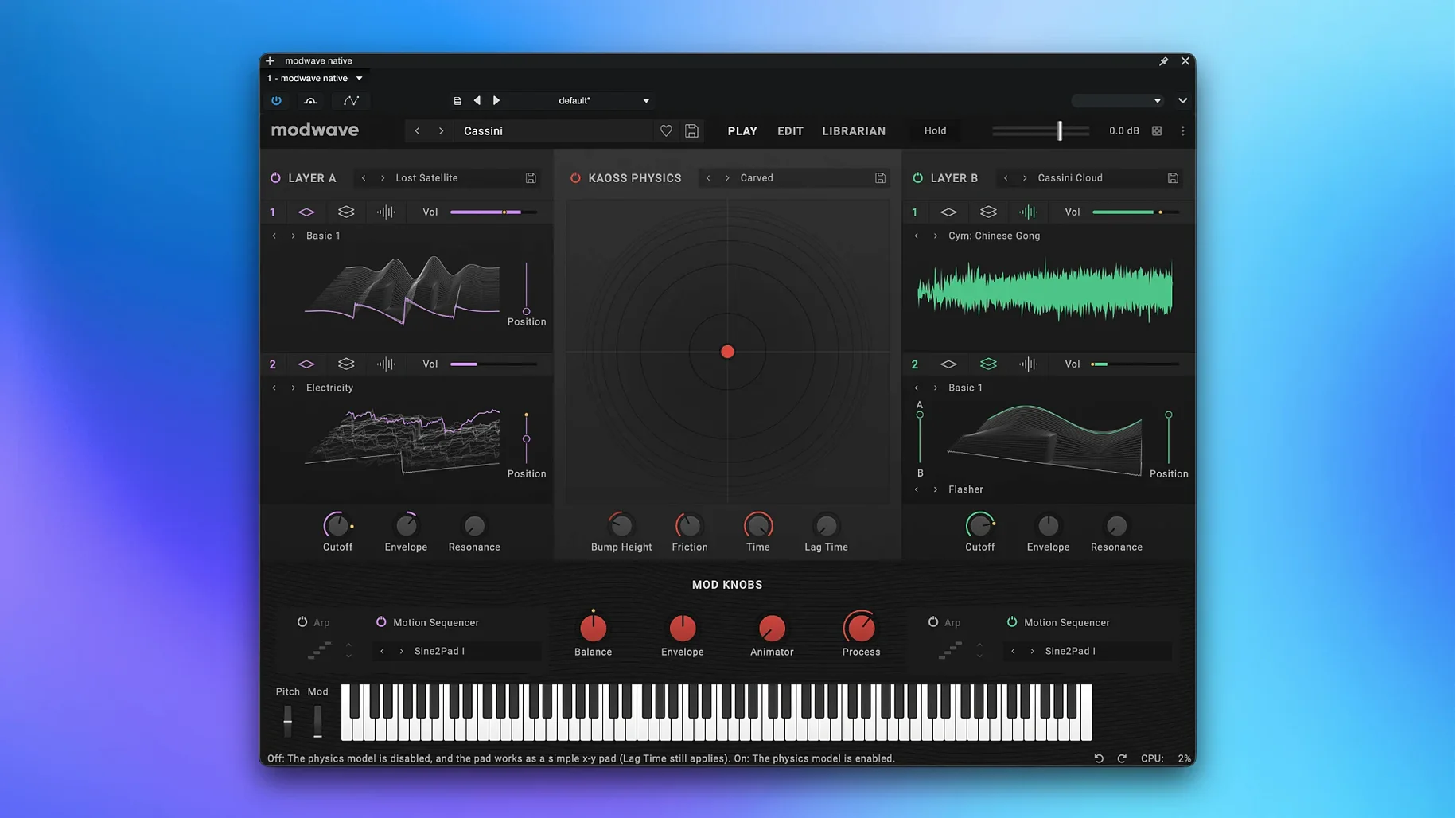
You open a project in your DAW, drop Modwave Native onto a MIDI track, and load a patch that moves between glassy digital pads and gritty, evolving textures. The plugin sits neatly in your signal chain, ready to pull double duty as a sound design tool or a live performance instrument — it runs standalone too, no host required.
| Format | Architecture |
|---|---|
| VST, AU, standalone | Intel and Apple Silicon |
The engine is all about wavetables. Each oscillator can blend any two in A/B mode, then push the result through 13 Morph types and a bank of more than 30 Modifiers. That means you can warp a basic sawtooth into something almost vocal, or fold a digital sweep until it spits out harsh, industrial overtones. Filters and a deep modulation system let you route LFOs, envelopes and step sequencers to practically any parameter. Patches you create in the software can move across to the hardware modwave, and sounds from the synth come back the other way — handy if you split time between a desk and a hardware setup. Version 1.4.2 runs on macOS 10.14 and up, with full ARM and x86 support.
Sound designers treating patches like short films
Sound designers who treat a patch like a short film — with scenes, motion and a payoff — tend to disappear into Modwave Native for hours. The Kaoss Physics lane and Motion Sequencing 2.0 turn static chords into shifting backdrops, so ambient and cinematic composers get mileage from day one. Beatmakers after dark, textured basslines also find plenty here; the mod matrix lets you tie filter cutoff to velocity and a random LFO in under a minute, and the A/B oscillator blend keeps low end from turning polite.
Live keyboard players who already own the hardware modwave use the plugin as a patch librarian and a backup rig. They load their stage sounds on a laptop, run the standalone version and know any tweaks will translate back to the physical unit. Producers who work mostly in the box but want a taste of KORG’s wavetable workflow — without another piece of desk furniture — get the same engine their hardware friends use, right inside Logic, Ableton or Cubase.
Set buffer to 128 samples for responsive Kaoss gestures
Start by setting your DAW’s buffer to 128 samples or lower — the plugin stays responsive even on Apple Silicon Macs, and Kaoss pad gestures feel snappier with a tight buffer. Next, open the factory library and play a few Motion Sequence presets while watching the sequencer lane light up. That shows you how pitch, shape and timing lanes interact before you build your own patterns.
Map the macro knobs to four things you reach for often: wavetable position, Morph type, filter cutoff and a short reverb send. Saving that as a template patch means every new sound starts with a familiar control surface. If you have the hardware modwave nearby, transfer a handful of your favourite patches into the plugin on day one. That gives you a reference point — you already know how those sounds behave, so you can spot the tiny differences in gain staging or reverb tail that come from running them in software.
Patches load straight onto hardware Modwave via USB
Modwave Native plays well inside any AU or VST3 host, but it also slots into a wider KORG ecosystem. Patches you design in the korg software modwave native mac environment load straight onto the hardware unit via USB, and the companion librarian software keeps both sides in sync. In a live set, you can run the standalone build alongside a lightweight host like MainStage, sending MIDI from a controller and routing audio through your interface with no DAW overhead.
On the production side, treat the plugin as a layer machine. Record a dry Modwave part, then bounce it to audio and feed it back through the plugin’s effects section — the filters and modulation lanes act like an outboard processor for your own stems. For modulation junkies, Modwave Native also talks to macOS’s built-in IAC driver, so you can fire MIDI CC changes from a Max patch or a utility like MIDI Pipe and animate parameters without touching a knob.
- The AU version can be used on macOS as a workaround.
- macOS 10.14 or later
- Intel or Apple Silicon processor
- Host that supports VST or AU, or use standalone







Chat 0
Hop in or make an account to join the chat.
Quiet in here so far. If you have used this build, tell me what the install actually did.