


Download Output Portal for macOS
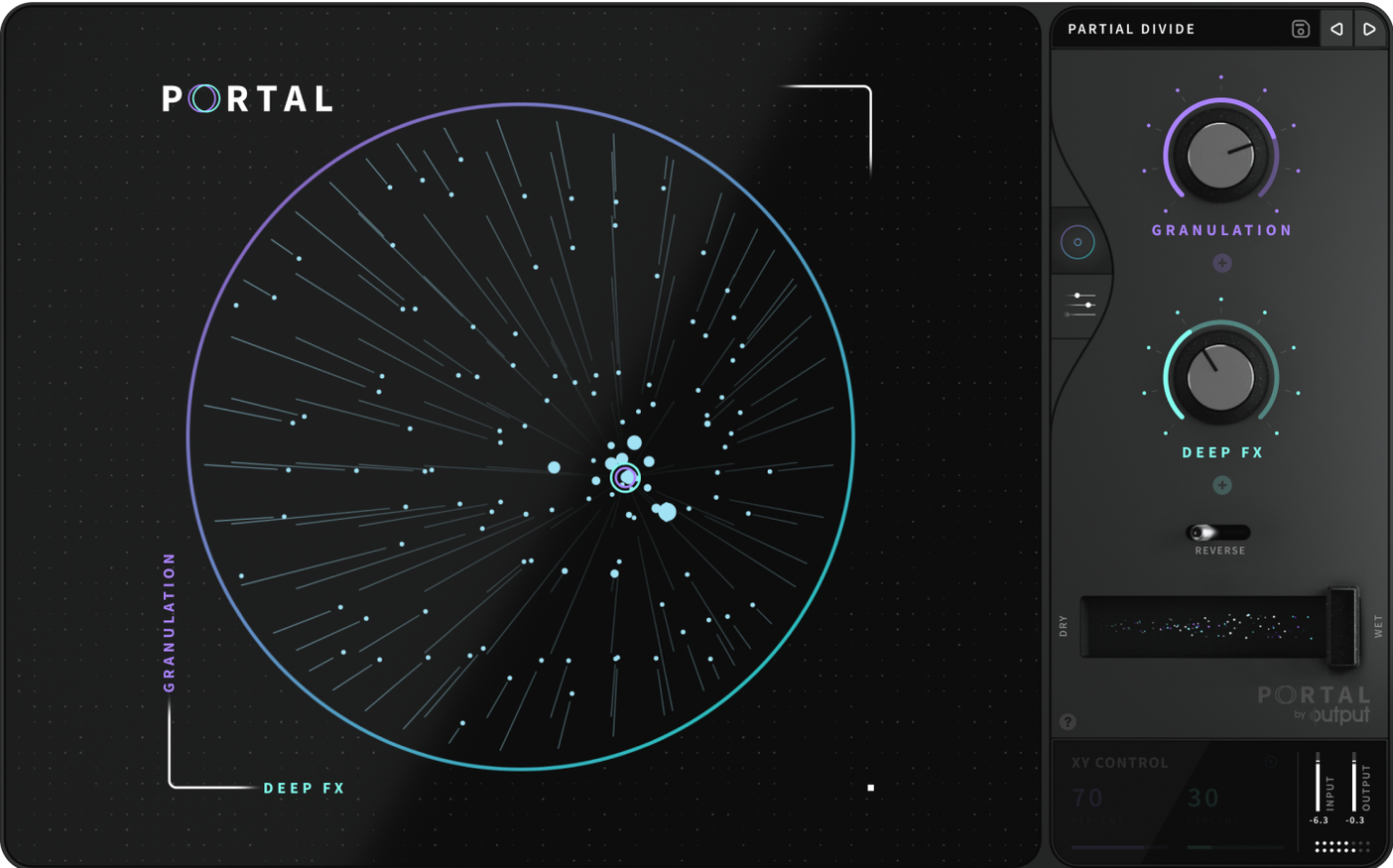
What hosts and formats does it run in?
Portal arrives as a VST, AU and AAX plugin, slotting straight into Ableton Live, Logic Pro, FL Studio and most other major DAWs. It runs natively on both Intel and Apple Silicon Macs.
What kind of plugin is it, exactly?
It’s a granular effects processor, not a software instrument. You feed it audio — a vocal take, a synth loop, a live guitar — and it re-synthesises that input into something else entirely.
What does the granular engine actually do?
It grabs tiny slices of incoming sound and lets you shift pitch independently of time, freeze textures mid-phrase, or stretch a snare hit into a slow-motion wash. The results sit somewhere between a reverb, a harmoniser and a tape machine.
Wet signal buries your whole mix
Throwing Portal on a busy mix bus without dialling back the wet signal is the classic first error. It grabs everything — cymbals, bass, vocals — and turns the lot into a grainy cloud before you know what hit you. Start on a single track, ideally something with clear transients like a pluck or a vocal phrase.
Another common slip: ignoring the grain size control at the bottom. Tiny grains give you metallic, almost ring-modulated textures; larger ones feel more like a looper. If the output sounds harsh and digital, check whether the grain size is sitting below 20 ms — that range can get abrasive fast.
New users often forget Portal needs audio running through it. It won't generate sound on its own, so feeding it silence and staring at the meters is a quiet way to waste ten minutes. Drop a sample onto an audio track, hit play, and only then start tweaking.
Finally, overlooking the built-in scale locking. Pitch changes can wander into atonal territory quickly. Locking to a scale early keeps things musical while you explore the more extreme stretches and time shifts.
Pull back to 30% for vocal textures
The dry/wet mix defaults to 50%, which is a sensible starting point but rarely where you'll stay. For texture layers underneath a dry vocal, push it to around 30% wet. For full sound-design transformations, go 100% and commit.
Next up: the grain envelope. The default shape works for most material, but switching to a sharper attack can give rhythmic parts more definition, while a softer shape smooths out pad-like textures. This one control changes how Portal feels against your source material.
The tempo sync toggle deserves a visit. Synced grains move in time with your DAW, which is great for loops and arpeggios; unsynced grains drift freely and suit ambient washes. Try it both ways on the same sound — the difference in feel is bigger than you'd expect.
Lastly, look at the variation slider in the grain section. A small amount — 10 to 15% — adds subtle organic movement to sustained notes without sounding wobbly. Crank it higher on sound effects or transitions where unpredictability is the point.
Apple Silicon support drops CPU across instances
Version 1.2.1 brought native Apple Silicon support, which matters more than a bullet point suggests. On an M1 or M2 Mac, instances that previously nudged the CPU meter now sit comfortably low, letting you run multiple Portals across a project without freezing tracks.
Earlier updates tightened the plugin's behaviour with live inputs. Earlier builds could glitch when processing real-time vocals or guitar; the current version handles continuous audio streams more cleanly, with fewer dropouts during long sessions. If you tried Portal a year ago and found it temperamental with a microphone, it's worth another look.
The scale-locking system also saw refinement. You can now snap pitch shifts to a wider set of scales, and the pitch quantisation feels snappier — less of that awkward glide between notes. For producers working on melodic material, this change alone makes the plugin feel more like a musical tool and less like a laboratory device.
Stability under tempo changes improved too. Earlier versions occasionally lost sync when the DAW tempo shifted mid-session; the current build tracks tempo changes more reliably, which helps when you're using Portal in a project with tempo ramps or multiple time-signature sections.
- macOS plugin: VST, AU, AAX formats
- Runs on Intel and Apple Silicon Macs
- Interface language: English
Questions I get
It handles both equally well — drop it on a vocal channel for real-time manipulation or feed it drum samples and VST synth lines for resampling inside a project.







Chat 0
Hop in or make an account to join the chat.
Quiet in here so far. If you have used this build, tell me what the install actually did.