

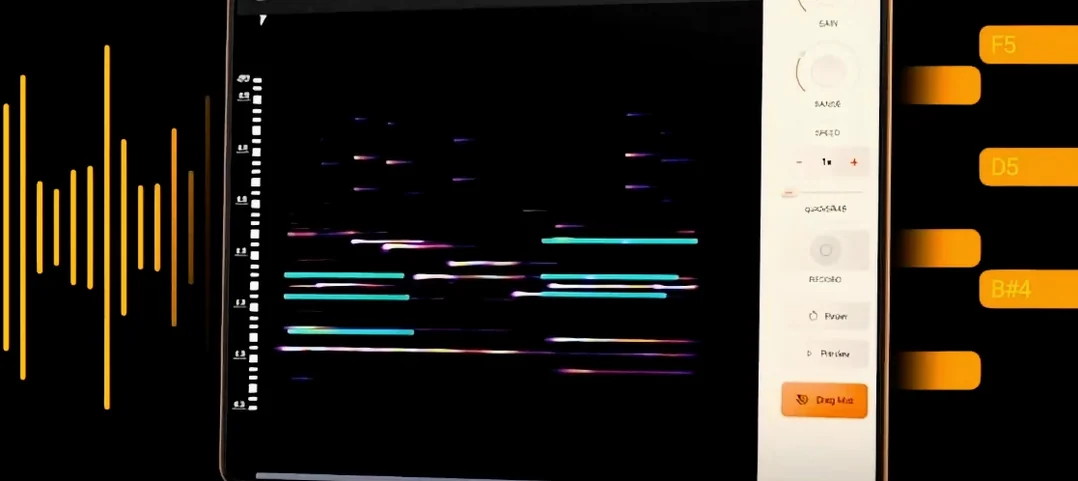
Download noteGRABBER for macOS
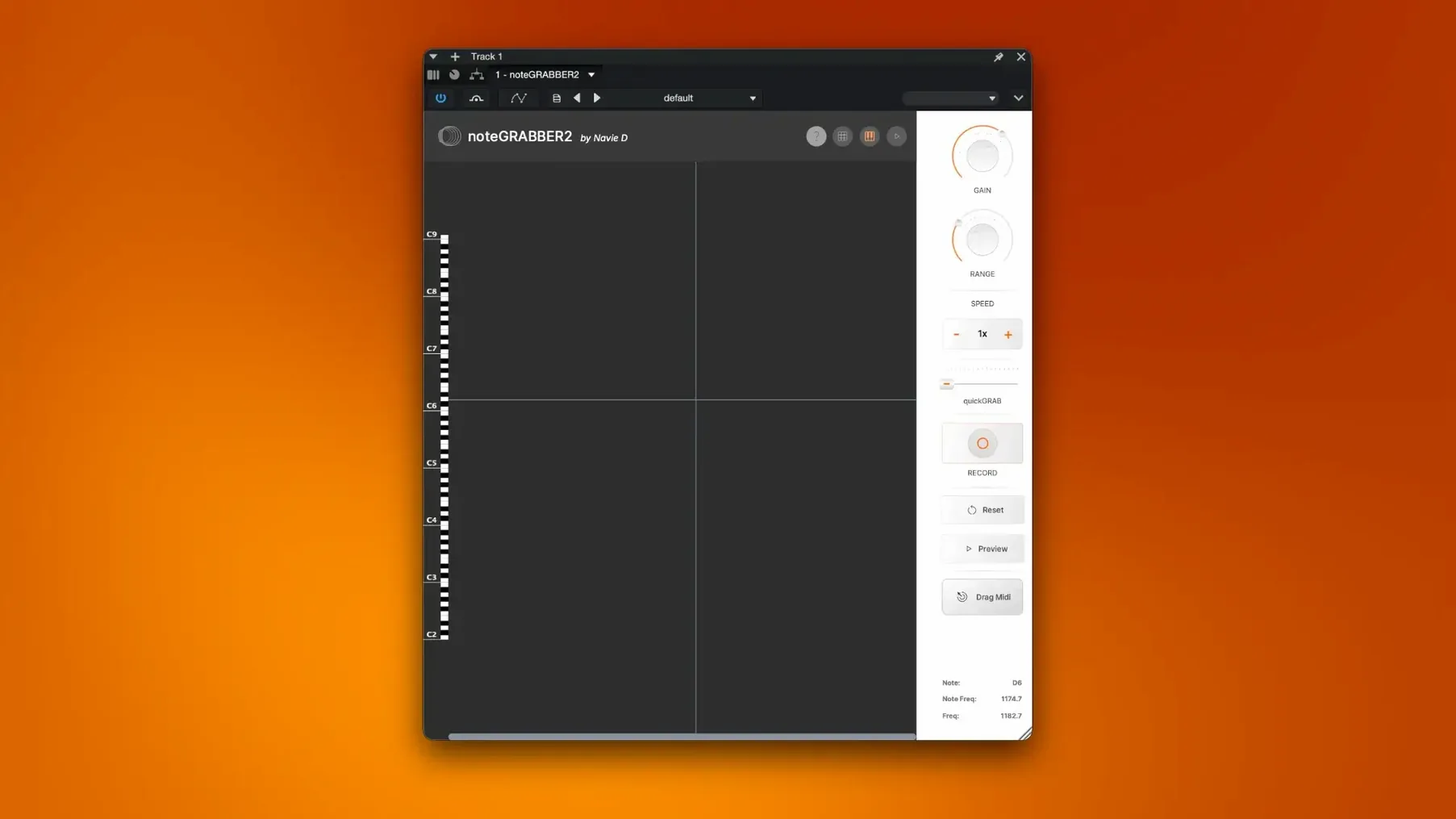
noteGRABBER 2 runs on any Mac that stays on macOS 10.12 or newer, and it's happy on both Intel and Apple Silicon machines. It's an audio-to-MIDI plugin built by independent creator Navie D — a tool that listens to a sample and pulls the musical notes out of it.
Flipping a vocal chop into a melody
- Flipping a vocal chop or dusty loop into a fresh melody line
- Working out what chords sit inside an old record sample
- Speeding up beat creation when you hear an idea but don't want to hunt for notes on the keyboard
- Developing a quick musical sketch from sounds you already have lying around
macOS-only plugin, monophonic focus
- It's a macOS plugin — not a standalone app, and not on Windows
- It's focused on note detection; don't expect a full suite of editing tools
- Clean, monophonic samples give the cleanest results
Runs in your DAW as AU or VST3
Most people want to know whether noteGRABBER works inside their DAW straight away. It runs as an AU or VST3 plugin, so if your host supports those formats on macOS, you're set. Logic Pro, Ableton Live, FL Studio, Bitwig and Reaper users tend to have the smoothest ride — the plugin shows up in the instrument or effect list after a quick rescan.
Another common one: does it need an internet connection? No. Once it's installed and activated, it works offline. Handy if your studio machine stays off the network.
People also ask how clean the source audio needs to be. A dry vocal line or a simple synth riff will translate almost perfectly. Dense, reverb-heavy samples or full drum breaks with tonal bleed can confuse the pitch detection — you'll still get MIDI out, but expect a few ghost notes to tidy up. Think of it as a fast starting point, not a forensic tool.
Digging through old soul and jazz records
Beat makers who dig through old soul, jazz and library records tend to bond with noteGRABBER fastest. You hear a two-bar horn phrase, drop it in, and a minute later you're layering a bassline that follows the same movement. No need to figure out the key by ear first.
Sound designers and resampling addicts also lean on it. Grab a texture from a synth, let noteGRABBER extract the underlying pitch, then feed that MIDI to a completely different instrument. What started as a murky pad becomes a plucked string pattern that still carries the original phrasing.
If you're a keyboard player who prefers to sketch ideas in audio first, it pulls double duty — sing a melody into your phone, load the recording, and get MIDI you can refine without replaying everything. Less time transcribing, more time shaping the sound.
Force a rescan when the plugin is missing
Plugin doesn't show up in the DAW. After a fresh install, some hosts cache their plugin list. Force a rescan, restart the DAW, and check that you've placed the .component or .vst3 file in the standard system folders. On Apple Silicon Macs running a DAW in Rosetta mode, make sure you're using the Intel build of the plugin if the native version doesn't appear.
MIDI output is full of extra, short notes. This usually means the source has background noise or overlapping frequencies. Try high-pass filtering the audio before it hits noteGRABBER, or gate out the quiet bits. A clean, focused signal gives a much tighter MIDI result.
Low notes aren't being picked up. Very deep bass — below roughly 60 Hz — can drift past the detection window. Pitch the sample up an octave before analysis, grab the notes, then shift the resulting MIDI back down. Same notes, cleaner capture.
Plugin feels sluggish on an older Mac. Real-time analysis at low buffer sizes can tax a machine from 2015 or earlier. Bump your buffer up to 512 or 1024 samples while you're extracting notes, then drop it back down when you're done. The plugin isn't designed for live performance latency anyway — it shines as a composition aid.
If you've grabbed a notegrabber 2 download and run into activation quirks, double-check that you followed the included install notes exactly. The developer's instructions cover the plugin package and activation steps — skip one and the plugin may load but refuse to process audio.
- macOS 10.12 or newer
- Intel or Apple Silicon Mac
- English interface
Questions I get
It analyses audio from a sample and turns detected notes into MIDI data, so you can play them with any software instrument or rewrite the melody.
It's aimed at producers who work with sampled audio and want to grab musical ideas quickly — particularly in beat-making and sample-based workflows.
No, it's a macOS plugin that loads inside your DAW. You'll need a host that supports the format to use it.







Chat 0
Hop in or make an account to join the chat.
Quiet in here so far. If you have used this build, tell me what the install actually did.