A photographer opens a folder of raw files from a Sony A7 IV, needs to push a few shots into Photoshop for retouching, and wants the final crops enlarged for a gallery wall. Exposure X7 Bundle handles the whole chain — from culling to plug-in handoff to a high-fidelity blow-up.
File formats and where it fits
Opens HEIC photos from current iPhone models — version 7.3.0 brings them straight into the library.
Functions as a plug-in for Lightroom and Photoshop so you can stay in your main workflow.
Blow Up, the resizing tool, works in CMYK, RGB, Lab, Grayscale, and Duotone colour modes.
Supports 16-bit and 32-bit images and can save the resized version as a separate file.
The sound of the tools
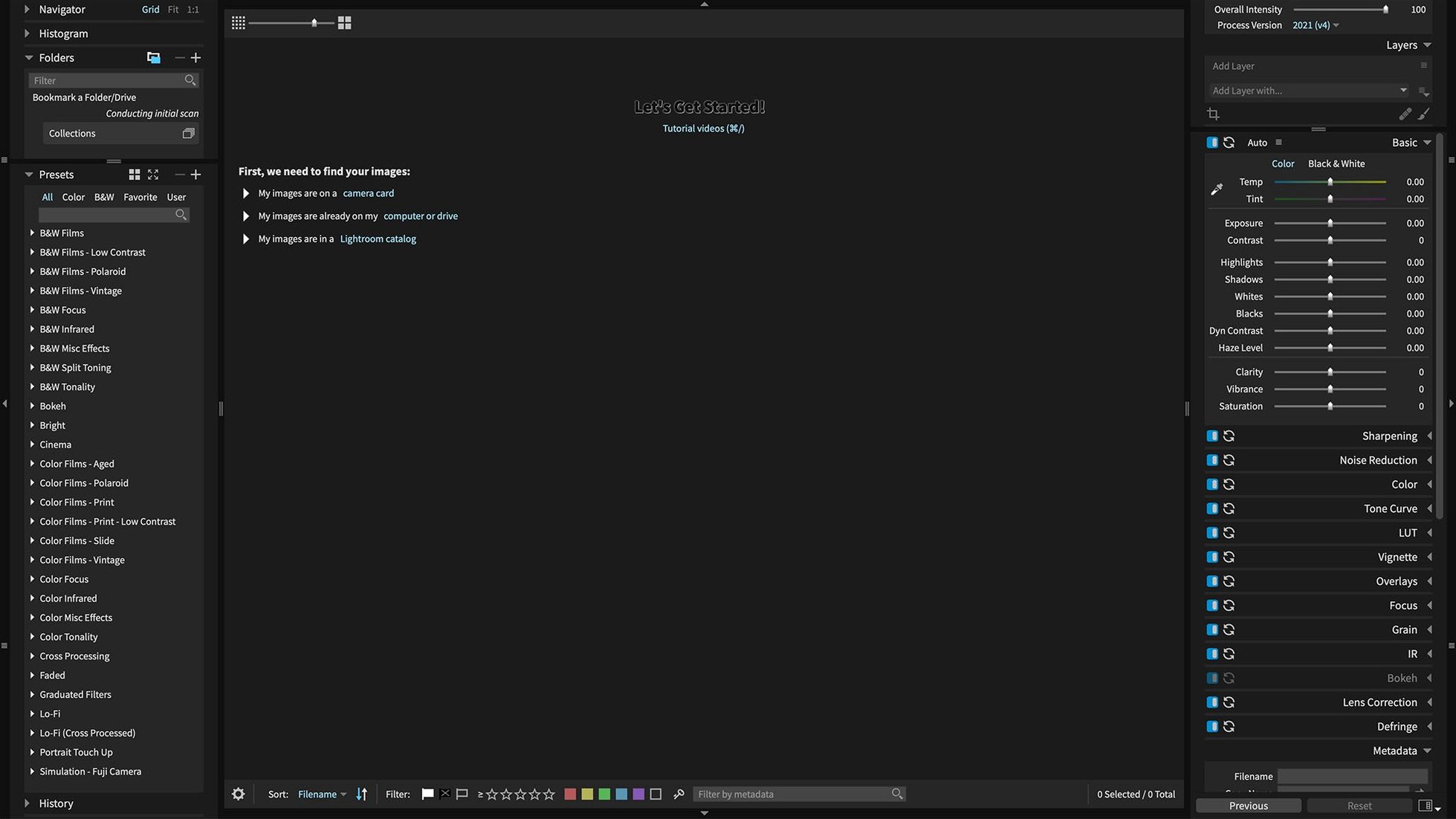
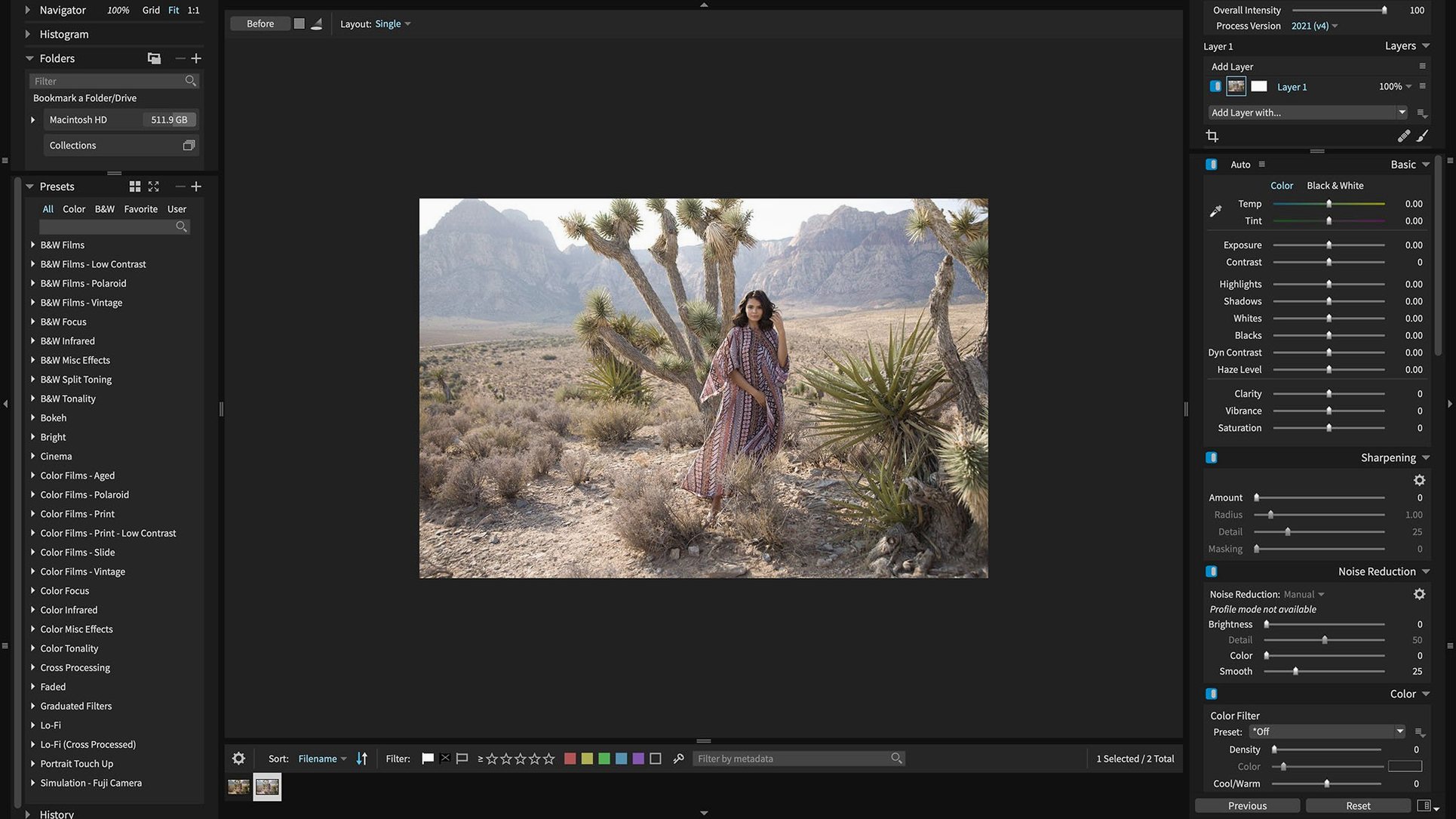
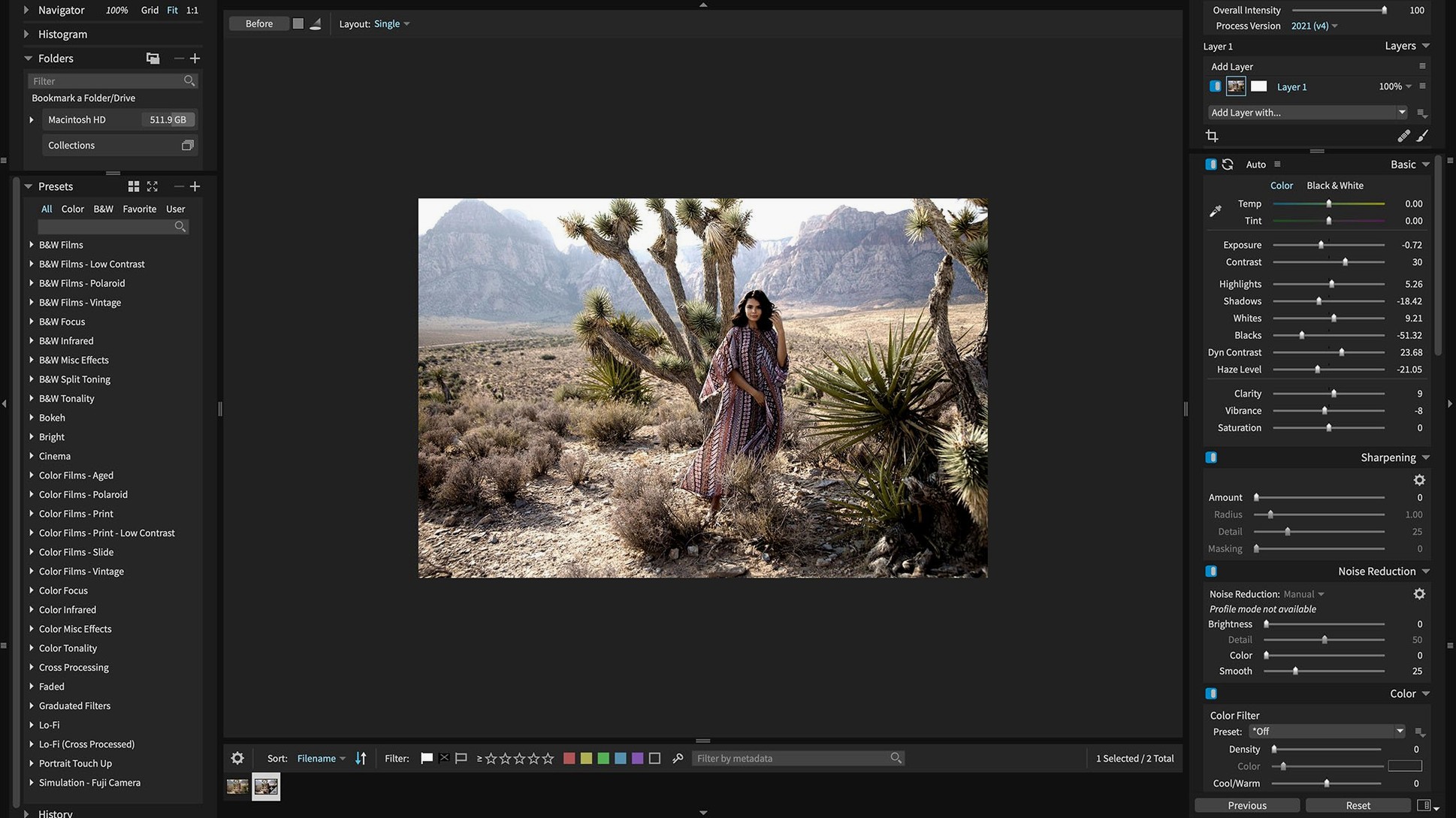
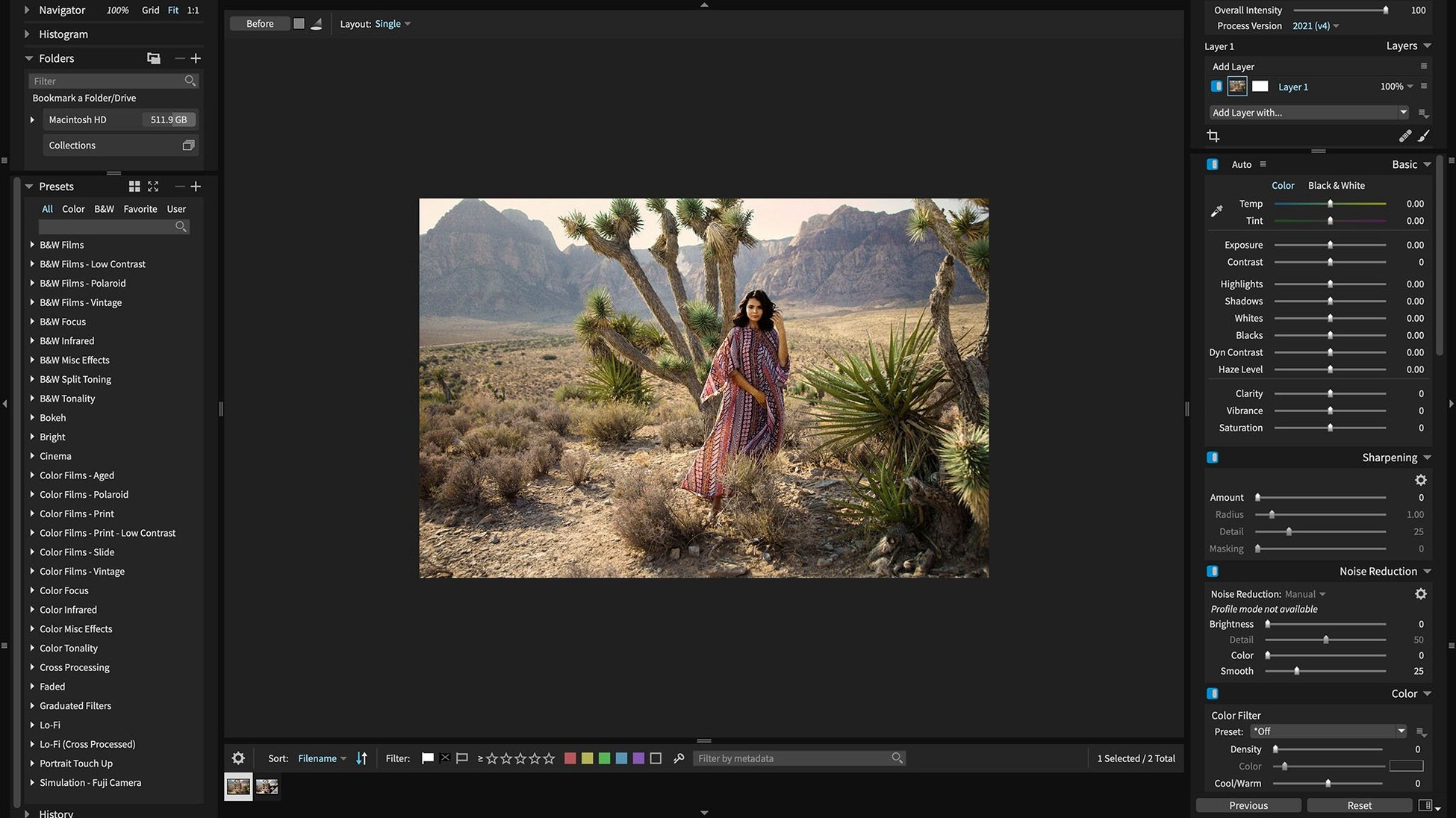
Editing feels tactile rather than clinical. Presets sit in named categories, and you can build your own. The Randomize tool shuffles results until a look clicks — useful when you know the mood but not the slider positions. Customisable interface controls let you quieten the panels you never touch. Retina support keeps everything sharp on high-density screens, and Blow Up can enlarge an image up to 3600 percent without the janky artefacts you would expect from a basic resize.
A single-image workflow, start to finish
Drop a raw file into the library. Cull distractions with a quick star rating, then open the edit panel. Apply a custom preset you saved from a beach shoot — warm shadows, muted greens — and tweak the exposure a half-stop. Push the image to Photoshop as a layered file for a quick retouch, then round-trip it back. Before export, open Blow Up from the file menu. Set the output to 300 percent, choose Lab mode to preserve colour fidelity, and save the enlargement as a fresh TIFF. The whole chain keeps edits non-destructive.
Switch to ProPhoto RGB for lab prints
Switch the default colour space under Preferences to ProPhoto RGB if your lab expects a wide-gamut master.
Turn on Save previews with presets — it makes the presets panel scroll faster when you browse by eye.
Map the Sliders panel to a secondary display so the image fills your main screen without obstruction.
Set Blow Up’s default grain method to Film Grain instead of None; it stops large enlargements from looking sterile.
Enable HEIC import under the Library settings if your iPhone shots land in the same folder as your raw work.
Expanded camera support across the board.
You can now open HEIC photos from current iPhone models.
Refreshed translations for Chinese, German, French, and Japanese.
Fixed corrupt rendering of Sony A7 IV lossless compressed raw files.
macOS 10.13 or later
Apple Silicon and Intel Macs
Questions I get
Yes, it can function as a plug-in for both Lightroom and Photoshop, fitting into an established workflow without switching apps.

 Exposure X7
 extraDock
 Elmedia Player Pro
 Fender Studio Pro
 DynamicLake Pro
 Fig Player - play mp4 mkv mp3
 DxO PhotoLab
















Chat 0
Hop in or make an account to join the chat.
Quiet in here so far. If you have used this build, tell me what the install actually did.