

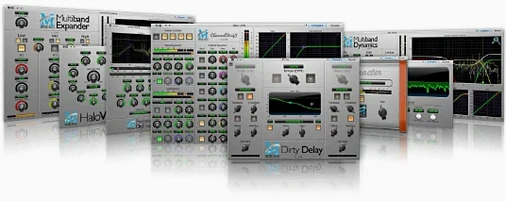
Download Metric Halo Production Bundle for macOS
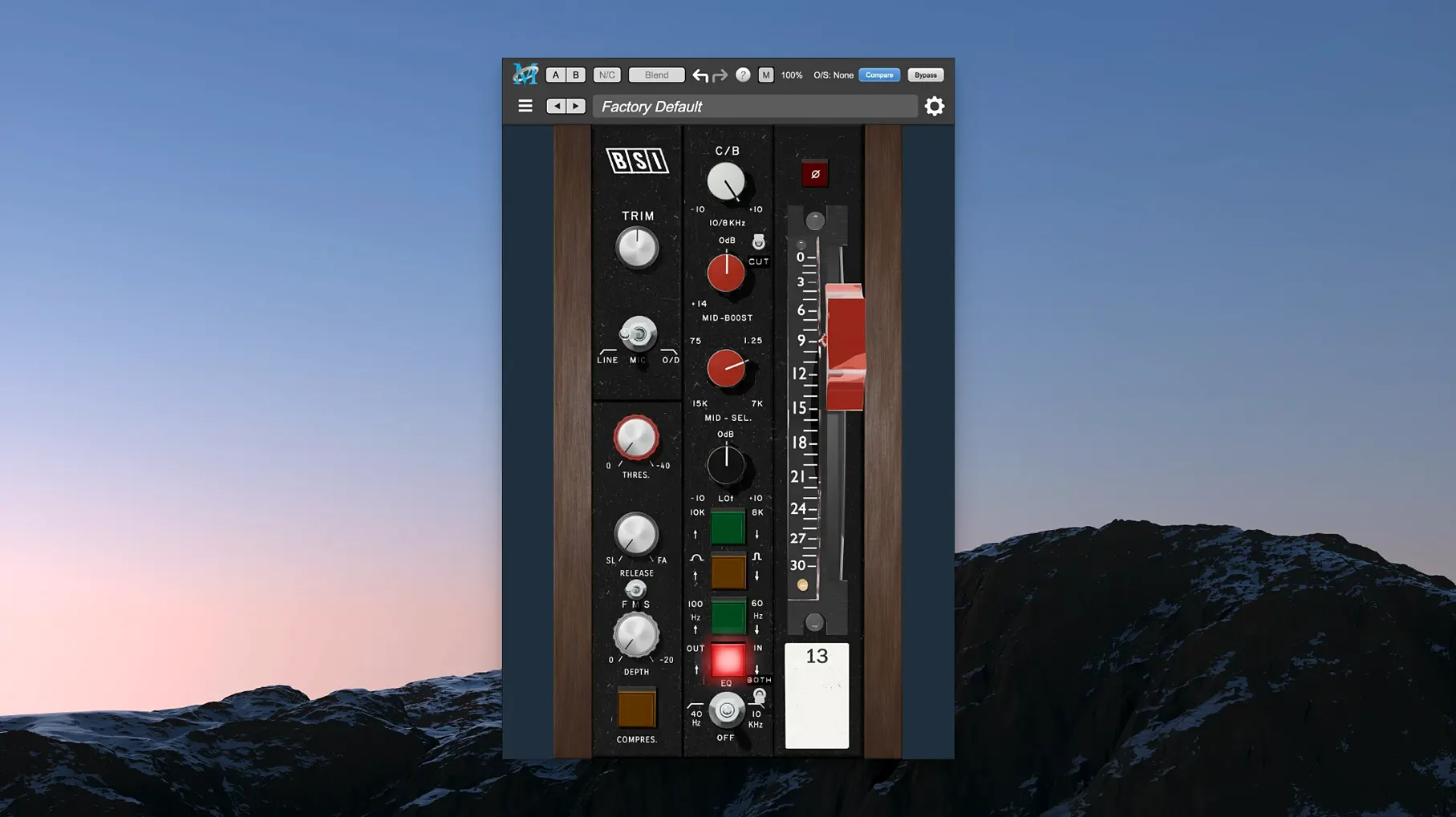
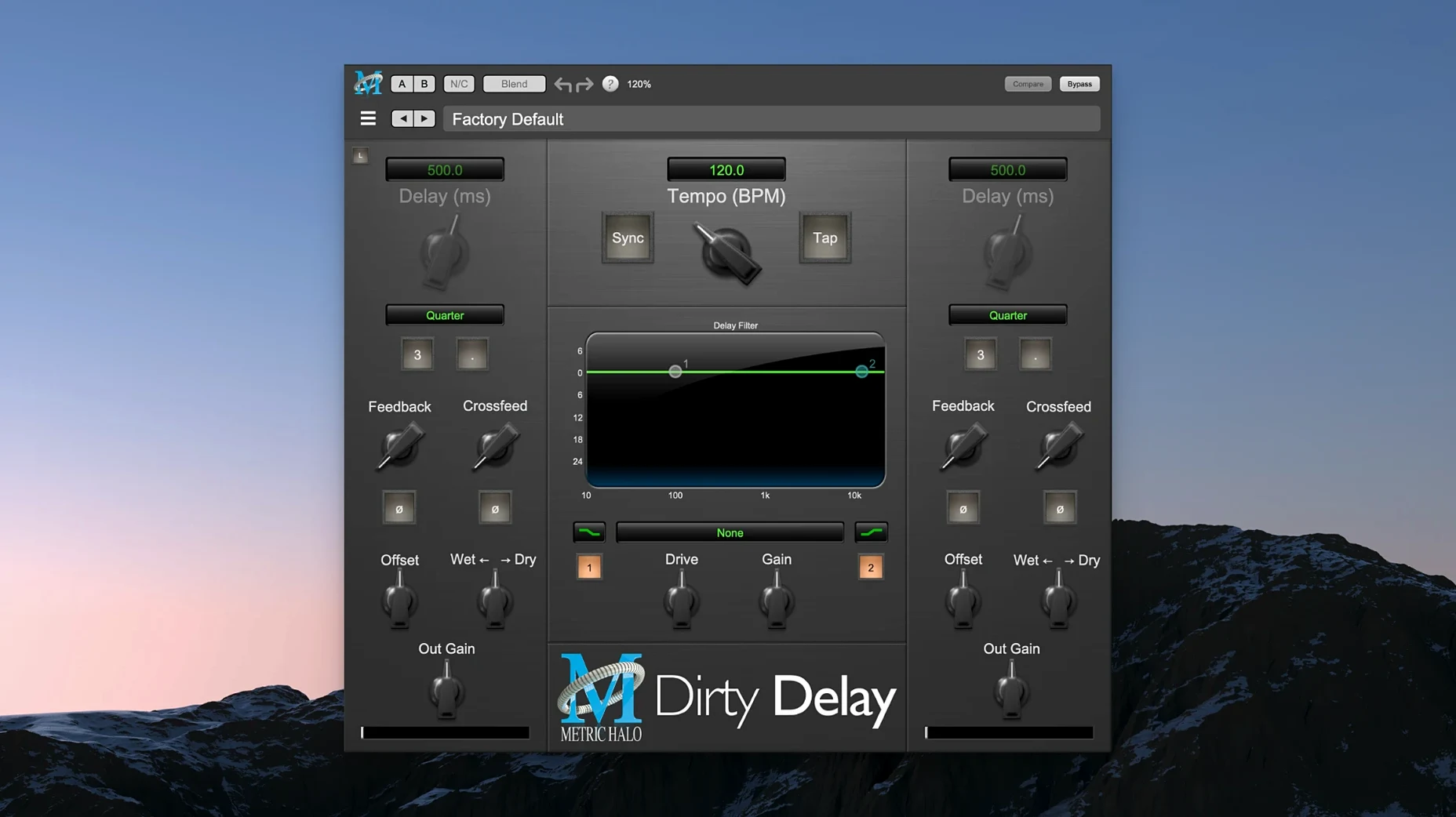
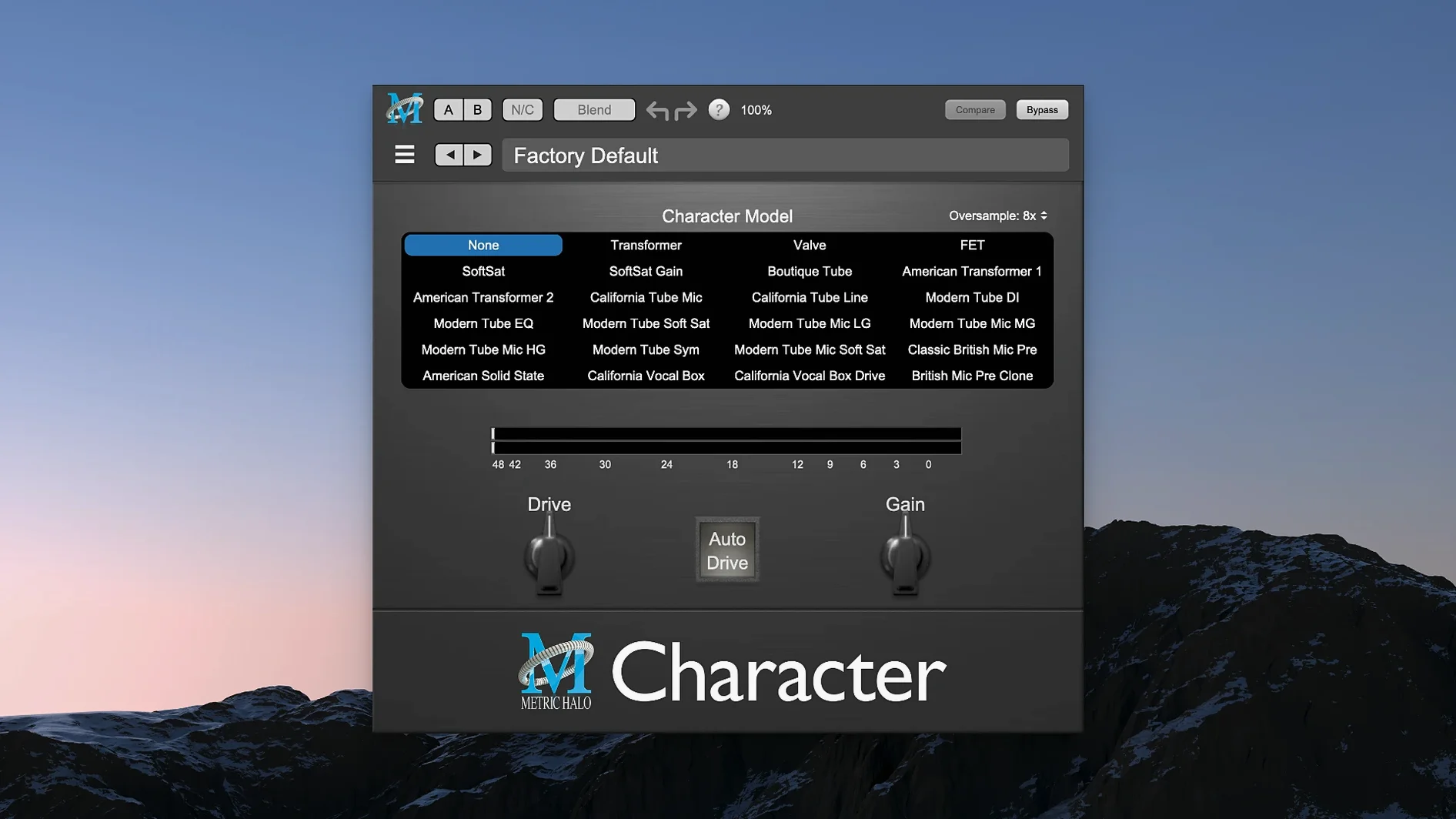
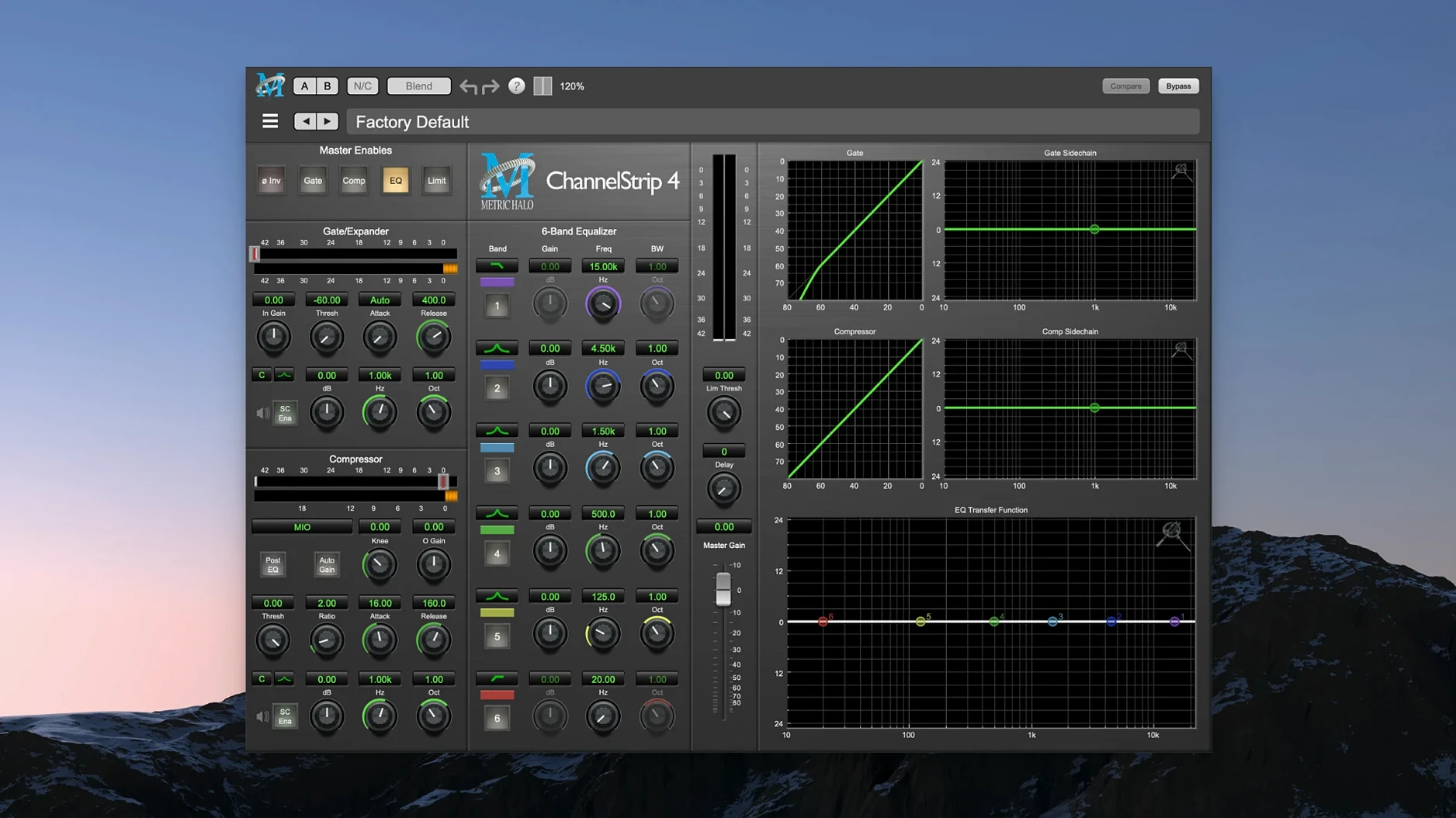
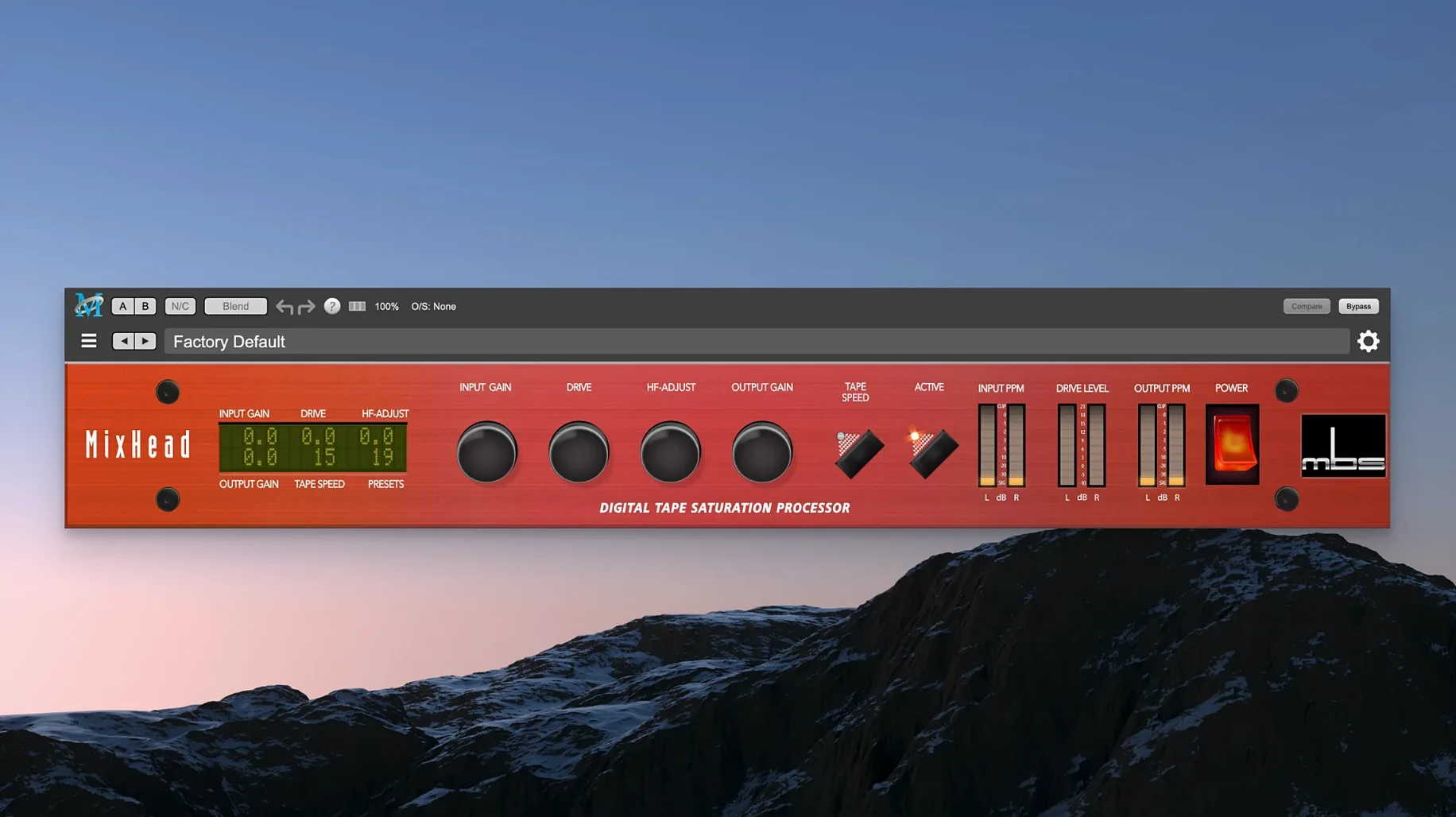
You drop ChannelStrip onto a vocal bus mid-session. The gate tightens the bleed between phrases, the expander opens the highs just enough, and the compressor catches the peaks before they hit your limiter. That is the Production Bundle in practice — a handful of processors, each built around a direct relationship between a knob and what you hear.
De-essing that leaves the vocal body alone
- Taming sibilance with the Precision De-Esser — narrow-band reduction that stays out of the way of the rest of the vocal
- Shaping space with HaloVerb, an algorithmic reverb that pushes a dry signal back without muddying the stereo field
- Building a channel strip chain that handles gating, expansion, compression and EQ in a single window
Separate plug-ins, Apple Silicon-only
- This is a bundle of several plug-ins, not a single all-in-one processor
- Requires macOS 11 or later on Apple Silicon
- The interface is English only
Back off the input to calm ChannelStrip’s compressor
Most hiccups with the Production Bundle come down to gain staging, not bugs. ChannelStrip's compressor can feel grabby if the input is already hot — back the threshold off by 3 to 6 dB and let the expander handle the low-level cleanup instead. Turning the gate's range control down to around 10 dB often keeps cymbals and room tone from snapping shut too abruptly.
Thump can overwhelm a mix if you dial it in while the sub is loud. A better habit: set the harmonic blend with nearfields or headphones first, then check the low end on full-range monitors. If the bass suddenly bloats, pull the mix control back to 50% or less — Thump adds a lot of density even at modest settings.
HaloVerb sometimes washes out fast transients on percussion when the early reflections are set high. Reduce the diffusion parameter and shorten the pre-delay to 15–30 ms. That keeps the attack clear while the tail blooms behind it. For vocals where the reverb sounds detached, try engaging the low-cut filter around 300 Hz — it stops the room from thickening around the chest frequencies.
If your DAW scans but does not load the plug-ins, especially after a macOS update, trashing the Audio Unit cache usually resolves it. The bundle is built for Apple Silicon, so Rosetta-only hosts may not see the components until you switch the host to native mode.
Musical curves over visual spectrum overlays
Set beside FabFilter Pro-Q 4, the Production Bundle takes a different approach. Pro-Q gives you surgical EQ with spectrum analyser overlay and dynamic bands; ChannelStrip gives you a four-band EQ with musical curves and no visual crutch. Choosing between them depends on whether you want to see the problem or hear it. For broad tone shaping on a drum bus, ChannelStrip is faster — fewer decisions, less time zooming into a graph.
Against Soundtoys 5, the overlap sits mostly with the spatial and saturation tools. Soundtoys leans into character: Decapitator and EchoBoy colour the signal heavily. HaloVerb and Thump are cleaner by default. You can push Thump into a driven analogue territory, but its strength is sub-harmonic synthesis, not tape-style grit. If a mix calls for a tight, controlled bottom end rather than vintage warmth, the Metric Halo tools fit more neatly into a modern pop or electronic session without extra taming.
Compared with iZotope Neutron 5, the Production Bundle feels stripped back. Neutron bundles a full mixing assistant, masking meters and inter-plugin communication. The Metric Halo plug-ins do none of that — each one does a single job and expects you to know why you reached for it. That makes the bundle lighter on CPU and quicker to load, but it also means you are doing the analysis yourself, which suits engineers who already have a monitoring environment they trust.
Workflow: tightening a podcast vocal with ChannelStrip and Precision De-Esser
Start with a raw spoken-word track. Insert ChannelStrip in the first slot. Engage the gate with a fast attack — around 1 ms — and set the threshold so it closes only during long pauses. Keep the range shallow, roughly 8 dB, so the background does not drop out completely. This keeps breaths and room tone natural.
Next, switch to the compressor section. Use a 3:1 ratio with a medium attack near 10 ms and a release around 100 ms. Aim for 4 to 6 dB of gain reduction on louder phrases. The expander above the compressor can lift the top end slightly — a 1.2 ratio opens up clarity without adding harshness.
Move to the EQ. Roll off below 80 Hz with a gentle high-pass to remove desk rumble. A small dip around 400 Hz, no more than 2 dB, cleans up any boxiness from a close-mic setup. If the voice needs air, a broad shelf at 10 kHz adds presence without sizzle.
Place the Precision De-Esser after ChannelStrip. Set the centre frequency to around 6.3 kHz for most male voices, or closer to 7.5 kHz for higher-register speakers. Narrow the bandwidth and drop the threshold until the sibilants soften by 3 to 4 dB — just enough that "s" and "sh" sounds blend without lisping. Listen in context with any intro music or backing bed to make sure the voice still cuts through.
Finally, add HaloVerb on a send. Choose a small room preset, pull the pre-delay down to 20 ms, and high-pass the return at 600 Hz. Blend the fader up until the voice gains a sense of space, then back it off a touch. The result is a voice that sits forward but does not feel isolated from the rest of the mix.
Good to know: ChannelStrip's sidechain input can duck the HaloVerb return when the speaker is active, keeping the reverb from piling up during fast passages. Patch the sidechain from the dry vocal bus and set the compressor to react quickly — the tail swells naturally in the pauses without masking the words.
- macOS 11 or later
- Apple Silicon architecture
Questions I get
The suite includes ChannelStrip, HaloVerb, the Precision De-Esser and several other Metric Halo signal processing plug-ins.
It reduces sibilance in vocal tracks with narrow-band control, targeting harsh 's' and 'sh' sounds without dulling the whole performance.
No, HaloVerb is an algorithmic reverb designed to add space and depth to a mix.







Chat 0
Hop in or make an account to join the chat.
Quiet in here so far. If you have used this build, tell me what the install actually did.