

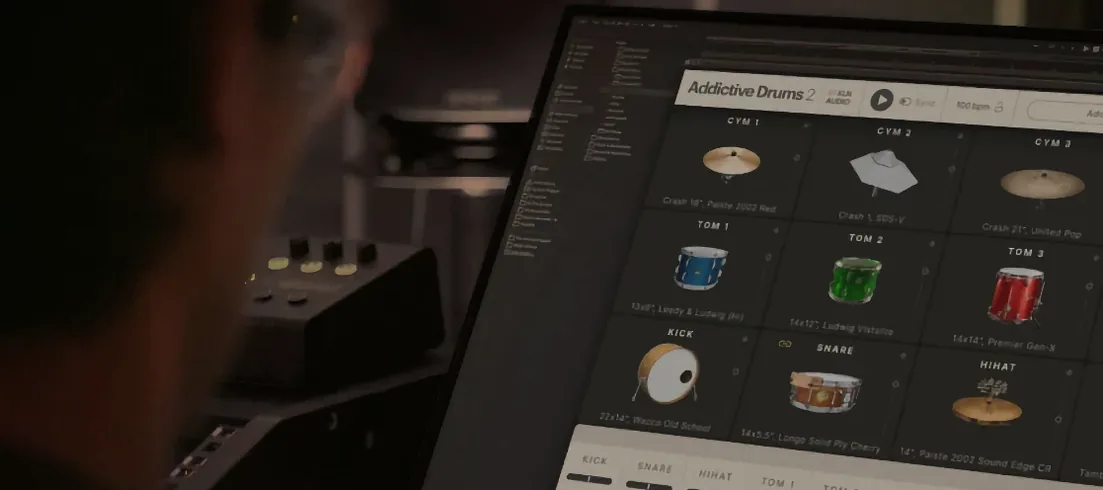
Download Addictive Drums 2 for macOS
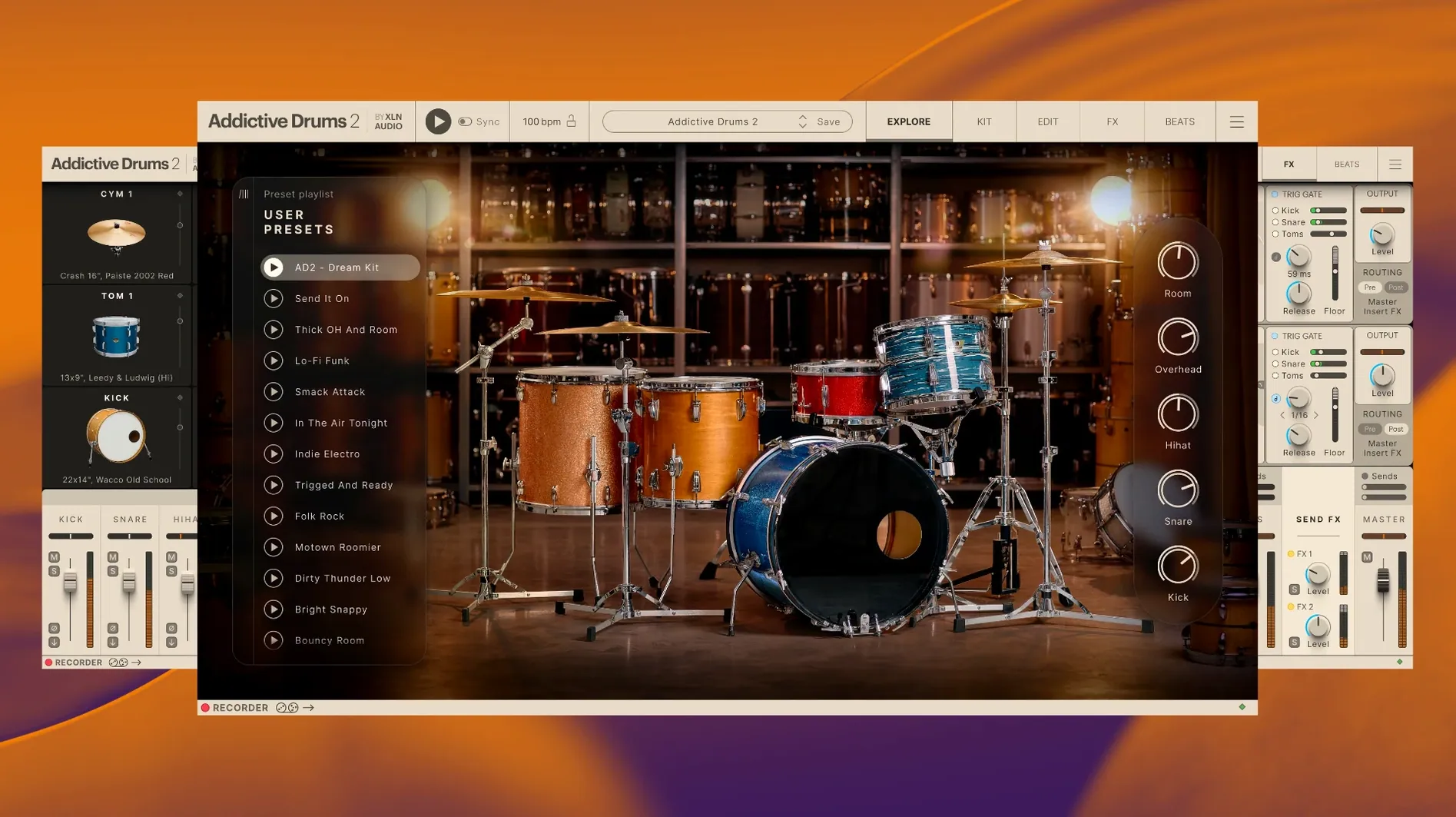
It runs on any Mac with macOS 10.13 or later, natively on both Apple Silicon and Intel 64-bit machines. No translation layer needed.
Dial in a kit
Pick a snare, swap a kick, tighten the hi-hat — every drum is a separate piece with its own tuning, envelope and overhead bleed. You build the kit, then push the whole thing through the channel strip.
Shape the room
Drag a fader to move the ambient mics from a tight studio booth to a live wooden room. The reverb and compression are baked into the engine, so the space reacts when you dig into a fill.
Find a groove
Type a feel into the search bar — shuffle, halftime, busy ghost notes — and the browser pulls matching MIDI loops. Drag one onto the timeline, tweak velocity, and the beat sounds played, not programmed.
40-track mix, no dropped samples
In a full mix session with 40-plus tracks, Addictive Drums 2 sits light. Memory hovers around 900 MB with a full kit loaded, and the 64-bit engine spreads evenly across available cores. I’ve yet to see a dropped sample, even when flicking between presets mid-playback.
Loading a new kit takes under three seconds on an M1 Mac. Older Intel machines with spinning drives take a little longer, but once the samples are in RAM the plugin stays responsive. XLN built the streaming engine to pull from disk only what it needs — round-robins and velocity layers don’t choke the buffer.
One thing worth knowing: if you pile on four instances with different ADpaks, you’ll want 8 GB of RAM free. The app warns you, but it won’t crash — it just drops articulations until you lighten the load.
Building a dry funk beat from scratch
A tight, punchy groove with no room wash makes a good test of the engine’s flexibility. Here’s a workflow I fall back on when a track needs snap, not size.
- Kit selection: Start with the Fairfax Vol. 1 kit. Vintage shells, controlled sustain.
- Kick shaping: Drop the pitch –2 semitones, add 2 dB at 60 Hz with the built-in EQ, and pull the overhead fader down to –8 dB. You want thud, not air.
- Snare treatment: Switch the snare to the 14×5" brass model. Tighten the bottom mic by 3 dB for crack, then nudge the transient shaper to 11 o’clock.
- Hi-hat detail: Pick the 14" dark hats from the Fairfax pack. Lower the open-hat decay to 40% so it doesn’t spill into the next snare hit.
- Room kill: Set the Room mic to the Booth option and pull the fader to –20 dB. Almost dry, not quite dead.
- Groove search: Type “tight funk 100bpm” into the Beats browser. Drag the second result onto the timeline and loop eight bars.
- Velocity editing: Lower ghost snare hits to velocity 30, raise the backbeat to 110. Three minutes of nudging and the MIDI breathes.
- Bus compression: On the master channel strip, engage the FET-style compressor. 4:1 ratio, 10 ms attack, fastest release. Just a kiss of gain reduction.
The result lands somewhere between a dampened 70s kit and a modern pop pocket. Zero external processing. Bounce the stems and the kick sits exactly where you dialled it.
Map pads and save mapping right away
The plugin ships with sensible defaults, but three tweaks make the first week smoother.
- Map your controller: Open the MIDI learn panel under Settings. Tap a pad or key, assign it to a drum, and save the mapping as a preset. Five minutes now saves a dozen click-and-drag trips later.
- Cache the library: In Preferences, point the content folder to the sample library location and let the engine scan everything. Do this before your first session — otherwise the browser shows blank slots until you manually locate an ADpak.
- Audition the MIDIpaks: Spend twenty minutes dragging every MIDI groove from one pack into the timeline. Mark three or four favourites with the star icon. You won’t search again when a deadline looms.
Also worth doing: run a quick addictive drums update check from the Help menu. XLN occasionally pushes small engine fixes that don’t change the version number but tighten CPU threading on newer macOS builds. The current build here is 2.9.1, so you start in a good spot.
A session, from empty DAW to printed stems
Nine a.m. Coffee. An empty Ableton session. The brief is a moody indie-pop track that needs drums with weight but not volume.
I drop Addictive Drums 2 onto a MIDI track. The standalone engine opens in three seconds — familiar dark interface, the kit browser on the left. I pick the Blue Oyster ADpak. Big, round toms, a kick that pushes air. I swap the stock snare for the deeper 14×8" maple and tune it down a whole step. The overheads I pan hard left and right but keep the room fader at –6 dB. Enough bleed to glue the image, not enough to muddy the verse vocal.
Into the Beats tab. I type “half-time ballad” and skim the results. A MIDI groove called “Slow Push” catches my ear — dotted eighth hi-hat pattern with a snare on three. I drag it onto the timeline and extend it across 16 bars. The feel is right, but the ghost notes are too polite. I open the MIDI editor and push the quiet snare hits up from velocity 20 to 40. Now the drummer sounds like they’re leaning into the head, not tapping it.
Channel strip time. Kick gets a 2 dB bump at 80 Hz. Snare gets a narrow cut at 400 Hz to pull out some boxiness. I dial the tape saturation to 15% across the whole kit — just enough to round the transients. The built-in reverb I switch to a medium plate at 1.8 seconds, mixed at 12% wet. It’s barely there until the song drops to just vocals and drums.
By 9:35 the take is printed as multi-track audio. Four bars of the original MIDI loop, 12 bars of edits, and a sound that belongs to the song, not the preset browser. I save the kit as “Indie Ballad — Blue Oyster Mod” for next time. That’s the kind of addictive drums software behaviour that makes you forget the plugin is open and just listen.
- macOS 10.13 or later
- 64-bit host
- Apple Silicon or Intel processor
Questions I get
It is a virtual drum studio by XLN Audio for building and mixing realistic drum tracks inside a DAW.
Yes, the Complete Collection adds every ADpak, MIDIpak and Kitpiece Pak to the core instrument.
Yes, version 2.9.1 runs natively on ARM and Intel 64-bit Macs with macOS 10.13 or later.







Chat 0
Hop in or make an account to join the chat.
Quiet in here so far. If you have used this build, tell me what the install actually did.