

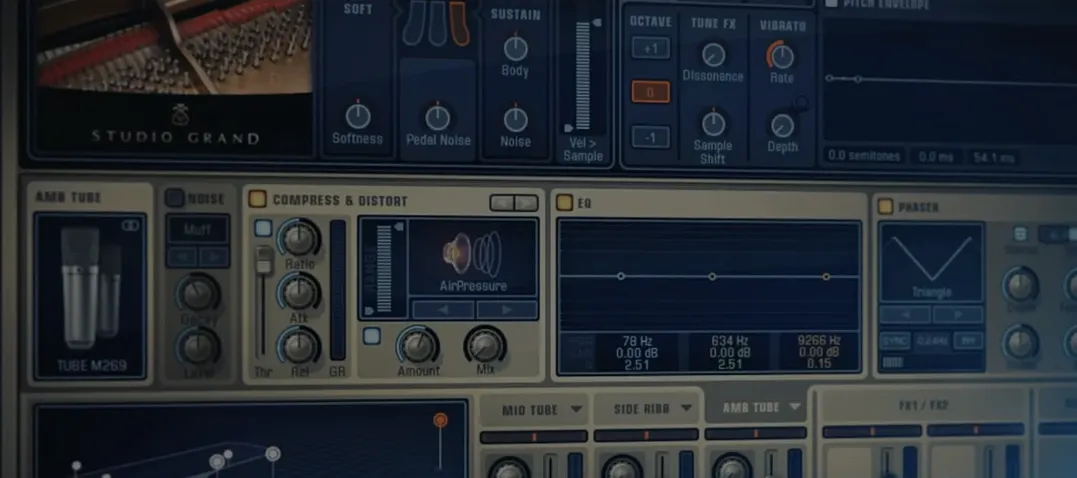
Download Addictive Keys for macOS
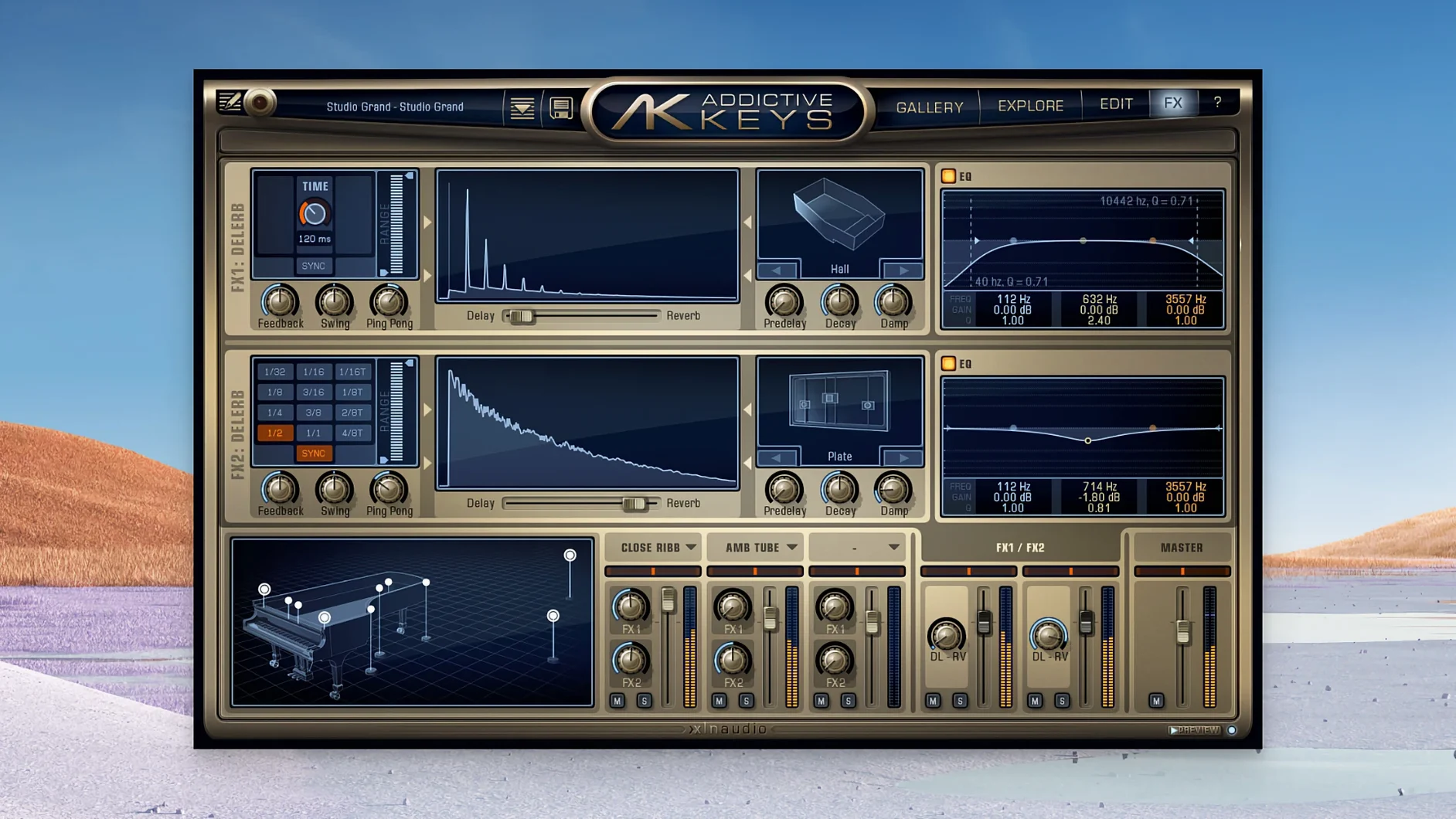
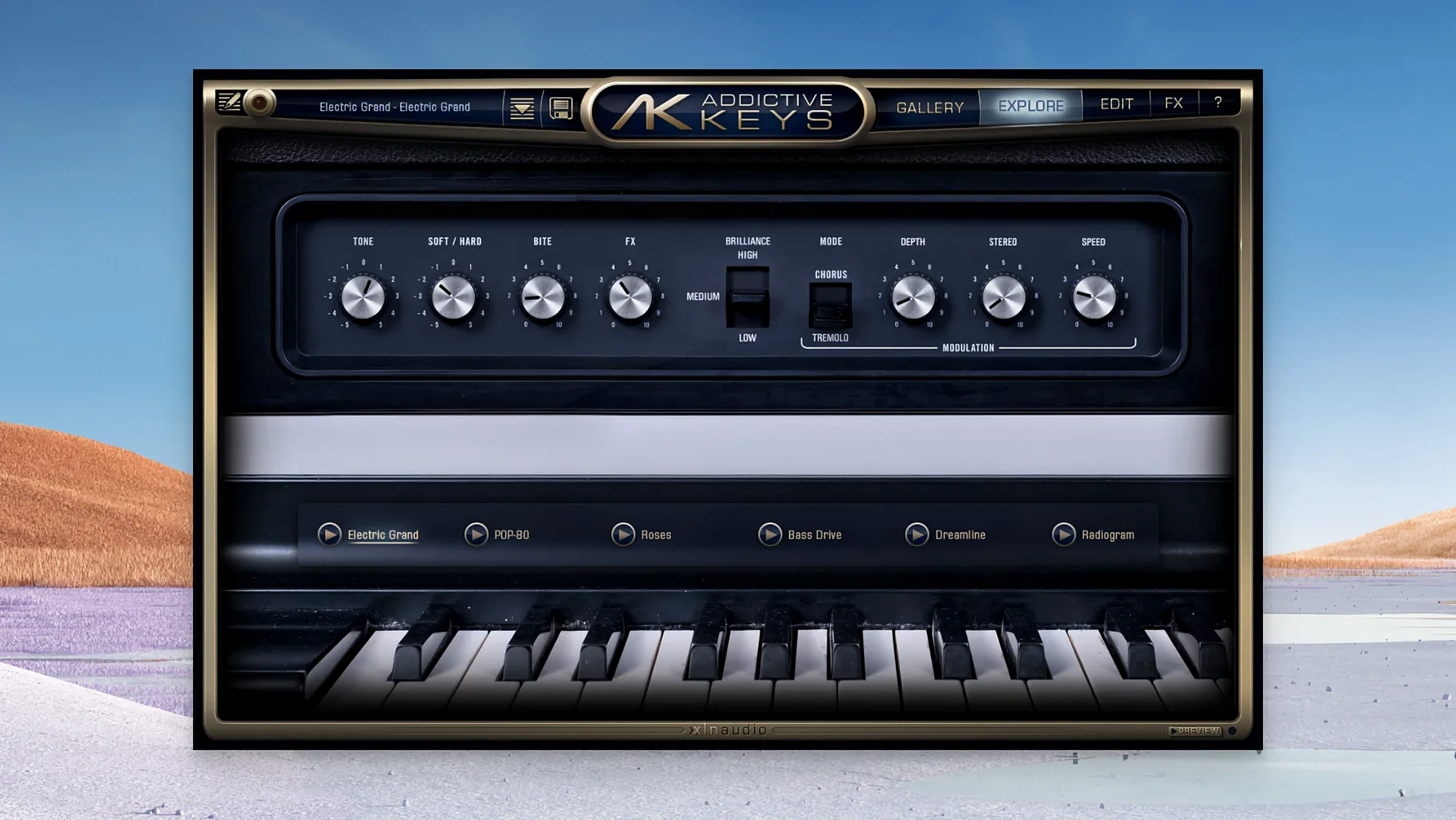
You have chord progressions and melodies mapped out but the stock piano sounds flat. Addictive Keys XLN steps in where basic instruments fall short, giving you four distinct keyboard voices you can drop straight into your arrangement.
Tracks and typical jobs
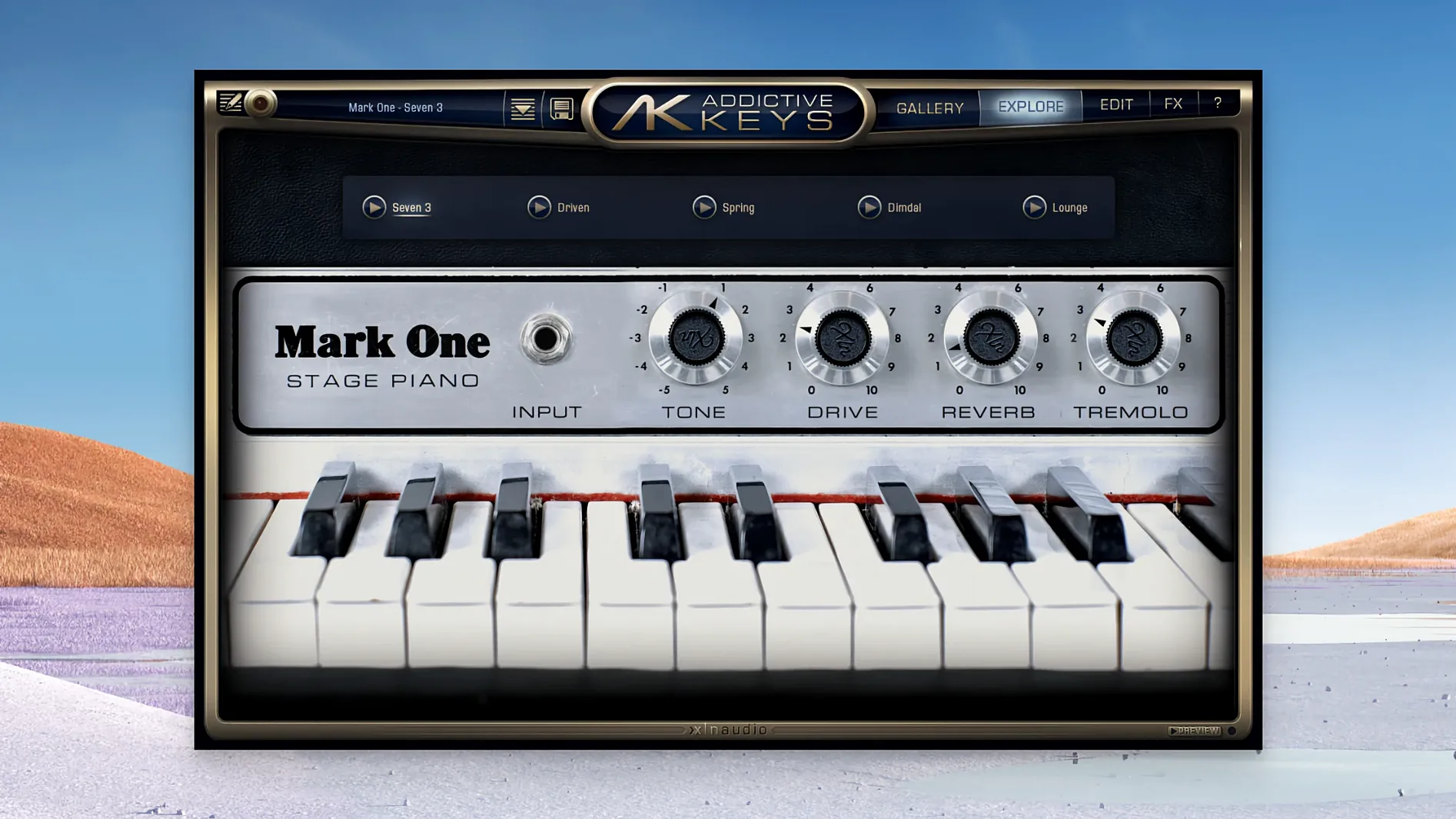
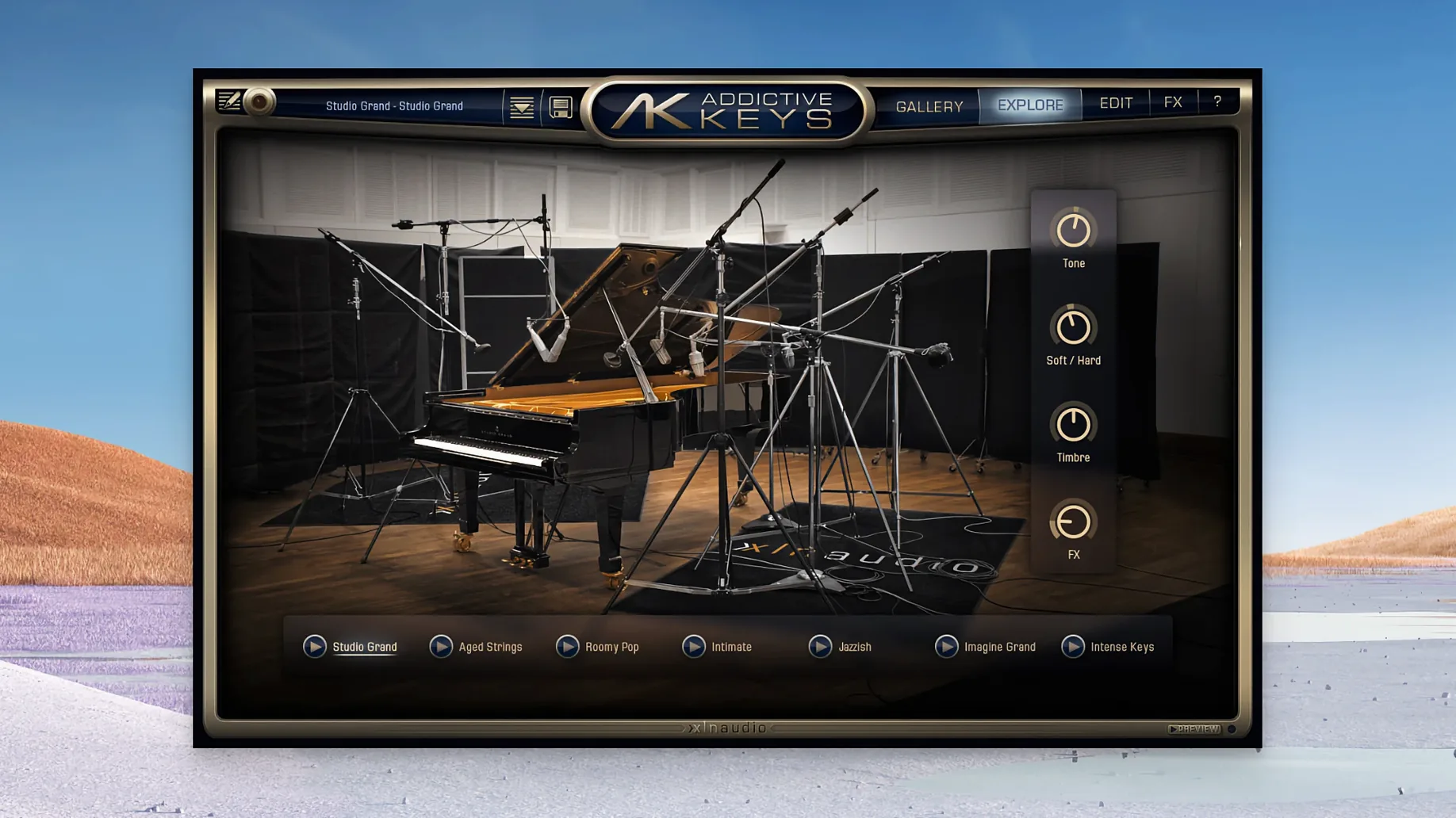
Throw the Studio Grand onto a main piano track when you need a clear, open tone that sits above a dense mix. The Modern Upright works well for intimate verses or lo-fi textures where a felt-like character helps. On a bus, try the Mark One — based on a Rhodes Mk. 1 — for warm chords that glue a neo-soul or R&B section together. The Electric Grand, modelled on a CP-80, cuts through a rock or pop chorus without crowding the guitars. Each instrument loads with production-ready presets, so you can audition a sound and keep moving rather than starting from scratch.
Your patch travels from template sketch to final mix
Addictive Keys runs as a plugin in VST, VST3, AU and AAX formats, or as a standalone app for quick sketching and practice. That flexibility means the same patch can travel from a scratch piano bus in your template to a finished stem without bouncing out early. The Complete Collection bundles all four pianos — Studio Grand, Modern Upright, Mark One and Electric Grand — so switching character mid-session is quick.
Quick fix: breath into a verse with the Modern Upright
Say you have a sparse singer-songwriter track. The verse feels empty but you don't want a bright concert grand crowding the vocal. Here's one workflow I keep using.
- Load Addictive Keys on a new instrument track and pick Modern Upright.
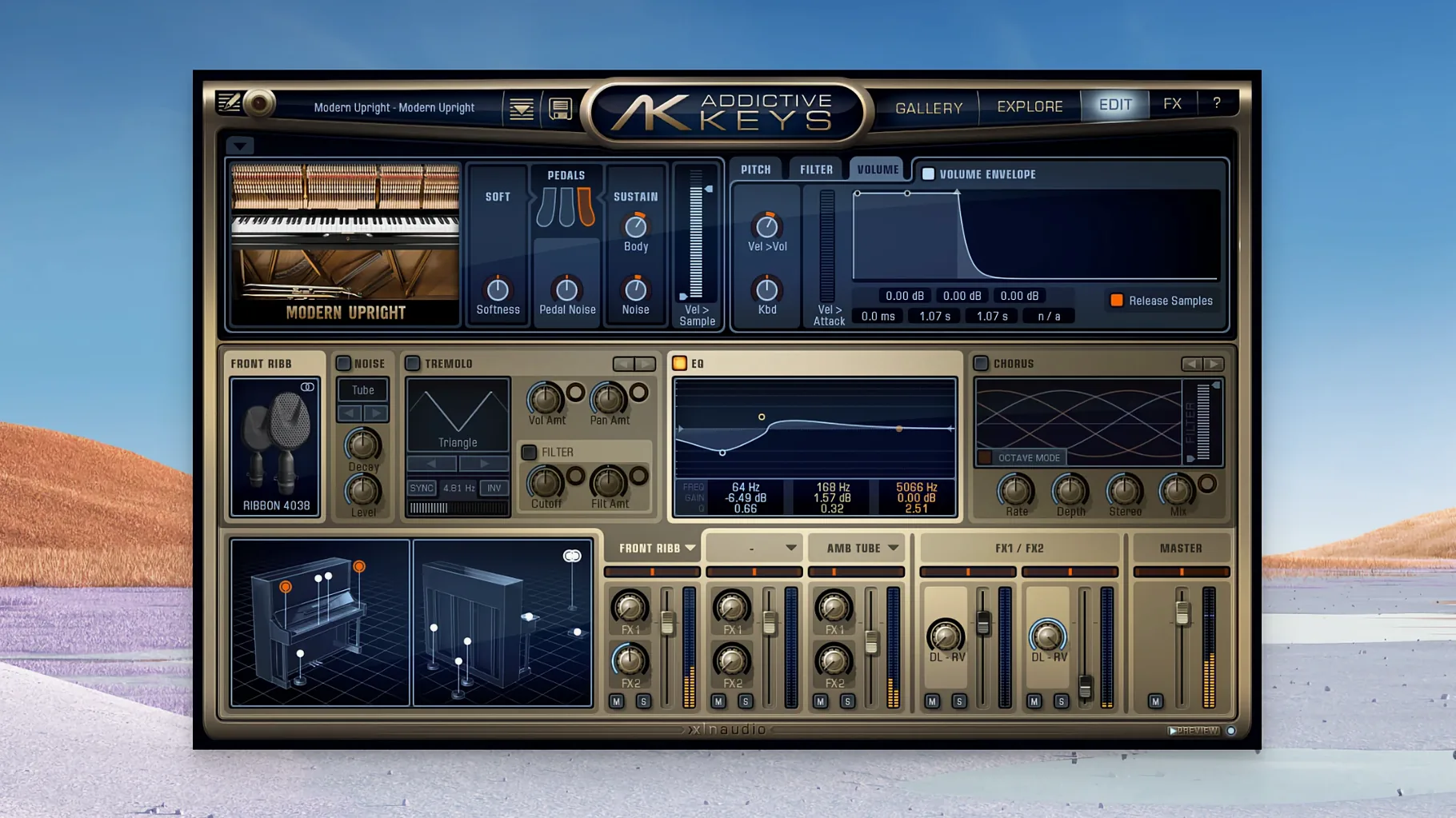
- Dial the Close mic fader up and pull the Room mic back to about 30%. You want felt hammers, not hall ambience.
- Open the tone controls, roll off a little top end around 6 kHz, and push the low-mids just a touch at 400 Hz.
- Play soft block chords on the verse, staying around middle C. Keep the sustain pedal light — half-pedal if your controller sends it.
- In the chorus, bring the Room mic up to 50% and let the release ring out a bit longer via the envelope section.
The result: a close, breathy bed that lifts naturally when the arrangement opens up, all from one instance and no external EQ.
A writing session, start to end
Friday night, coffee going cold, a rough beat looping. I open the standalone app first — no DAW, no routing. I browse the Mark One presets, land on "Suitcase Warmth," and start playing triads. The tine noise and subtle amp breakup are already there; I'm not tweaking, I'm writing.
An idea sticks. I drag the standalone window aside, launch Logic, load the same Mark One via AU, and copy the MIDI region from a quick take. In the plugin, I swap to the Electric Grand to hear how the part punches against a driving kick. A fast preset switch, no reload. The tone cuts through but the high-mids are a bit stabby, so I pull the Tone knob toward dark and nudge the compressor threshold down. Twenty minutes from blank session to a working chorus hook.
Sidestep the activation hiccup fast
Plugin doesn't appear in the DAW
After installing, your host might not scan the new component. On a Mac, check that the .component (AU), .vst, or .vst3 file landed in the correct system folder. Rescan plugins from inside your DAW's preferences and restart the host. If the standalone app opens fine but the plugin is missing, a rescan almost always fixes it.
Stuck notes or hanging sustain
If a note rings forever after you release the key, especially with the Modern Upright or Electric Grand, open the Voice section and check the Release setting. Some presets ship with generous release times. Shorten it by a few milliseconds until the ringing stops. Also, tap your sustain pedal a couple of times — sometimes the plugin remembers a pedal-down state from a previous take.
CPU spikes on older machines
All four pianos stream samples, and the full mic mix plus onboard effects can tax an older Intel Mac. Reduce the number of active mic channels to just Close or a blend of Close and Room. Turn off the built-in reverb and use a send instead, which spreads the processing across cores. Lower the polyphony in the Voice section to 32 voices unless you're playing dense classical passages.
Preset packs not showing
If you grabbed an addictive keys complete collection download and some instruments appear greyed out, the content installer likely missed a folder. The standalone app points to a content location in its preferences; make sure all four piano content folders sit inside that path. A quick re-run of the content installer usually sorts it.
- macOS 10.13 or later
- Intel and Apple Silicon Macs
Questions I get
The Complete Collection includes all four: Studio Grand, Modern Upright, Mark One, and Electric Grand.
Yes, the software can run in standalone mode for practice or quick idea capture.
It supports VST, VST3, AU and AAX formats on macOS.







Chat 0
Hop in or make an account to join the chat.
Quiet in here so far. If you have used this build, tell me what the install actually did.