

Download Arturia Mellotron V for macOS
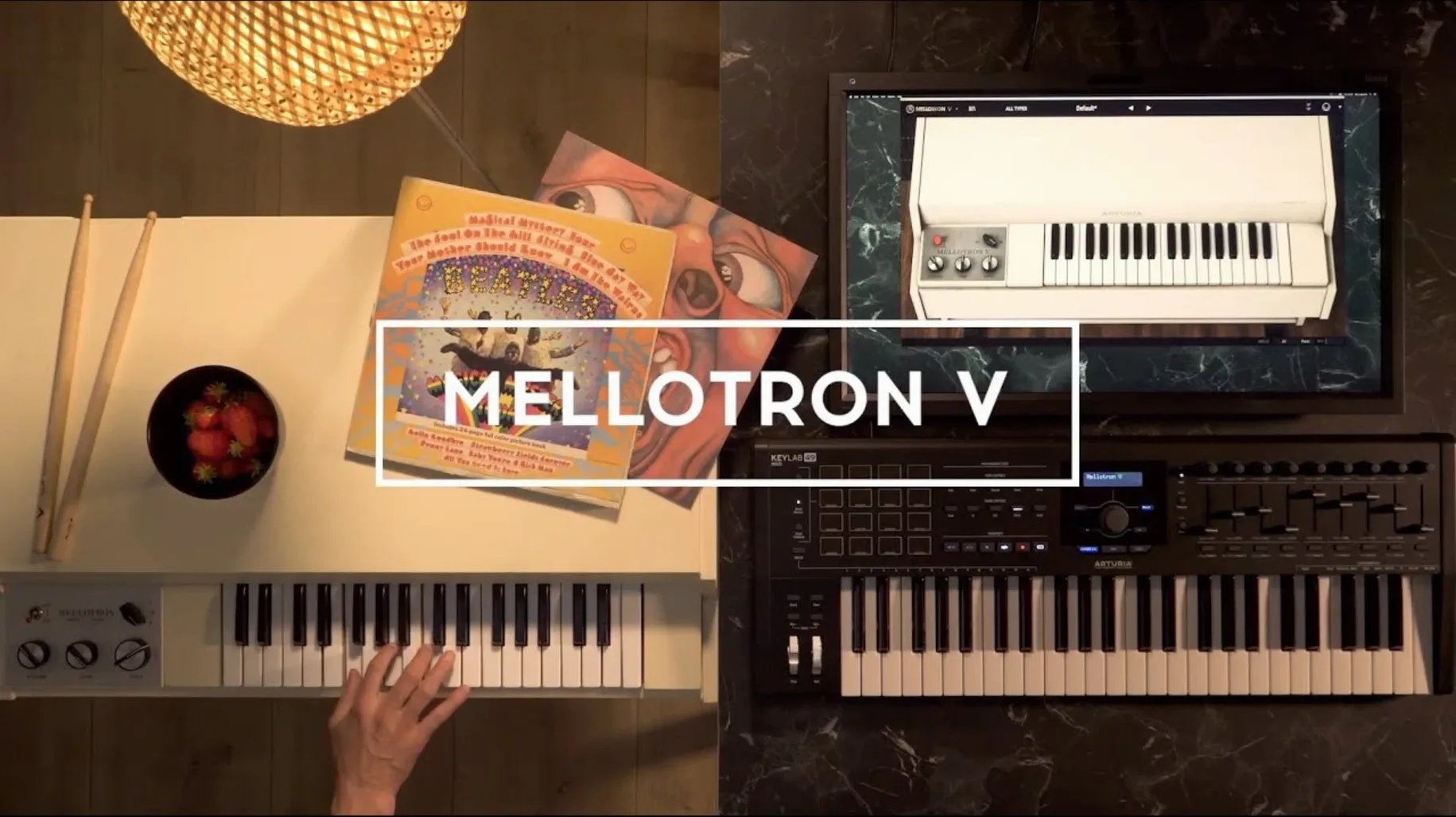
The Tape Speed knob is where it begins to fall apart in just the right way. Drag it a touch flat and a flute patch suddenly slumps, losing its polite edge and turning into something you might bury under a vocal.
Dressing field recordings in tape wobble
- Thickening a sparse arrangement without adding obvious synth layers
- Loading your own field recordings or pad stems and dressing them in Mellotron wobble
- Quick ADSR shaping that pulls a sound from percussive stab to slow swell
- Blending up to two factory tapes with six of your own samples per track
User samples demand WAV, AIFF or FLAC
- Only WAV, AIFF and FLAC files are accepted for user samples
- 64-bit plug-in only — it won’t show up in a 32-bit host
- Playlists stick around after a reinstall, but you need to open a project first to see them
Drunken tape stagger via sample start offset
The sample start offset lives inside the track row, tucked beside the key map. Shift it a few milliseconds late and you get that drunken tape head stagger without touching the main pitch controls. Combined with the Mechanical Noise fader — a tiny slider below the tape transport — you can make a clean string patch sound like it was pulled from a library copy that spent a decade in a damp garage.
Hold Shift while dragging a tape speed micro-adjustment for finer increments. Right-click any knob to return it to its factory value instantly. The preset browser supports partial typing too: start spelling "choir" and the list filters before you finish the word, a small mercy when you have hundreds of Arturia patches plus your own user banks.
The noise section — key click, mechanism rumble, tape hiss — sits in its own mixer strip. Muting it with one click gives you a pristine sample player. Leaving it at 20% gives you character without a museum's worth of dust. Most presets dial it higher than you need for a busy mix.
Dialogue beds that leave the midrange open
Producers building beds under dialogue or podcast scoring get a lot out of this one. The Mellotron's baked-in bandwidth limits mean a cello tape sits behind a voice without fighting for the same midrange, and the ADSR envelope is quick enough to shape a pad into something that barely breathes above the noise floor.
Keyboard players who grew up on hardware workstations tend to reach for the tape age controls first — tape stop time, flutter depth, saturation. It scratches the same itch as tweaking a real transport. Sound designers loading found audio through the user sample slots find the format support covers the essentials: WAV, AIFF, FLAC. Drop a rain recording onto track two, blend it with a factory vibraphone tape, and you have a patch no preset list covers.
If you've run an arturia mac torrent in the past and missed this one, it fills a gap that wavetable synths and romplers leave open — organic looping sustain with built-in decay that never quite repeats the same way twice.
From blank track to finished pad in six moves
Here's a workflow for a degraded string pad that sits under a mix without asking for attention.
- Load the "M400 Strings 1" tape on track A and set the track mode to polyphonic.
- Drag the tape speed down to roughly 85% — enough to darken the transient, not enough to sound warbly.
- Open the ADSR panel. Pull attack to 320 ms, release to 900 ms. Leave sustain around 70%.
- In the noise mixer, set mechanism noise to 15% and tape hiss to 10%. Mute key click entirely.
- Dial the built-in reverb to a small room setting, mix at 25%. Add a touch of tape saturation from the output stage — just enough that the loudest velocities soften at the peaks.
- Save the preset with a name that tells you what it actually does, like "Strings – dark bed 85%". The 1.9.3 update fixed naming crashes, so you can type fast without nerves.
Once the patch is saved, flag it as a favourite. Favourite sorting now behaves with shuffle enabled — a fix that arrived in the same update — so your curated list stays in order when you browse mid-session. If you need a mellotron v vst free download path later, the installer handles VST, AU and AAX in one pass on both Intel and Apple Silicon machines running macOS 11 or newer.
- Preset naming no longer crashes — renaming is smoother and search picks up terms faster
- Playlist and favourite management got a polish pass
- Several small fixes tucked under the hood
- macOS 11 or newer
- Intel or Apple Silicon Mac
- 64-bit host or standalone use
Questions I get
Yes, the plug-in accepts user samples in WAV, AIFF or FLAC format, and each track can hold up to eight of them.







Chat 0
Hop in or make an account to join the chat.
Quiet in here so far. If you have used this build, tell me what the install actually did.