

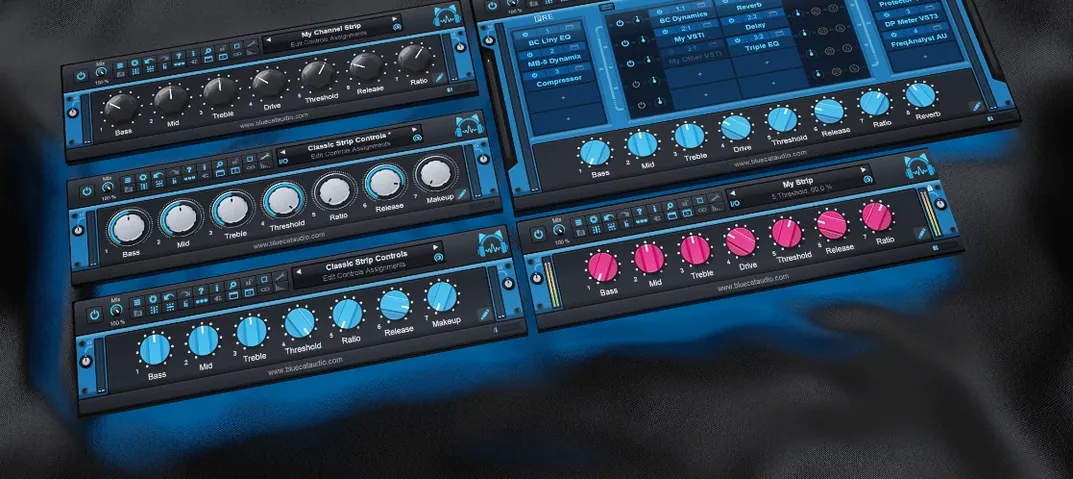
Download Blue Cat Audio Blue Cats PatchWork for macOS
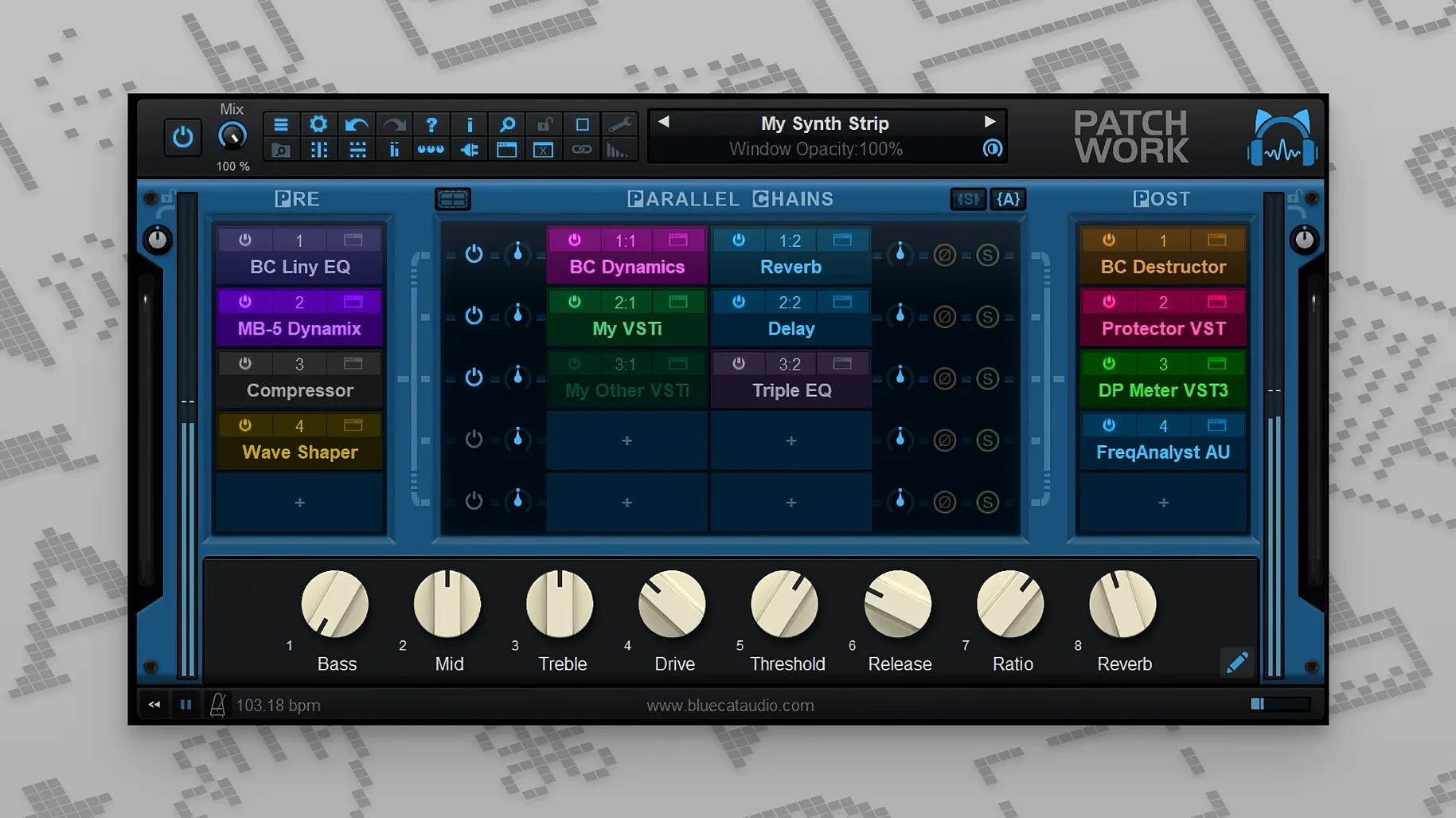
Think of the insert slot on your DAW channel. It usually takes one effect. PatchWork turns that single slot into a rack, letting you stack and reorder multiple plug-ins as if they were pedals on a board.
Load third-party plug-ins anywhere
Drag VST3 or AUv3 effects straight into the window, even in DAWs that don't support those formats natively. The built-in scanner finds everything so you can search by name instead of digging through folders.
Save and recall entire chains
Once a combination clicks, save it as a preset. You can copy, paste or reload whole effect chains between projects, and the presets browser updates results in real time as you type.
Control bypass from MIDI
Map a controller knob or pedal to toggle individual plug-ins on and off without touching the mouse. You can also open and close editor windows with MIDI messages, keeping the screen clear while you tweak.
Post-chain audio capture up to 16 channels
The audio recorder slipped in quietly but reshapes how you capture ideas. Hit record inside PatchWork and it grabs up to 16 channels of post-chain audio — useful when a reverb tail or a delay throw sounds better than the dry track and you want to commit it fast. No routing to a separate bus, no extra track arming.
Copy and paste for whole effects chains arrived in the same update. Build a vocal strip in one instance, copy it, then paste it onto a synth channel three projects later. The chain lands with every plug-in, its order, and its bypass states intact. Save it as a file and colleagues can drag the same setup straight into their sessions.
MIDI control got finer. Individual plug-in bypass and window open/close actions now respond to MIDI without workarounds, and more event types reach parameters that previously needed automation lanes. For live performers, that means stomping through a chain on stage with far less setup.
First-launch plug-in scanning and validation flags
Will my existing plug-ins show up? PatchWork scans for VST, VST3, and Audio Unit formats on first launch. If a plug-in passes validation in your DAW, it almost always loads here. The scanner highlights issues so you know which ones skipped, and the browser’s full-text search finds partial names — type “tape” and every tape emulation appears, regardless of folder structure.
Does it add noticeable latency? On its own, the host adds essentially zero. What you feel depends on the plug-ins you load. A lookahead limiter or a linear-phase EQ will introduce their usual figures, exactly as they would on a DAW insert. PatchWork reports the total to the host so delay compensation works as expected.
Can I use it live without a DAW? Yes. The standalone app runs on macOS 10.9 or later, Intel or Apple Silicon, and hosts chains outside any sequencer. Keyboard players and guitarists run it between an audio interface and a PA for effects that would otherwise need a laptop full of tracks.
Double-click slot for recent plug-ins, right-click to rename
Double-click an empty slot and the browser opens pre-filtered to your most recently used plug-ins. It cuts the drag from the sidebar when you are building a chain quickly. Right-click a plug-in name in the chain list to rename it — handy when two compressors from different developers sit side by side and you want “FET drum crush” instead of “Compressor (2)”.
If macOS blocks the installer on Catalina or later and the machine is offline, open it from the context menu rather than double-clicking. That quirk trips up a lot of first-time setups.
The drag-and-drop install for plug-in interfaces is easy to miss: grab a .zip of a skin from Finder, drop it onto the plug-in window, and PatchWork swaps the look without touching the DAW’s plug-in folders. People who trade blue cat's patchwork free download mac forum threads often swap interface tweaks the same way they share chain presets.
When you search presets, results narrow as you type — no waiting, no confirm button. It makes a library of sixty chains feel like twelve because the one you want surfaces after four keystrokes.
- macOS 10.9 or newer
- Intel or Apple Silicon Mac
- 64-bit host







Chat 0
Hop in or make an account to join the chat.
Quiet in here so far. If you have used this build, tell me what the install actually did.